Mineuniverse
Data Packs
Drought – Waterless Worldgen

Drought – Waterless Worldgen

DATA PACK
Removes all naturally generated water from the Overworld. No oceans, rivers, lakes, or cave water. Some structures may still contain limited water for balance.
by Hreggi5
Download Claim this project
579 downloads
0 likes
Updated Oct 14, 2026
0 hypes
Adventure Utility
Advertisement Remove ads with Premium →

🌵 Drought – Waterless Worldgen

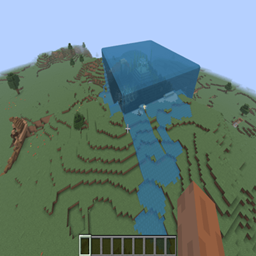
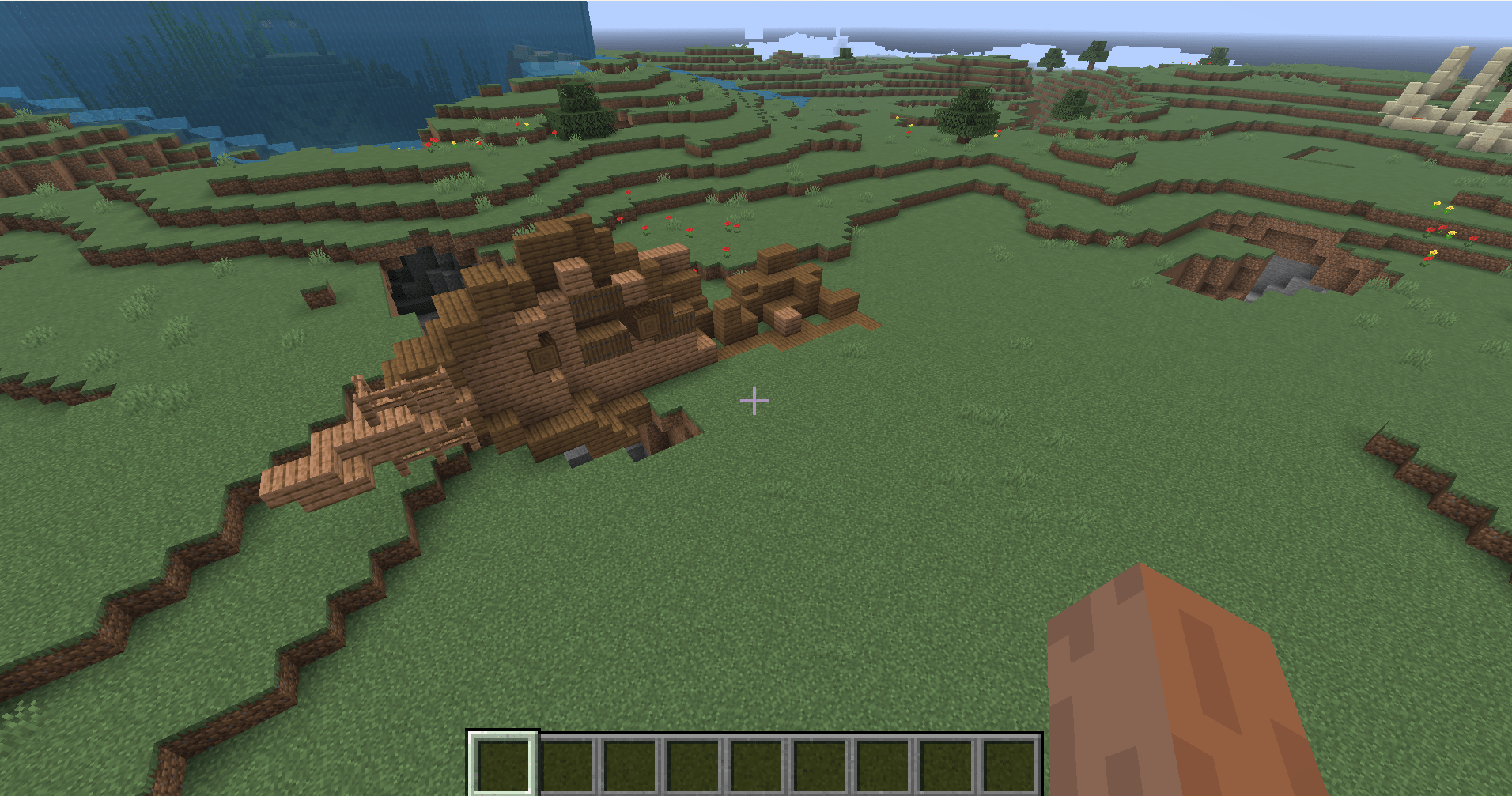
Drought completely removes all naturally generated water from the Overworld, transforming Minecraft into a harsh, dry survival experience.

Oceans vanish. Rivers run dry. Caves are empty and silent. Water is no longer something you stumble upon — it’s something you must earn.

🌍 What this datapack does

❌ Removes oceans, rivers, and lakes

❌ Removes underground water and cave springs

❌ Disables aquifer water entirely

❌ Prevents water from generating during world creation

🌧️ Makes rain-filled cauldrons the only renewable source of water

🏘️ Villages may still contain limited water for balance and playability

⚠️ Important notes

Some structures may still contain limited water for balance.

This datapack only affects newly generated worlds or chunks

Existing worlds will keep any water already generated

Buckets can still place water if obtained

Designed for survival challenge, not realism

🎮 Why play with Drought?

Adds a hardcore survival twist without breaking world generation

Forces creative solutions for hydration and farming

Makes rain, villages, and cauldrons meaningful resources

Works alongside most mods and datapacks

Available on Modrinth

Drought-Datapack 26.3.zip
MC 26.3
Release 2026-09-16 Get
Drought-Datapack 26.2.zip
MC 26.2
Release 2026-06-30 Get
Drought 1.20.1.zip
MC 1.20.1
Release 2026-06-12 Get
Drought-Datapack 26.1.2.zip
MC 26.1.2
Release 2026-04-15 Get
Drought-Datapack.zip
MC 1.21.11
Release 2025-12-15 Get

Requirements & install

How to use this data pack in Minecraft
Mods needed
None, works in vanilla
Minecraft
1.20.1 – 26.3
Install folder
saves/<world>/datapacks

How to install data packs

  1. Download the data pack .zip file (do not extract it).
  2. New world: click Data Packs on the world creation screen and drop the .zip in. Existing world: open .minecraft/saves/<world>/datapacks.
  3. Put the .zip into the datapacks folder of the world (servers: world/datapacks).
  4. Run /reload in game (or rejoin the world) and check it with /datapack list.
Browse more: Data Packs for 26.3 All data packs

More from Hreggi5

Advertisement Remove ads with Premium →

You Might Also Like