Mineuniverse
Data Packs
Default Skill Trees

Default Skill Trees

DATA PACK
The default skill trees for Pufferfish's Skills mod.
by Pufferfish
Download Claim this project
133,252 downloads
0 likes
Updated Oct 14, 2026
0 hypes
Adventure Fantasy Magic Mod Support Utility
Advertisement Remove ads with Premium →

Default Skill Trees

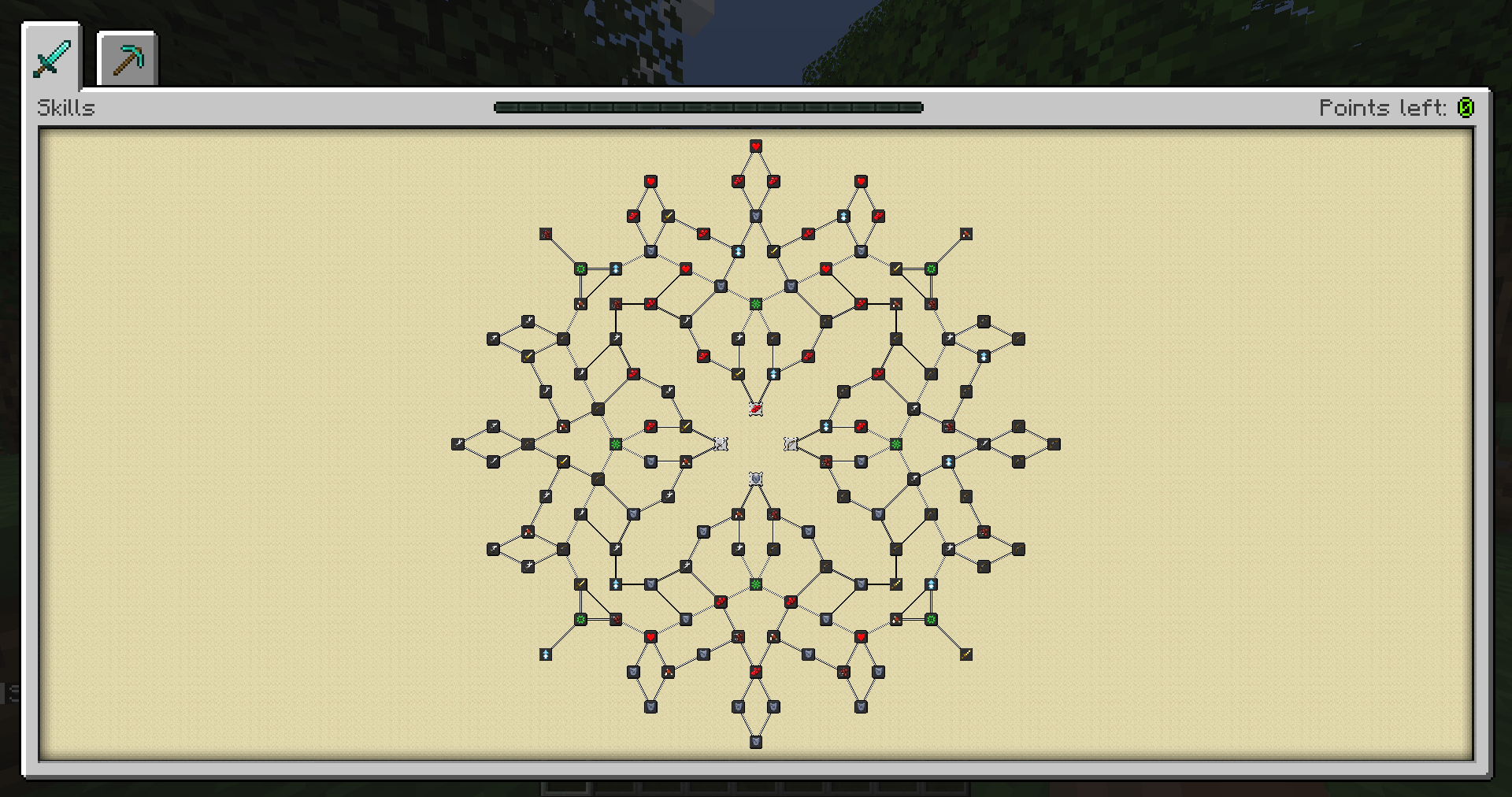
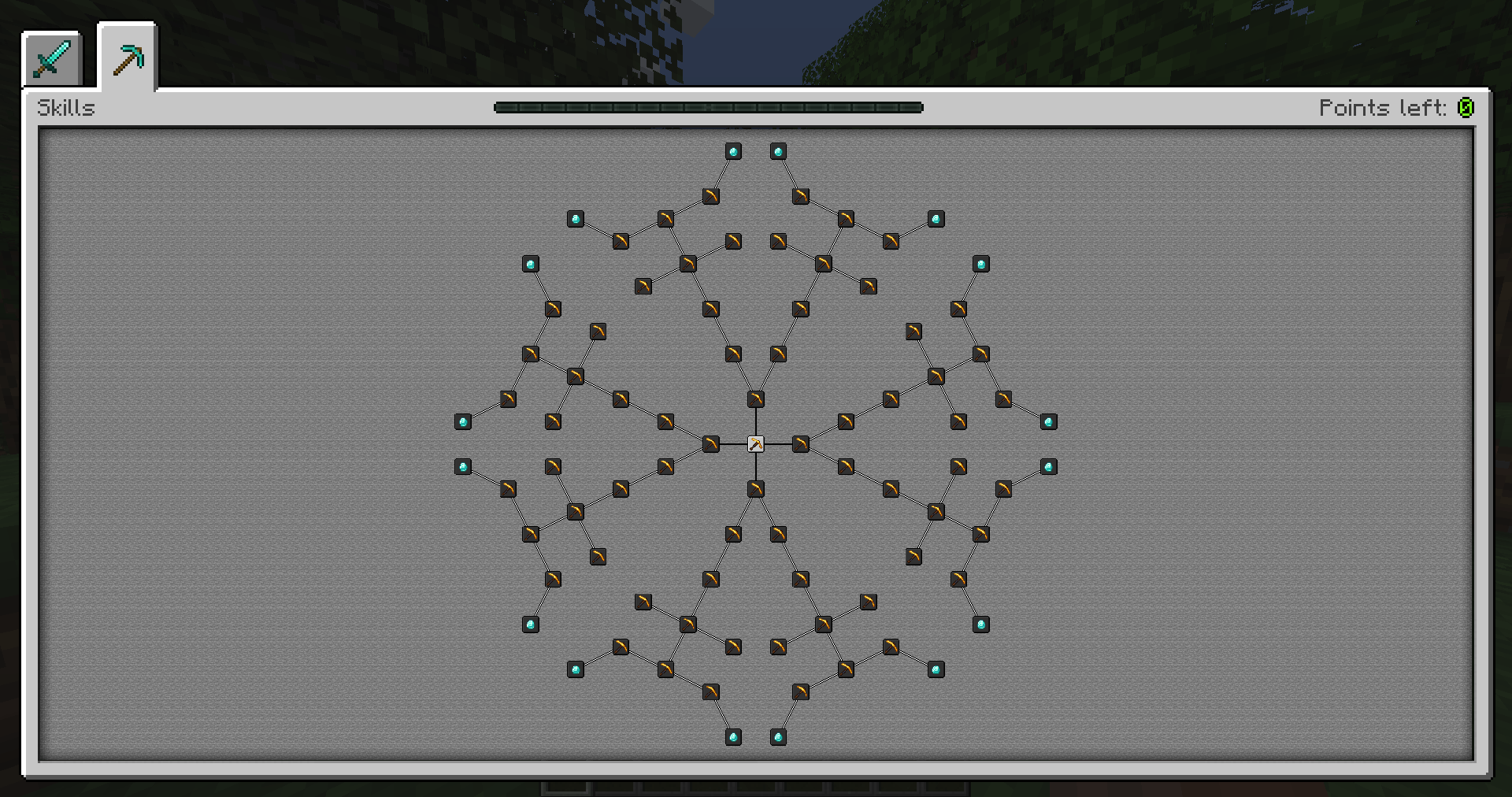
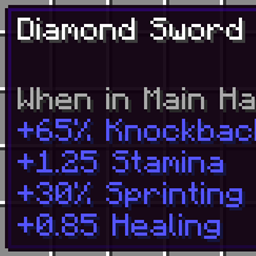
This data pack is a default skill trees for Pufferfish's Skills mod. It uses custom attributes from Pufferfish's Attributes mod and thus requires it to be installed.

It adds two skill trees that increase abilities and provide various benefits. The first is for combat and the second for mining. Points and experience are gained by respectively killing mobs and mining stone or ores.

Versions

This data pack works on all following game versions: 1.18.2, 1.19.2, 1.19.3, 1.19.4, 1.20, 1.20.1, 1.20.2, 1.20.4, 1.21.

How to install

Important below

If you don't know how to install data pack, and prefer installing it as a mod then you can download Default Skill Trees mod

This data pack requires Pufferfish’s Attributes mod to be installed.

Installation tutorial can be found in the Guide to install Default Skill Trees.

Important above

License

This data pack is licensed under the Public Domain. You can use it in mod packs, modify to your needs and share without giving a credit.

default_skill_trees-1.1-1.20.4.zip
MC 1.20.4
Release 2026-01-11 Get
default_skill_trees-1.1-1.21.9.zip
MC 1.21.9, 1.21.10, 1.21.11, 26.1, 26.1.1, 26.1.2, 26.2, 26.3
Release 2025-12-05 Get
default_skill_trees-1.1-1.21.3.zip
MC 1.21.8, 1.21.5, 1.21.4, 1.21.6, 1.21.3, 1.21.7
Release 2024-11-29 Get
default_skill_trees-1.1.zip
MC 1.21, 1.19.3, 1.20.2, 1.19.4, 1.20.1, 1.20, 1.21.1, 1.18.2, 1.19.2
Release 2024-11-11 Get
default_skill_trees-1.0.zip
MC 1.19.3, 1.20.2, 1.21, 1.19.4, 1.18.2, 1.19.2, 1.20.1, 1.20, 1.20.4, 1.21.1
Release 2024-04-20 Get

Requirements & install

How to use this data pack in Minecraft
Mods needed
None, works in vanilla
Minecraft
1.21.9 – 26.3
Install folder
saves/<world>/datapacks

How to install data packs

  1. Download the data pack .zip file (do not extract it).
  2. New world: click Data Packs on the world creation screen and drop the .zip in. Existing world: open .minecraft/saves/<world>/datapacks.
  3. Put the .zip into the datapacks folder of the world (servers: world/datapacks).
  4. Run /reload in game (or rejoin the world) and check it with /datapack list.
Browse more: Data Packs for 26.3 All data packs

More from Pufferfish

Advertisement Remove ads with Premium →

You Might Also Like