
OVERVIEW
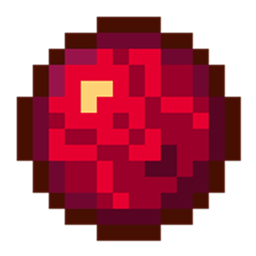
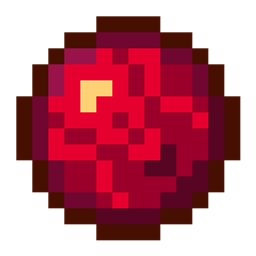
These are just some default premade orbs stuck in a datapack for whoever wants to know how they are made or just wants the mod as ready to go.
FEATURES
This mod is highly configurable. This means that you can add/remove any orbs you want through the mod's config file.
Additionally, you can customize the drop chance of every orb, which mobs should drop them, their effect duration, their effect amplifier and more.
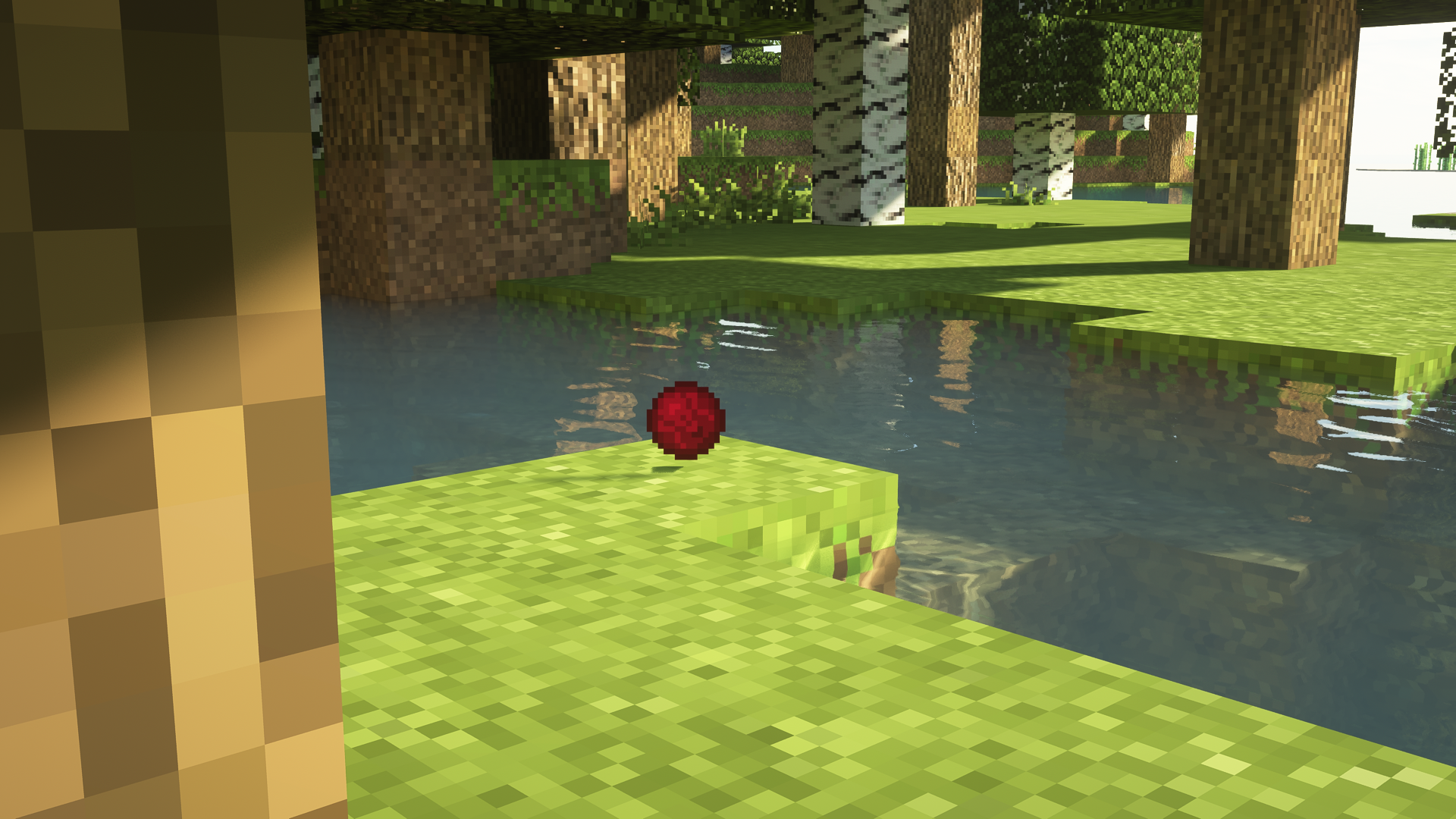
- Healing: When picked up, it will heal the player by a flat amount (which can be configured)
- Poisonous: Will inflict the Poison effect for 5 seconds by default
- Damaging: This is mainly the "Instant Damage" effect from the Vanilla Minecraft - It will give two hearts of damage
- Jumping: Will give the Jump Boost effect for 5 seconds by default
- Speedster: Gives the speed effect for 5 seconds
- Confusion: Inflicts Blindness for 5 seconds
- Levitation: Will allow the player to levitate for 5 seconds
- Fire Resistance: Provides Fire Resistance for 5 seconds
IMAGES
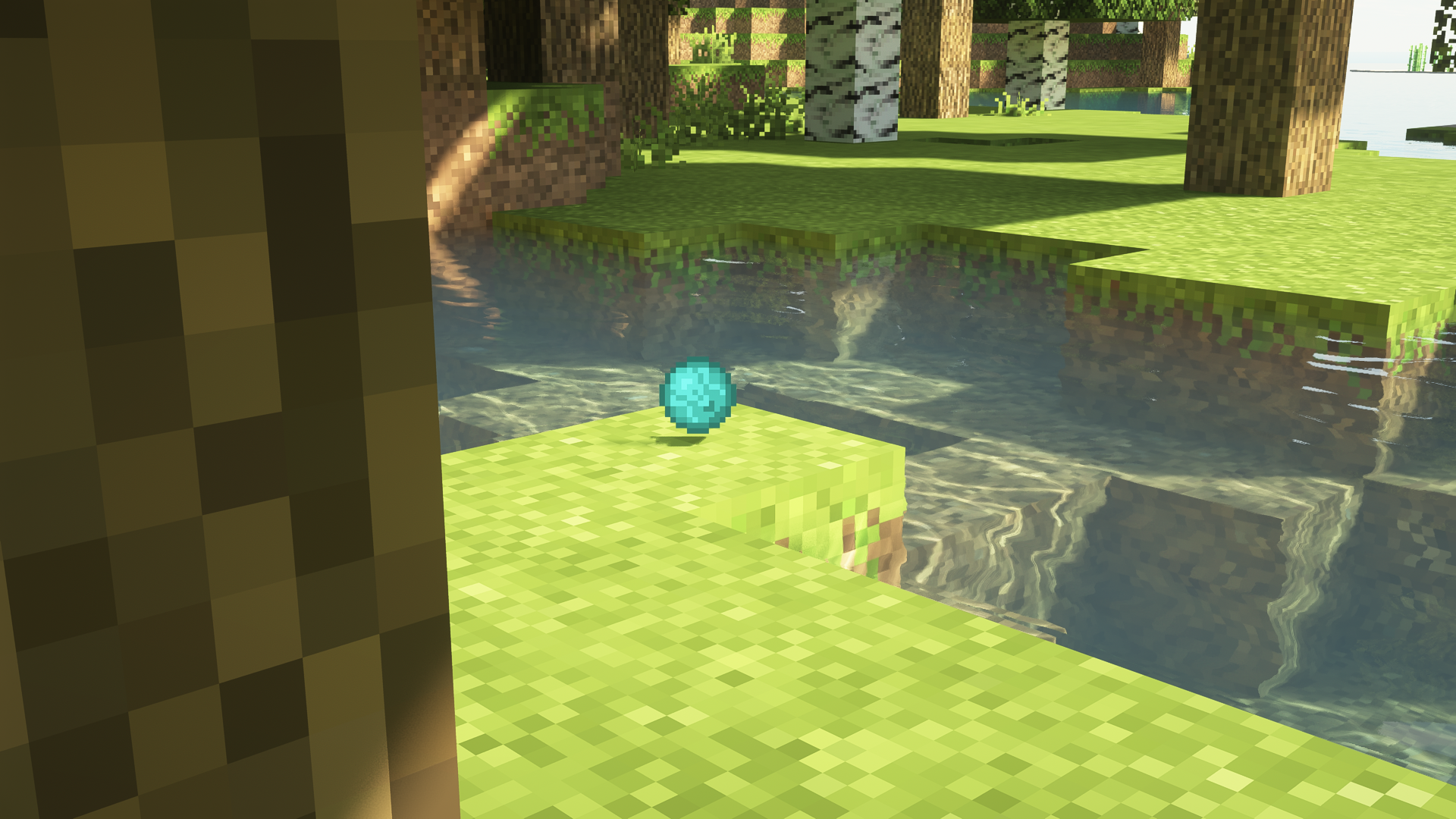
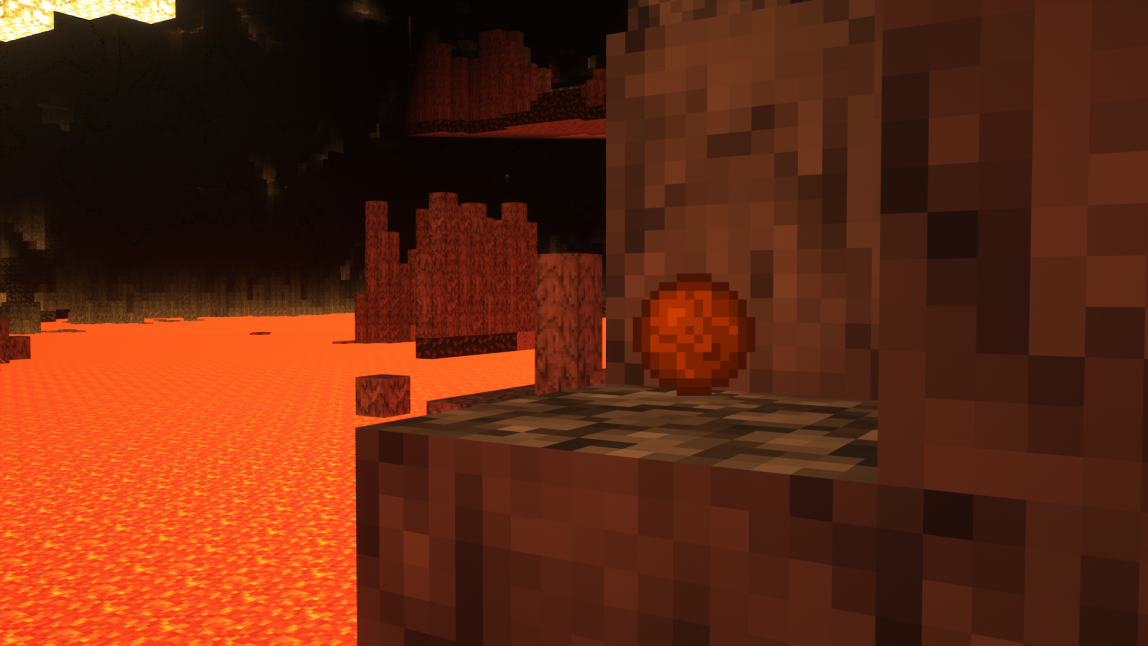
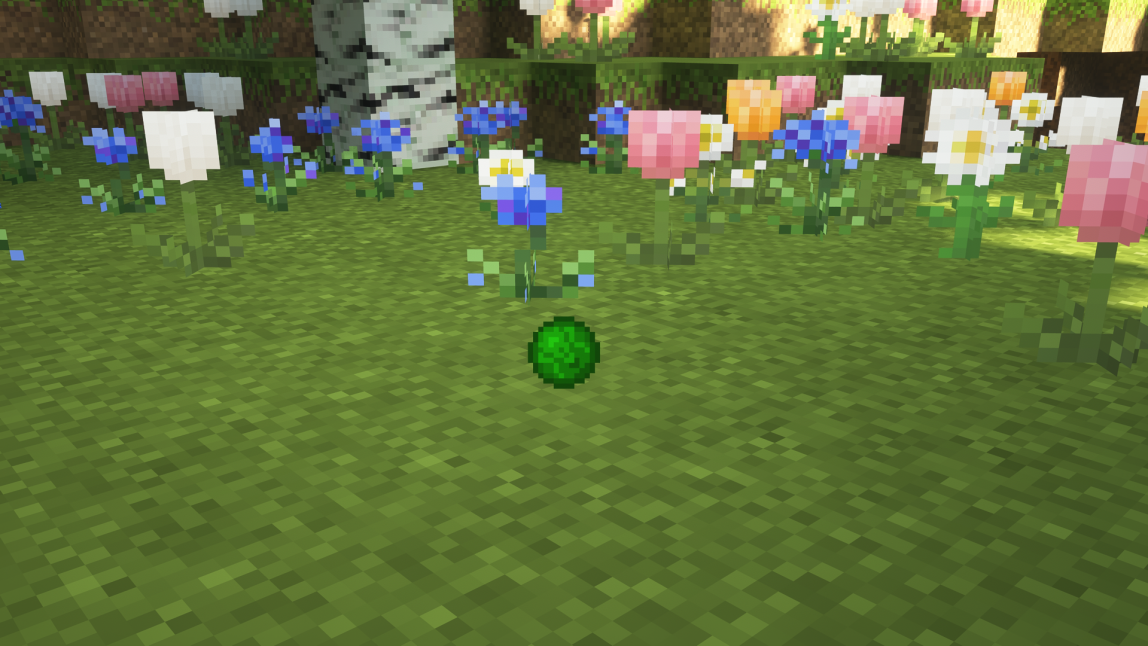
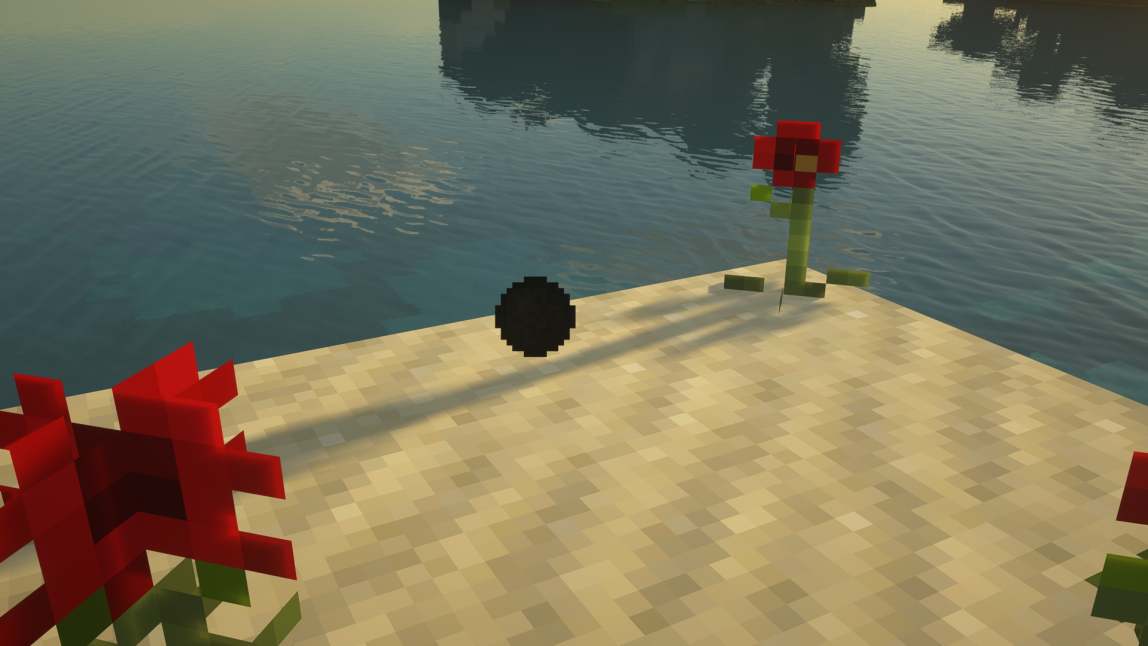
OUR OTHER PROJECTS
The Decursio Project: Expert
Expert style modpack inspired by Sevtech:Ages and Enigmatica 2:Expert.
Simply Wooden Armor
A simple mod which brings back the old wooden armor which used to be included at the beginning of every mod pack.
Sanguine Arsenal
Addon for the Eidolon mod, focused around combat and other stylized features.
Cosmetic mod which adds new armor models for the ProjectE armors
SHORT SHOWCASE
This mod was featured in one of PwrDown's recent videos on Youtube. Pickable Health Orbs can be seen at 8:10.