Mineuniverse
Data Packs
Death Animations

Death Animations

DATA PACK
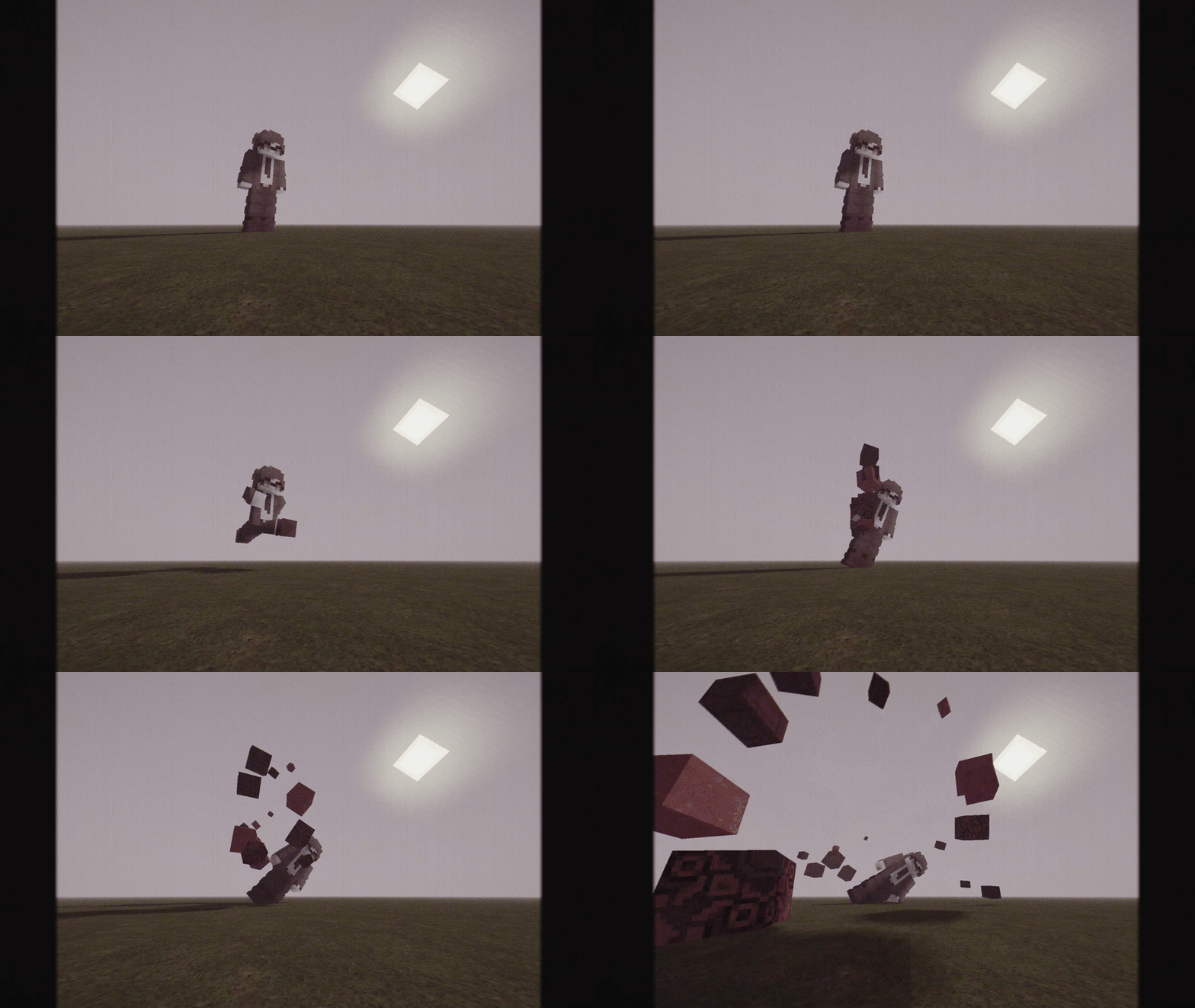
[players] explode into bits when they die!
by flowergardenstudios
Download Claim this project
4,049 downloads
0 likes
Updated Oct 14, 2026
0 hypes
Adventure Fantasy Miscellaneous Tech
Advertisement Remove ads with Premium →

project description

Death Animations

  • Supported Versions: 1.21.8+
  • This datapack adds Exploding Death Animations into the Game!
  • Players explode into ~Red colored blocks when they meet their demise!
  • Mob Gibbing coming soon! Make sure to Follow the Project!

Credits

  • SCHMOOVE II (chopstickwater)

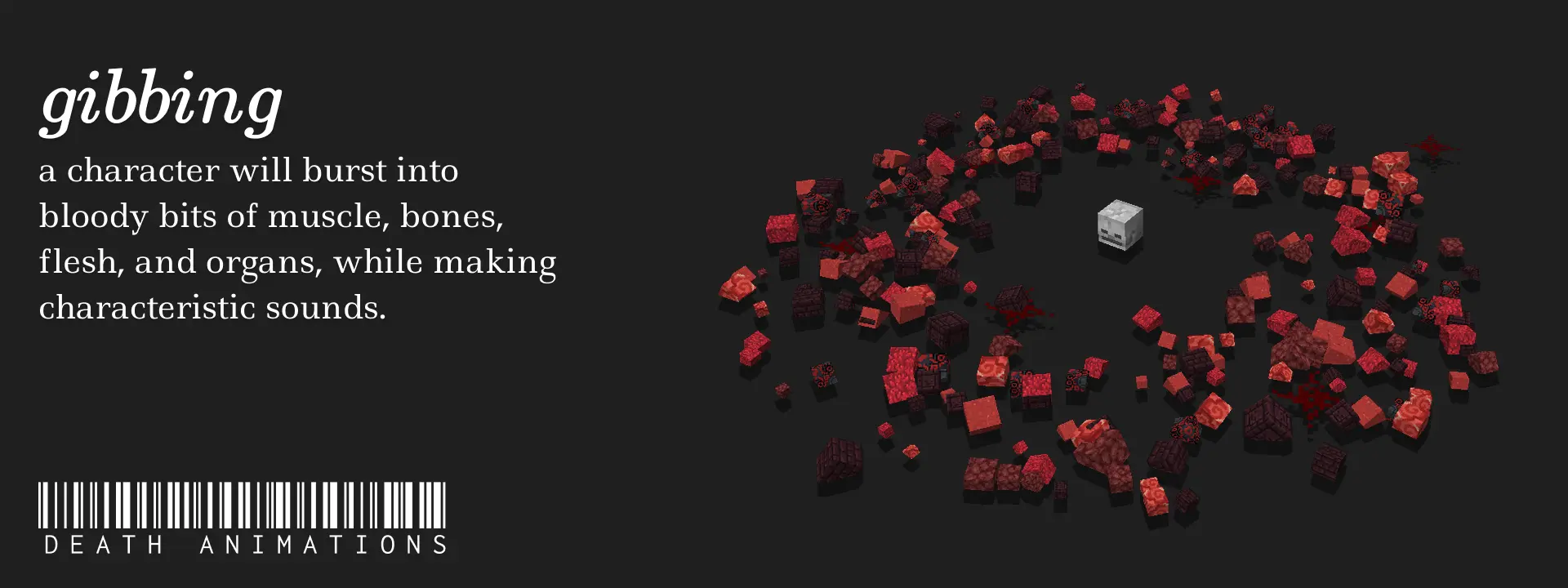
SCHMOOVE II is a Movement Shooter created by chopstickwater on the Sandbox Server legitimoose.com. Gibbing (or 'Death Animations') was an original feature introduced to the game by her, where players would explode into small colored blocks (or 'Gibs') when they died. These were physics-based, meaning the explosions were as authentic as they can be.

Suspicious Link? https://files.catbox.moe/8to4ap.mp4

Death Animations v1.3 [1.21.2+].zip
MC 1.21.6-snapshot, 1.21.8, 1.21.5, 1.21.4, 1.21.5-Snapshot, 1.21.6, 1.21.3, 1.21.7, 1.21.4-Snapshot, 1.21.2, 1.21.9-snapshot, 1.21.9, 1.21.10, 1.21.11-snapshot, 1.21.11, 26.1-snapshot
Release 2026-02-03 Get
Death Animations v1.3 [1.20.2-1.20.4].zip
MC 1.20.2, 1.20.4, 1.20.3-Snapshot, 1.20.3
Release 2026-02-03 Get
Death Animations v1.3 [1.20.5-1.21.1].zip
MC 1.21, 1.21.1-Snapshot, 1.20.5, 1.20.6, 1.21.1, 1.21-Snapshot
Release 2026-02-03 Get
v1.2.1.zip
MC 1.21.6-snapshot, 1.21.8, 1.21.5, 1.21.4, 1.21.5-Snapshot, 1.21.6, 1.21.3, 1.21.7, 1.21.4-Snapshot, 1.21.2, 1.21.9-snapshot, 1.21.9, 1.21.10, 1.21.11-snapshot
Release 2025-11-15 Get

Requirements & install

How to use this data pack in Minecraft
Mods needed
None, works in vanilla
Minecraft
1.21.7 – 26.1-snapshot
Install folder
saves/<world>/datapacks

How to install data packs

  1. Download the data pack .zip file (do not extract it).
  2. New world: click Data Packs on the world creation screen and drop the .zip in. Existing world: open .minecraft/saves/<world>/datapacks.
  3. Put the .zip into the datapacks folder of the world (servers: world/datapacks).
  4. Run /reload in game (or rejoin the world) and check it with /datapack list.
Browse more: Data Packs for 26.1-snapshot All data packs

More from flowergardenstudios

Advertisement Remove ads with Premium →

You Might Also Like