Mineuniverse
Data Packs
Copper Tools DataPack

Copper Tools DataPack

DATA PACK
Simple copper tools via datapack
by roboji
Download Claim this project
778 downloads
0 likes
0 followers
Updated Oct 14, 2026
0 hypes
Follow0
Adventure Miscellaneous Utility
Advertisement Remove ads with Premium →

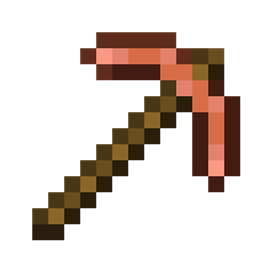
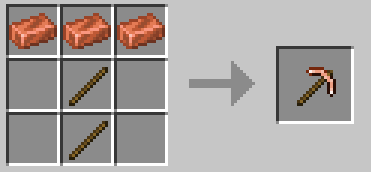
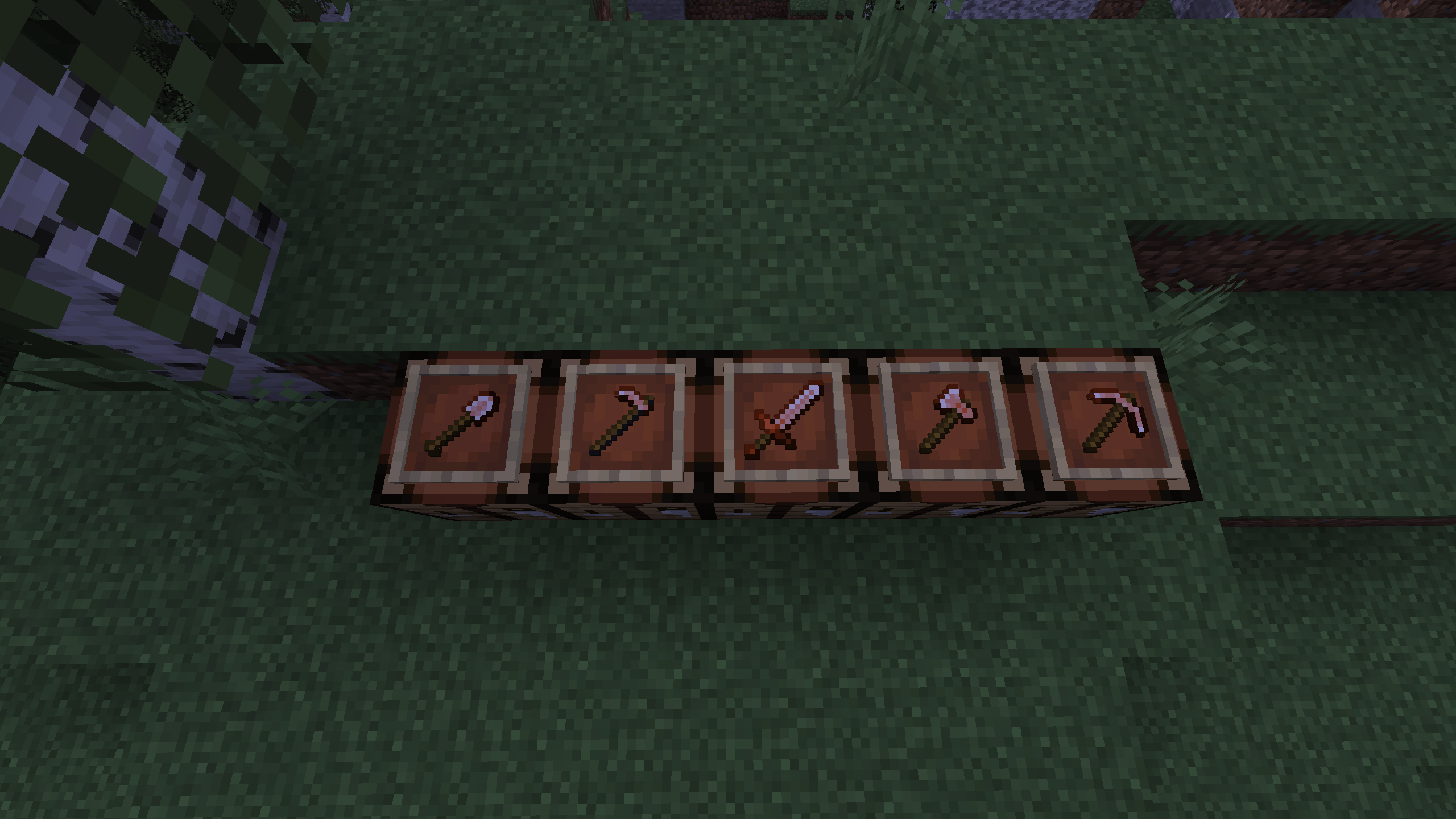
alt text This Data pack and Resource pack provides tools, those are made from copper. Basic craft, basic textures. Attributes are between stone and iron.

Steps to install

You don't need any modloaders to run that project, because it fully developed using vanilla Minecraft features.

To client

  1. Download "coppertools-X.X.X-rp.zip" and move it into your resourcepacks folder.
  2. Download "coppertools-X.X.X-dp.zip" and move it into your .minecraft/saves/<world_name>/datapacks folder.
  3. Play with copper tools!

To server

  1. Download "coppertools-X.X.X-dp.zip" to your server and move it into your <server_folder>/<world_name>/datapacks folder. You'll probably have to install it into several other worlds (Nether, End, etc).
  2. Download "coppertools-X.X.X-rp.zip" and move it into resourcepacks folder at player device.

coppertools-1.1.0-dp.zip
MC 1.21.2-Snapshot, 1.21.3, 1.21.2
Release 2025-07-28 Get
coppertools-1.0.0-dp.zip
MC 1.21.2-Snapshot, 1.21.3, 1.21.2
Release 2024-10-06 Get
ServerTickMonitor-1.14.4-4.0.0.jar
MC 1.14.4
Release 2019-07-25T18:13:13.893Z Get
ServerTickMonitor-1.12-3.0.0.jar
MC 1.12.1, 1.12, 1.12.2
Release 2017-07-01T07:04:09.273Z Get
ServerTickMonitor-1.11.2-2.0.0.jar
MC 1.11.2
Release 2017-07-01T07:03:39.837Z Get
ServerTickMonitor-1.9.4-1.1.0.jar
MC 1.9.4, 1.10.2, 1.10.1, 1.10
Release 2017-07-01T07:02:56.65Z Get
ServerTickMonitor-1.9.4-1.0.1.jar
MC 1.9.4, 1.10.2, 1.10, 1.10.1
Release 2016-10-23T15:24:48.007Z Get
ServerTickMonitor-1.9.4-1.0.0.jar
MC 1.9.4, 1.10.2, 1.10, 1.10.1
Release 2016-10-16T14:46:27.297Z Get

Requirements & install

How to use this data pack in Minecraft
Mods needed
None, works in vanilla
Minecraft
1.11.2 – 1.21.3
Install folder
saves/<world>/datapacks

How to install data packs

  1. Download the data pack .zip file (do not extract it).
  2. New world: click Data Packs on the world creation screen and drop the .zip in. Existing world: open .minecraft/saves/<world>/datapacks.
  3. Put the .zip into the datapacks folder of the world (servers: world/datapacks).
  4. Run /reload in game (or rejoin the world) and check it with /datapack list.
Browse more: Data Packs for 1.21.3 All data packs

More from roboji

Advertisement Remove ads with Premium →

You Might Also Like