Mineuniverse
Data Packs
CobbleTowns Unofficial Update

CobbleTowns Unofficial Update

DATA PACK
I saw a 1.21.1 version hadn't been released so I updated it I DID NOT MAKE THIS MYSELF AND ALL CREDIT GOES TO *lastgreenseer*
by wildin
Download Claim this project
113,710 downloads
0 likes
Updated Oct 14, 2026
0 hypes
Adventure Mod Support
Advertisement Remove ads with Premium →


CobbleTowns Unofficial Update

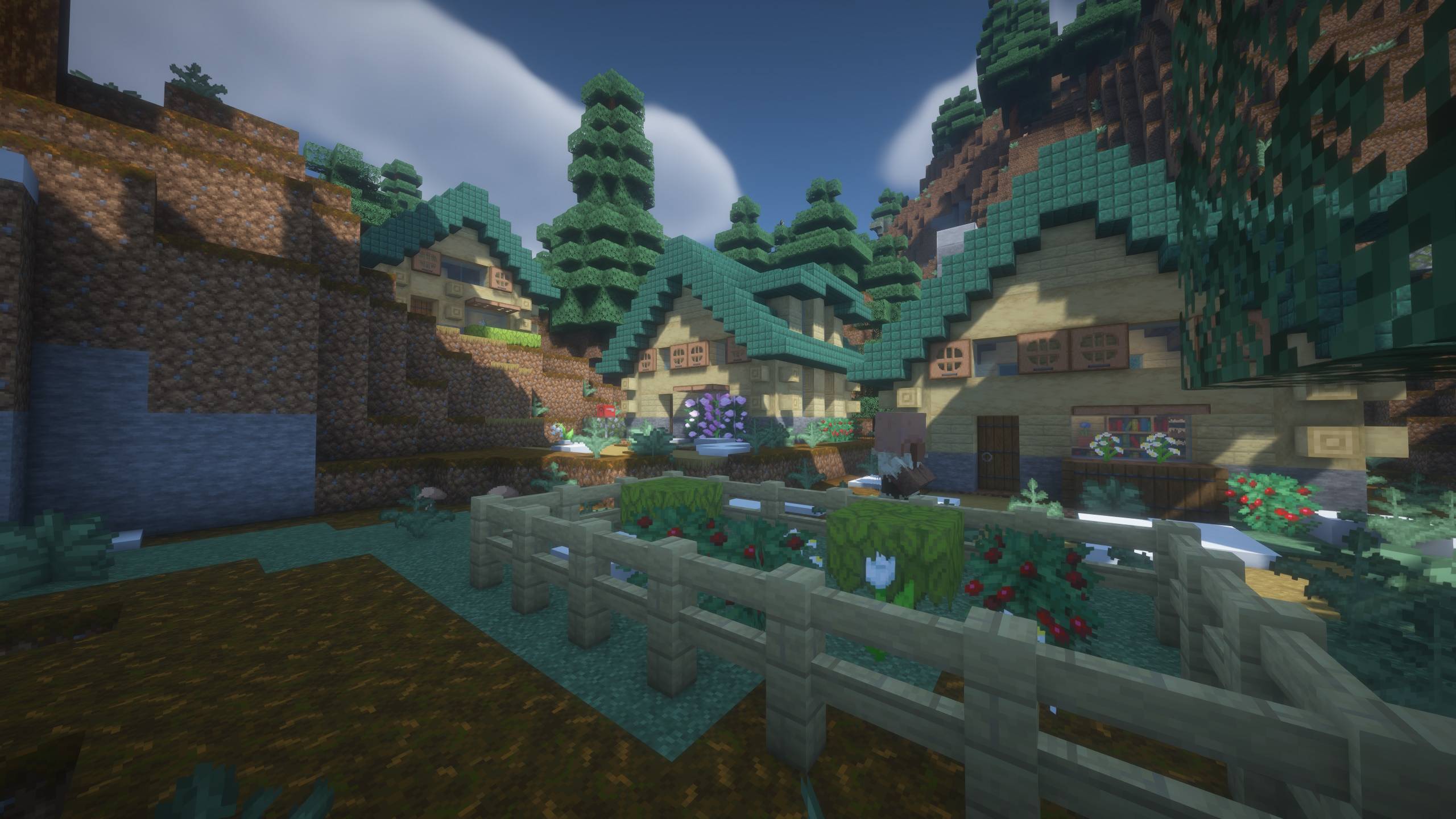
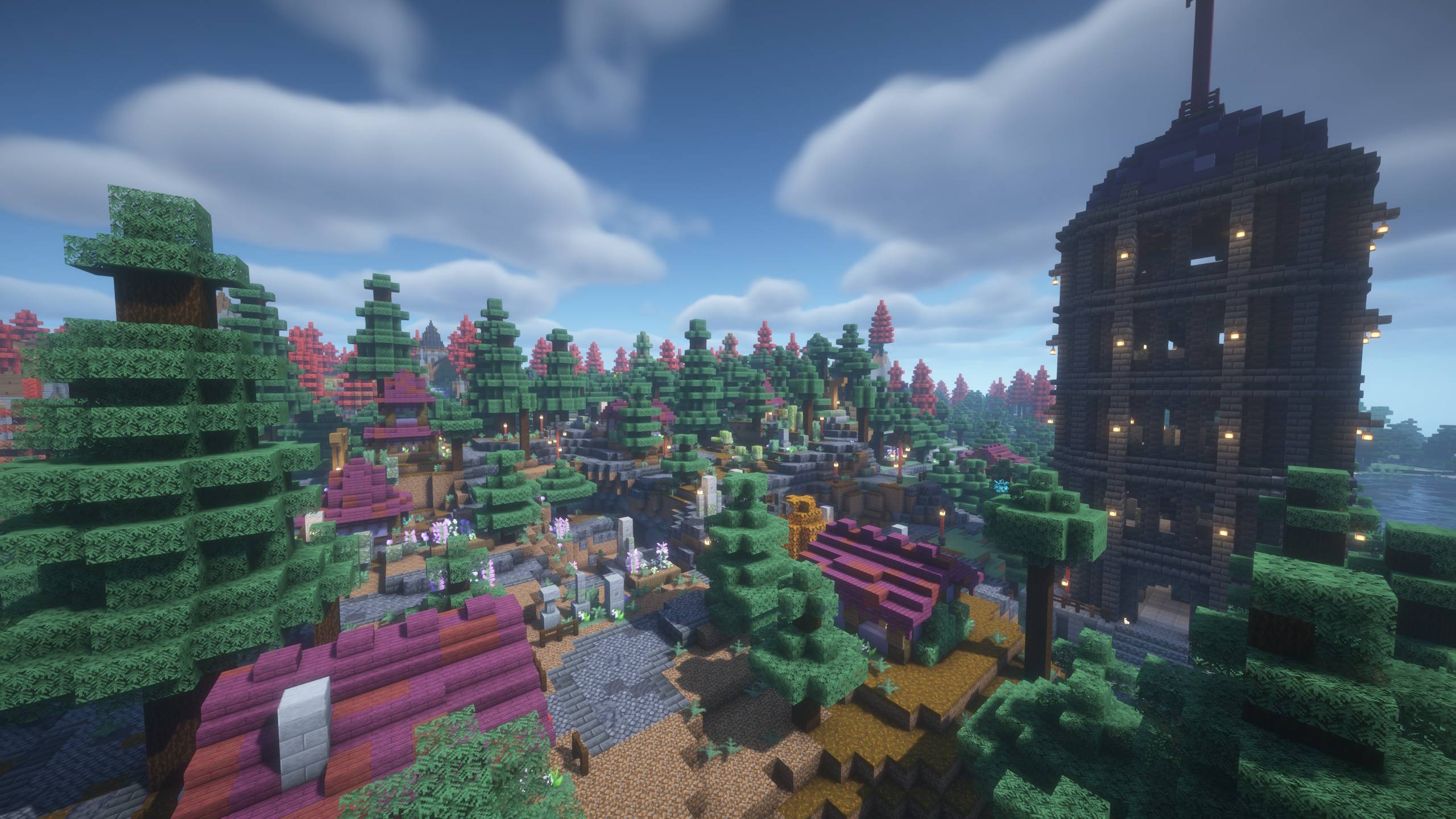
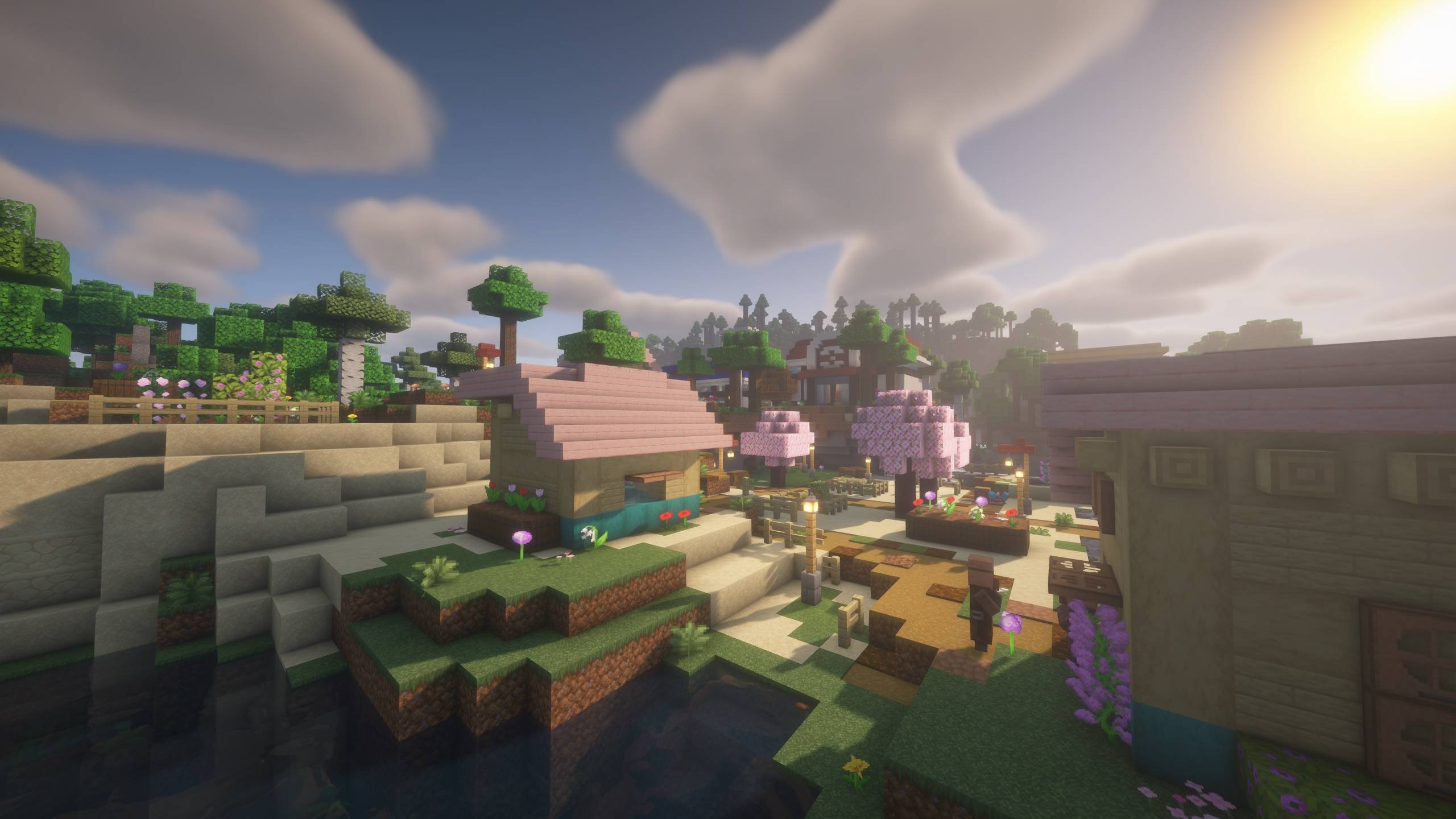
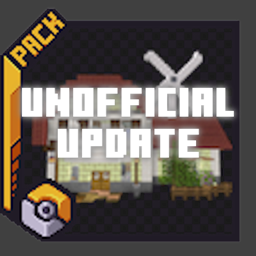
CobbleTowns Unofficial Update is an update to the original CobbleTowns datapack that is stuck on 1.20.1 and not up to date for 1.21.1. This is a datapack that adds randomly generated minecraft villages based on towns from the Pokemon franchise, as well as PokeMarts and PokeCenters.
 

7 New Towns!

  • Pallet Town and Lavender Town from the Kanto region.
  • Cherrygrove City from the Johto region.
  • Pacifidlog Town from the Hoenn region.
  • Twinleaf Town and Floaroma Town from the Sinnoh region.
  • Lentimas Town from the Unova region.


Compatable with Terralith


Installation:

Just add the zip-file to the datapack-folder in your world to install. It should work for both singleplayer worlds and servers.


All Credit goes to LastGreenSeer and I did not create this datapack only updated it to be compatable with 1.21.1


I wanted to update it because the previous version hasnt been updated in 8 months and me and my friends wanted to use it in Cobblemon : Blockboys Edit that I threw together.


LOOT WORKS NOW!


Sorry for the delay, but I have completely re-worked the loot system and now all chests in villages should have loot! If you run into any issues please let me know!



Works With Latest Cobblemon Version as of 12/24/2025 


CobbleTowns-UnofficialUpdate1.21-1.0.zip
MC 1.21.1
Release 2025-12-18 Get
CobbleTowns-1.21.1-UnofficialUpdate-v0.0.1.zip
MC 1.21.1
Release 2025-03-14 Get
CobbleTowns-1.21.1-UnofficialUpdate-v0.0.0.zip
MC 1.21.1
Release 2025-03-12 Get

Requirements & install

How to use this data pack in Minecraft
Mods needed
None, works in vanilla
Minecraft
1.21.1
Install folder
saves/<world>/datapacks

How to install data packs

  1. Download the data pack .zip file (do not extract it).
  2. New world: click Data Packs on the world creation screen and drop the .zip in. Existing world: open .minecraft/saves/<world>/datapacks.
  3. Put the .zip into the datapacks folder of the world (servers: world/datapacks).
  4. Run /reload in game (or rejoin the world) and check it with /datapack list.
Browse more: Data Packs for 1.21.1 All data packs
Advertisement Remove ads with Premium →

You Might Also Like