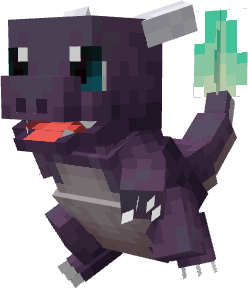
🔥 Discover a brand-new Cobblemon Fusion Datapack!
Unleash the power of DNA fusion and discover never-before-seen Pokémon forms! 🧬✨
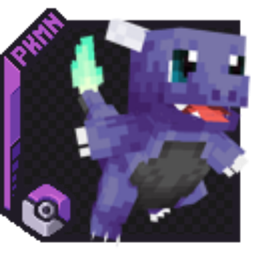
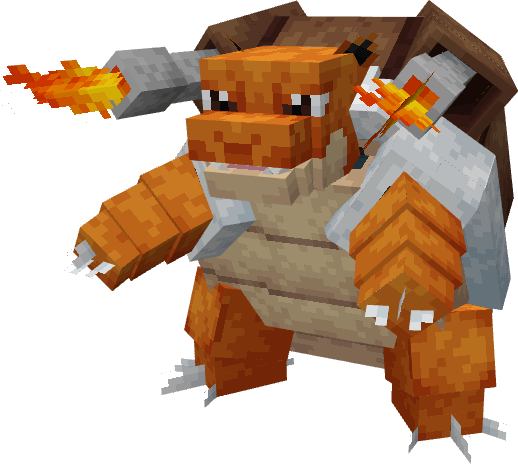
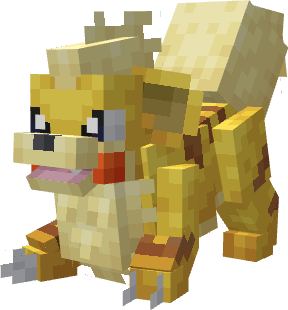
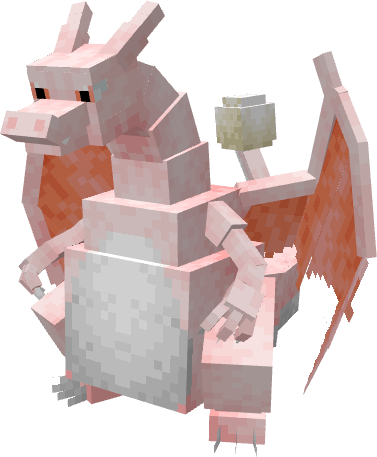
⚠️ Early Access: The project is still in development; only a few Fusions are available at the moment (see the gallery for details). More are on the way!
🔧 Requirements: This datapack depends on Mega Showdown, so make sure it's installed.
📦 Important: This project includes a Datapack and a Resource Pack.
Make sure to install the files in your datapack and resourcepack folders for everything to work properly.
🐎 Ride On: Some Fusiomon are fully rideable! Saddle up and explore the world; don't forget to install Cobblemon Ride On. ⚙️🔥
🧪 How to fuse: Deposit specific fusion items into the recovery tanks (like the one used for Mewtwo). Each required item is listed in the gallery. (Small hint, in general, the necessary items can be dropped by the cobblemons with which they are associated.)
🌐 Available languages: English and French
💬 Got a great fusion idea? We'd love to hear your suggestions!
We're just getting started... 👀
⚠️ For the datapack to work properly, you need to put a copy of the .zip file located in the "datapack" folder into the "Resourcepack" folder