Mineuniverse
Data Packs
Cobblemon: Fierce Competition

Cobblemon: Fierce Competition

DATA PACK
Adding trainers, the right way
by softiedev
Download Claim this project
3,530 downloads
0 likes
Updated Oct 14, 2026
0 hypes
Adventure Miscellaneous Mod Support
Advertisement Remove ads with Premium →

Welcome to Cobblemon: Fierce Competition!

Requires Cobblemon and Fight or Flight Reborn


Divider 1x

Heyo! Lets cut to the chase;


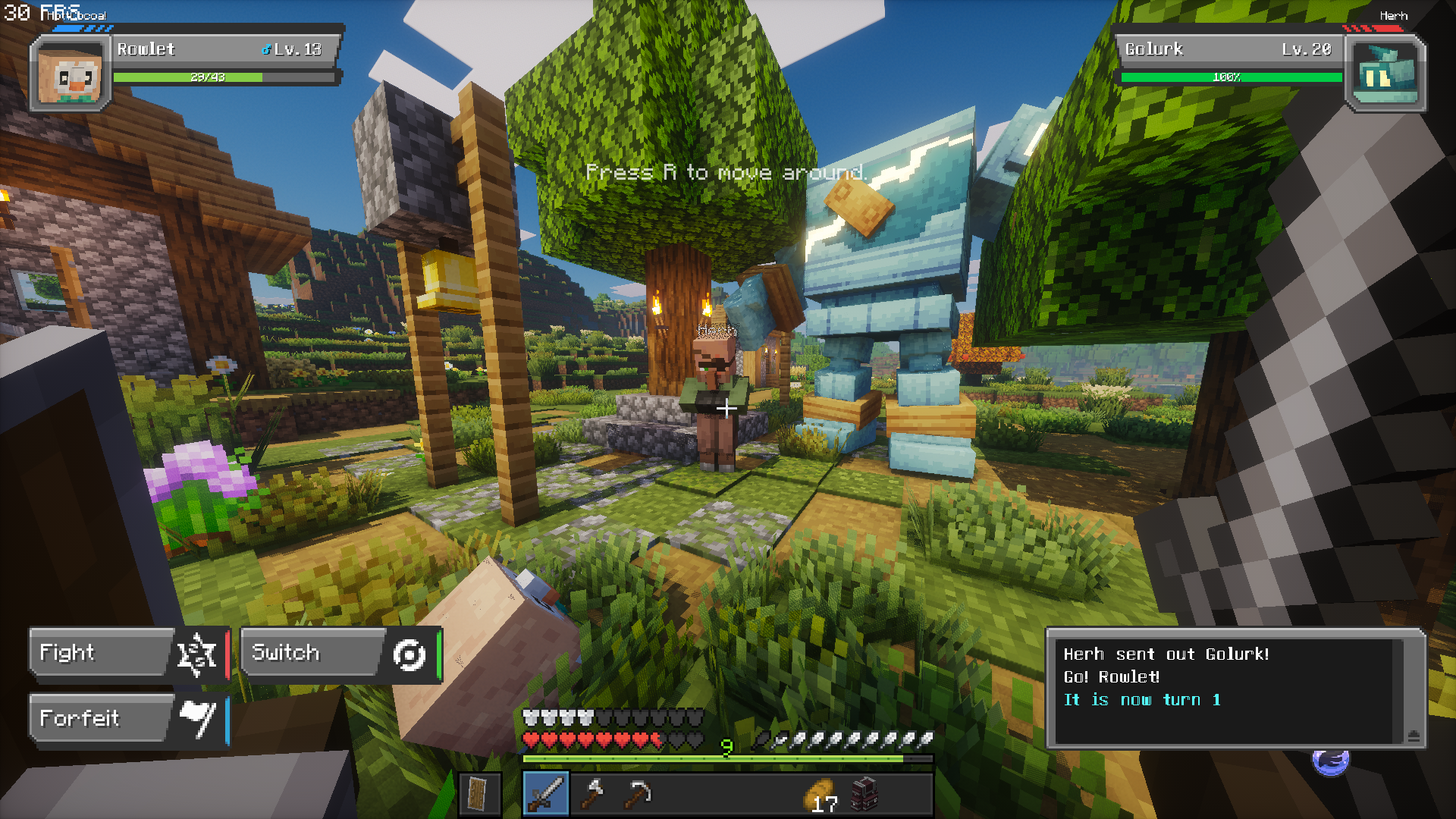
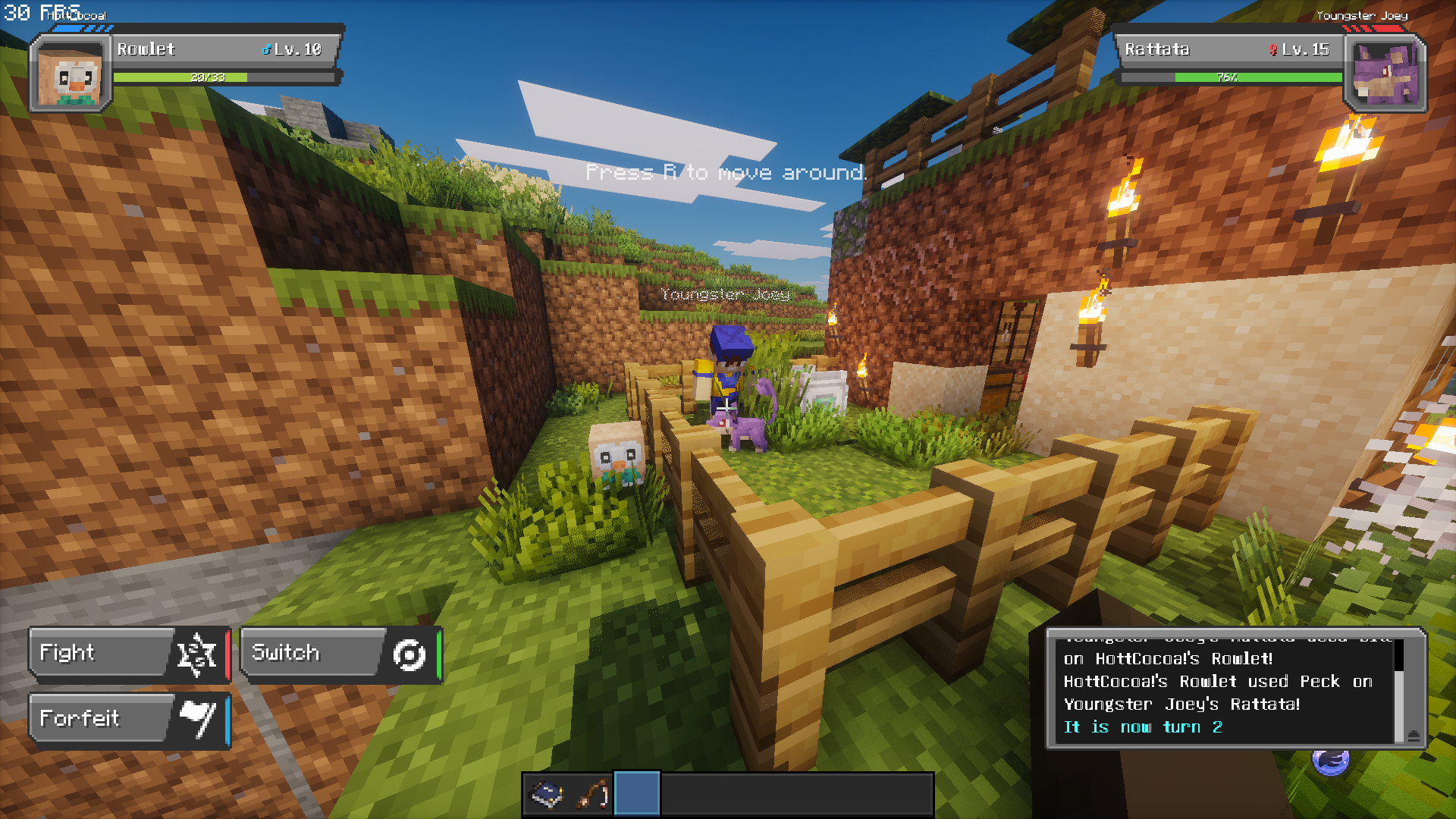
This datapack aims to fix a lot of niches and pet peeves I have with other trainer addons in the Cobblemon community. Instead of just cramming a bunch of trainers into Cobblemon and calling it a day, this addon will feature (when complete);


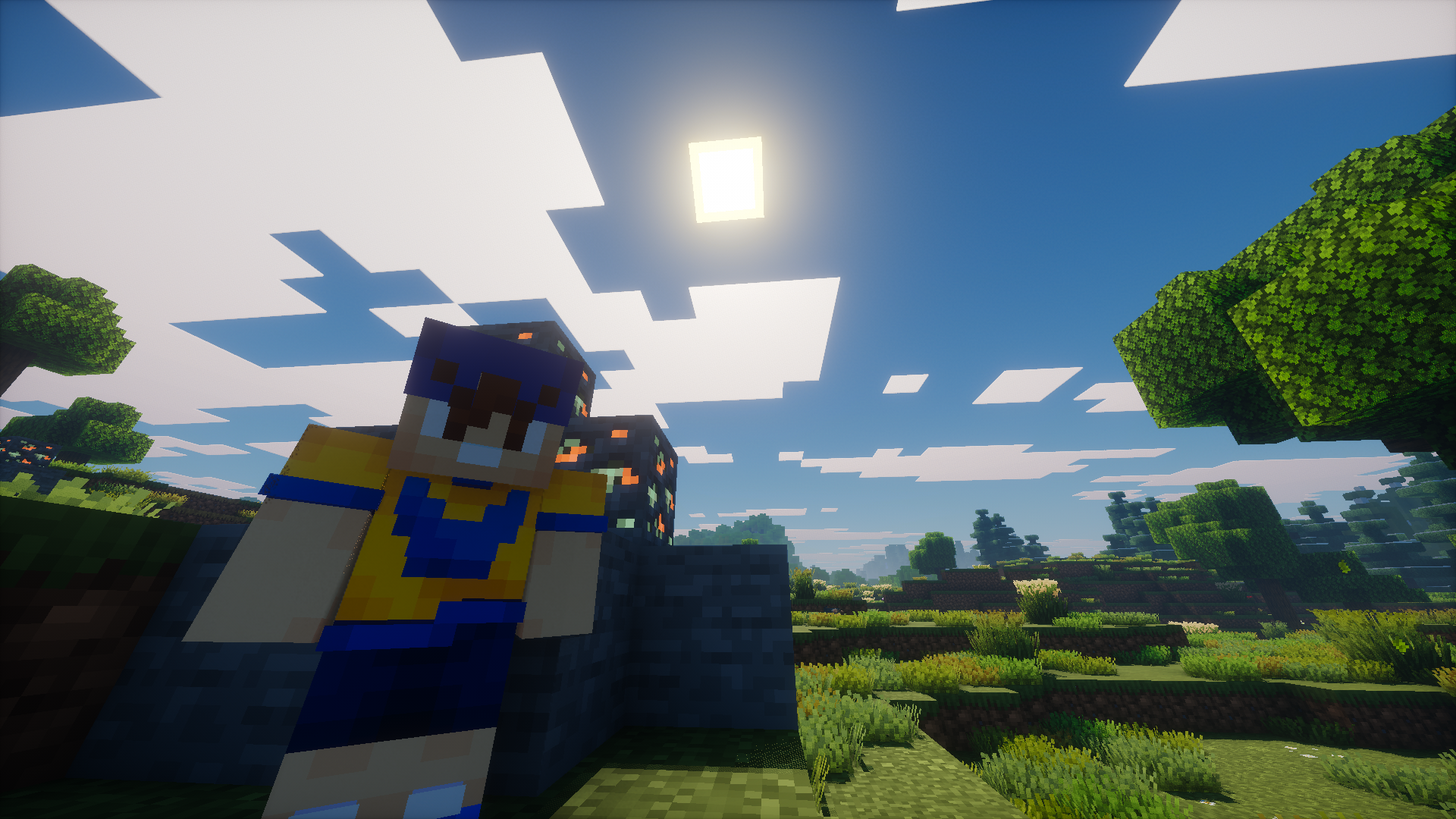
  • 5 Custom gym leaders meant to fit in the Minecraft environment
  • 19 Trainer classes with teams carefully developed for each phase of the game
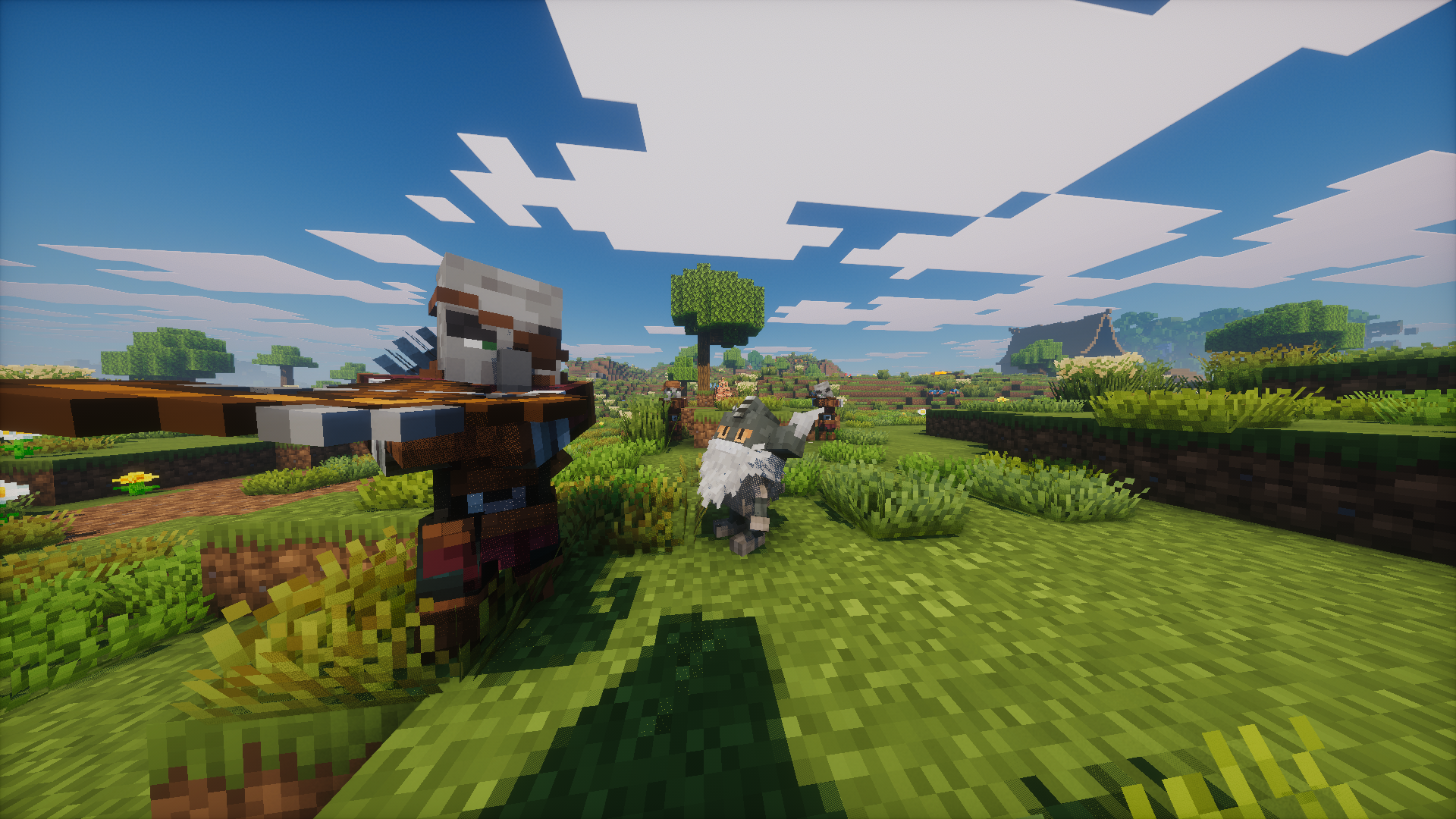
  • Interactive NPCs that cover various functions
  • A (somewhat) interesting lore integration and a rewarding conclusion
  • Small custom structures that do not interfere with your playthrough
  • Reworked/reutilized mechanics from vanilla that seamlessly include cobblemon into your world
    • Best experienced with Fight ot Flight!
  • Some brand-new items previously unimplemented from the games

Divider 1x

We have a Trello so you can track our progress!

Also check us out on Modrinth!

FierceCompetition_BETA4-part1.zip
MC 1.21.1
Beta 2026-01-30 Get
Fierce_Competition_BETA1.zip
MC 1.21.1
Beta 2026-01-26 Get
FierceCompetition_BETA2.zip
MC 1.21.1
Beta 2026-01-26 Get
FierceCompetition_BETA3.zip
MC 1.21.1
Beta 2026-01-26 Get
FierceCompetition_BETA3hotfix2.zip
MC 1.21.1
Beta 2026-01-26 Get

Requirements & install

How to use this data pack in Minecraft
Mods needed
None, works in vanilla
Minecraft
1.21.1
Install folder
saves/<world>/datapacks

How to install data packs

  1. Download the data pack .zip file (do not extract it).
  2. New world: click Data Packs on the world creation screen and drop the .zip in. Existing world: open .minecraft/saves/<world>/datapacks.
  3. Put the .zip into the datapacks folder of the world (servers: world/datapacks).
  4. Run /reload in game (or rejoin the world) and check it with /datapack list.
Browse more: Data Packs for 1.21.1 All data packs
Advertisement Remove ads with Premium →

You Might Also Like