Celebrate the holidays in Minecraft with the Christmas Dimension datapack! This pack transports you to the North Pole, a magical winter wonderland filled with festive biomes, custom structures, and holiday cheer.
Explore the Candy Cane Forest, trek across the Gingerbread Plains, or scale the Aurora Peaks. Discover charming Christmas Villages, and equip yourself with the powerful Candy Cane Sword.
For the best experience, use this with the Christmas Dimension Resource Pack.
🎄 Features
- New Dimension: The North Pole
- Enter a world of eternal winter and holiday magic.
- Custom Biomes:
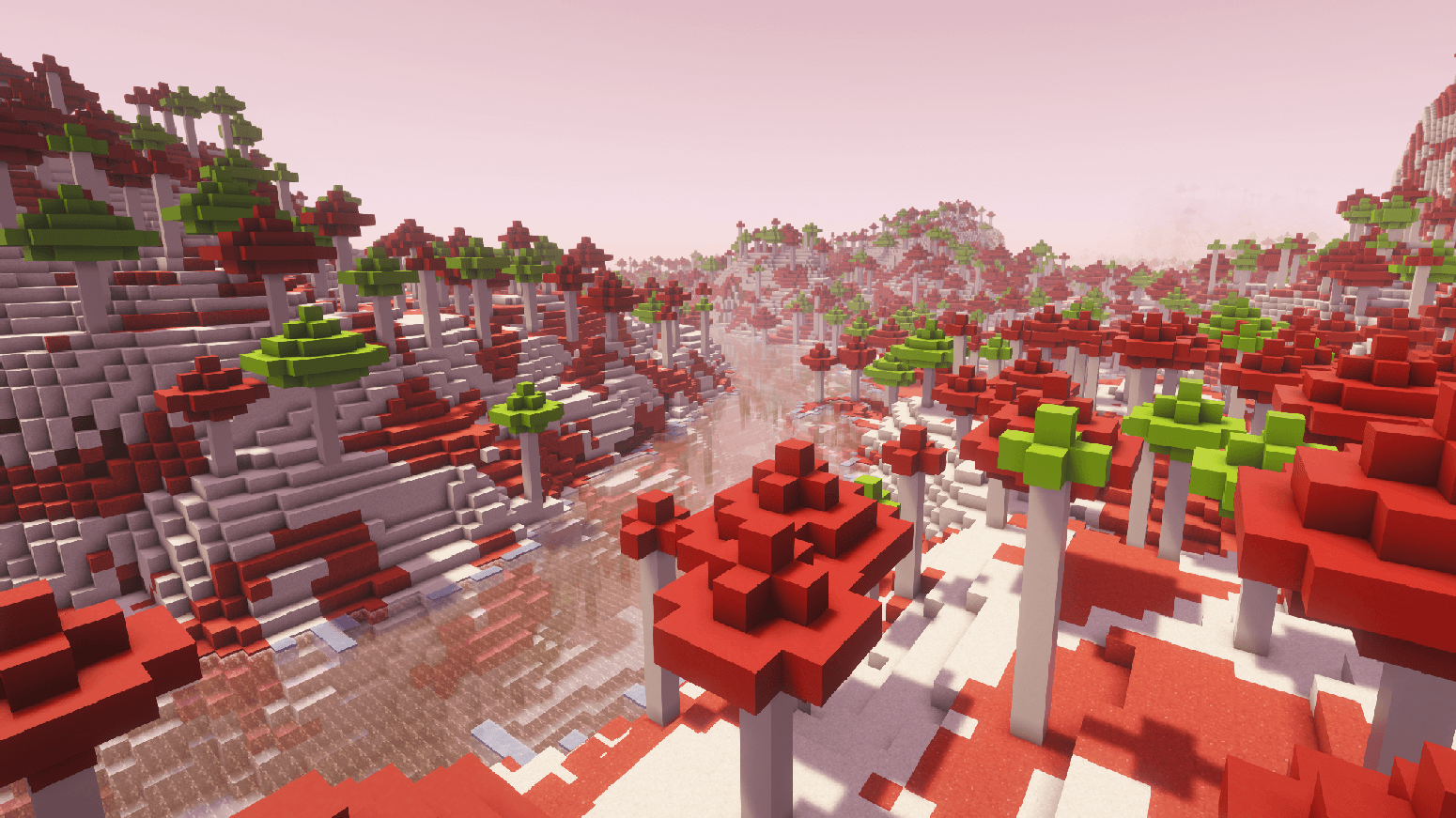
- Candy Cane Forest: majestic candy cane trees.
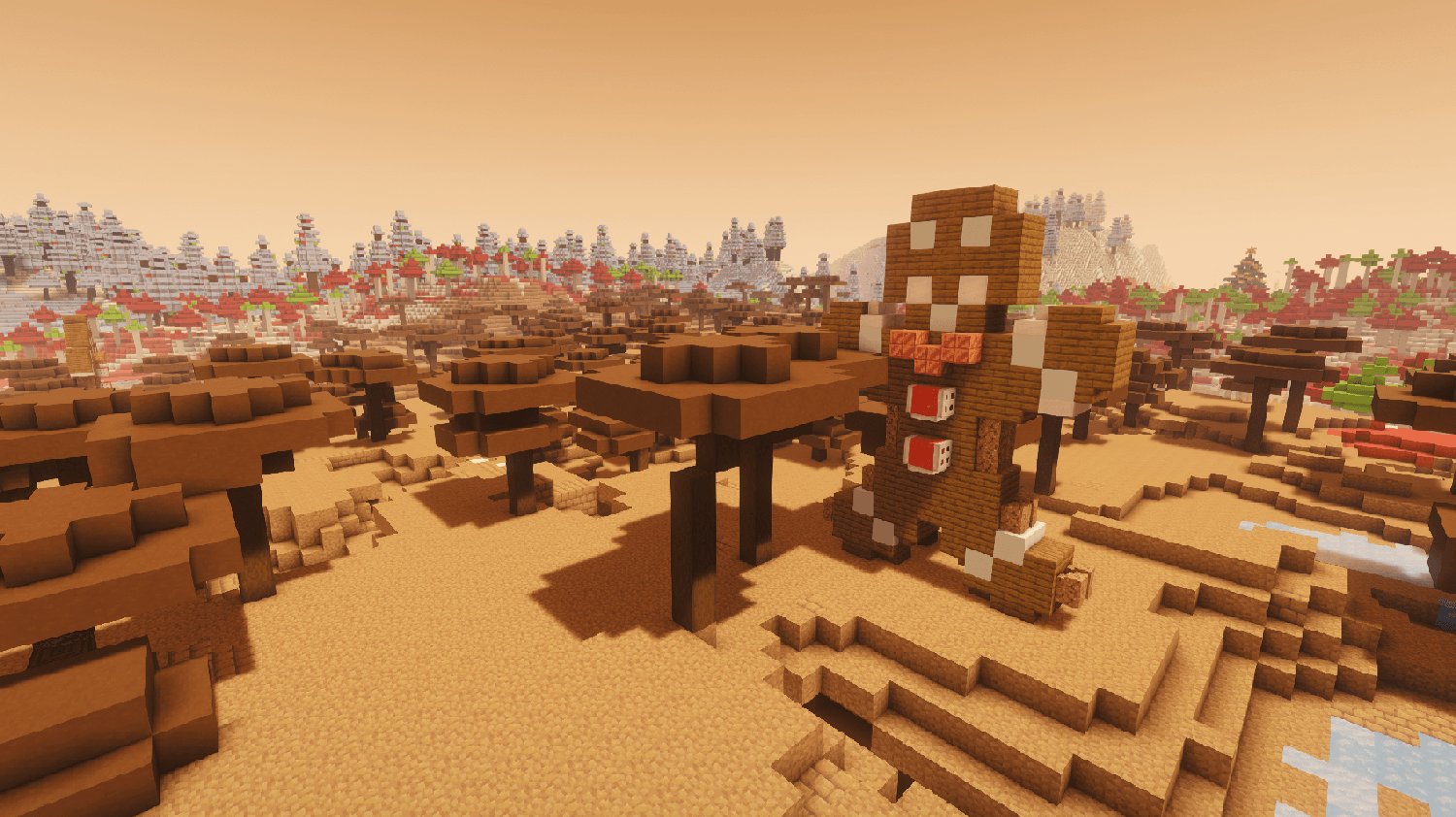
- Gingerbread Plains: A sweet landscape perfect for building.
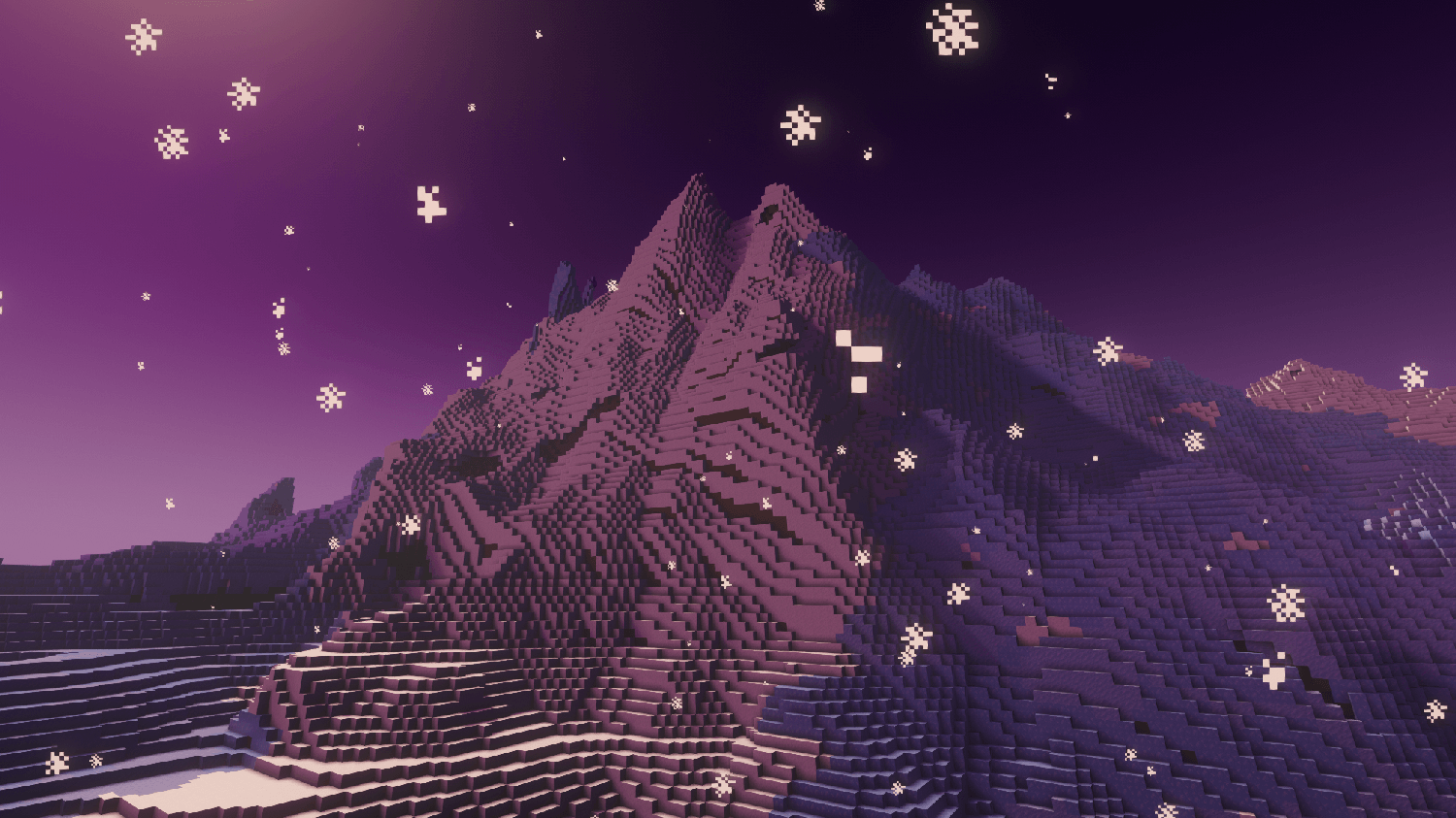
- Aurora Peaks: High mountains touching the northern lights.
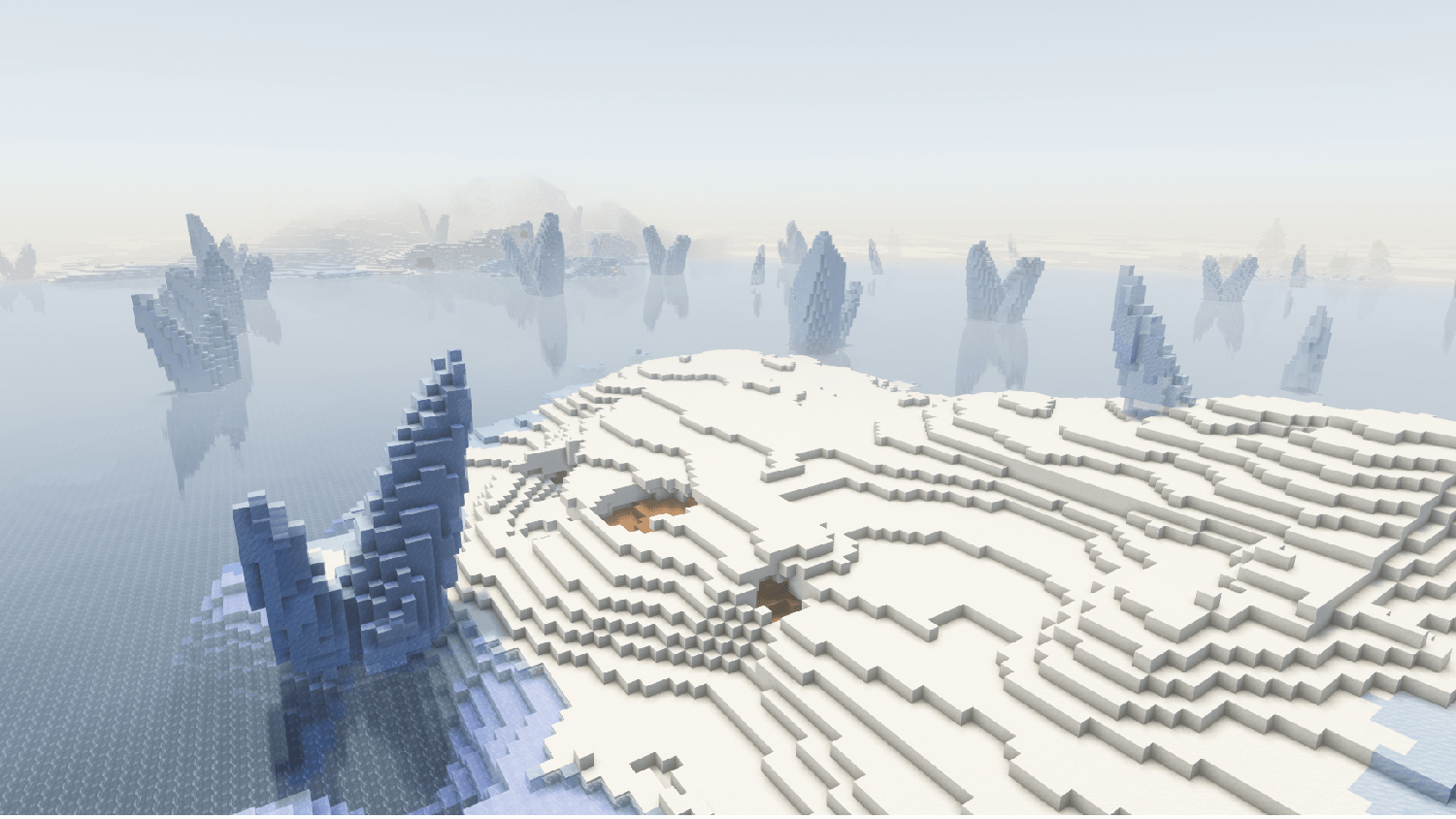
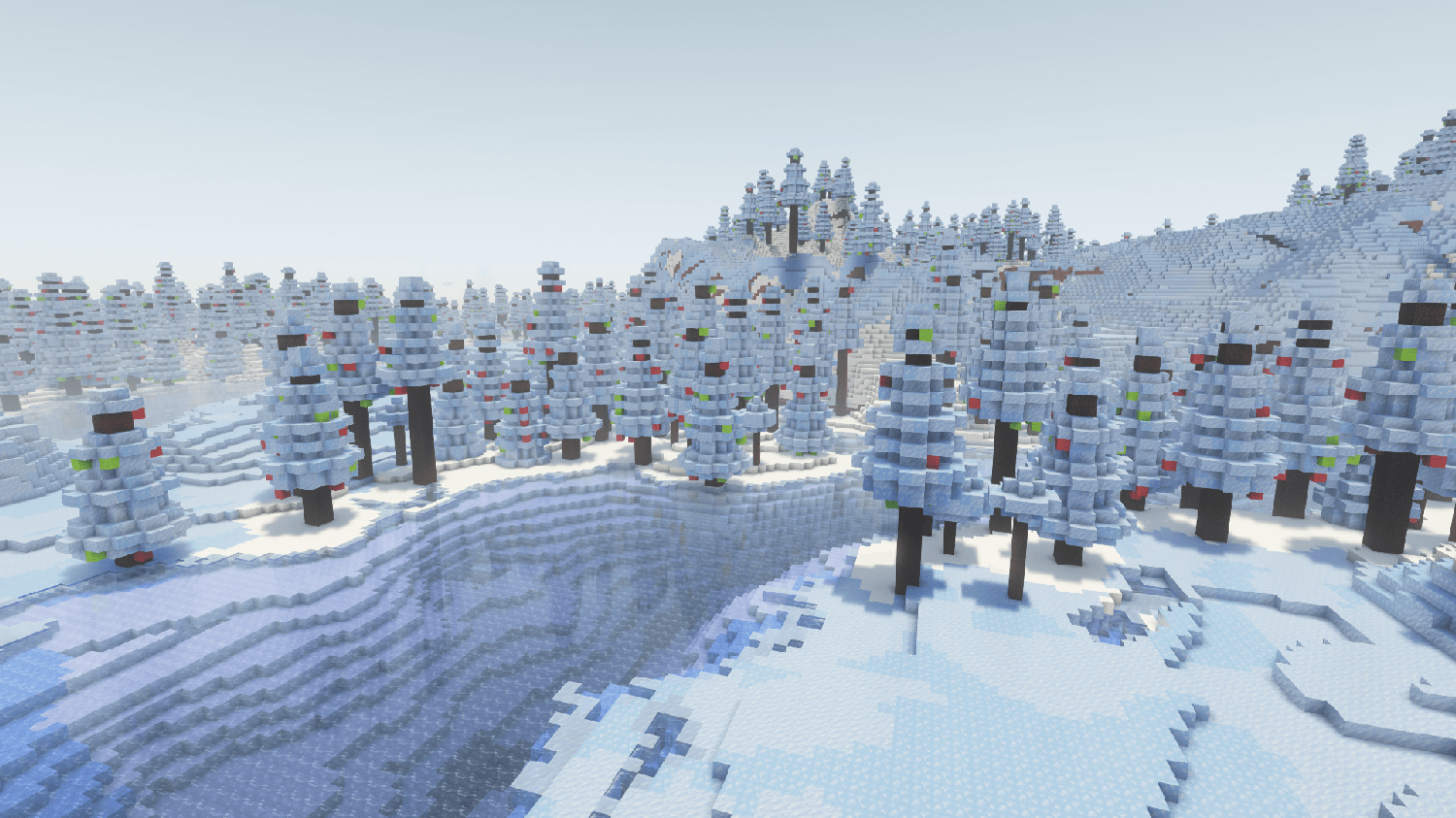
- Frost Forest: A chilly, dense woodland.
- Structures:
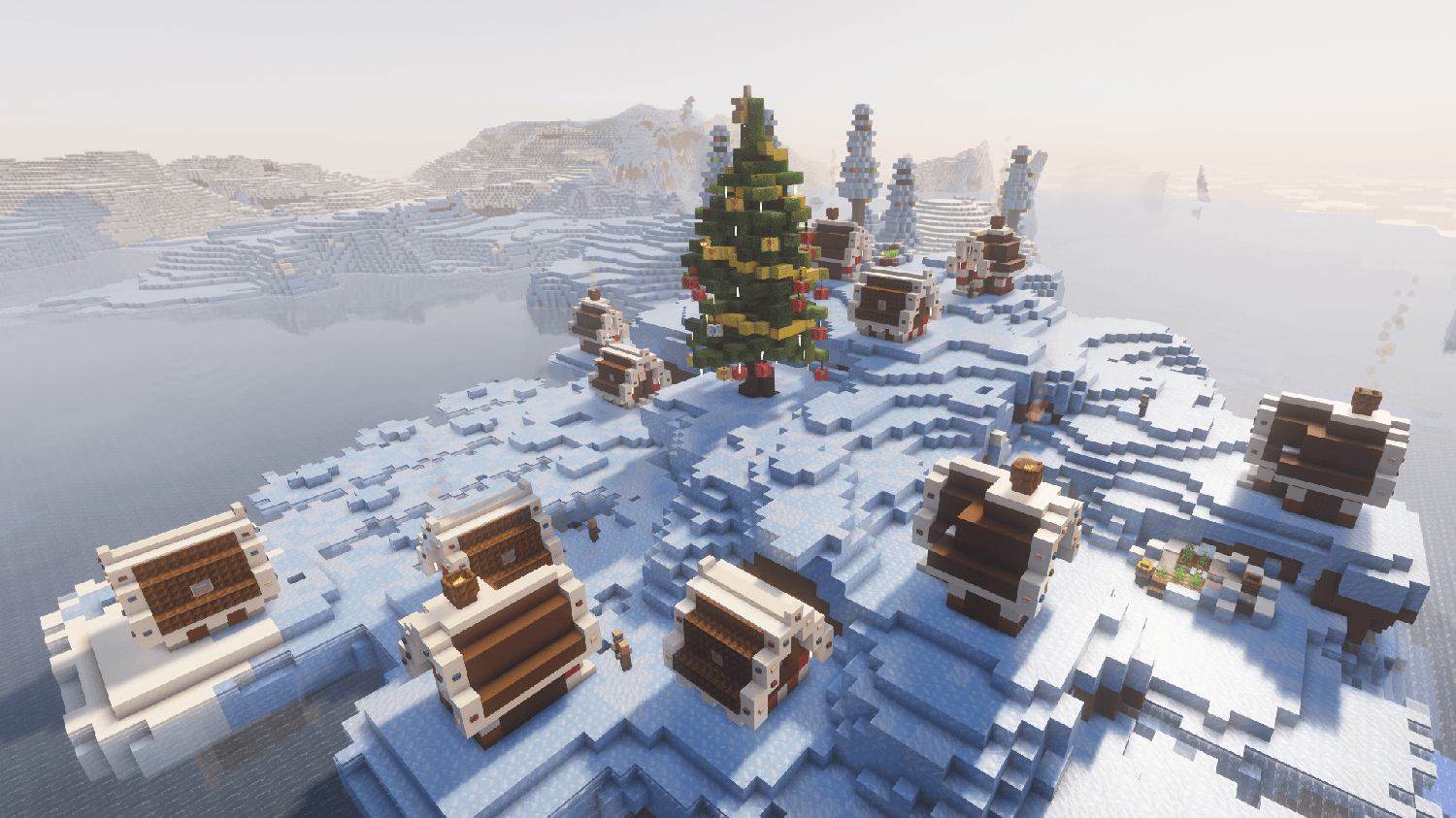
- Christmas Villages: Cozy towns with festive houses, churches, and town centers.
- Gingerbread Men & Snowmen: scattered throughout the terrain.
- Items & Gear:
- Candy Cane Sword: A sweet weapon to defend against the cold.
- Gumdrops: Collectible treats in Red, Lime, and White.
- Gingerbread Man: A delicious snack.
- Advancements: Unlock custom advancements like "Winter is Coming" and "Sweet Tooth".
🎮 Getting Started
Building the Portal
To travel to the North Pole, you'll need to build a portal:
- Gather 8 Snow Blocks and 1 Cookie.
- Build a 3x3 flat square of Snow Blocks on the ground, leaving the center empty.
- Throw the Cookie into the center hole.
- The center will freeze into ice. Stand on it to be teleported!
📥 Installation
- Download the
Christmas_Dimension_X.X.zip.
- Place the file into your Minecraft world's
datapacks folder.
- (Optional) Download and install the companion Resource Pack.
- Reload your world (
/reload) or restart the server.