# ⚔ BossRush Survival
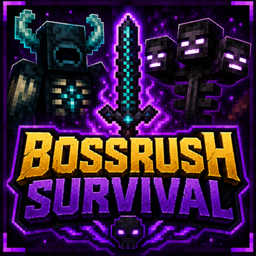
BossRush Survival is a Minecraft Java datapack where you face **14 unique custom bosses** in an epic survival challenge.
Every 60 seconds, a new boss appears.
Defeat all bosses to unlock the final battle against the **Wither Boss**.
---
# ✨ Features
- 👑 14 Unique Custom Bosses
- ⚔ Custom Weapons
- 🔥 Unique Boss Abilities
- 🎁 Exclusive Boss Rewards
- 📊 Custom Bossbars
- ⏱ Boss Rush Mode
- 💀 Final Wither Boss
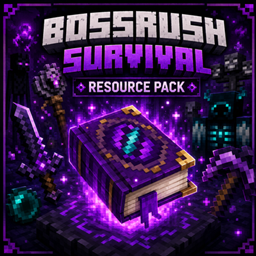
- 🎨 Included Resource Pack
---
# 📥 Installation
BossRush Survival requires **both** the Datapack and the Resource Pack.
### 1️⃣ Install the Datapack
Move the datapack into:
`world/datapacks/`
Download the official Resource Pack here (required):
### 2️⃣ Install the Resource Pack
Download it here:
BossRushSurvival - Minecraft Data Packs - CurseForge
Move the Resource Pack into:
`.minecraft/resourcepacks/`
Enable it from:
**Options → Resource Packs**
### 3️⃣ Reload your world
Run:
```mcfunction
/reload
```
Start the Boss Rush:
```mcfunction
/function bossrush:start_rush
```
---
# ⚠️ Important
Without the Resource Pack:
- ❌ Custom weapons will not display correctly.
- ❌ Custom item textures will be missing.
- ❌ You will not experience BossRush Survival as intended.
---
# 🎮 Supported Version
**Minecraft Java Edition 1.21.11**
---
# ❤️ Created by
**Quell0simpatic0**
Thank you for downloading and playing **BossRush Survival**!
---
# 📺 YouTube