Blocked in adds a layer of complexity to your vannila minecraft world.
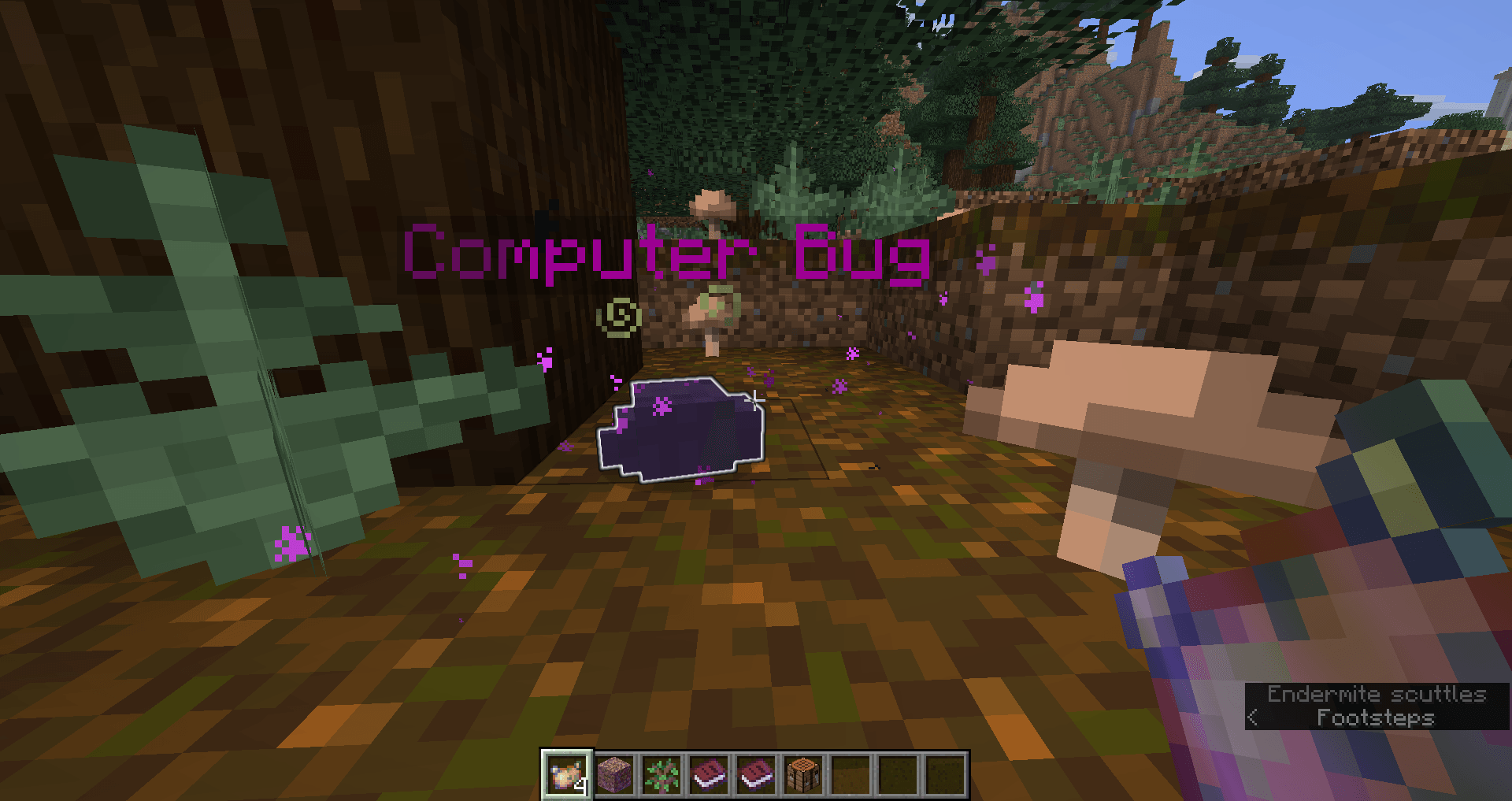
Start your new world with this pack and you will be greeted by an AI datapack who has trapped you in a 5x5 box.
Using the hints left by the Datapack creator you can expand the area in which you are trapped.
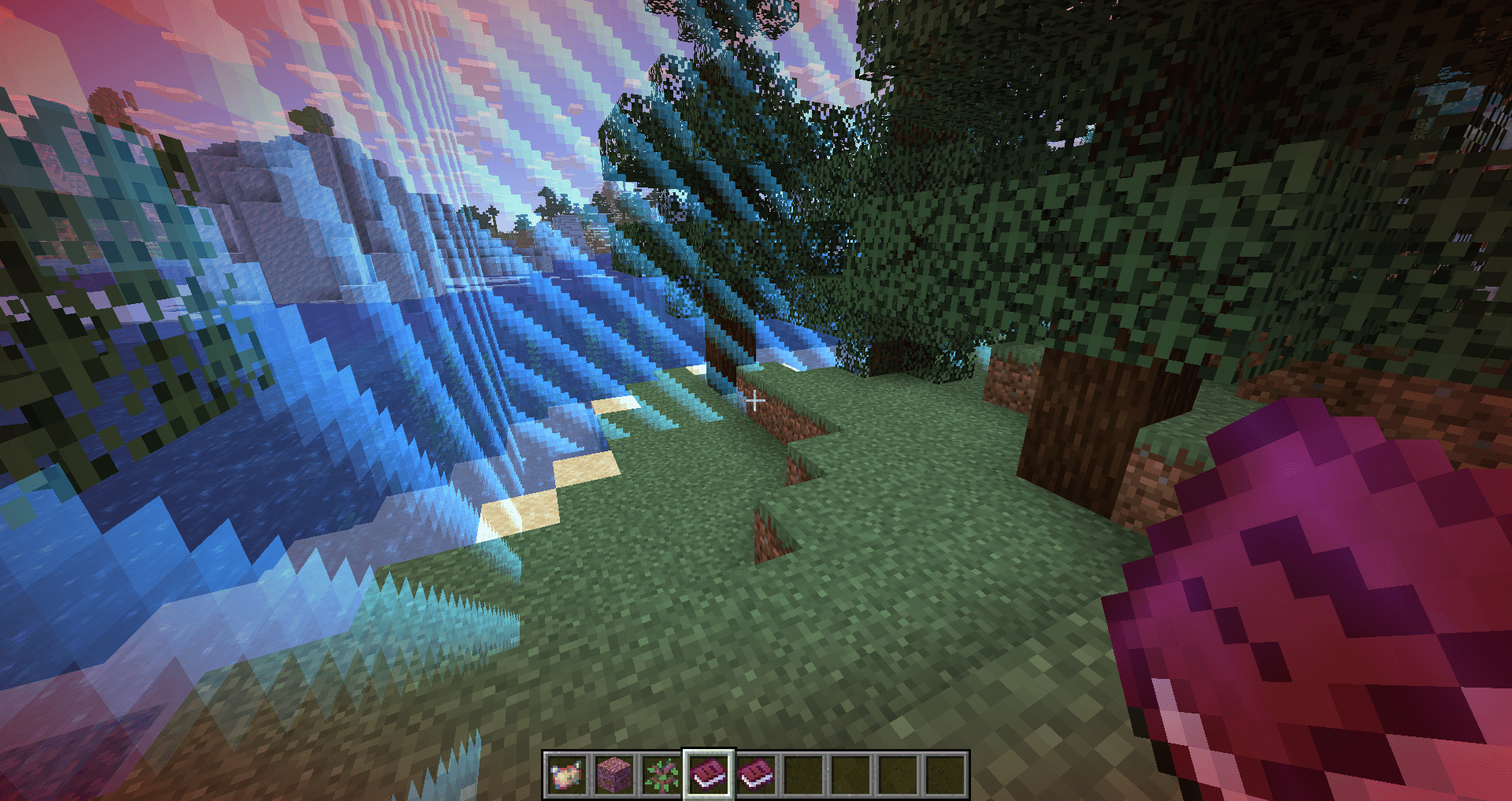
Glitch storms will happen naturaly or have a chance of happening after you sleep. These will temporaraly shut down the AI allowing you to explore the world freely and gather loot. Just dont stay out too long!
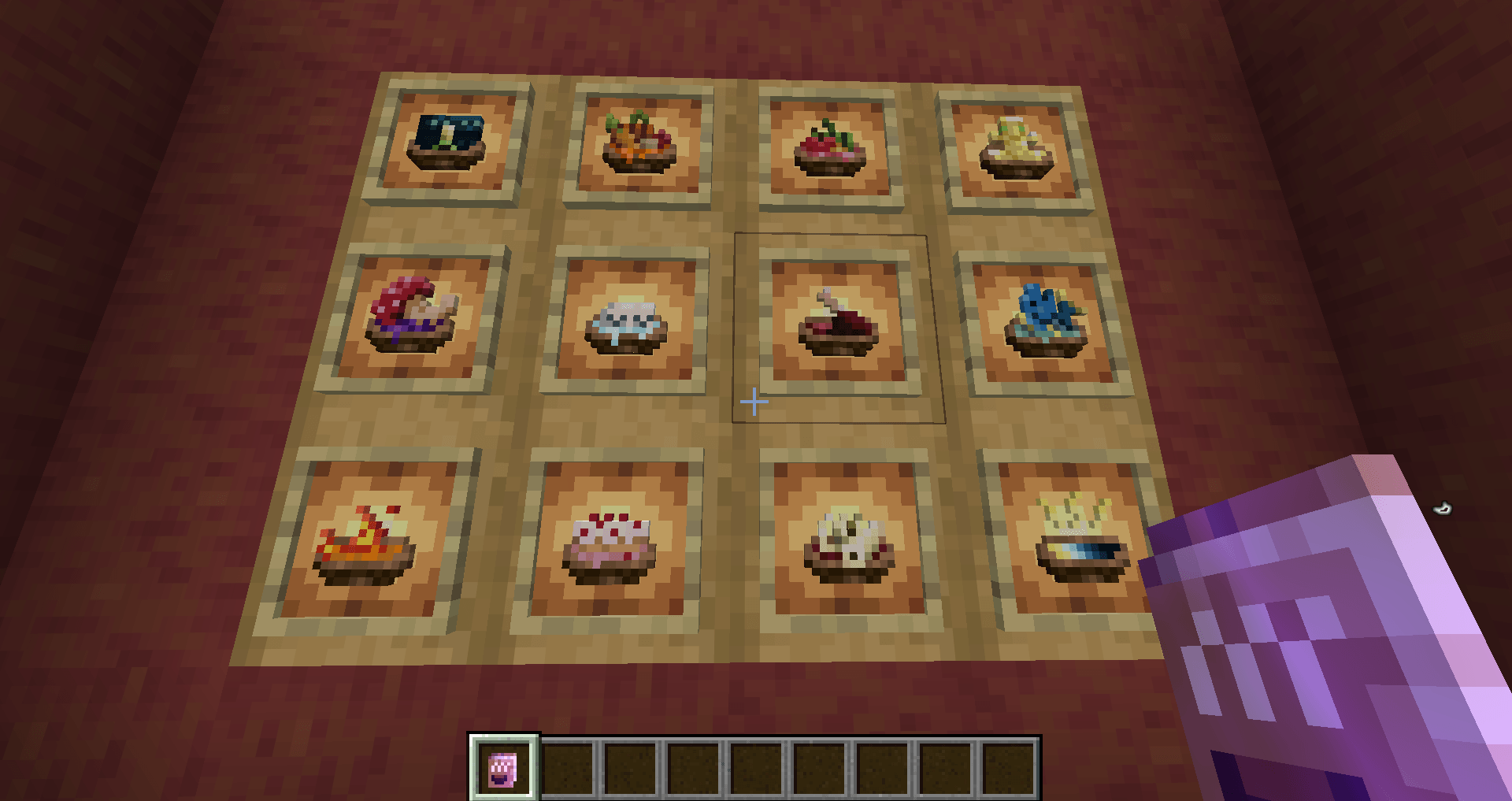
There are 15 new recipies added to the game with powerful effects.
The world generation has been altered for smaller biomes making it easier to explore.
This Pack can be added to other packs for even more challenges!
High performance!
Notes: please ingnore the outdated datapack warning it will work.
If you start in an ocean or inside a mountain...just start a new world! Or don't...I'm not your mum.
If running on a server: be aware that the world boarder shrinks to 5x5 area when no players are connected. So maybe do a /worldboarder set (number) in server commands before joining after a server restart.
I hope you enjoy this chalenge! If its not hard enough for you try Blocked In Hardcore, my newest datapack!
That is all :) have a great day.