Mineuniverse
Data Packs
Better Wolf Variants

Better Wolf Variants

DATA PACK
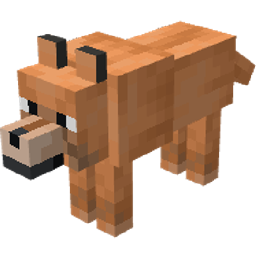
A datapack that improves wolf variants and adds more uses for armadillo scutes.
by SilverfishStone
Download Claim this project
875 downloads
0 likes
Updated Oct 14, 2026
0 hypes
Adventure Miscellaneous Utility
Advertisement Remove ads with Premium →

Features:

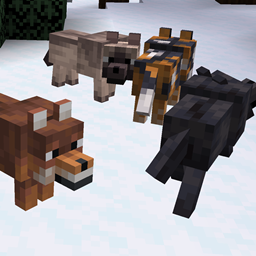
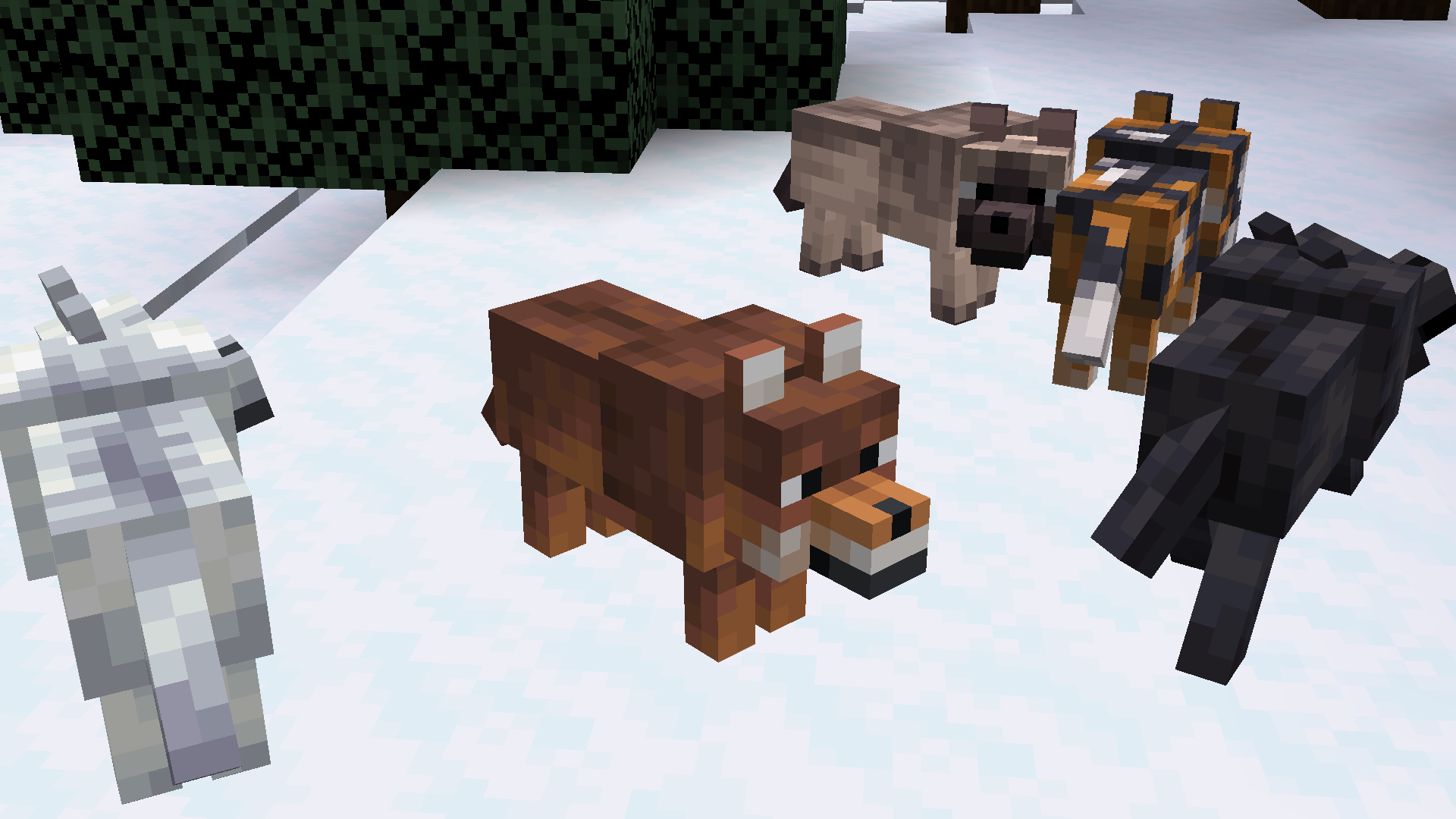
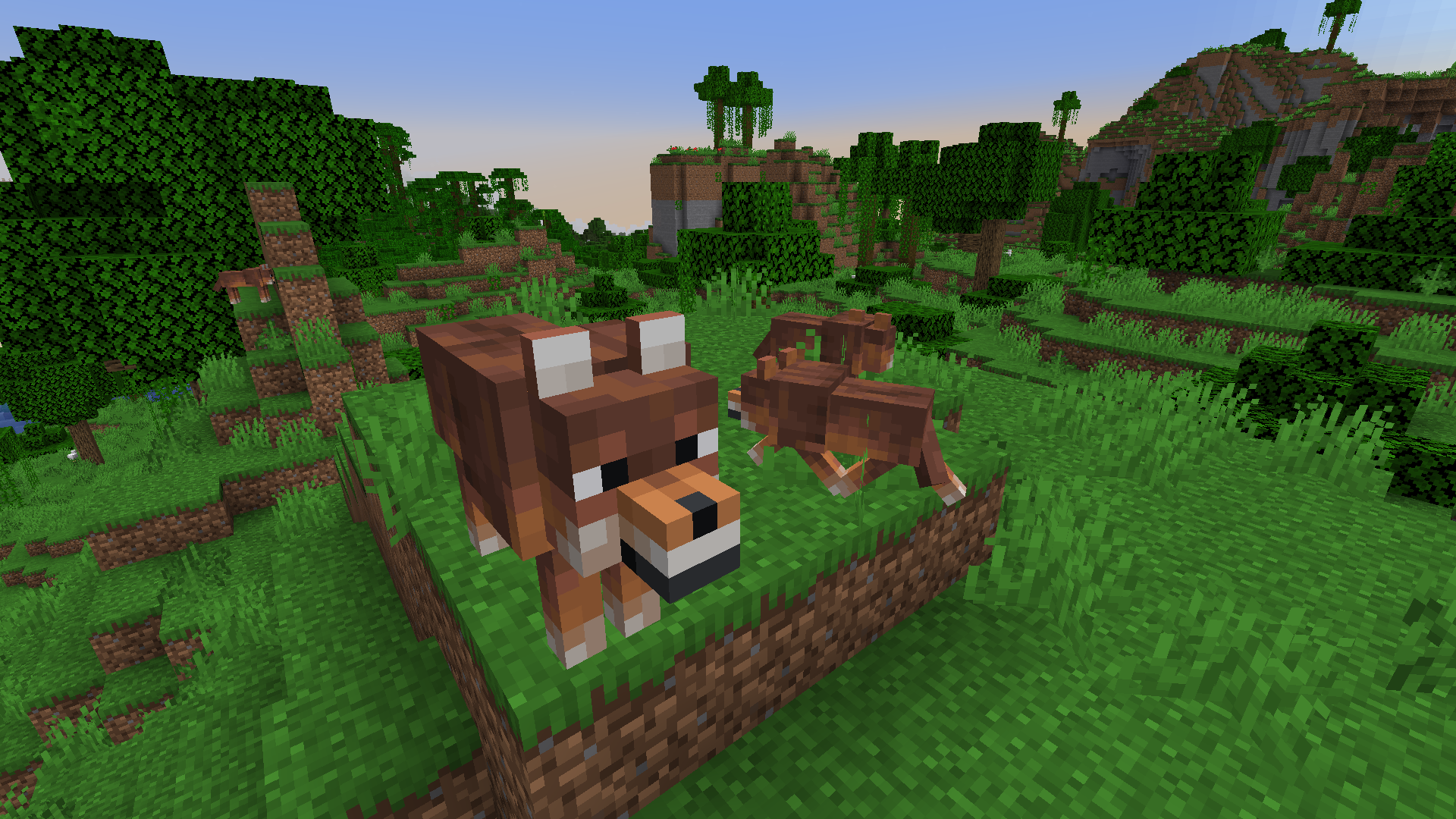
Each wolf variant has its own special perk, giving the player a reason to search for a specific type (other than appearance). The only variant without a perk is the common "woods" variant.
New items are introduced that add more uses for the armadillo scutes.
"Great Wolf" - a special wolf than has a 1% chance of spawning. It can be any variant.


Great Wolf

  • Health: 80
  • Larger than standard wolf
  • Spawns with one of three random abilities

  1. Extra Loot from kills
  2. Greater General Strength
  3. More Damage to Undead


Variant Buffs

Pale Wolf - Extra damage to undead
Ashen Wolf - Extra speed
Black Wolf - Stronger generally
Chestnut Wolf - Greatly reduced fall damage
Rusty Wolf - Immune to poison
Spotted Wolf - Natural looting
Striped Wolf - Immune to fire damage
Snowy Wolf - Immune to powdered snow


Items:

  • Armadillo Helmet - offers little protection
  • Rally Horn - Allows you to locate and heal pets in a 50-block radius around you.
  • Snow Suit - armor that can be crafted with wool - it has no base armor points, but it protects from freezing.
  • "Frost Walker" Wolf Armor can be found in igloo chests.
  • Shields can be crafted with scutes.
  • Wolf Armor can be crafted with turtle scutes.
  • Mending and Unbreaking can be added to wolf armor.
  • Structure Maps can be found in cartographer chests in villages.
  • Bastion Locator Maps are found in fortress chests.
  • Fortress Locator Maps are found in bastion chests.


Experimental Features:
Added new recipe to experimental 1.21 features.

  • Fire Mace - a mace crafted with a blaze rod, instead of breeze rod


NOTE: All features based on Snapshot 24w12a. Features subject to change in the future.

Wolvesplus-1.1.0-1.20.5.zip
MC 1.20.5
Release 2024-04-24 Get
WolvesPlus 1.0.6-1.20.5.zip
MC 1.20.5-Snapshot
Beta 2024-03-27 Get
WolvesPlus 1.0.5-1.20.5.zip
MC 1.20.5-Snapshot
Beta 2024-03-20 Get
WolvesPlus1.0.3-1.20.5.zip
MC 1.20.5-Snapshot
Beta 2024-03-14 Get
Wolves Plus.zip
MC 1.20.5-Snapshot
Beta 2024-03-13 Get
Wolves Plus.zip
MC 1.20.5-Snapshot
Beta 2024-03-10 Get

Requirements & install

How to use this data pack in Minecraft
Mods needed
None, works in vanilla
Minecraft
1.20.5-Snapshot – 1.20.5
Install folder
saves/<world>/datapacks

How to install data packs

  1. Download the data pack .zip file (do not extract it).
  2. New world: click Data Packs on the world creation screen and drop the .zip in. Existing world: open .minecraft/saves/<world>/datapacks.
  3. Put the .zip into the datapacks folder of the world (servers: world/datapacks).
  4. Run /reload in game (or rejoin the world) and check it with /datapack list.
Browse more: Data Packs for 1.20.5 All data packs

More from SilverfishStone

Advertisement Remove ads with Premium →

You Might Also Like