Mineuniverse
Data Packs
Beter Ultra Hardcore

Beter Ultra Hardcore

DATA PACK
Improving hardcore redim for playing both on a server with friends and in the local world in hardcore mode
by Roga1
Download Claim this project
194 downloads
0 likes
Updated Oct 14, 2026
0 hypes
Adventure Utility
Advertisement Remove ads with Premium →

Briefly about the datapack

This datapack is an unusual modification of Hardcore Minecraft, the main differences are that the player(s) initially has not one life but 10 (in proportion to the number of containers of hearts), if containers are lost, they can be replenished with a rather rare item (Enchanted Golden Apple )

Important

It doesn’t matter whether the world is hardcore or not, the datapack will work correctly

More details on what it looks like in the game

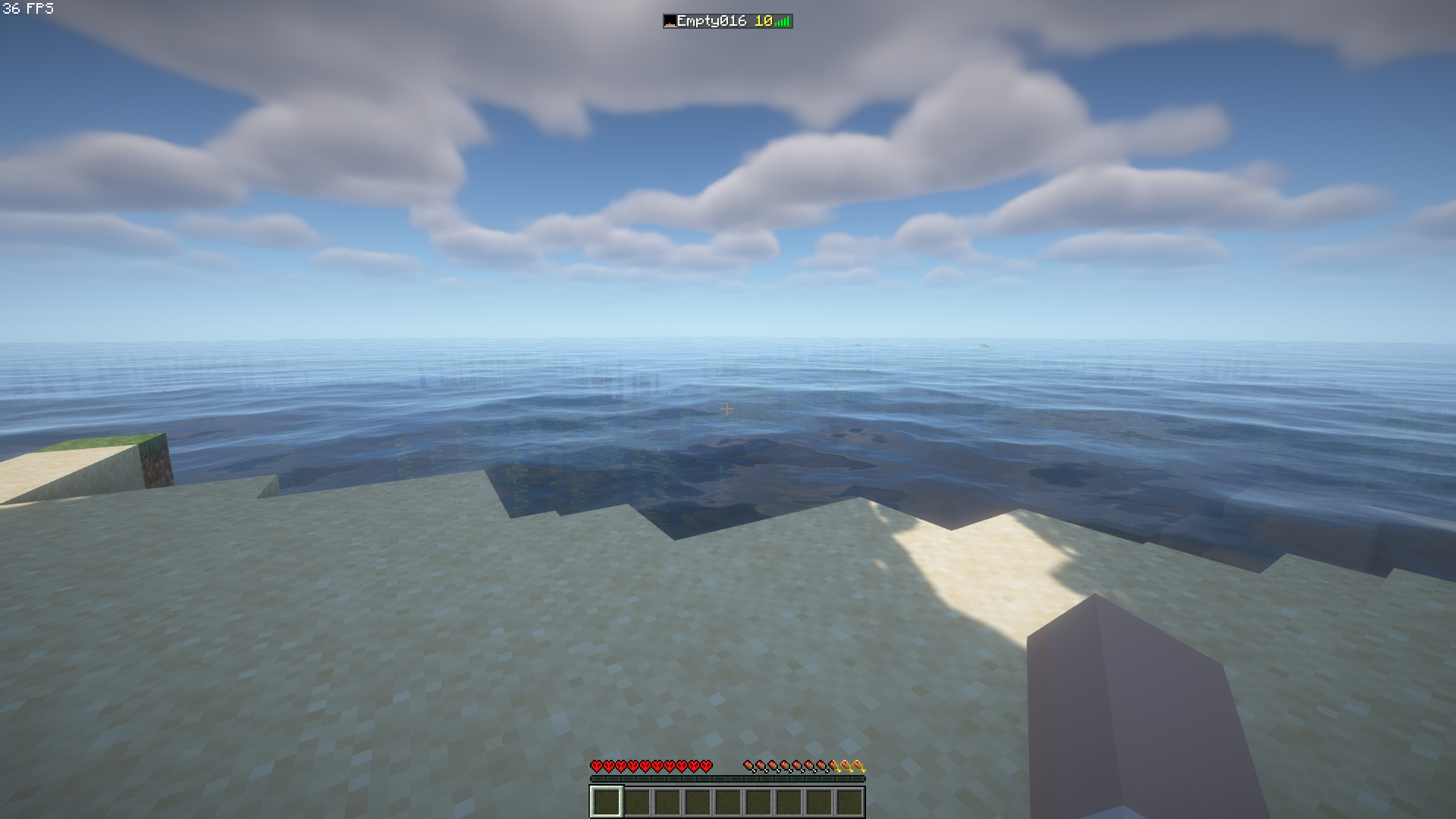
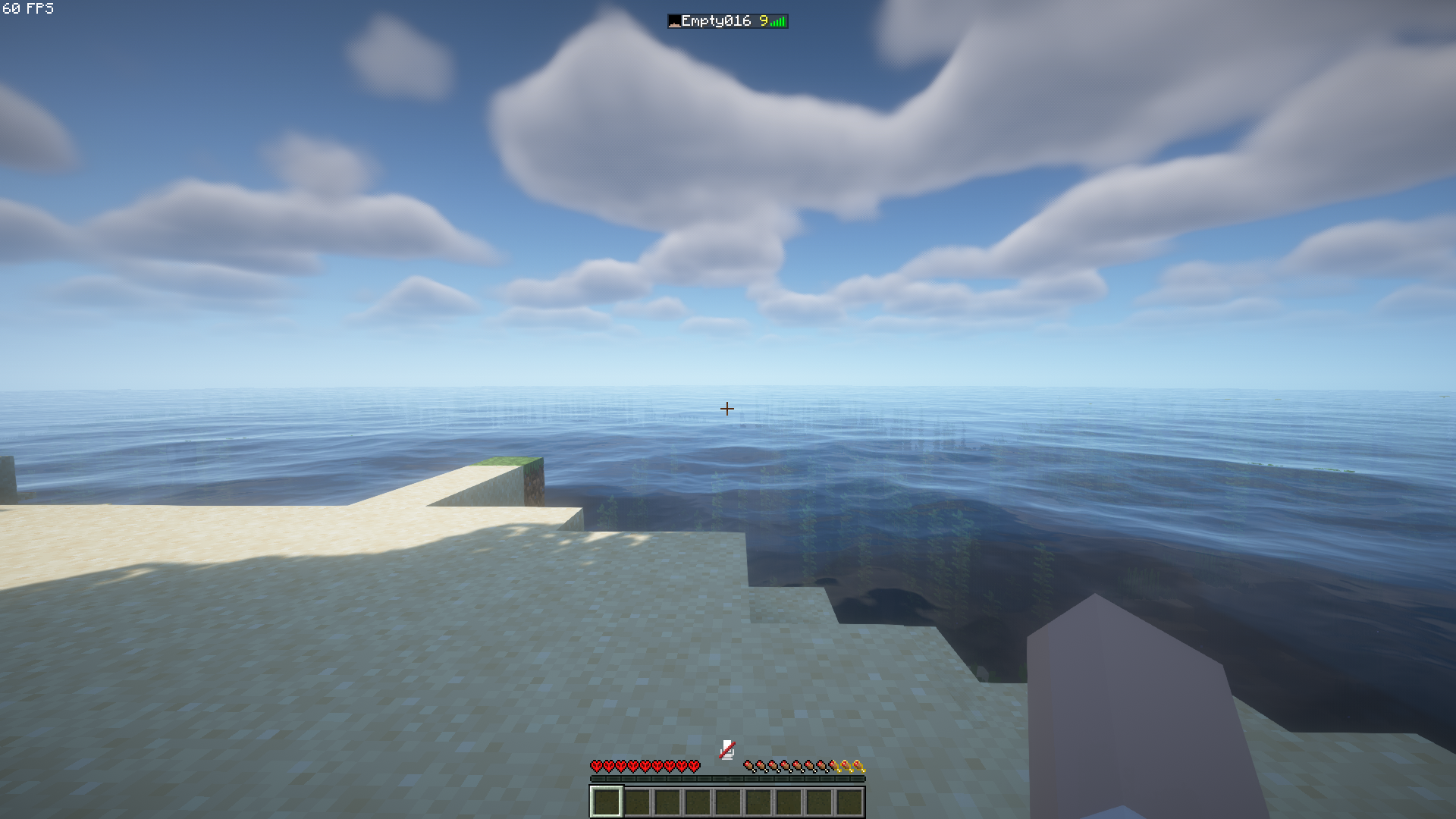
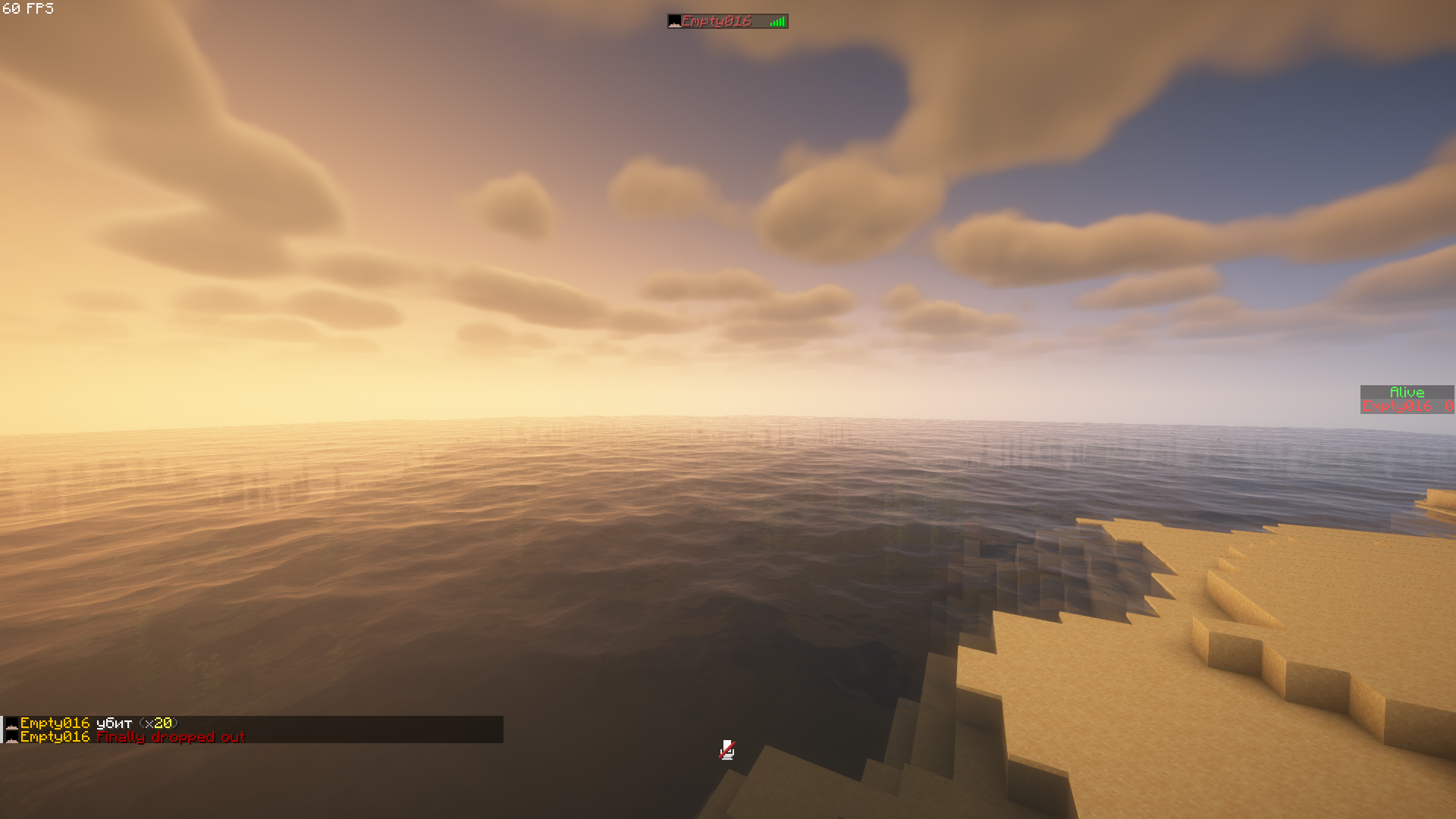
when starting the datapack, all players receive 10 points and 10 lives it looks like this 1 upon death, the player loses 1 point and one health container 2 After losing all lives, the player will not be able to resurrect even with the help of enchanted golden apples and the use of cheats

4

UHK-1.5_MC1.21.2-26.3.zip
MC 26.3
Release 2026-09-18 Get
Beter UHK 1.2 (MC 1.20-1.20.5)
MC 1.20.2, 1.20.5, 1.20.1, 1.20, 1.20.4, 1.20.3
Release 2026-08-19 Get
Beter UHK 1.3 (MC 1.21-1.21.1)
MC 1.21, 1.21.1
Release 2026-08-19 Get
UHK-1.5_MC1.21.2-26.2.zip
MC 1.21.6-snapshot, 1.21.8, 1.21.5, 1.21.4, 1.21.5-Snapshot, 1.21.6, 1.21.3, 1.21.7, 1.21.4-Snapshot, 1.21.2, 1.21.9-snapshot, 1.21.9, 1.21.10, 1.21.11-snapshot, 1.21.11, 26.1, 26.1.1
Release 2026-08-10 Get

Requirements & install

How to use this data pack in Minecraft
Mods needed
None, works in vanilla
Minecraft
1.21.9-snapshot – 26.3
Install folder
saves/<world>/datapacks

How to install data packs

  1. Download the data pack .zip file (do not extract it).
  2. New world: click Data Packs on the world creation screen and drop the .zip in. Existing world: open .minecraft/saves/<world>/datapacks.
  3. Put the .zip into the datapacks folder of the world (servers: world/datapacks).
  4. Run /reload in game (or rejoin the world) and check it with /datapack list.
Browse more: Data Packs for 26.3 All data packs

More from Roga1

Advertisement Remove ads with Premium →

You Might Also Like