Mineuniverse
Data Packs
Archives of the Past

Archives of the Past

DATA PACK
Collect relics from Minecraft, modding and real life history !
by DrSallan_
Download Claim this project
Add a badge to your pageLink to Archives of the Past from a README, website or forum post.
Preview: Badge

Badges update automatically and link to the data pack page on MineUniverse.

31 downloads
0 likes
0 followers
Updated Oct 14, 2026
0 hypes
Follow0
Adventure Fantasy
Advertisement Remove ads with Premium →

IMPORTANT !

This datapack requires a resourcepack to properly work. You can find it by going to the link bellow or using the DP + RP version (instructions in the changelog).

Link : Archives of the Past - RP


What it adds !

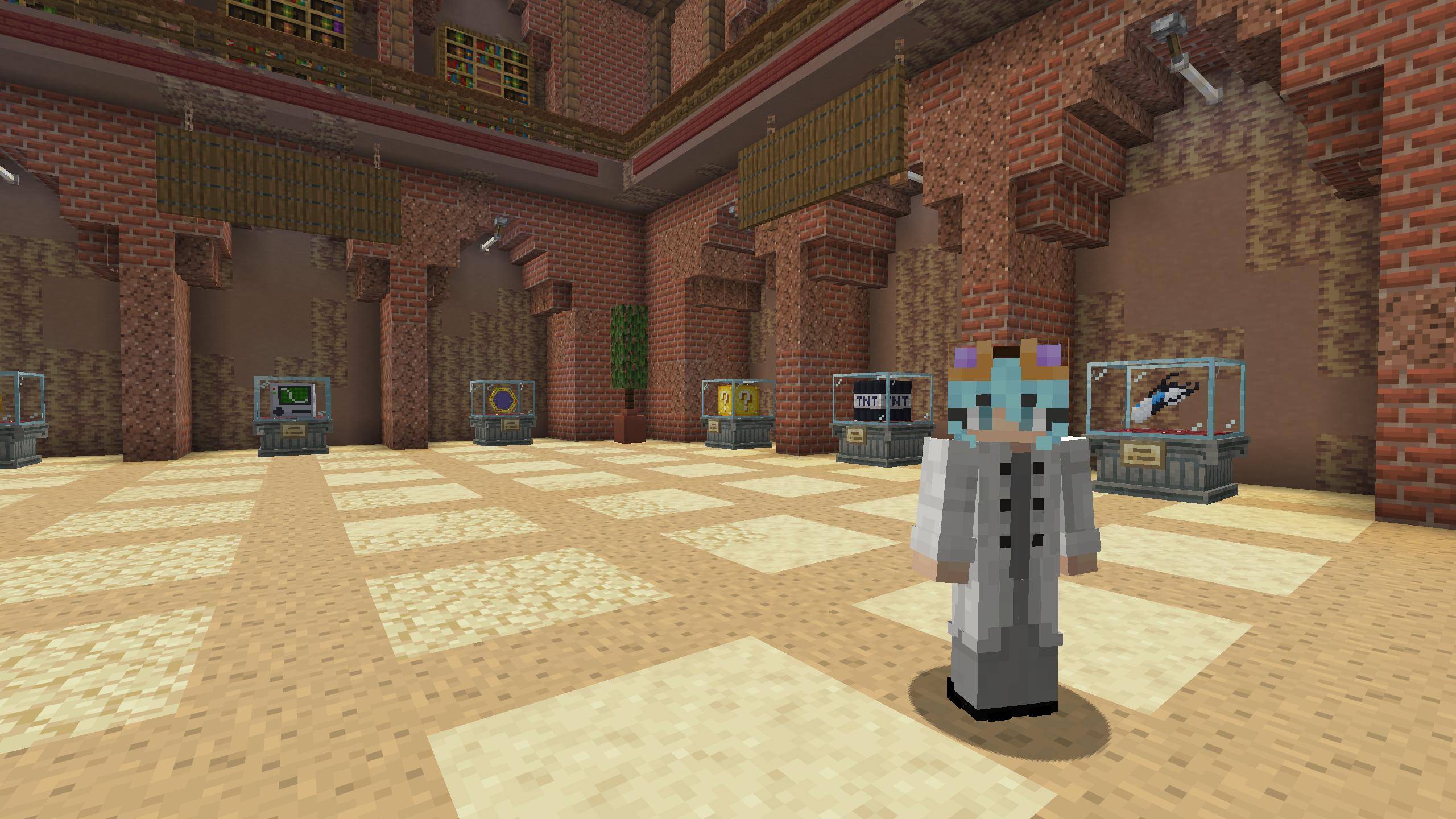
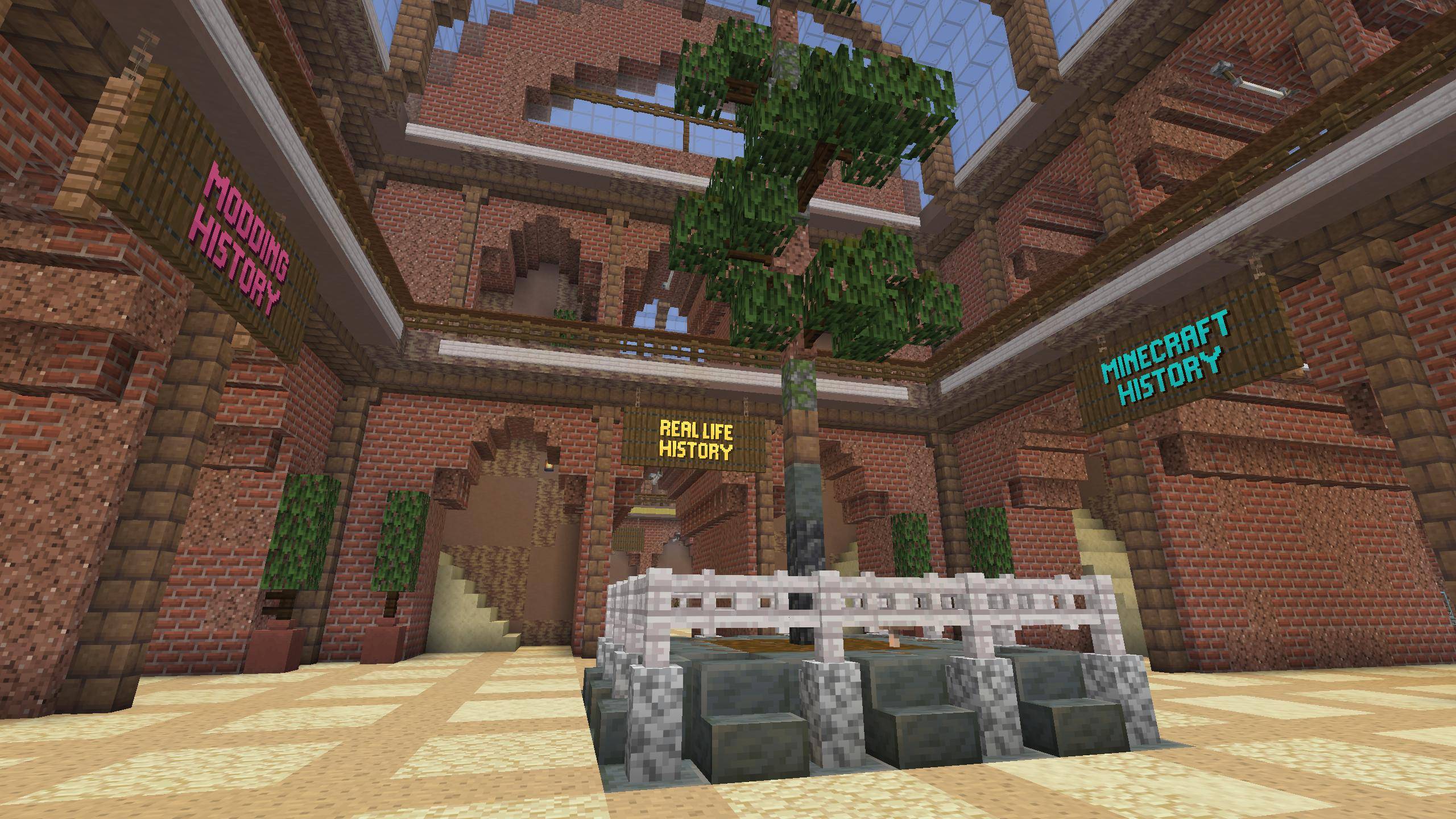
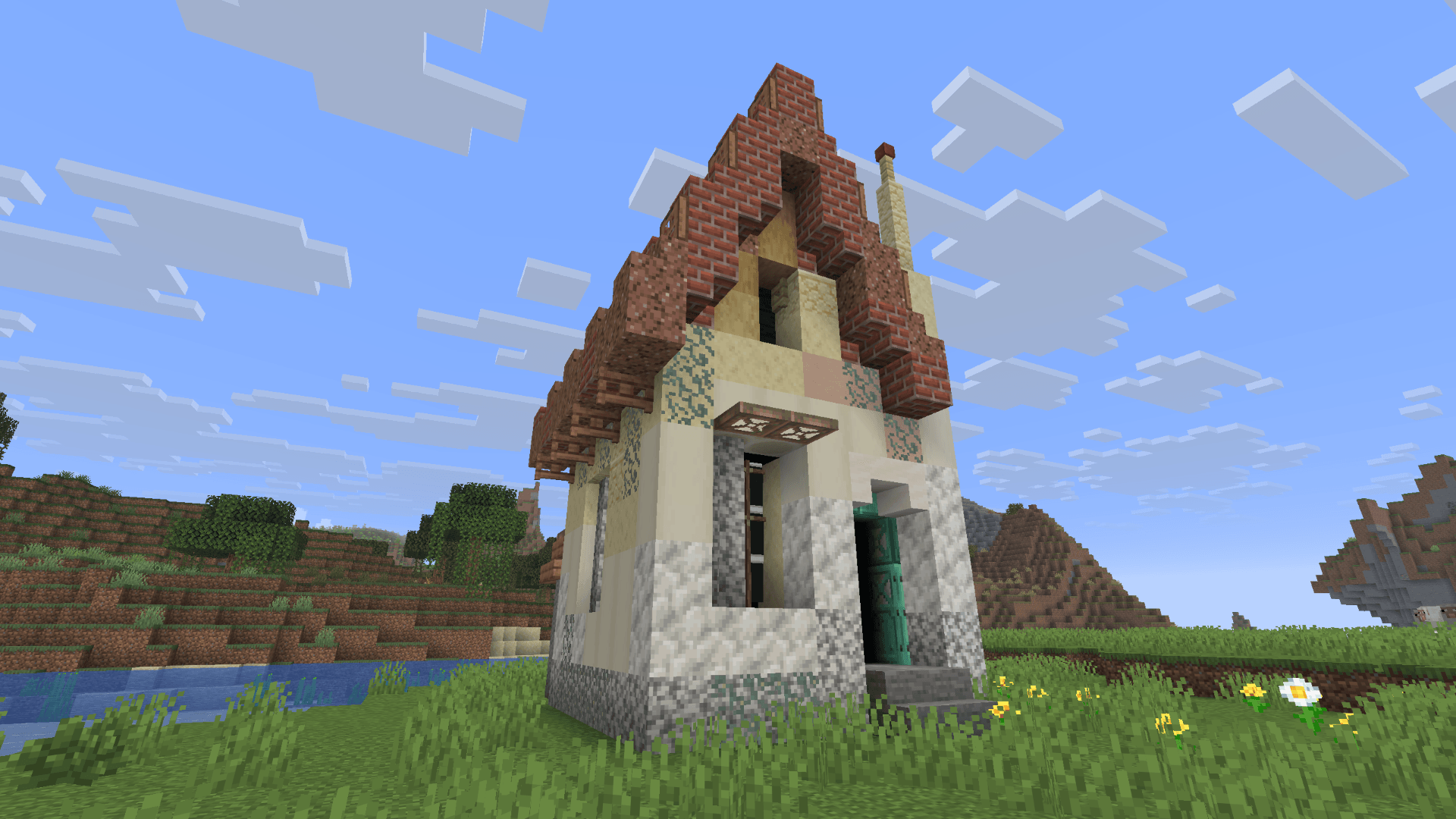
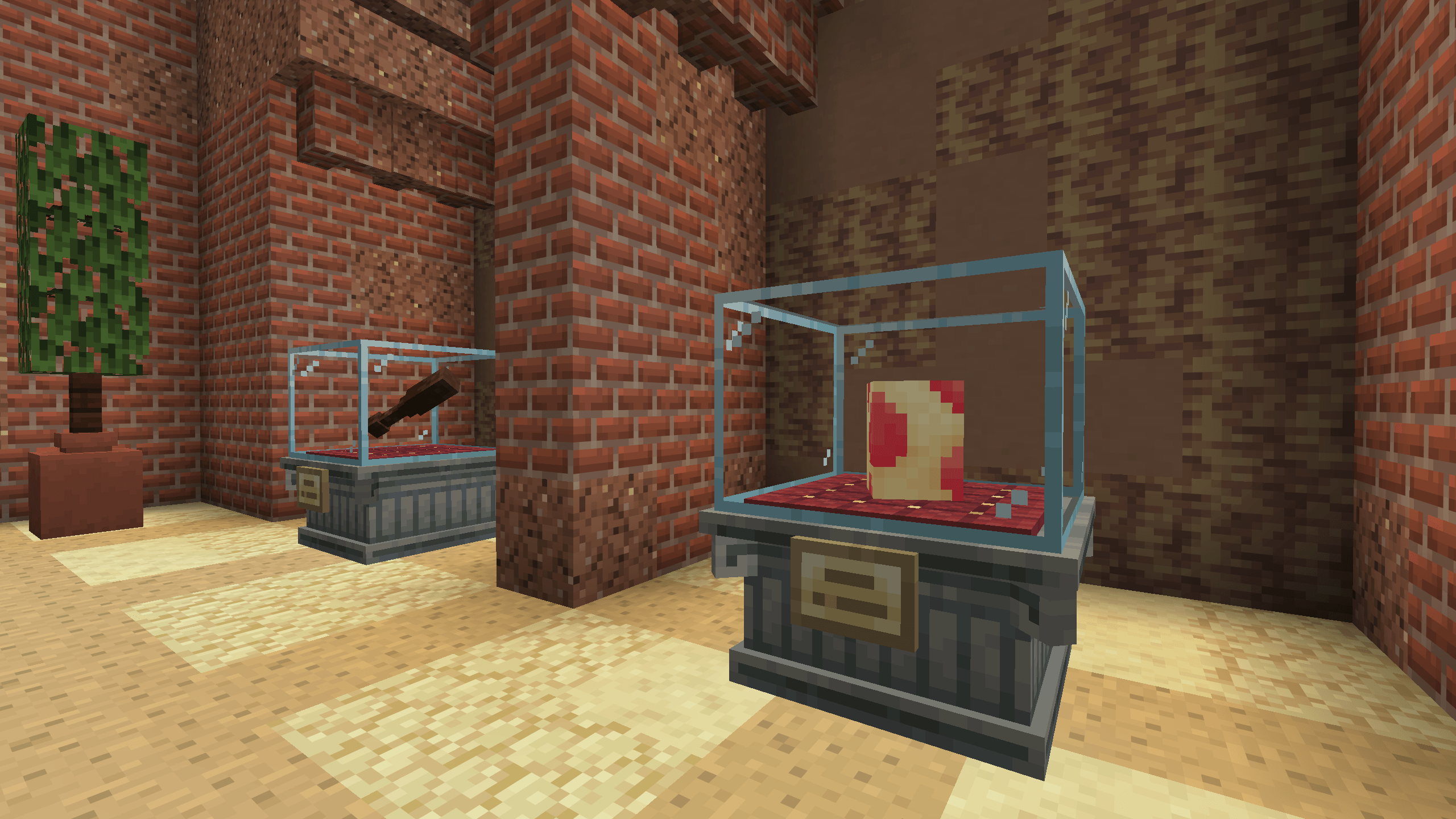
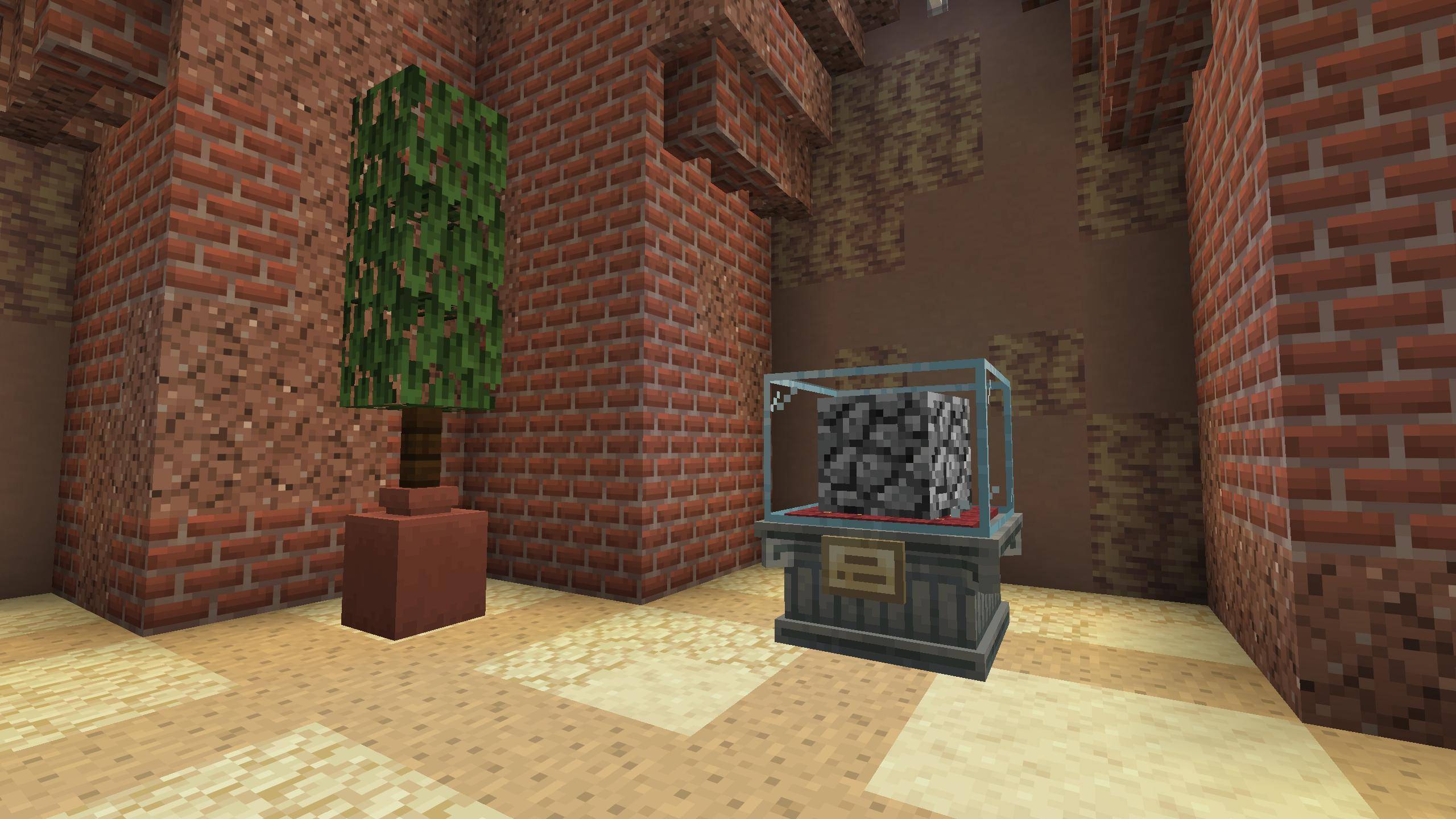
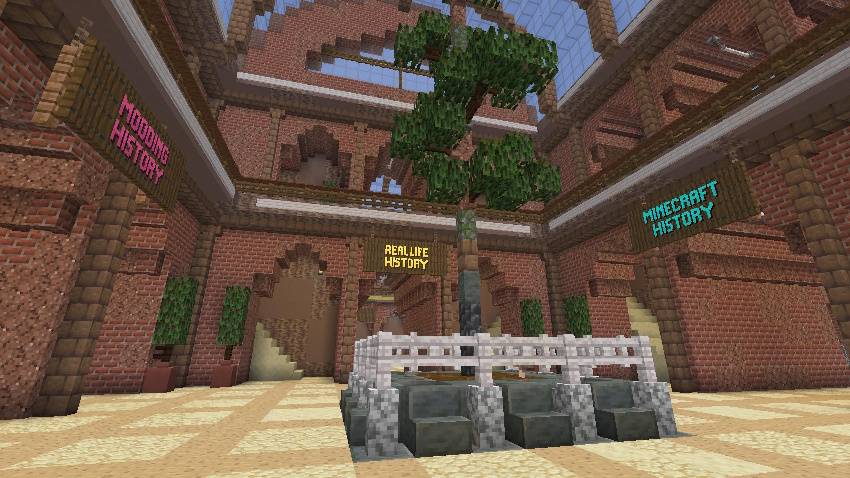
This datapack adds a new placable structure called "The Archives of the Past". Entering it brings you to your own archives where you'll be able to collect 27 new Relics from Minecraft, modding and real life history !

Upon completing a collection you will be granted a trophy to proudly display your feat of tracking down Relics lost to time.


About

This project was made in the span of around a week with all the code and models done by DrSallan and the builds done by a friend : Isumaki.

All textures and models were made from scratch even when referencing or reproducing the look of existing modded or old Minecraft items.

Planned updates/additions

  1. Making the trophy animated is the first update we wanna do !
  2. Allow the players to pickup and move the archives
  3. We'd like every section to reward players with one of the items being functional ontop of a trophy (won't spoil which ones ^^) !
  4. Also updating some of the ways of obtaining the items so they're more accurate, more fun or harder to get.
  5. Making some of the Relics more lively or functional might also be a possible update.


Archives of the Past DP + RP 0.3.zip
MC 26.2
Release 2026-08-31 Get
Archives of the Past 0.2.zip
MC 26.2
Release 2026-08-30 Get
Archives of the Past DP + RP 0.2.zip
MC 26.2
Release 2026-08-30 Get
Archives of the Past 0.1.zip
MC 26.2
Release 2026-08-29 Get

Requirements & install

How to use this data pack in Minecraft
Mods needed
None, works in vanilla
Minecraft
26.2
Install folder
saves/<world>/datapacks

How to install data packs

  1. Download the data pack .zip file (do not extract it).
  2. New world: click Data Packs on the world creation screen and drop the .zip in. Existing world: open .minecraft/saves/<world>/datapacks.
  3. Put the .zip into the datapacks folder of the world (servers: world/datapacks).
  4. Run /reload in game (or rejoin the world) and check it with /datapack list.
Browse more: Data Packs for 26.2 All data packs

More from DrSallan_

Advertisement Remove ads with Premium →

You Might Also Like