Mineuniverse
Data Packs
Ambient Fireflies

Ambient Fireflies

DATA PACK
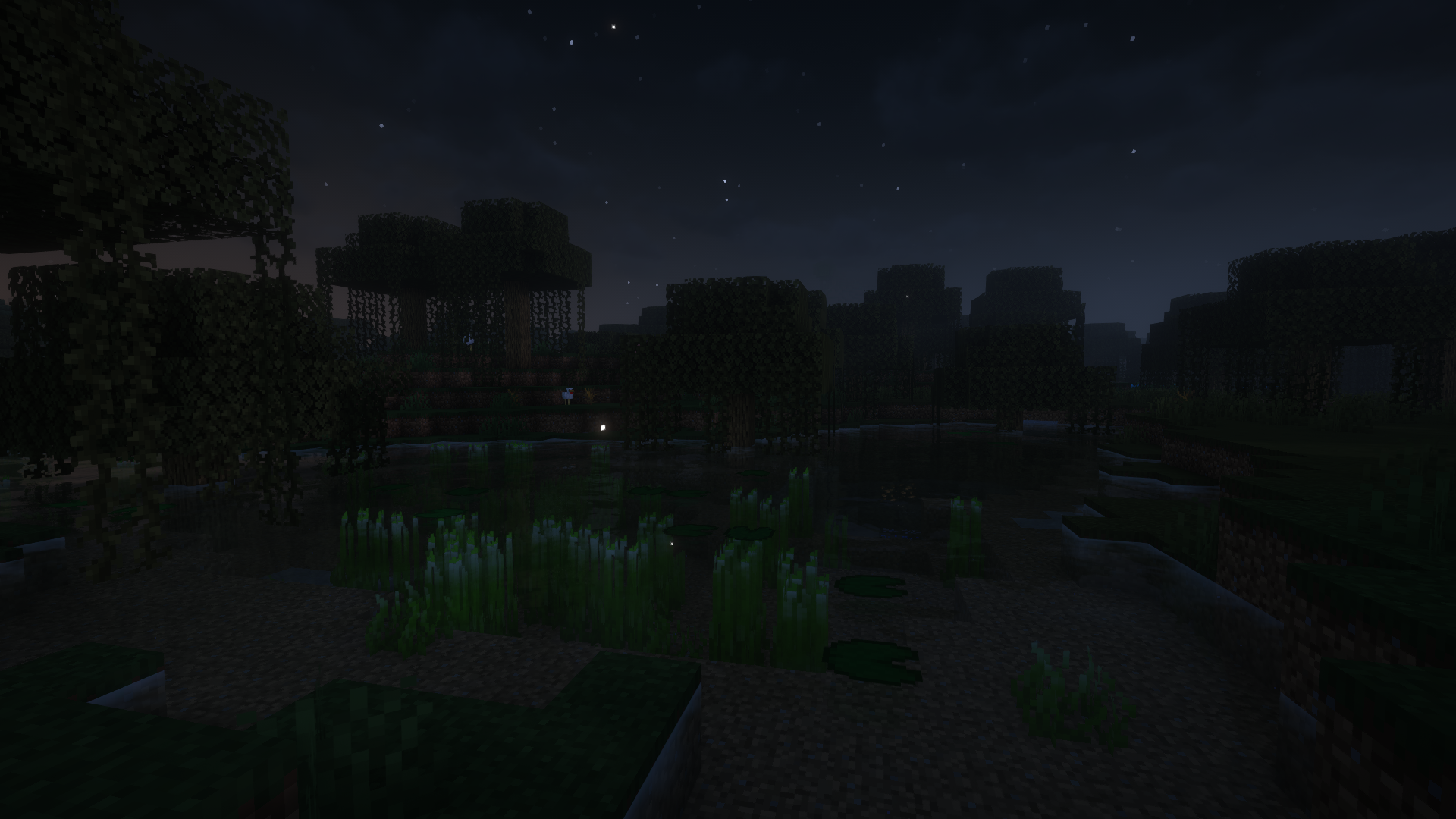
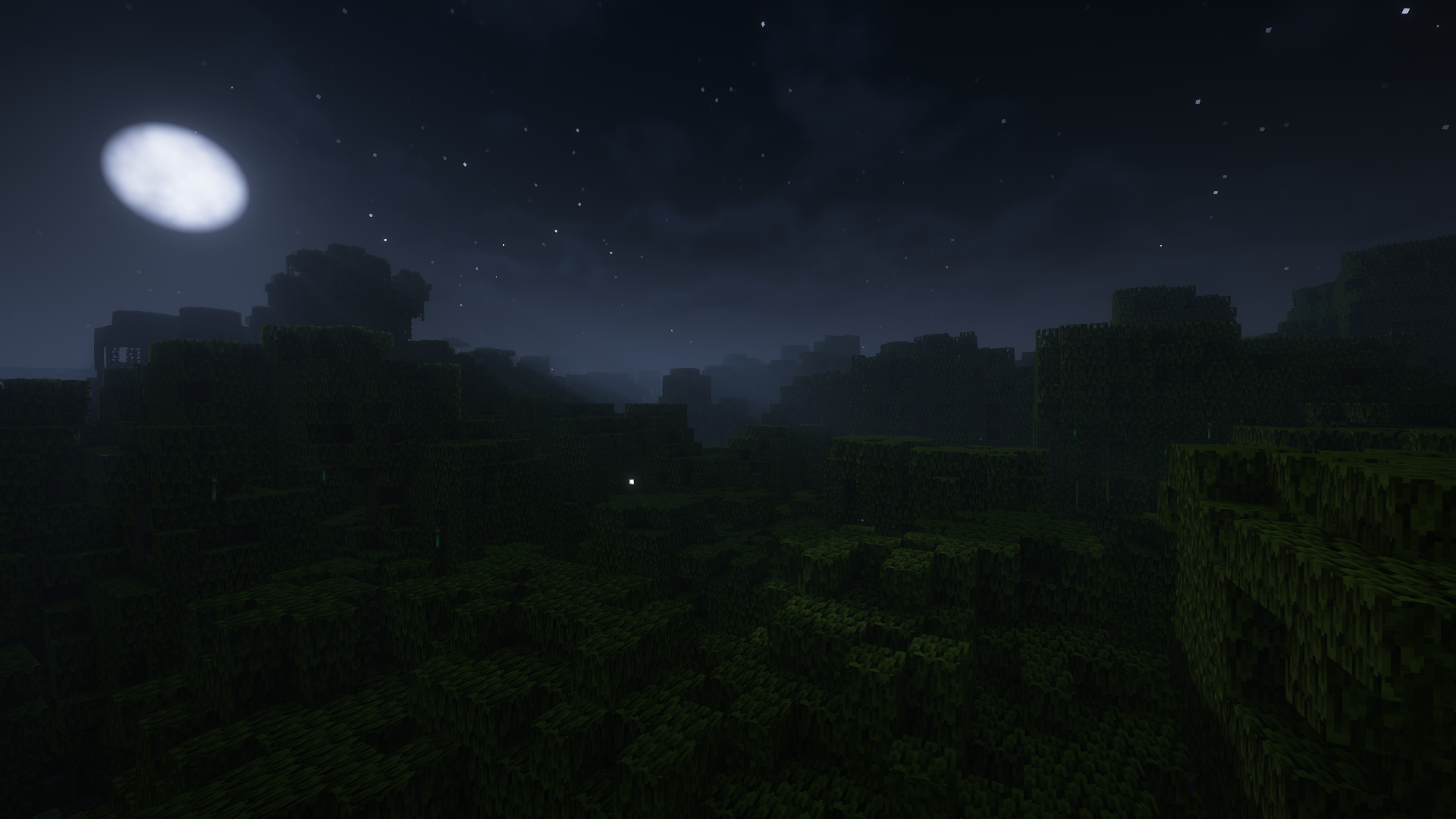
Adds ambient fireflies - now they fly not only near bushes.
by itzskyreed
Download Claim this project
2,791 downloads
0 likes
Updated Oct 14, 2026
0 hypes
Adventure
Advertisement Remove ads with Premium →

Fireflies can be found in the swamp and mangrove swamp biome at night

Works only serverside

🏞️ Supported Custom Biomes (Since 3.1):

  • Terralith
  • Biomes O' Plenty
  • Regions Unexplored
  • Terrestria
  • William Wythers' Expanded Ecosphere
  • Nature's Spirit

📚Fireflies Settings:

  • If you want to use pre-made modes use /function vanilla_fireflies:menu
  • You can also change the amount of fireflies with /function vanilla_fireflies:amount {amount:<an actual integer amount of fireflies particles>}
  • Or you can fine-tune the parameters using /function vanilla_fireflies:configure {amount:<an actual integer amount of fireflies particles>,speed:<an actual float speed of particles>, delta_x:<how far along the X axis from the player can the particles appear>,delta_z:<how far along the Z axis from the player can the particles appear>, delta_y:<how far along the Y axis from the player can the particles appear>}
    • Note: Default values are:
    • amount: 25 after 1.21.5/60 before 1.21.5
    • speed: 0.3
    • delta_x: 40
    • delta_y: 10
    • delta_z: 40

📂Installing as datapack

  • Download and install datapack in the world
    • For a new world: You can click the "Data Packs" option when creating a new world and select this datapack

🔧Installing as mod

  • Download and put mod in your .minecraft/mods folder

If you have any questions, bugs, suggestions you can create an issue on github or join our discord server

Ambient Fireflies 1.0
MC 1.20.6
Release 2025-04-05 Get
Ambient Fireflies 3.1
MC 1.21.2-Snapshot, 1.21, 1.21.1-Snapshot, 1.21.4, 1.21.3, 1.21.1, 1.21.4-Snapshot, 1.21.2
Release 2025-04-05 Get
Ambient Fireflies 4.0
MC 1.21.5, 1.21.5-Snapshot
Release 2025-04-05 Get

Requirements & install

How to use this data pack in Minecraft
Mods needed
None, works in vanilla
Minecraft
1.21.1 – 1.21.5
Install folder
saves/<world>/datapacks

How to install data packs

  1. Download the data pack .zip file (do not extract it).
  2. New world: click Data Packs on the world creation screen and drop the .zip in. Existing world: open .minecraft/saves/<world>/datapacks.
  3. Put the .zip into the datapacks folder of the world (servers: world/datapacks).
  4. Run /reload in game (or rejoin the world) and check it with /datapack list.
Browse more: Data Packs for 1.21.5 All data packs

More from itzskyreed

Advertisement Remove ads with Premium →

You Might Also Like