Mineuniverse
Data Packs
[Alex's Caves + EveryMole] Extra Underzealot Sacrifices

[Alex's Caves + EveryMole] Extra Underzealot Sacrifices

DATA PACK
Adds new sacrifices using Every Mole mod for the Underzealots in Alex's Caves.
by SilentAutopsy
Download Claim this project
Add a badge to your pageLink to [Alex's Caves + EveryMole] Extra Underzealot Sacrifices from a README, website or forum post.
Preview: Badge

Badges update automatically and link to the data pack page on MineUniverse.

248 downloads
0 likes
0 followers
Updated Oct 14, 2026
0 hypes
Follow0
Fantasy Magic Mod Support
Advertisement Remove ads with Premium →

This datapack is avaible as a mod in Modrinth!

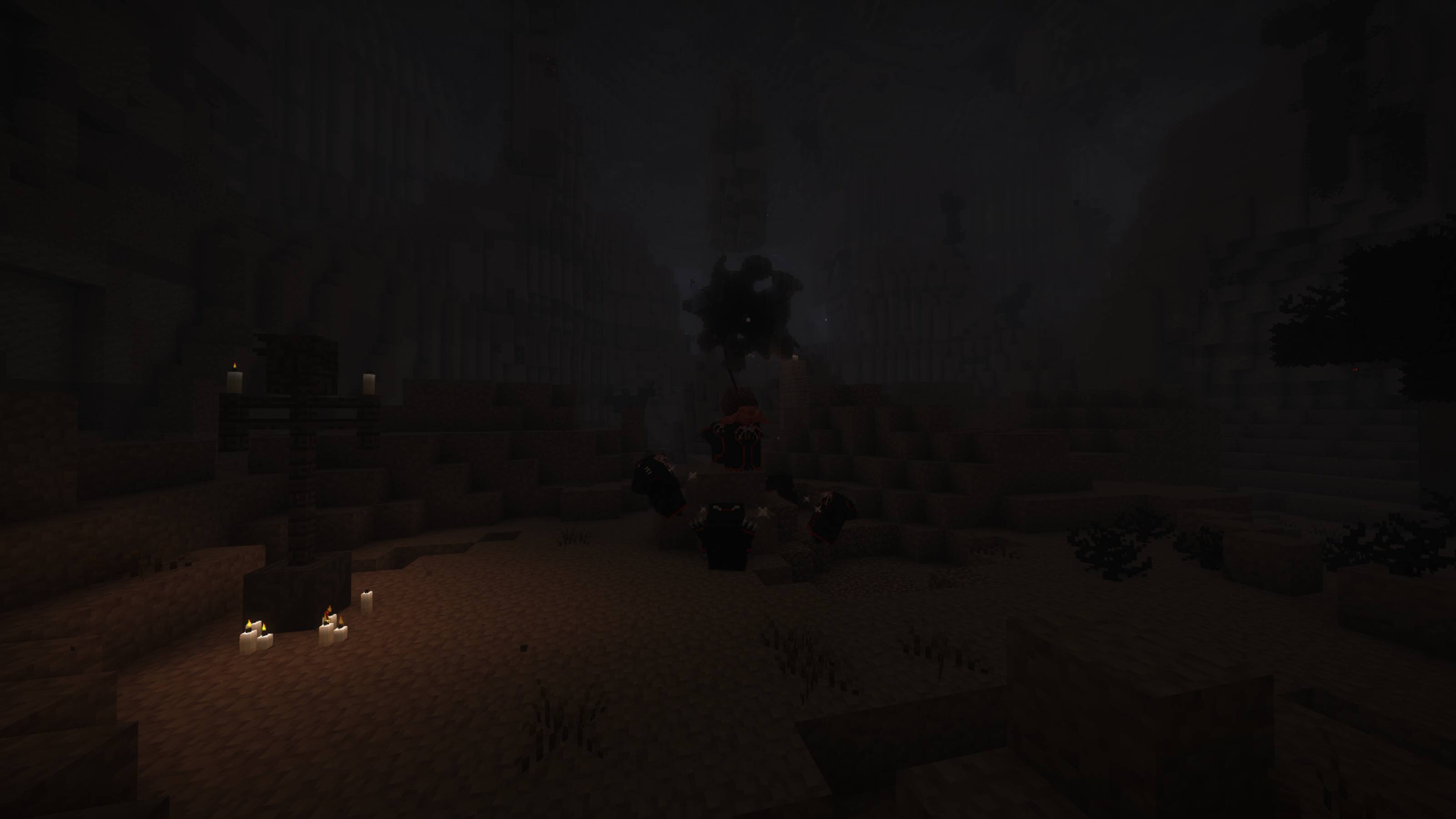
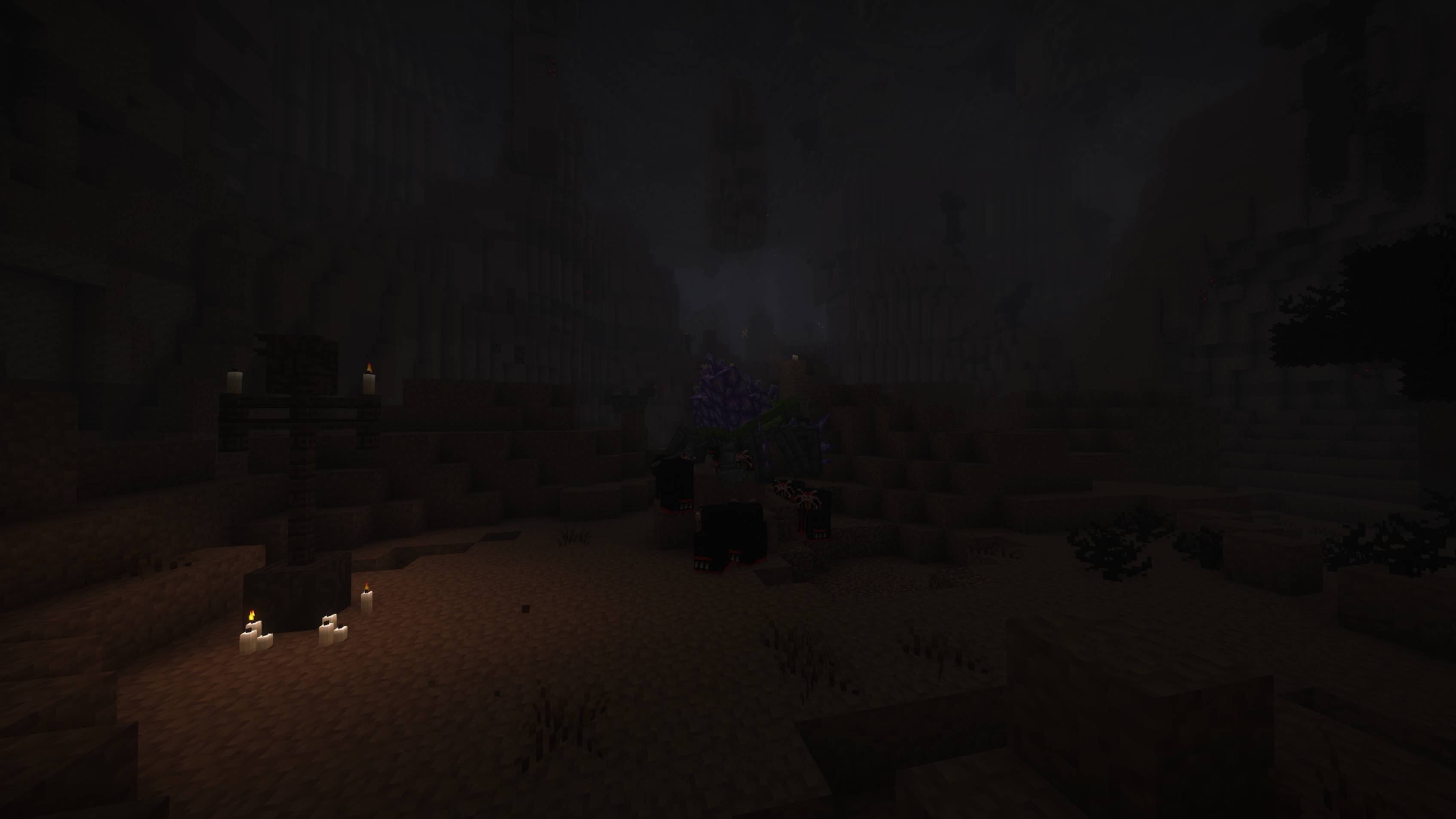
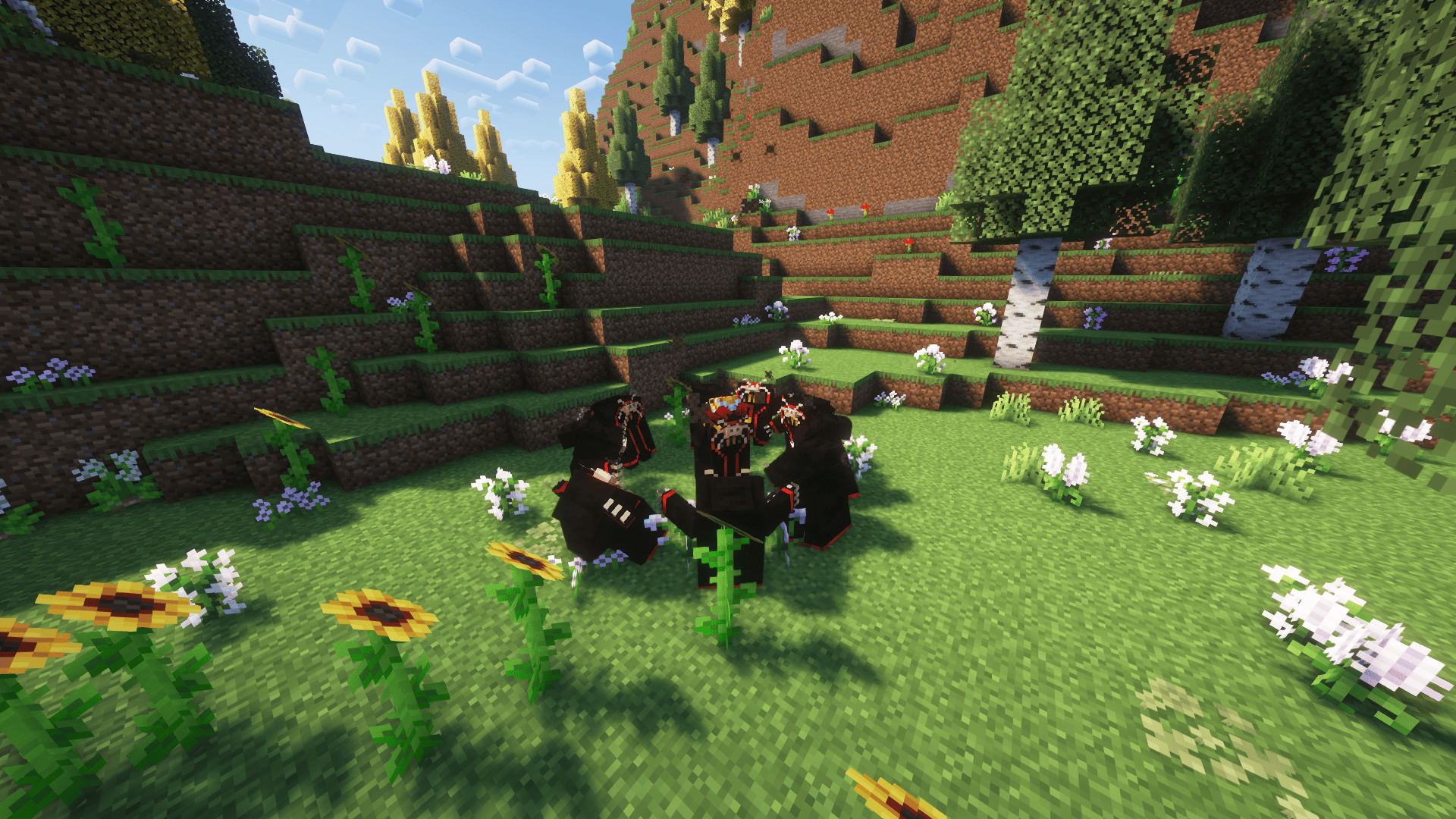
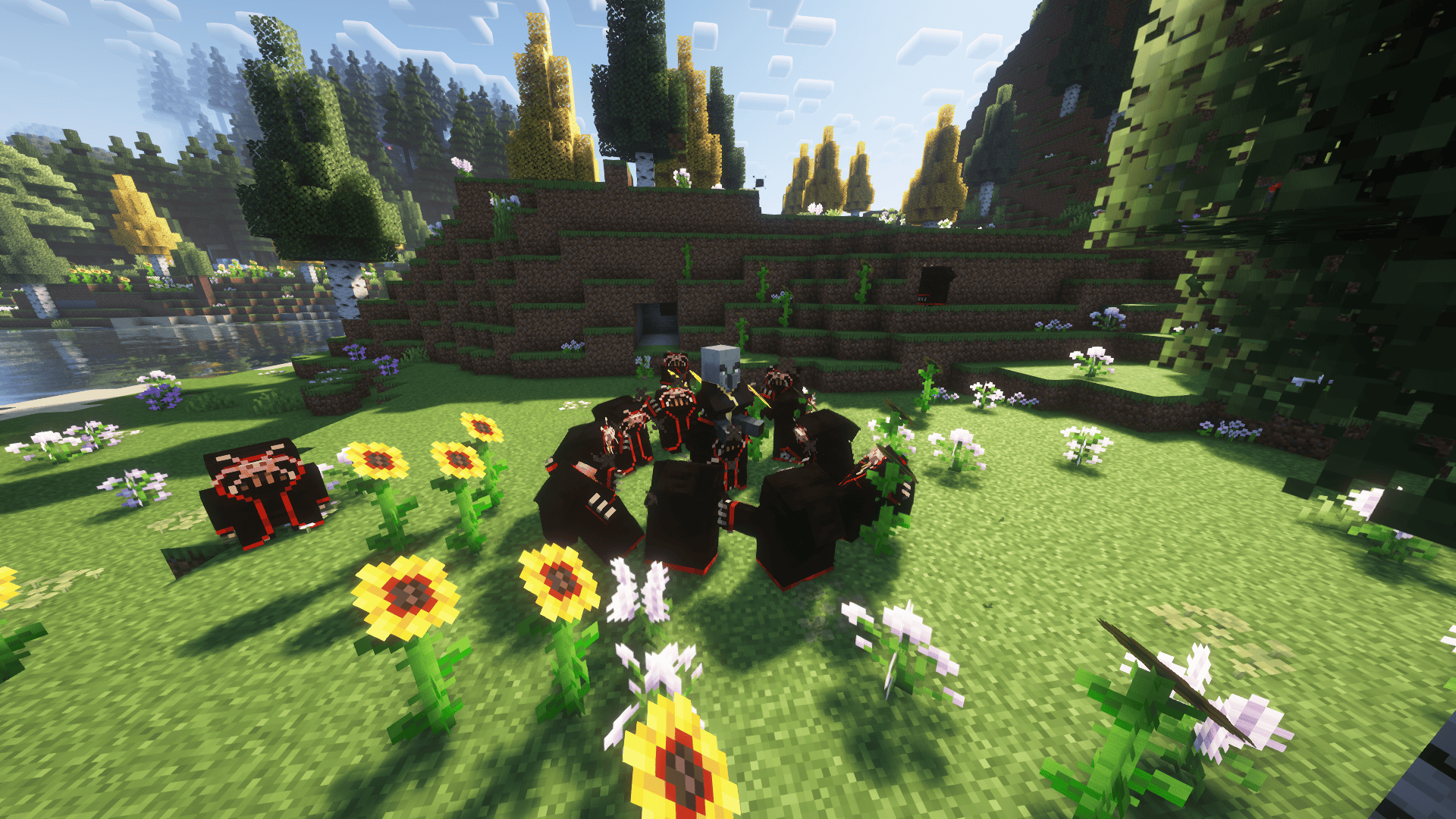
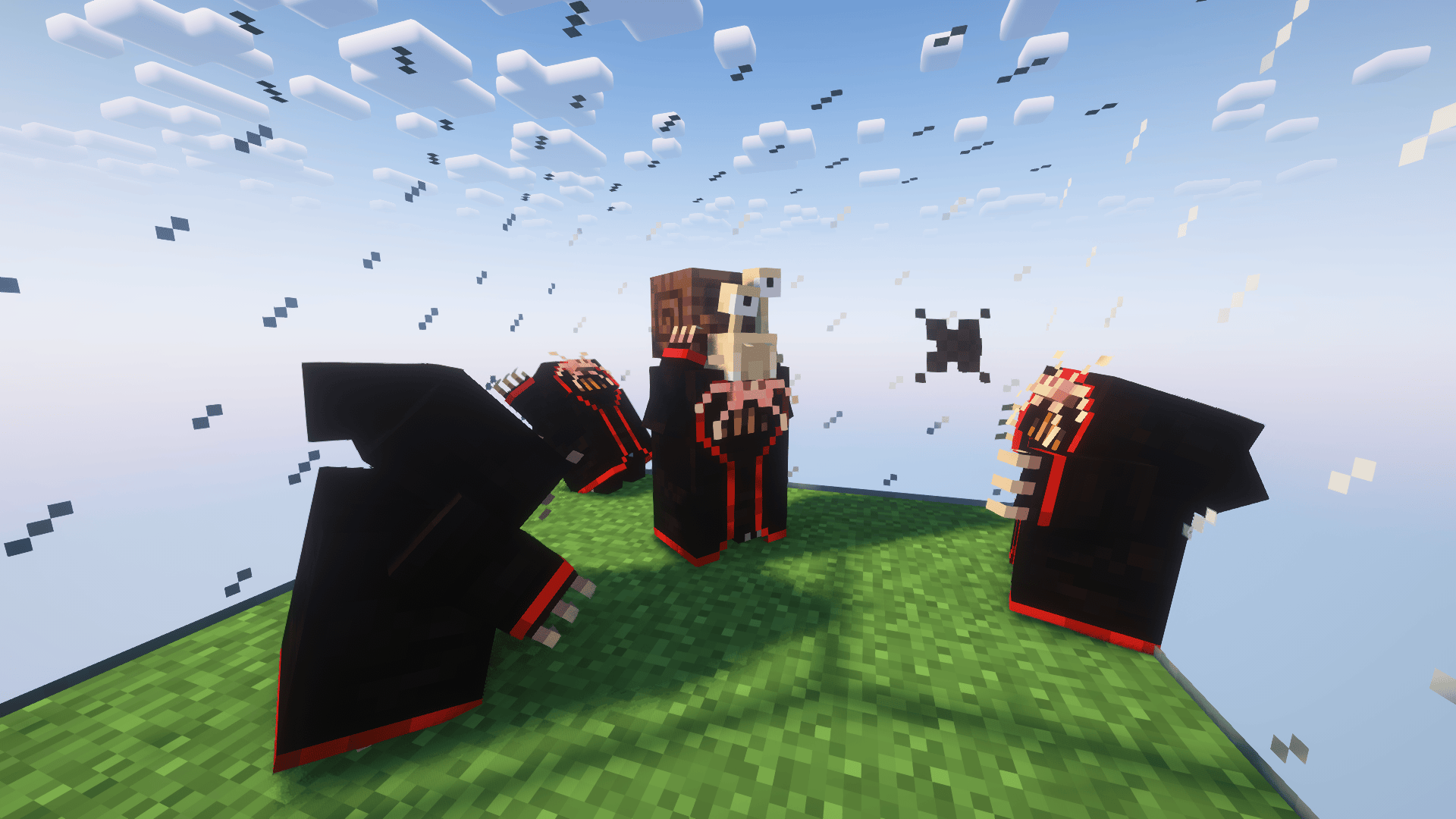
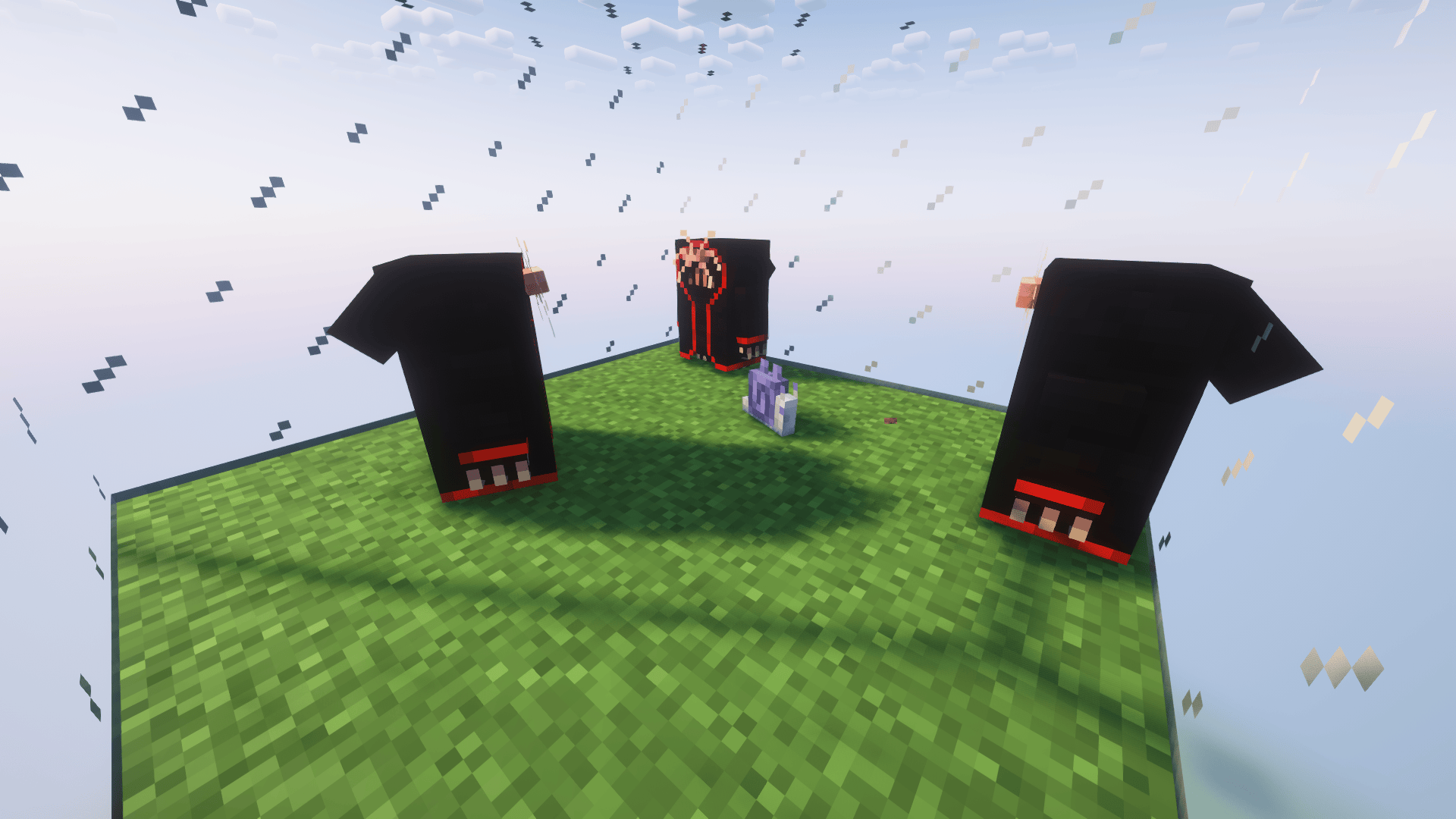
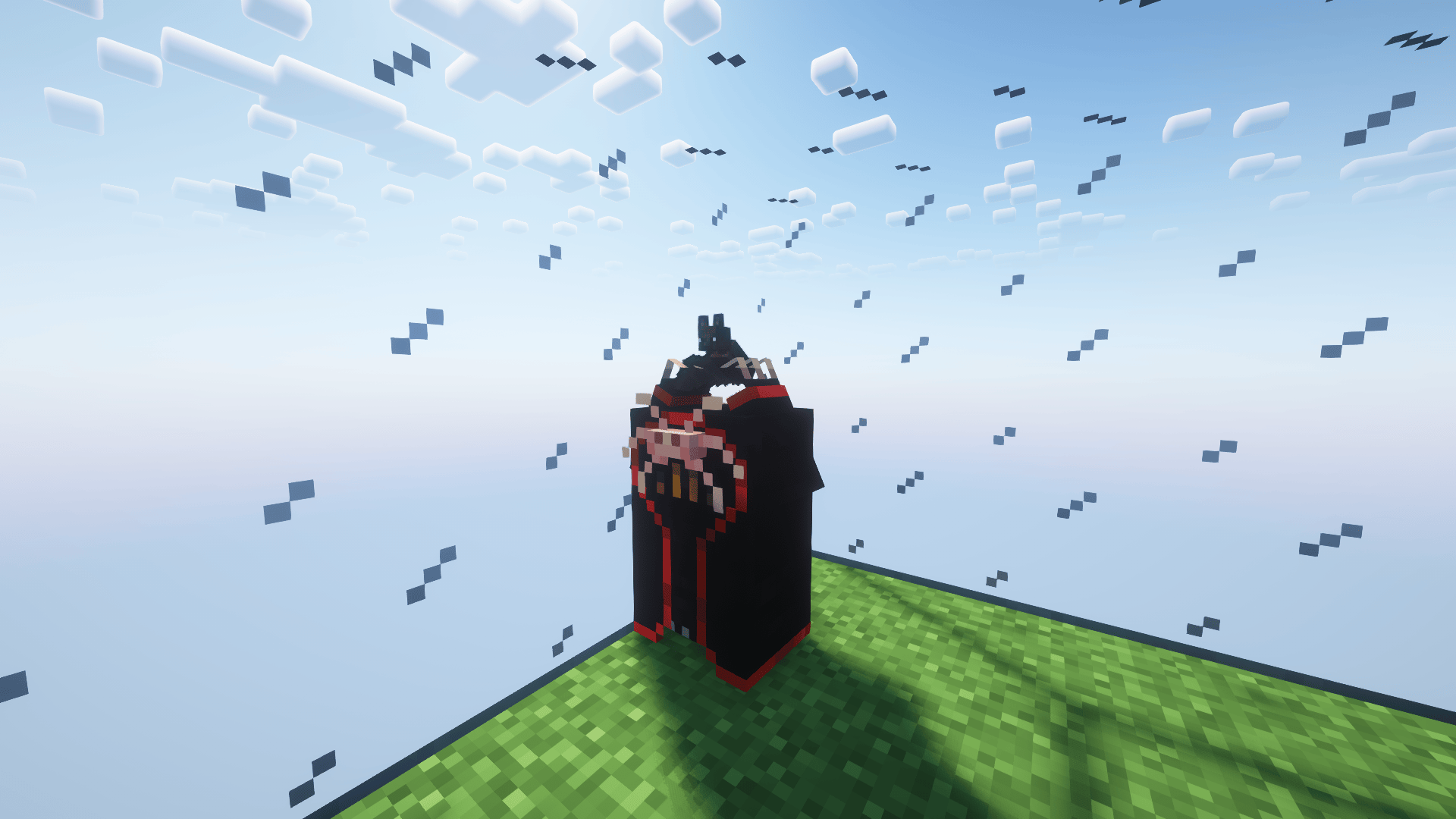
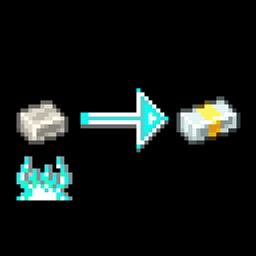
Extra Underzealot Sacrifices is a small datapack made to be used with the mod Every Mole, it includes different rituals that the Underzealots in Alex's Caves will be able to do besides the two classic ones.

Some of the mobs come from other mods different from Alex's Caves, you will have to install them otherwise the result of the sacrifice will be a pig!

If you have Just Enough Breeding installed, you can see all sacrifices in the game.


You can remove any sacrifice by deleting any of the json files from the datapack.

This datapack has been created because there are some mobs from these mods that for some reason never or rarely spawn and I thought of an interesting way to be able to access them at least. (Although there are others that I have added for fun.)


Sacrifices List


Available on Modrinth Buy Me a Coffee


⚠️ Warning: Official Download Sources
Beware! My content is only distributed for download from Modrinth and CurseForge.
Any other site doing so is NOT me!

1.2.0
MC 1.20.1
Release 2026-06-26 Get
1.1.0
MC 1.20.1
Release 2025-12-04 Get

Requirements & install

How to use this data pack in Minecraft
Mods needed
None, works in vanilla
Minecraft
1.20.1
Install folder
saves/<world>/datapacks

How to install data packs

  1. Download the data pack .zip file (do not extract it).
  2. New world: click Data Packs on the world creation screen and drop the .zip in. Existing world: open .minecraft/saves/<world>/datapacks.
  3. Put the .zip into the datapacks folder of the world (servers: world/datapacks).
  4. Run /reload in game (or rejoin the world) and check it with /datapack list.
Browse more: Data Packs for 1.20.1 All data packs

More from SilentAutopsy

Advertisement Remove ads with Premium →

You Might Also Like