Mineuniverse
Data Packs
Advanced World: Adventure & Explore

Advanced World: Adventure & Explore

DATA PACK
A Structure Datapack, that add new identity vanilla builds with custom loot in minecraft world. Have fun!
by Ihject0r
Download Claim this project
2,873 downloads
0 likes
0 followers
Updated Oct 14, 2026
0 hypes
Follow0
Adventure
Advertisement Remove ads with Premium →

Minecraft, of course, has various structures, but there are not enough of those micro-details that could upgrade the world with (perhaps obvious) new buildings in the game, which would simply make it better. Therefore, I have distributed this data pack for versions of the game.

The first version will contain a list that adds or revises new structures (Advanced World: Adventure & Explore v.1):

  • Swamp Hut (Revise: House of Witch and cats);
  • Wandering House (Add: House of Wandering Trader and llamas);
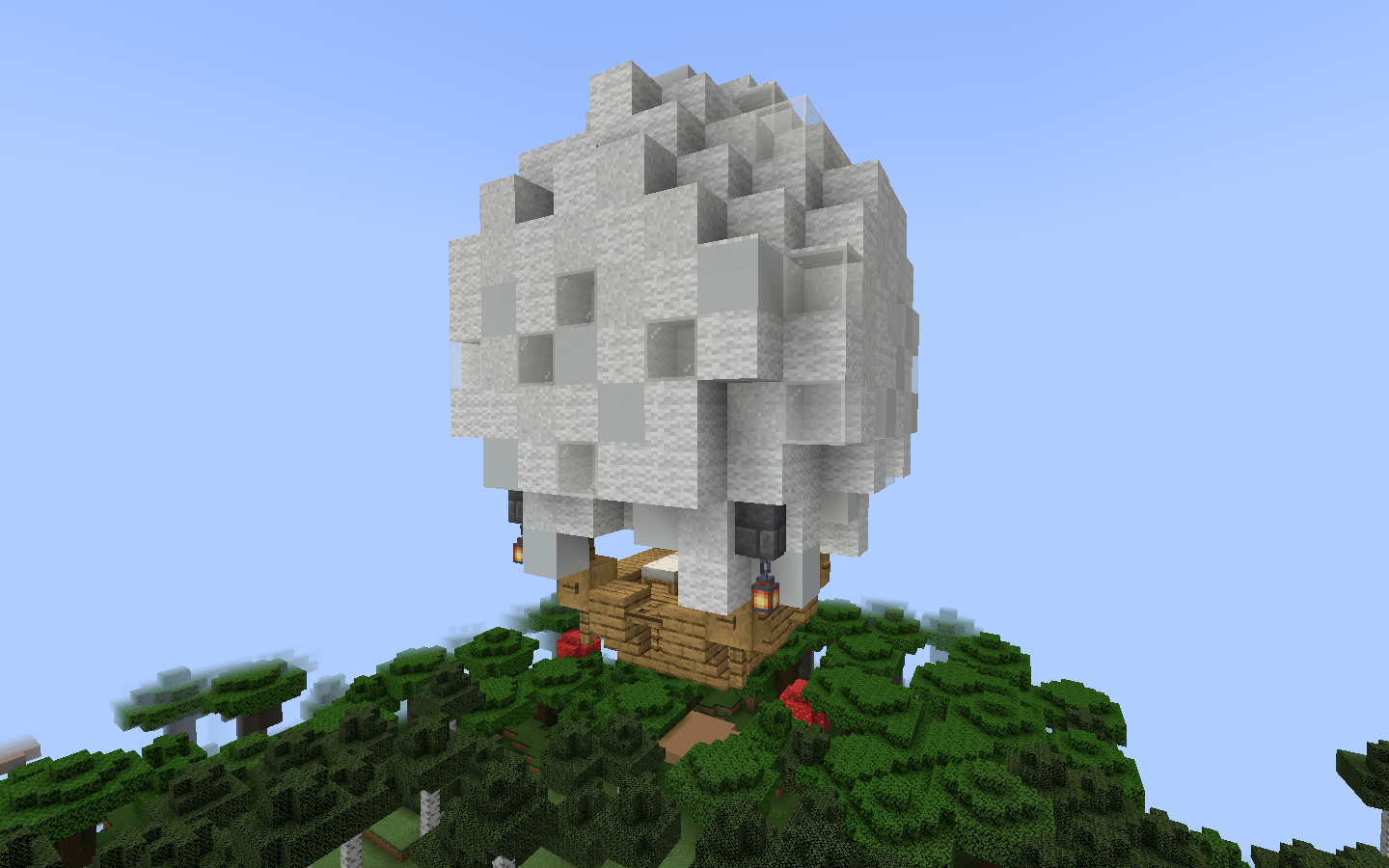
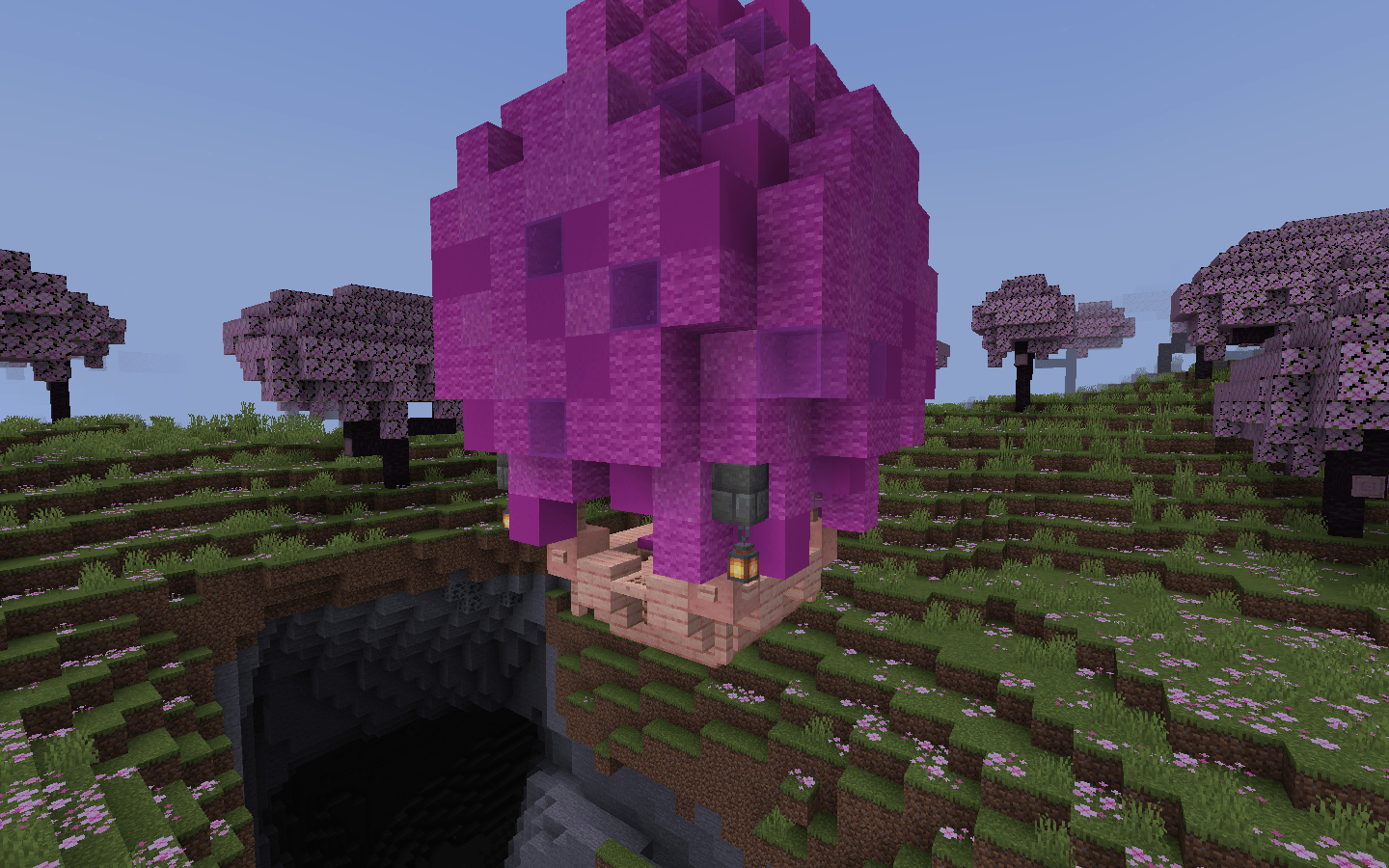
  • Ballons (Add: Red, Purple, White, Brown Balloons);
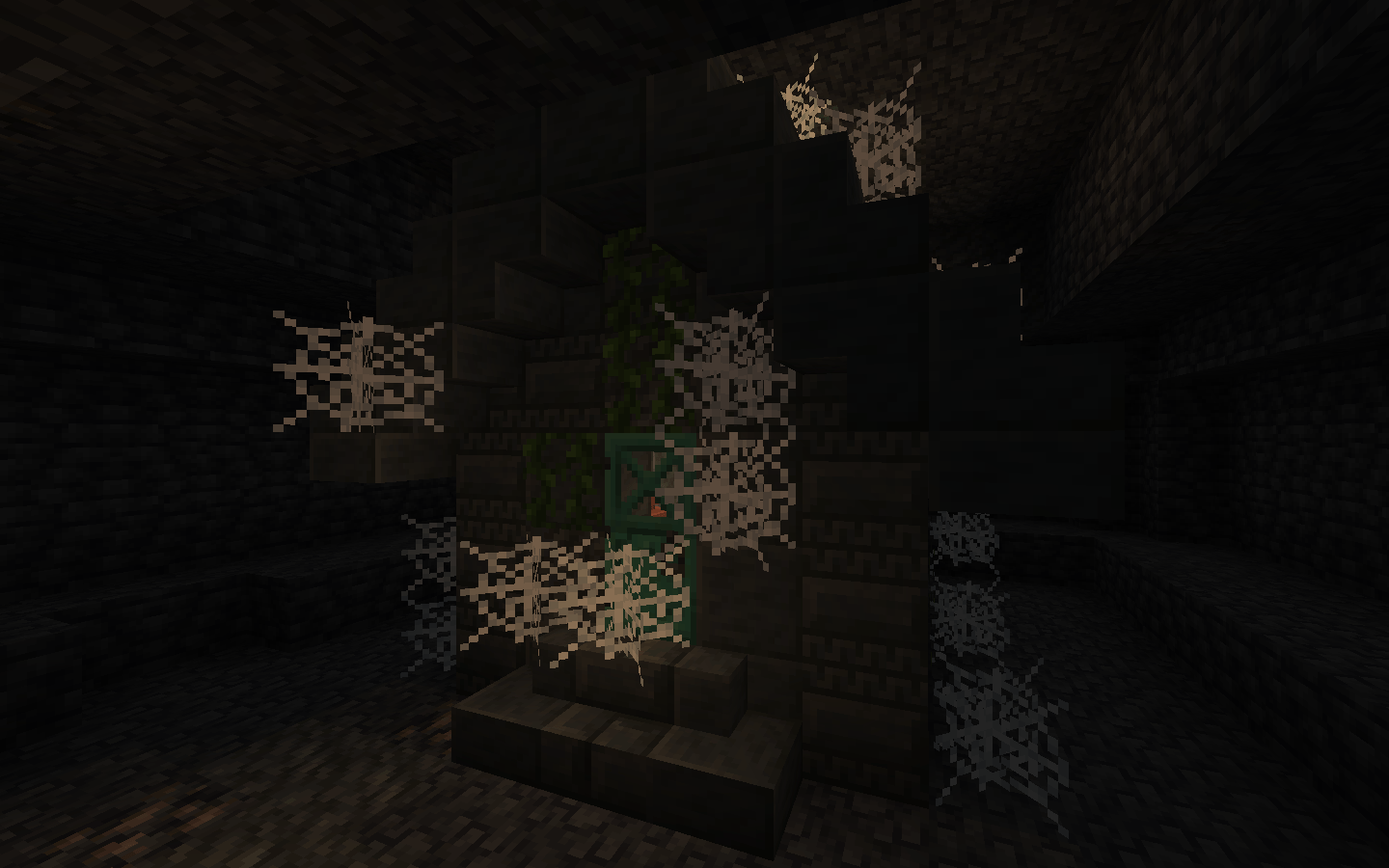
  • Cursed Tower (Add: Just debris tower with traps);
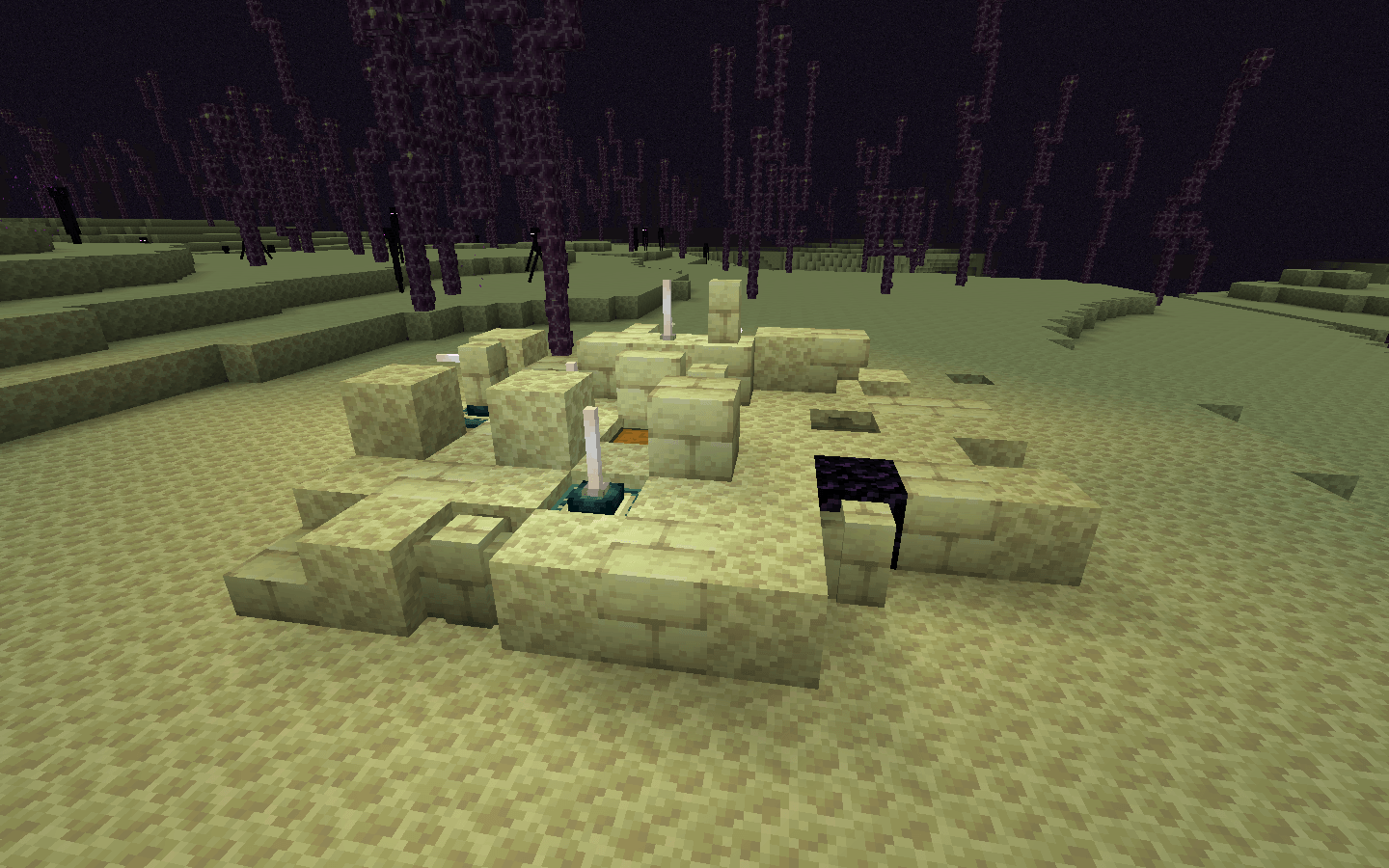
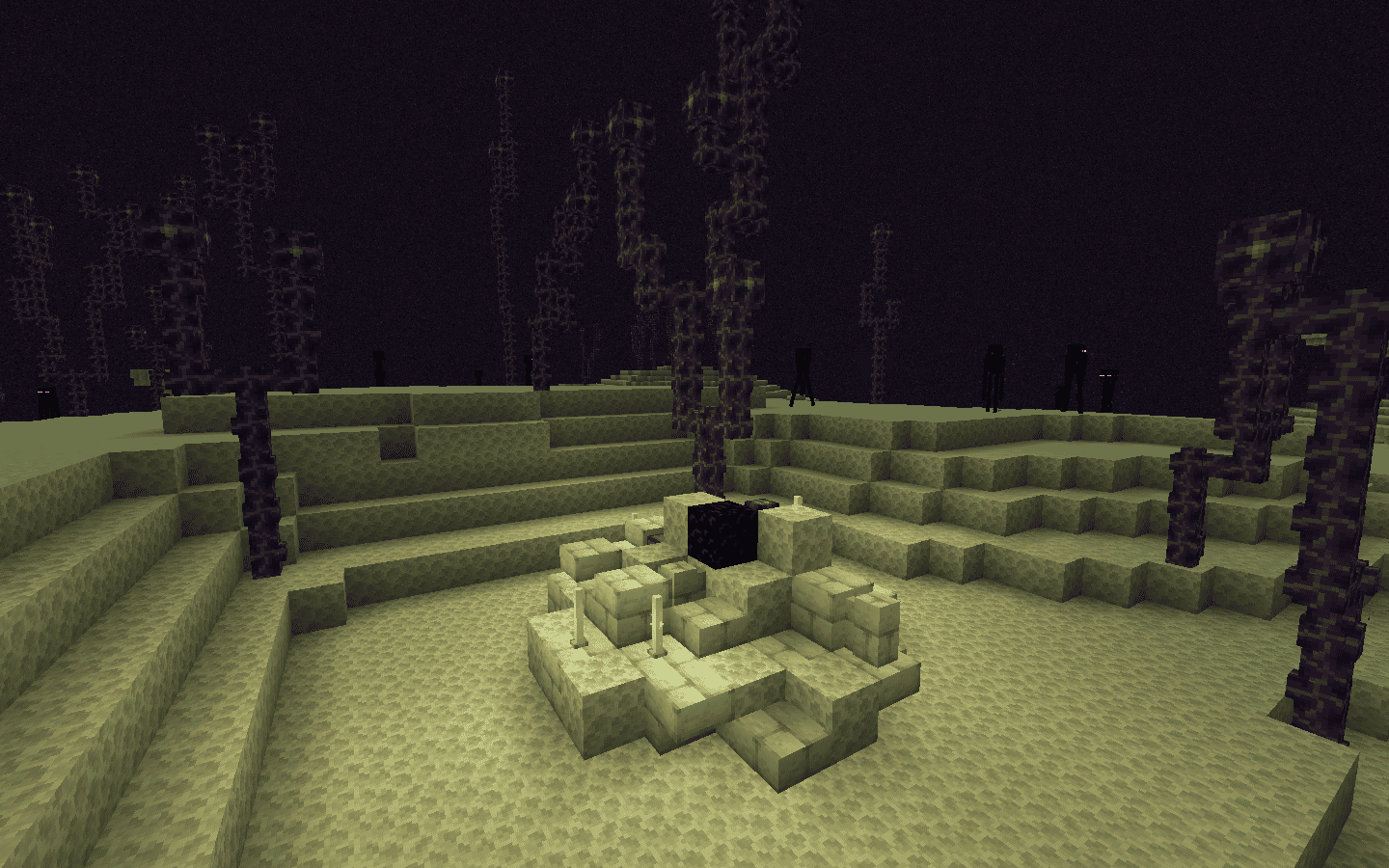
  • End Debris and Small End Debris (Add: Just debris);
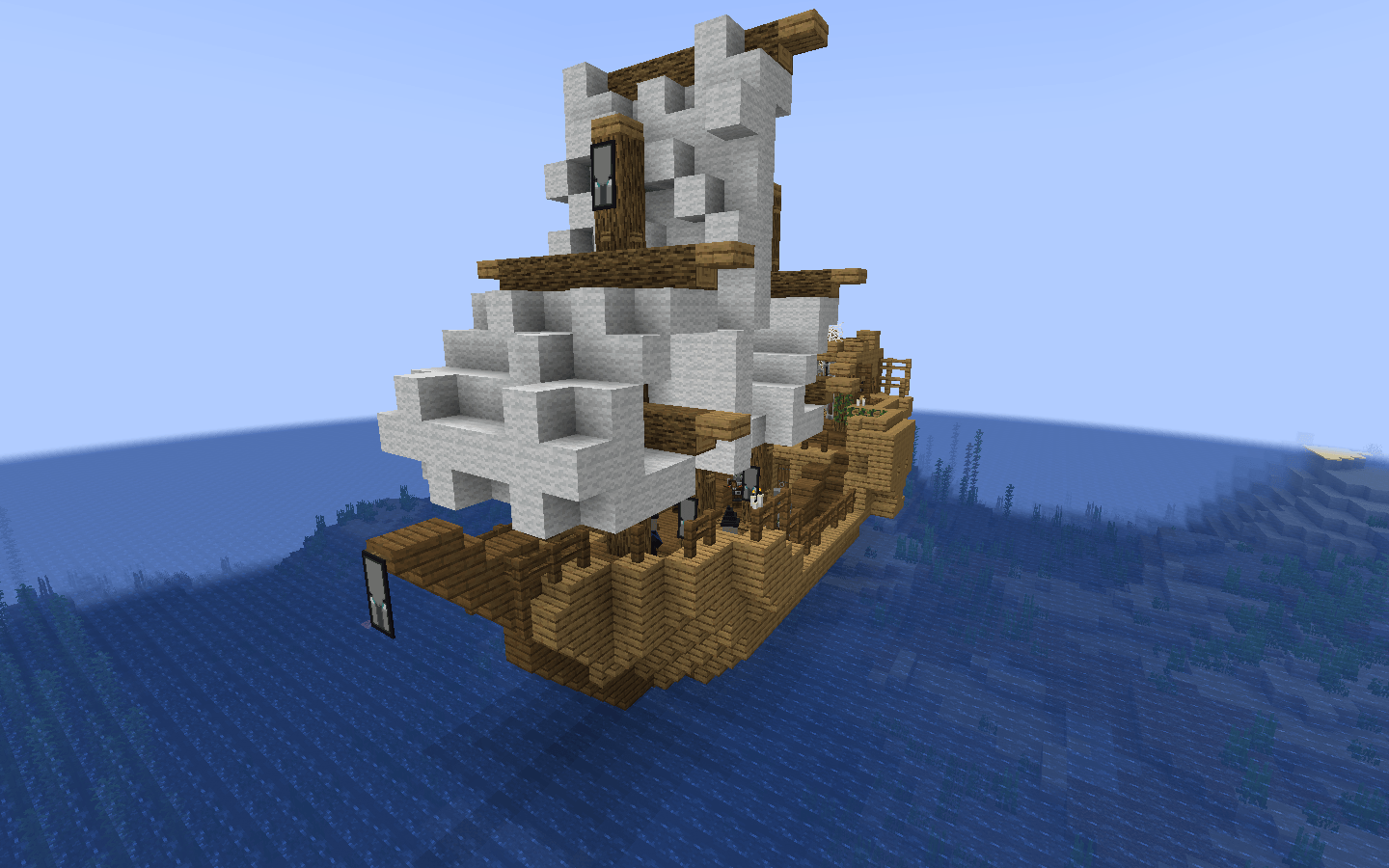
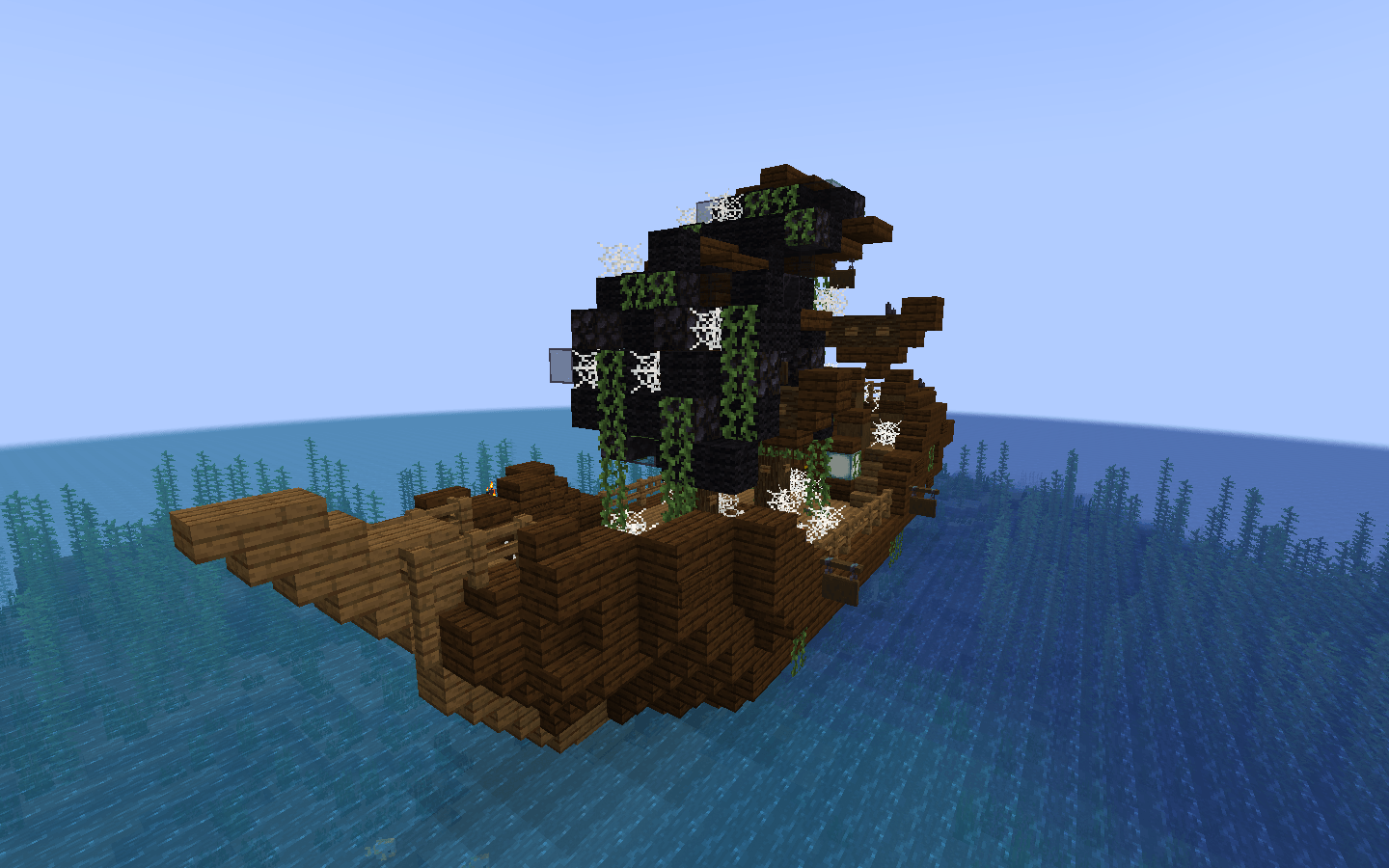
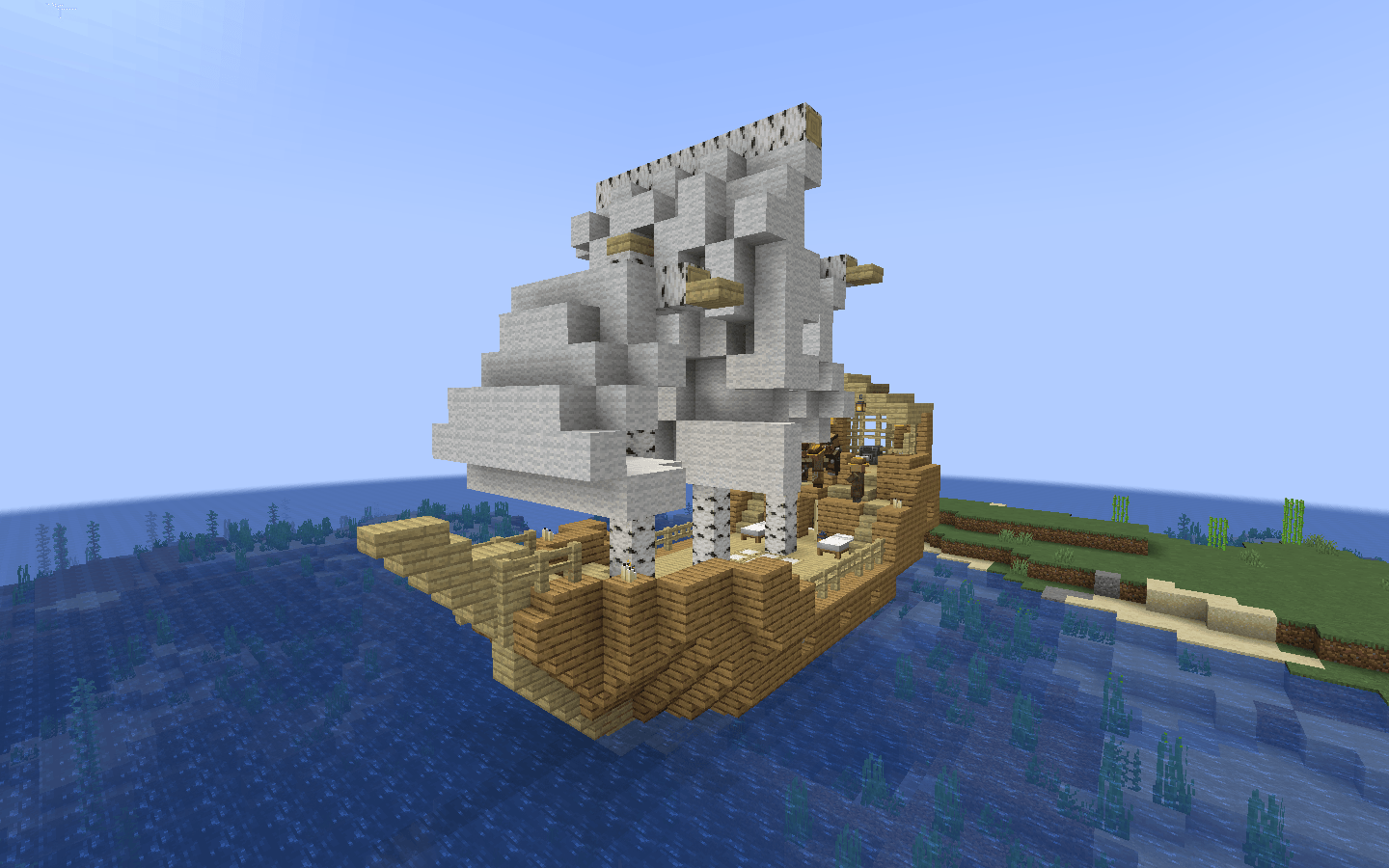
  • Shipwrecks (Add: Pirate, Village Shipwrecks and Flying Dutchman);
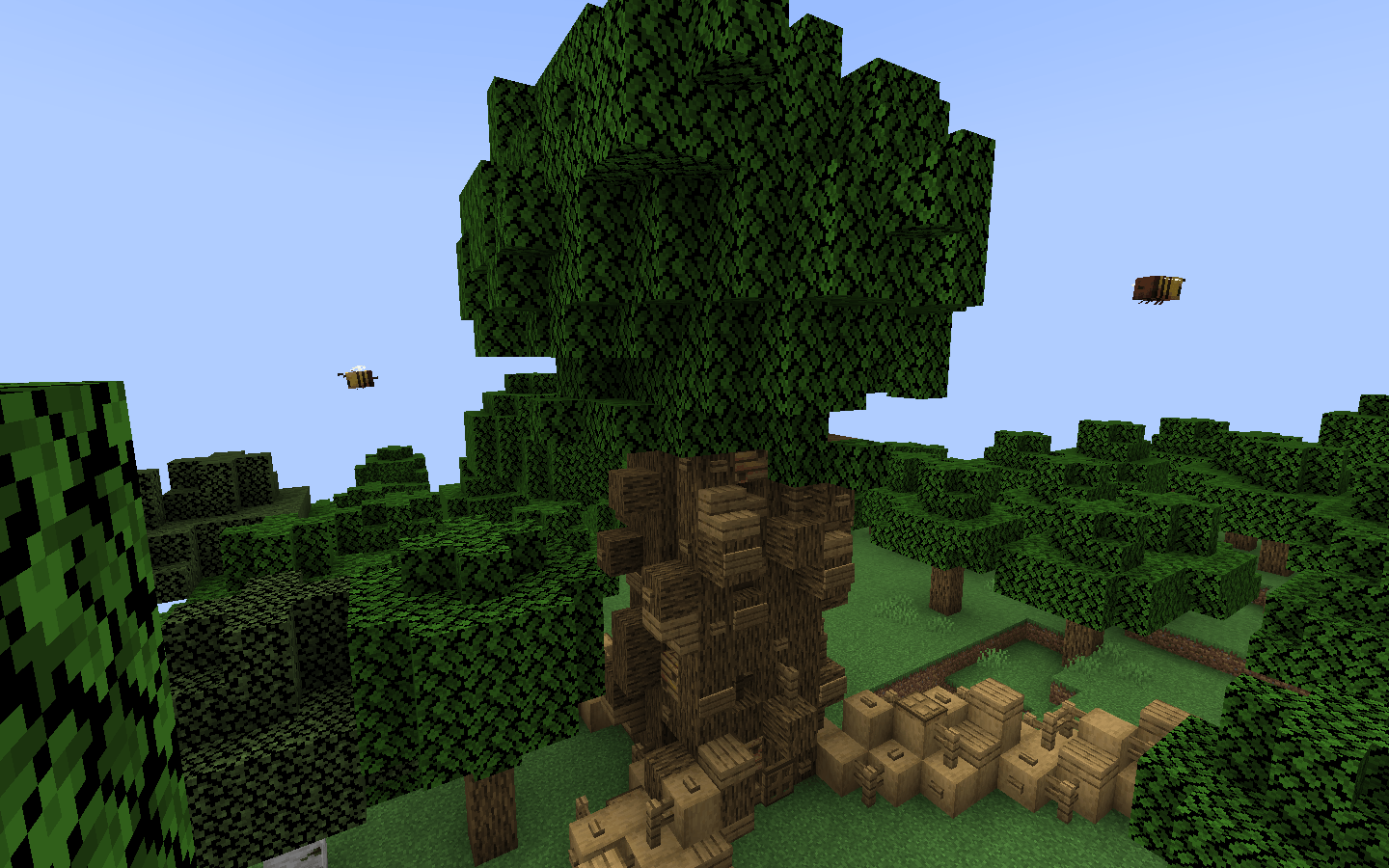
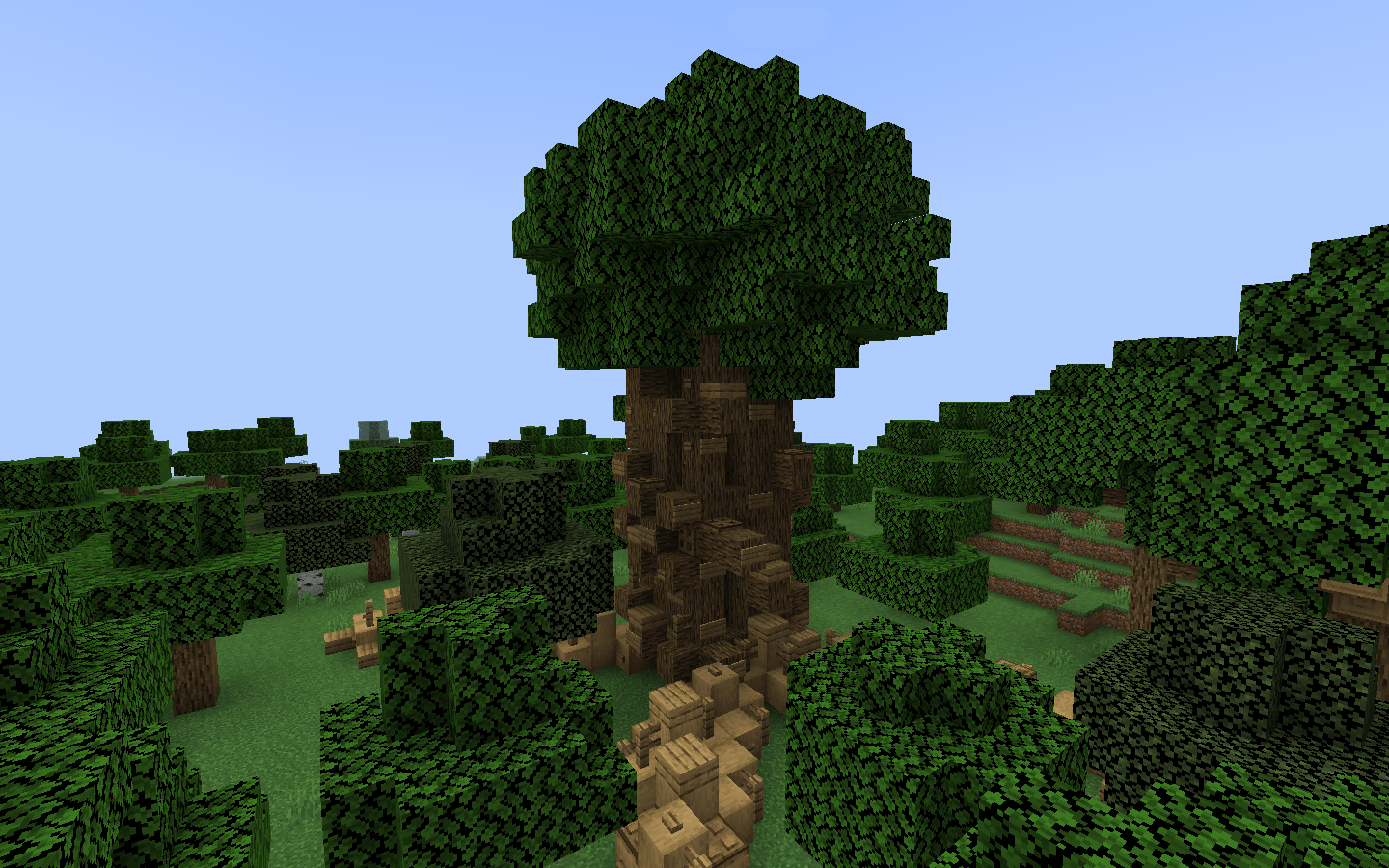
  • The Biggest Oak Tree (Add: Big oak tree);
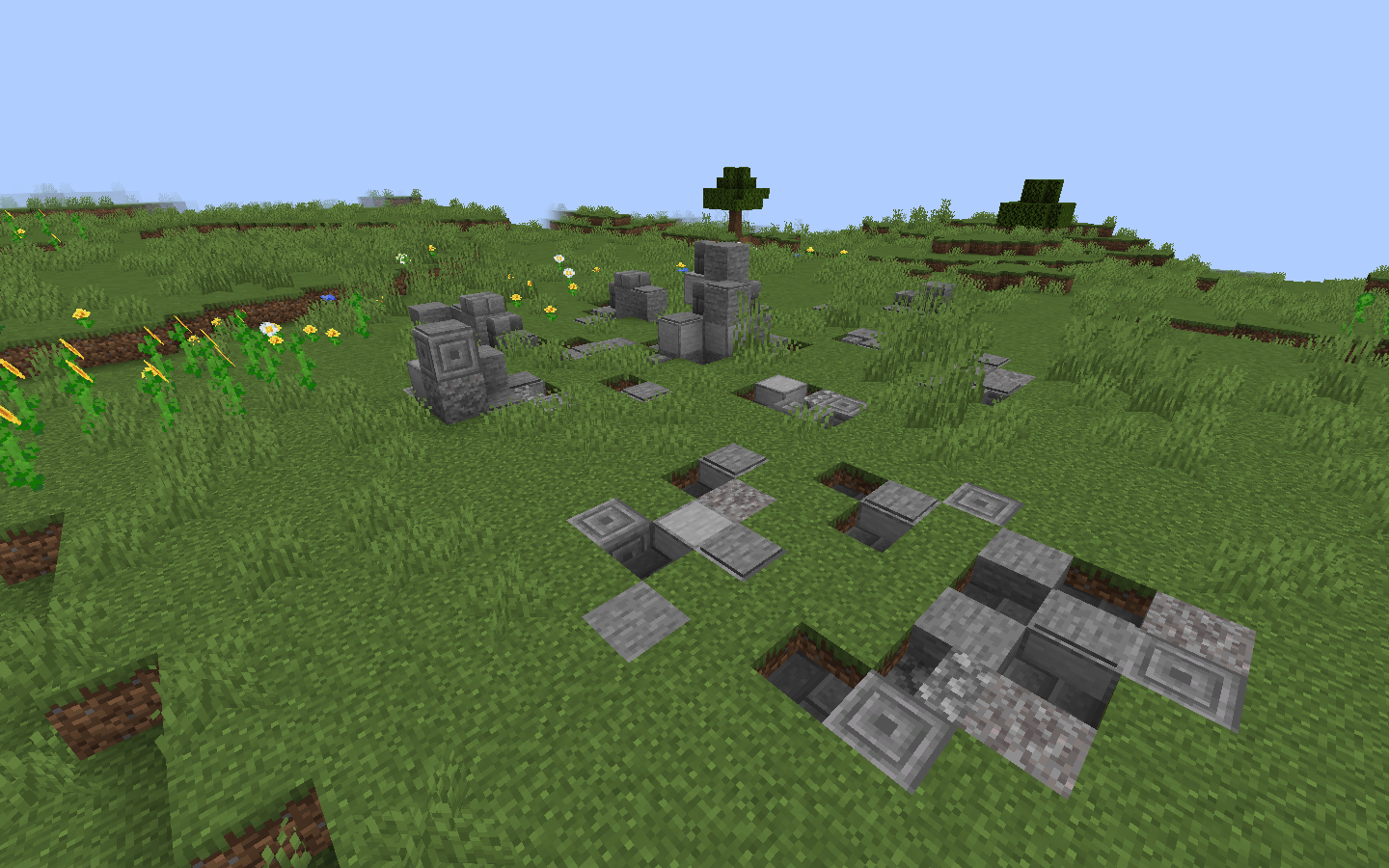
  • The Rock Garden (Add: Decoration for World);
  • Villages (Revise: New Town Centers).

The second version will contain a list all previous structures and adds or revises new structures (Advanced World: Adventure & Explore v.2):


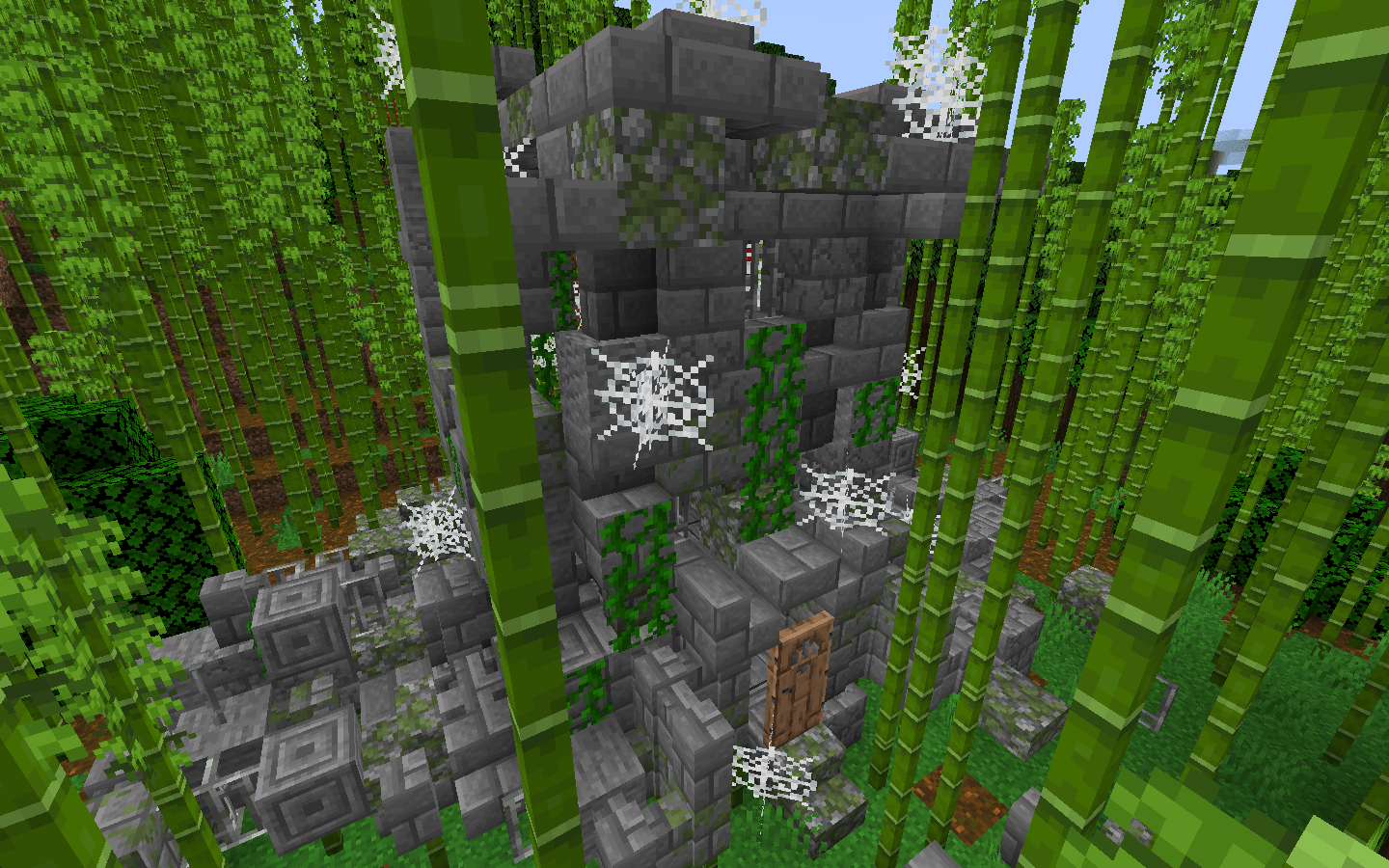
  • Suspicious House (Add: Abandon house);
  • The Biggest Oak Tree with bees (Revise: Big oak tree with bees);
  • Jungle Village (Add: New Village);
  • Mangrove Village (Add: New Village).
Advanced World: Adventure & Explore v_1.1
MC 1.20.2, 1.20.5, 1.20.3, 1.20.1, 1.20, 1.20.6, 1.20.4
Release 2024-07-08 Get
Advanced World: Adventure & Explore v_2.1
MC 1.21
Release 2024-07-08 Get
Advanced World: Adventure & Explore v.1
MC 1.20.2, 1.20.5, 1.20.3, 1.20.1, 1.20, 1.20.6, 1.20.4
Release 2024-06-29 Get
Advanced World: Adventure & Explore v.2
MC 1.21
Release 2024-06-29 Get

Requirements & install

How to use this data pack in Minecraft
Mods needed
None, works in vanilla
Minecraft
1.20 – 1.21
Install folder
saves/<world>/datapacks

How to install data packs

  1. Download the data pack .zip file (do not extract it).
  2. New world: click Data Packs on the world creation screen and drop the .zip in. Existing world: open .minecraft/saves/<world>/datapacks.
  3. Put the .zip into the datapacks folder of the world (servers: world/datapacks).
  4. Run /reload in game (or rejoin the world) and check it with /datapack list.
Browse more: Data Packs for 1.21 All data packs
Advertisement Remove ads with Premium →

You Might Also Like