Do you like having your materials all neatly organized into different chests, but hate the work required to organize them? Do you find yourself dumping everything into one chest, to deal with it later? MondoChest is for you.
MondoChest lets you designate a master chest (by using a special sign) where you can dump your stuff. You then designate "slave" chests where your stuff will go to. They can be downstairs, upstairs, in another room, however you like (within a configurable radius.)
MondoChest will then see what's in each chest, and then decides where things get 'shelved' based on what's already in there. For example, one slave box has rails and powered rails in it, and another has wood planks and logs in it. If you dump wood into the master chest, it will be moved into the appropriate slave.
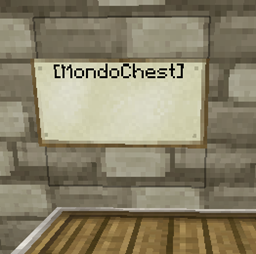
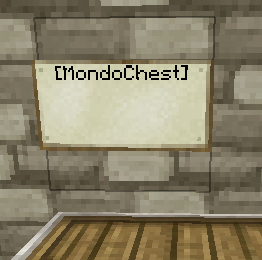
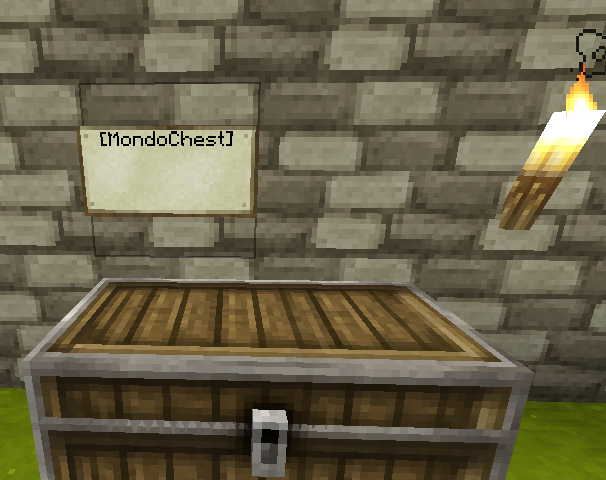
Designate a master chest by putting a "[MondoChest]" sign next to the chest.
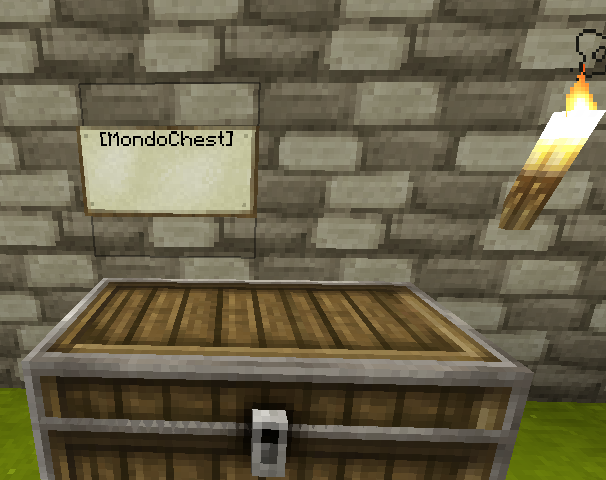
now right-click the MondoChest sign, you should see a message like: MondoChest: Created bank with 0 chests.
For any storage chests you have, create a sign with the first line containing "[MondoSlave]" next to the chest.
Note the sign must be a wall-mounted sign, signs standing on posts will not work.
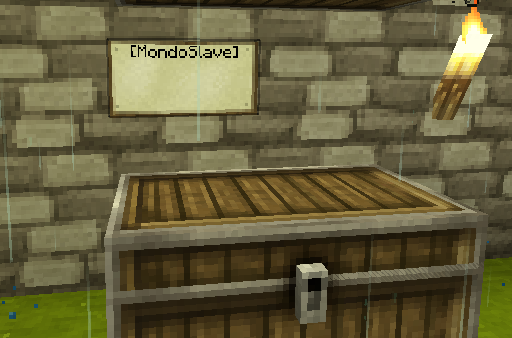
right-click the slave sign to add it to the MondoChest bank you created, and repeat for any number of slave chests.
You will see a message like: MondoChest: Added 2 slaves to bank
Any time you have new items to sort, dump items into the master chest and then right-click the MondoChest sign. Items will be moved into a slave chest which already contains that item. Any items which don't have a known destination chest will stay in the source chest
To install, place MondoChest.jar in your plugins folder. A configuration file will be created with default configuration.
For detailed configuration docs, read Configuration
This plugin utilizes Hidendra's plugin metrics system, which means that the following information is collected and sent to mcstats.org: