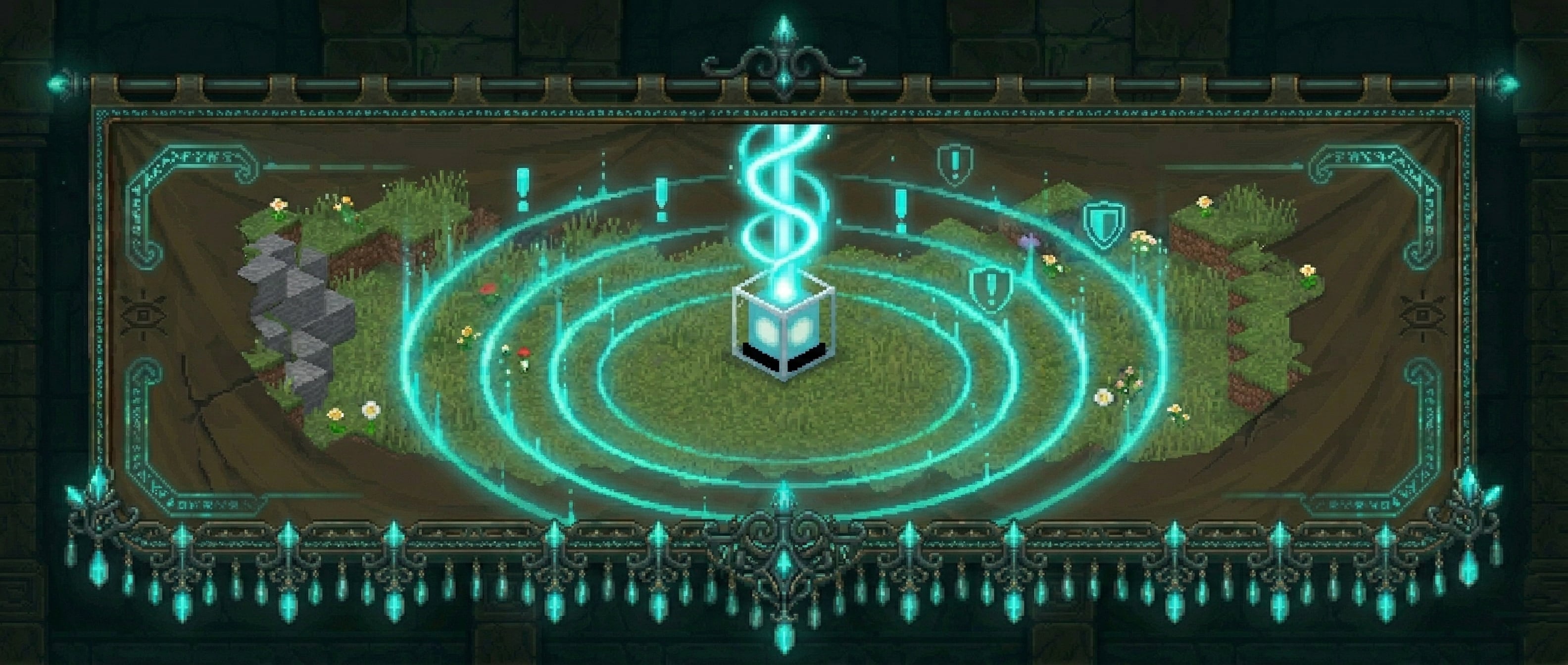
Protect your builds with configurable land claim wards — no grief, no drama.
MachinaWards lets players place physical ward blocks to claim and protect an area. Members can be added by the owner, events are logged, and outsiders are stopped cold. Three tiers of wards scale from starter bases to high-value infrastructure.
Craft a ward item and place it like any block. The block marks the center of your protected zone. Break or sneak+right-click to pick it back up — the ward stays in your inventory so you can relocate it any time.
Right-click the ward block to open the management menu.
| Tier | Block | Default Radius | Member Limit | Ward Intelligence |
|---|---|---|---|---|
| Basic | Lantern | 12 blocks | 5 | — |
| Advanced | Beacon | 20 blocks | 10 | — |
| Super | Crying Obsidian | 30 blocks | Unlimited | Yes |
All tiers, recipes, radii, prices, and member limits are fully configurable in config.yml. Server operators can add or rename tiers freely.
Inside a ward, the following are blocked for non-members (all toggleable per category in config.yml):
The ward owner and any added members bypass all restrictions. Players with wards.admin bypass everything.
Wards cannot overlap — placement is blocked if the new ward's radius intersects an existing one, keeping protection zones unambiguous.
Right-clicking the ward block opens a GUI with:
/ward list& color codes and &#RRGGBB hex colors. Placeholders: %ward%, %owner%, %tier%, %radius%. Type clear to removeSuper wards include a Ward Intelligence menu with five toggleable tracking features:
| Feature | What It Tracks |
|---|---|
| Creeper Alert | Notifies the owner when a creeper explodes inside the ward |
| Mob Kills Player | Logs and alerts when a mob kills a player inside the ward |
| Mob Kills Entity | Logs when a mob kills any entity inside the ward |
| Player Death | Logs every player death inside the ward |
| Explosion Log | Logs all explosions inside the ward |
Each feature has its own sub-menu where you can toggle it on/off, view recent logs, or clear the log history. All data is persisted to the database and wiped automatically when the ward is destroyed.
If Vault is installed with an economy provider (e.g. EssentialsX), players can purchase ward items directly using /ward shop. Prices are set per tier in config.yml.
| Command | Description |
|---|---|
/ward |
Show help |
/ward shop |
Open the ward shop (requires Vault) |
/ward list |
List your wards with names, tiers, worlds, and coords |
/ward tp <id | name> |
|
/ward compass [id | name] |
|
/ward transfer <player> |
Transfer your nearby ward to another player |
/ward transfer <id> <player> |
Transfer a specific ward to another player |
/ward addmember <player> |
Add a member to your nearby ward |
/ward removemember <player> |
Remove a member from your nearby ward |
/ward info [id | name] |
|
/ward nearby [radius] |
List wards within radius blocks (default 100, max 500), sorted by distance |
/ward admin list [player] |
(admin) List all wards, optionally filter by player |
/ward admin delete <id | name> |
|
/ward admin tp <id | name> |
|
/ward admin stats |
(admin) Show total wards, per-world breakdown, members, and owner count |
/ward admin migrate mysql |
(admin) Copy all ward data from SQLite to MySQL |
/ward reload |
(admin) Reload config and re-register recipes |
| Node | Description |
|---|---|
wards.admin |
Full administrative access — bypass protection, delete any ward |
wards.place |
Allows placing ward blocks (default: true for all players) |
wards.player.<N> |
Cap how many wards a player can own (e.g.wards.player.3) |
Particles
Sounds (all configurable in config.yml → sounds:)
ward_place — plays when a ward block is placedward_break — plays when a ward is broken/removedward_pickup — plays when a ward is picked up via sneak+right-clickentry_alert — plays for the visitor when they enter a wardSet any sound to "" to disable it individually.
When a non-member enters a ward they see an action bar notification showing the ward name and owner. This is configurable per ward — owners can set a fully custom entry message with color codes and hex colors directly from the ward menu. The message supports placeholders: %ward%, %owner%, %tier%, and %radius%. The visitor warning can be toggled globally in config.yml.
/ward compass sets your compass to point at your nearest ward in the current world. Specify an ID or name to target a specific ward. No special item is needed — any compass in your inventory will work.
/ward transfer <player> while standing in a ward transfers ownership to another player. Use /ward transfer <id> <player> to transfer from anywhere. The new owner is notified immediately if they are online.
/ward nearby [radius] lists all wards within the given radius (default 100 blocks, max 500), sorted by distance. Shows each ward's name, tier, owner, and distance. Useful for scouts, admins, and players exploring unfamiliar territory.
MachinaWards stores all ward data in a database. Two backends are supported:
SQLite (default — no setup required)
database:
  type: sqlite
Data is stored in plugins/MachinaWards/MachinaWards.db.
MySQL / MariaDB
database:
  type: mysql
  mysql:
    host: localhost
    port: 3306
    database: machinawards
    username: root
    password: ""
The MySQL driver is downloaded automatically — no manual installation needed. Use /ward admin migrate mysql to copy existing SQLite data to MySQL before switching.
Everything is configurable in config.yml:
column (vertical cylinder, unlimited height) or sphere (3D radius)min_y / max_ymax_members), features list"" to disableentry.show_warning_to_visitor, entry.warning_format with %ward%, %owner%, %tier%, %radius% placeholderspickup.confirm_ms (default 5000ms)& color codes and &#RRGGBB hex colors