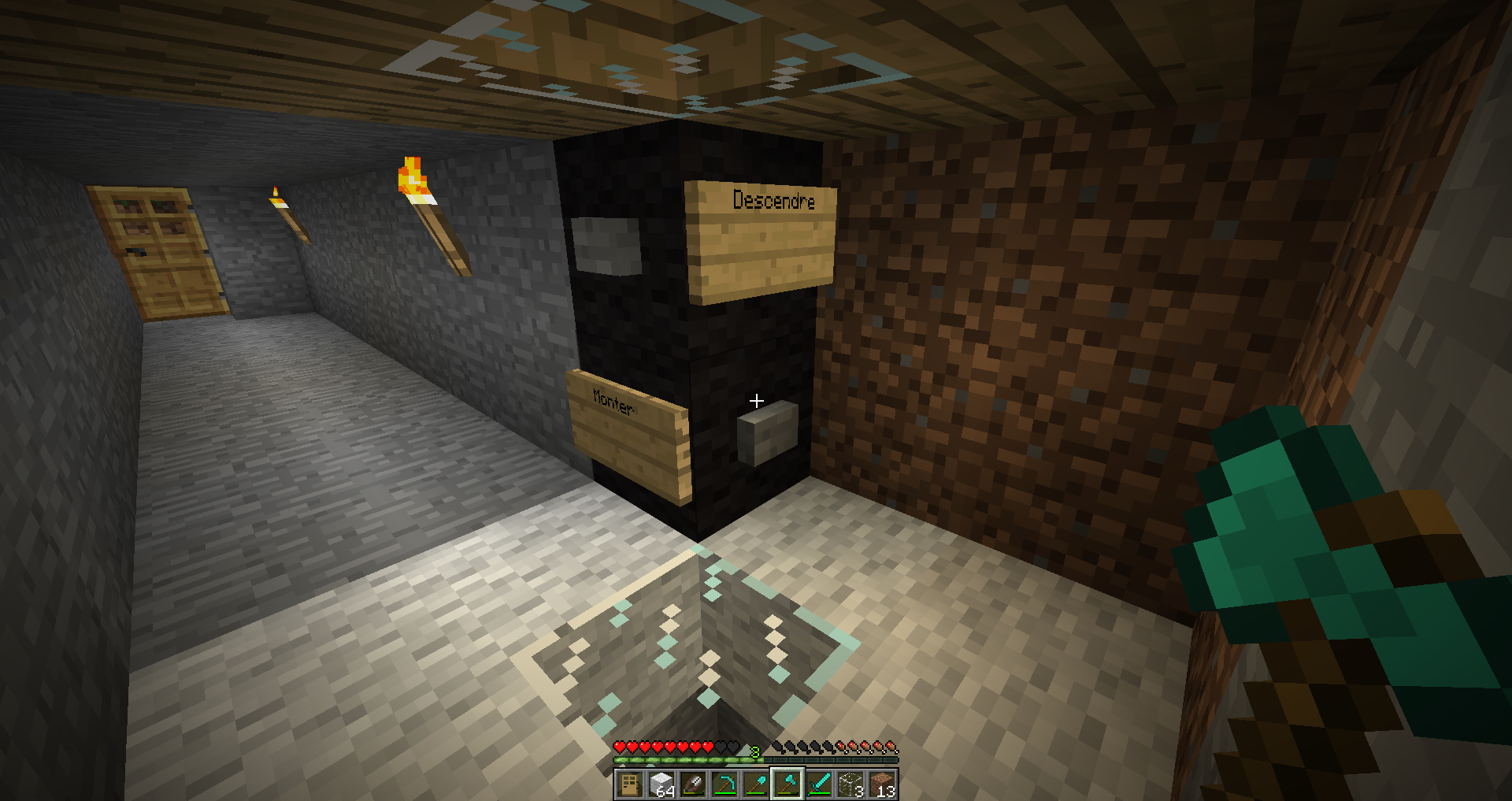
Oveview
Elevatorsion make you able to create an elevator !
- Select your elevator region with world edit and type "/elev create <name of elevator>"
- Add floor
- Add up and down button
It's simple !

How to install
Download the plugin and place the jar file in your plugins folder.
You need install WorldEdit for create your elevator.
For WorldEdit :
Download it at this link and place it in your plugins folder.
Is done !
Usage
Video tutorial
- Select your elevator with world edit.
- Type "/elev create <name>".
- You have created new elevator !
- Next you can add a floor. Type "/elev add floor" and right click on the call button.
- Repeat this step on any floor.
- And for finish add up and down button with command "/elev add down" or "/elev add up" and right click on button inside the elevator.
- Type "/elev finish"
Enjoy !
For add an floor after the create session type "/elev modify <name of your elevator>"
You wan't delete your elevator ? Type "/elev delete <name>"
FOR THE MOMENT YOU CAN'T MODIFY THE ELEVATOR AFTER CREATING, just add floor.