Description

Welcome to a world beyond our own with creatures and biomes that may seem familiar. Using powerful magic and overworld science, creating a portal capable of traversing the multiverse is possible...
THIS IS A BRIEF OVERVIEW
PLEASE VISIT THE OFFICIAL WIKI
PLEASE NOTE THAT THE 1.19.2 AND 1.18.2 VERSIONS DO NOT HAVE MOST FEATURES LISTED IN THE WIKI.
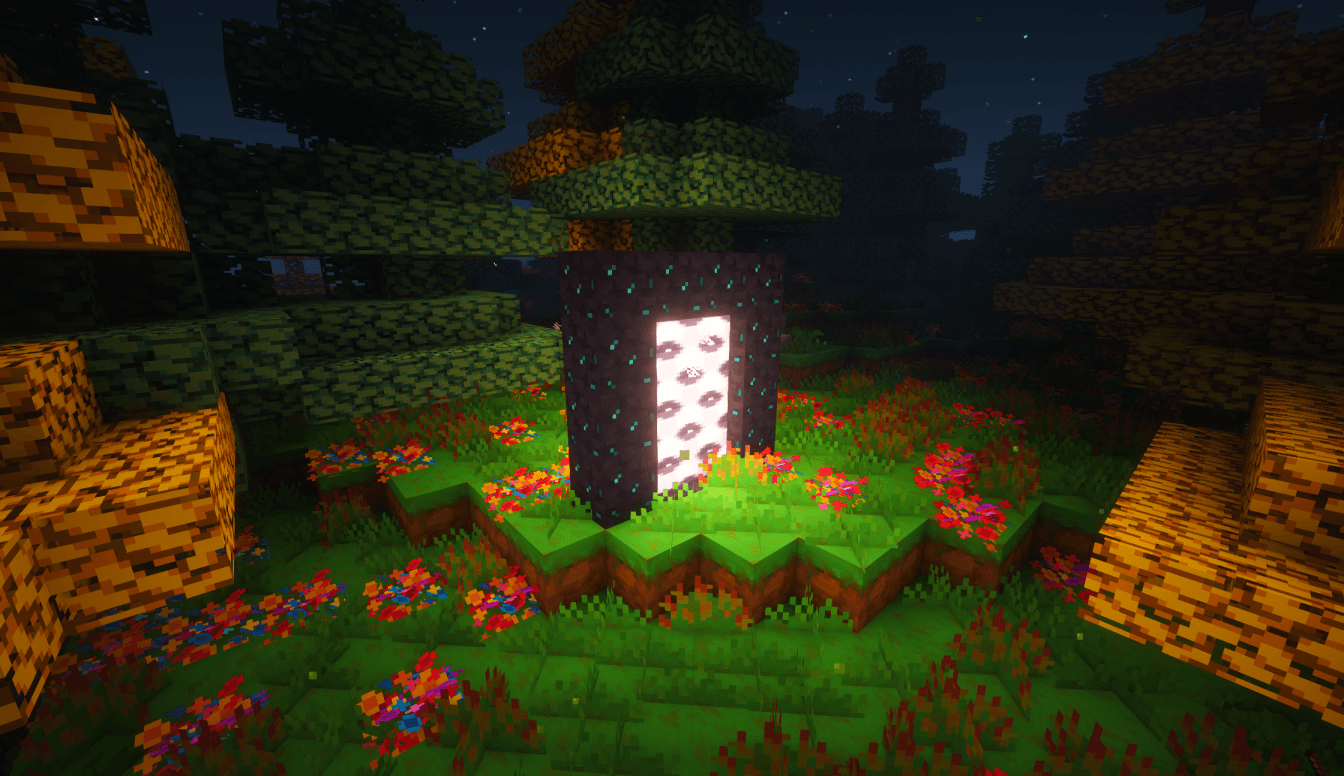
HOW TO ENTER
OBSIDIAN B12
A chemical compound created using Obsidian and other crystalline materials.
RIFT TOTEM
A magical totem created in the image of a space-faring species. Can be used to ignite an Obsidian B12 frame to create a World Gate.
BIOMES
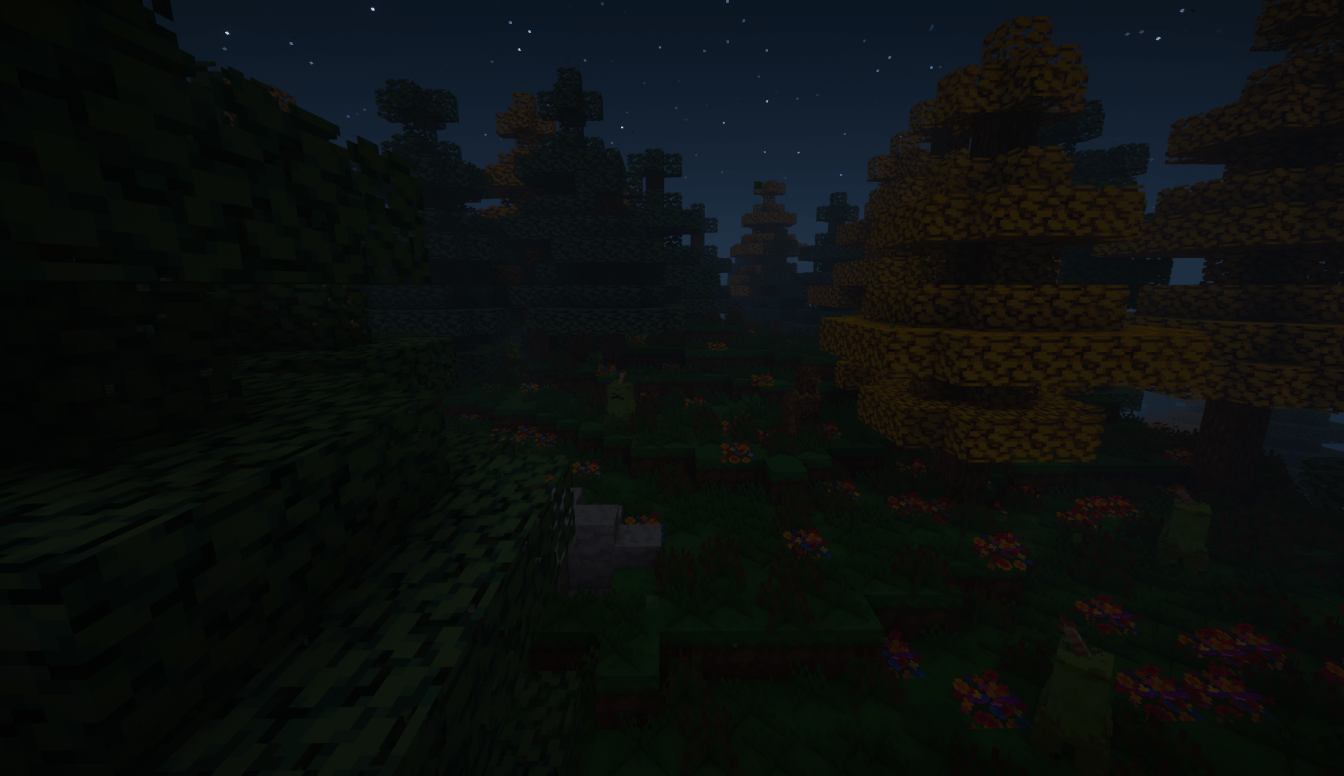
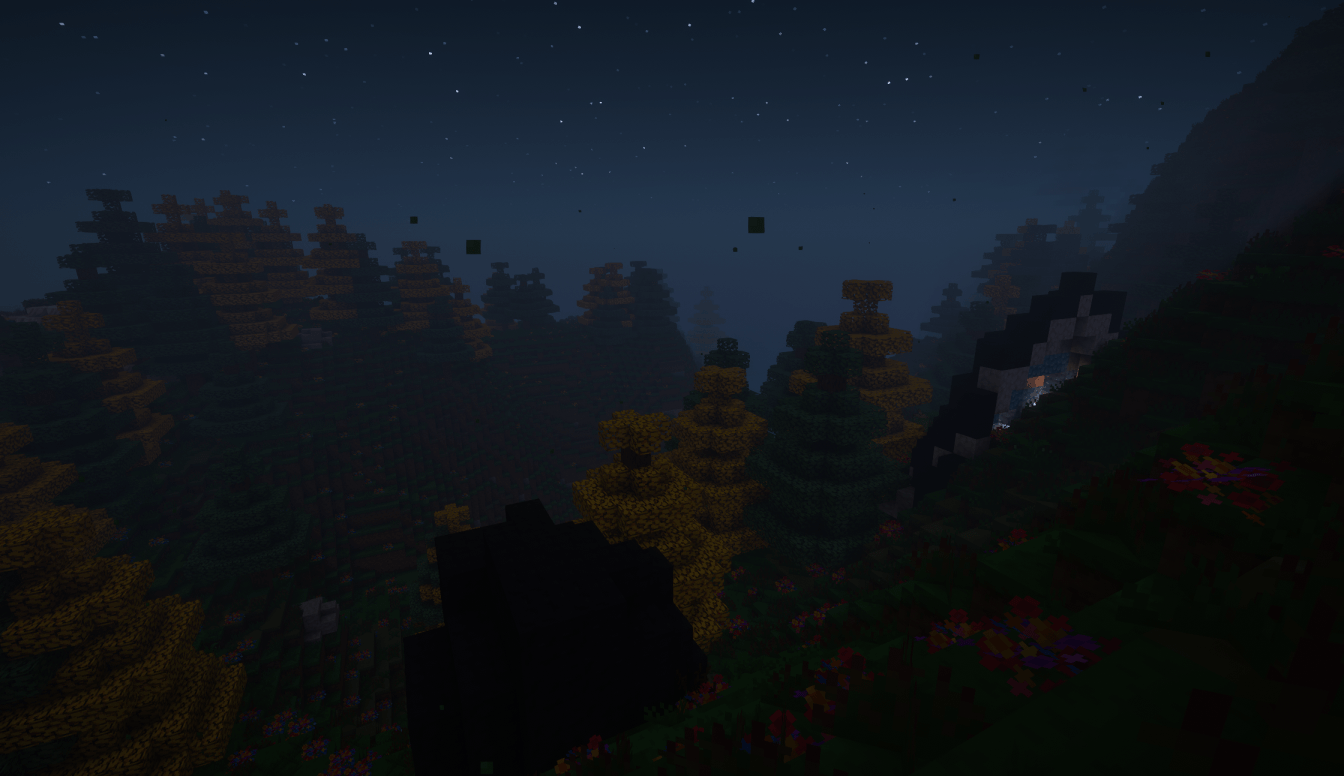
PLACID WOODS
A tranquil forest with tall colourful trees, shrubs, vibrant flowers and geode-boulders with magnificent crystals.
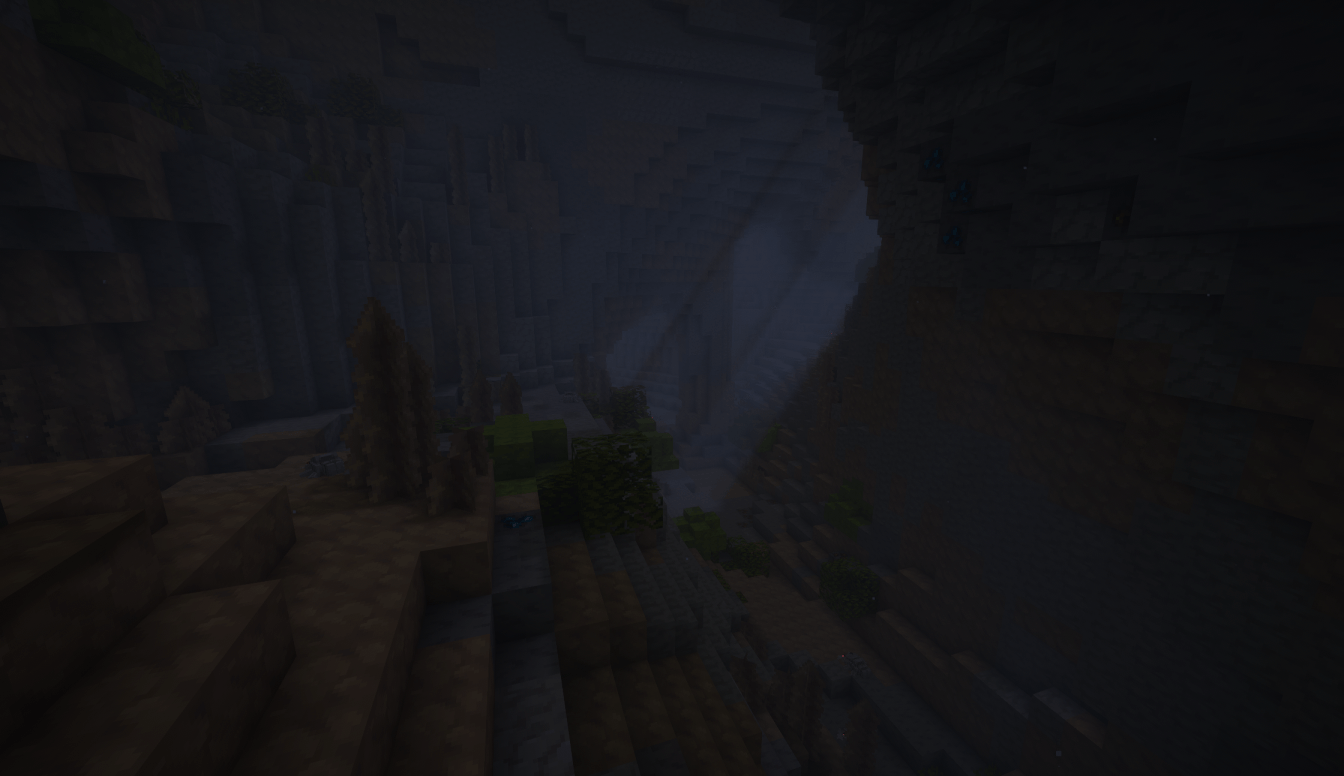
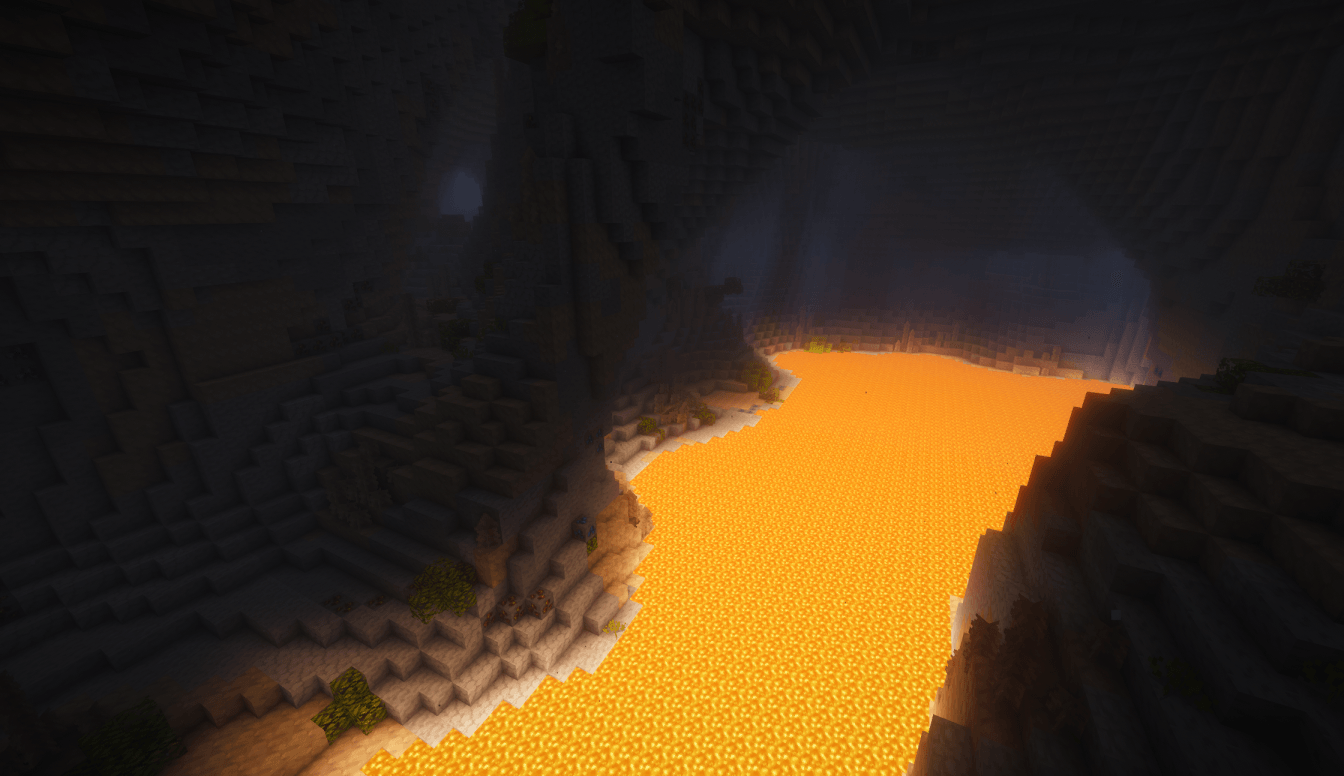
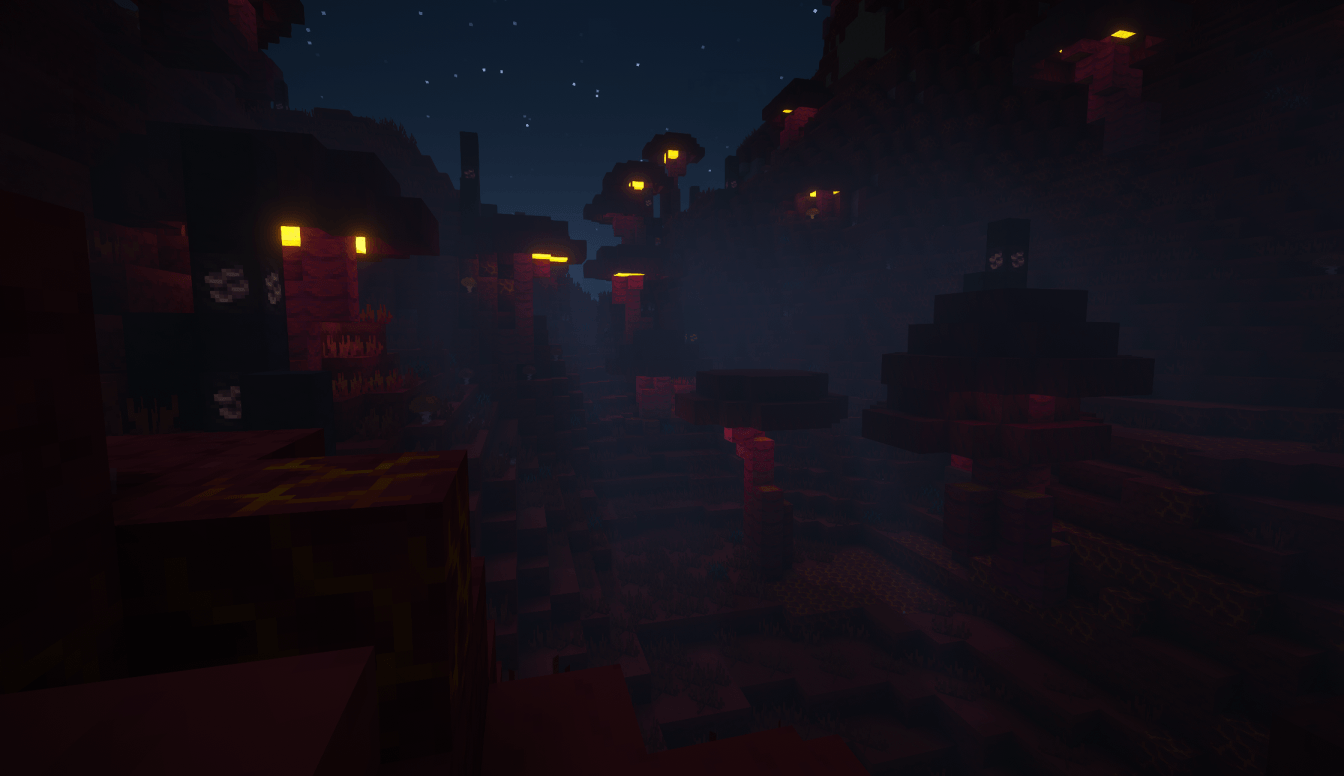
SANGUINE GLADE
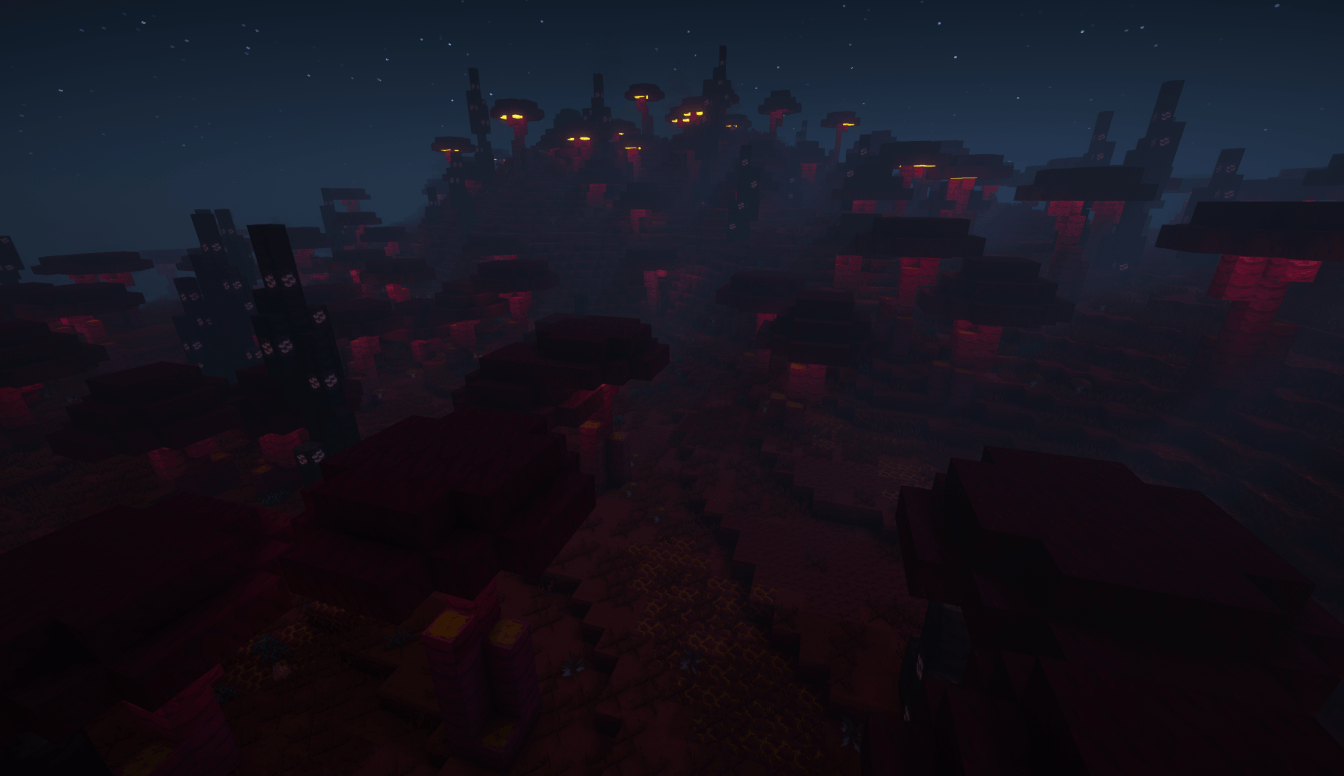
A conundrum of a forest: covered in damp moss, shrubs and pale fungus yet dotted with dry stone spikes and cooling magma.
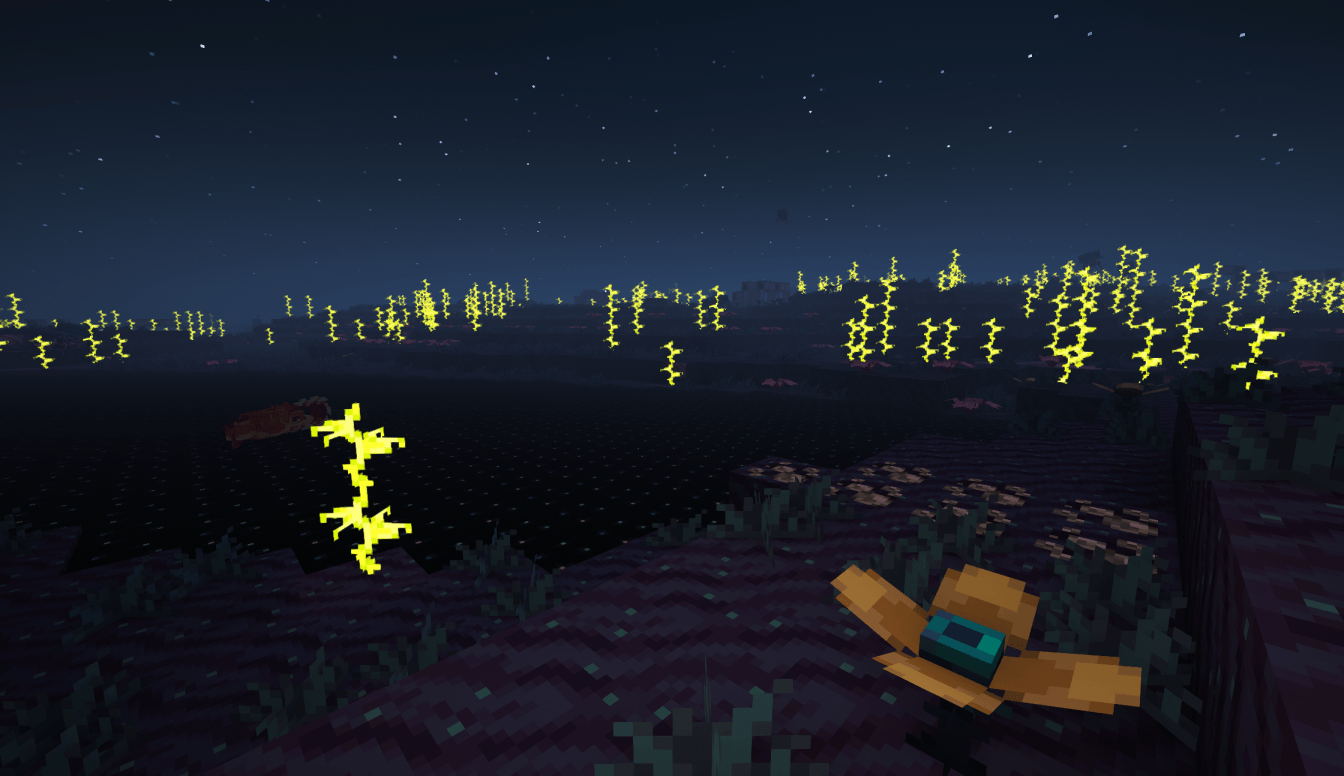
VOCAL SANDS
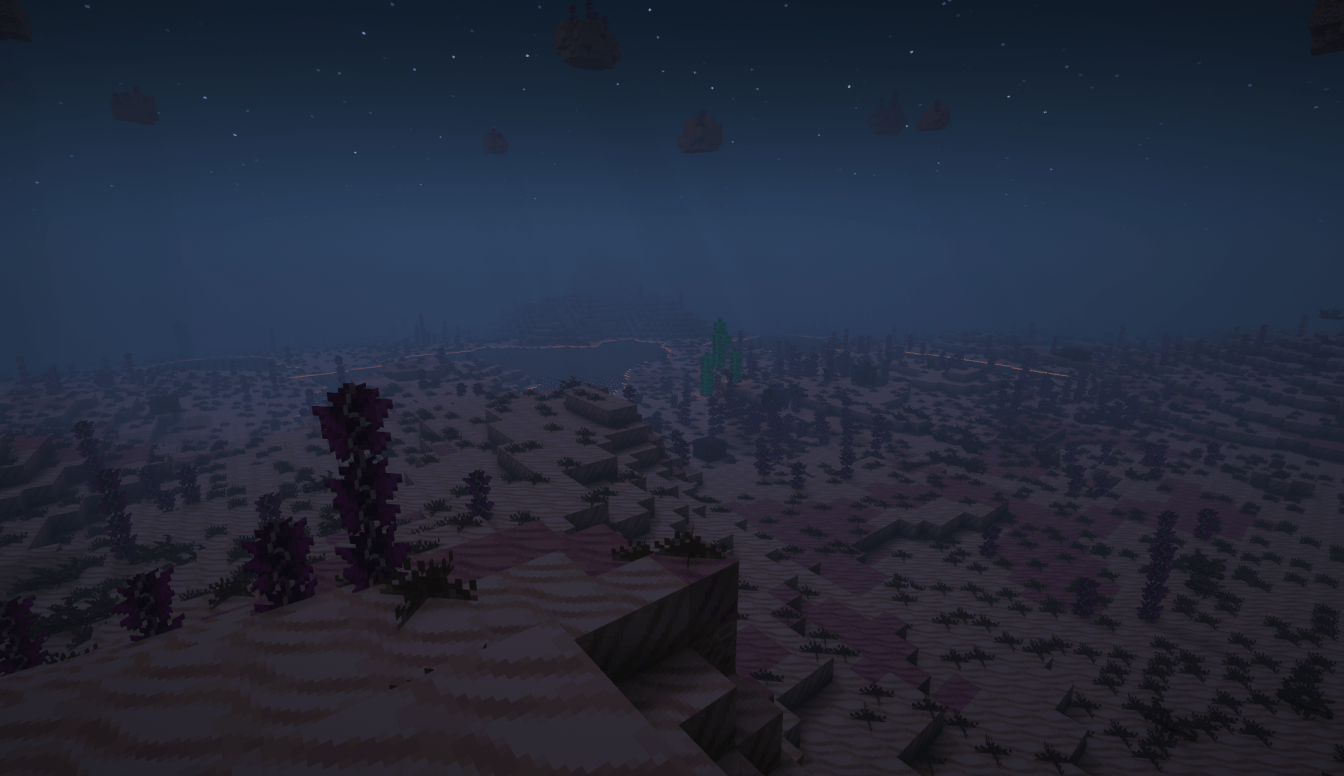
A barren landscape sparsely decorated by violet stalks, crystals, thorns and toxic growths. Suspended above the ground with odd magic, pieces of the land float in the air.
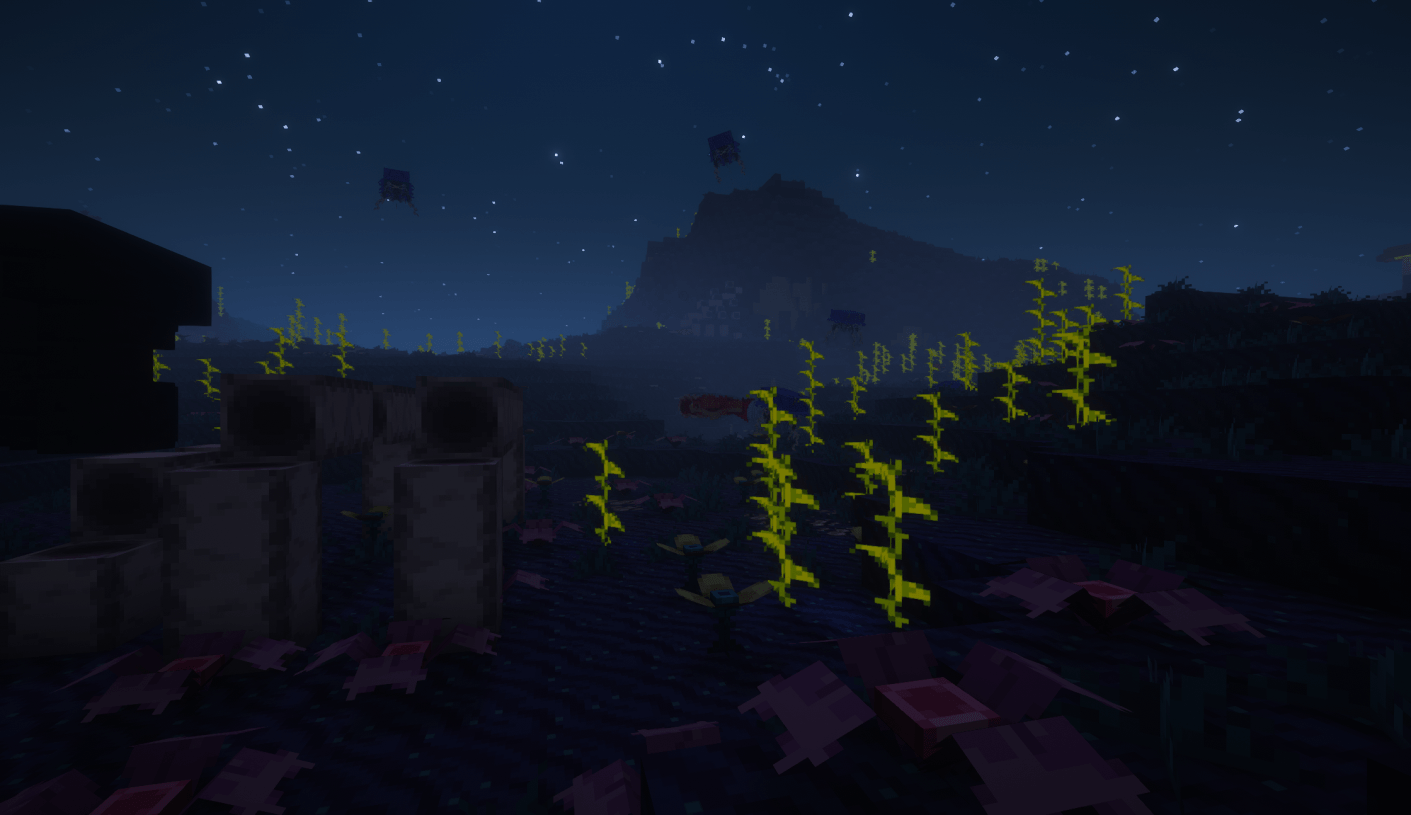
DEEP HORIZON
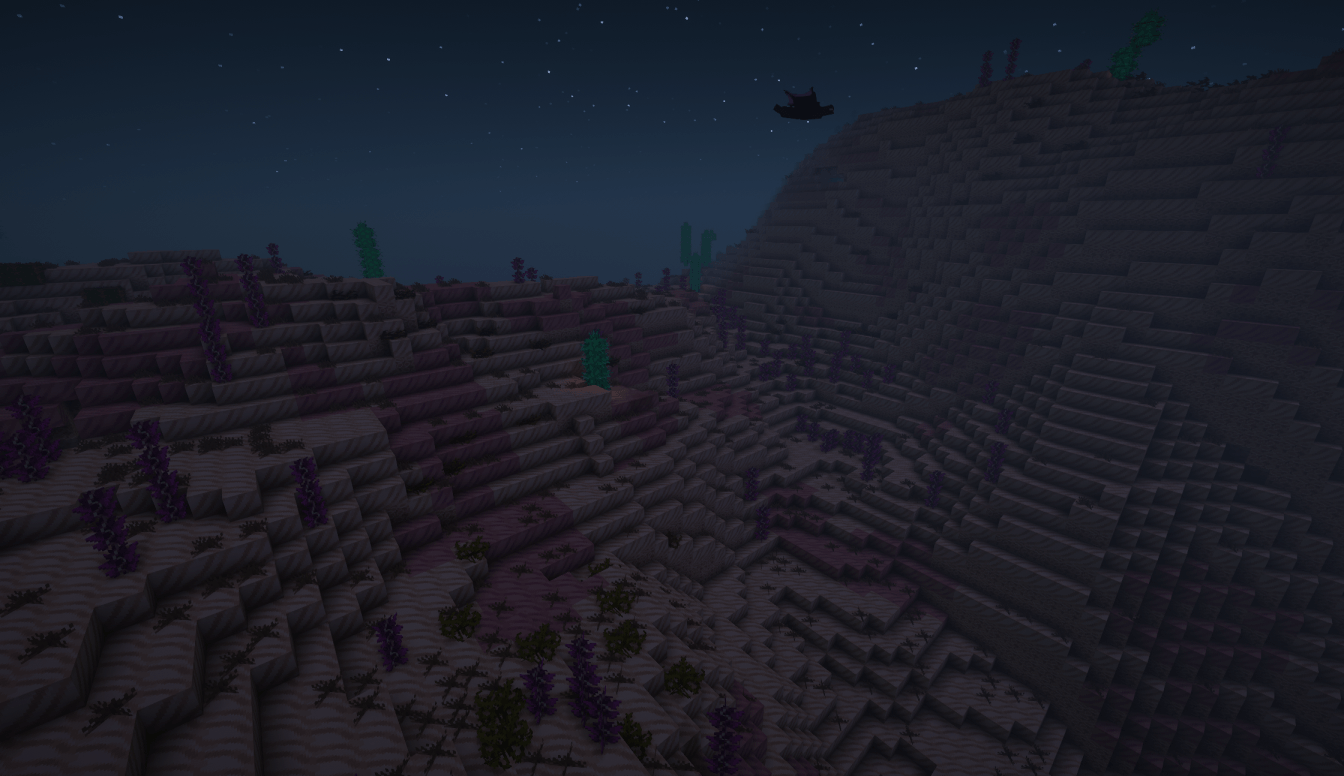
A mysterious zone where the physical and spiritual planes converge; archaic skeletons, marine flora, and ancient ruins dot the starry dunes.
EXTRAS
All of the above, 14 new mobs, a new crafting system, an entire magic system (with 7 spells and 11 magic items), a new armour tier, 6 new status effects, redstone components, building block sets, and much more await you.
I recommend using JEI for easy access to basic recipes.
Twitter/X: JINN (@swinjinn)

AD
Become Premium to remove Ads!
What means Verified?
-
Compatibility: The mod should be compatible with the latest version of Minecraft and be clearly labeled with its supported versions.
-
Functionality: The mod should work as advertised and not cause any game-breaking bugs or crashes.
-
Security: The mod should not contain any malicious code or attempts to steal personal information.
-
Performance: The mod should not cause a significant decrease in the game's performance, such as by causing lag or reducing frame rates.
-
Originality: The mod should be original and not a copy of someone else's work.
-
Up-to-date: The mod should be regularly updated to fix bugs, improve performance, and maintain compatibility with the latest version of Minecraft.
-
Support: The mod should have an active developer who provides support and troubleshooting assistance to users.
-
License: The mod should be released under a clear and open source license that allows others to use, modify, and redistribute the code.
-
Documentation: The mod should come with clear and detailed documentation on how to install and use it.
AD
Become Premium to remove Ads!
How to Install
Download Forge & Java
Download Forge from the offical Site or here. If you dont have Java installed then install it now from here. After Downloading Forge you can run the file with Java.
Prepare
Lounch Minecraft and select your Forge istallation as Version this will create a Folder called Mods.
Add Mods
Type Win+R and type %appdata% and open the .minecraft Folder. There will you find your Folder called Mods. Place all Mods you want to play in this Folder
Enjoy
You are now Ready. Re-start your Game and start Playing.