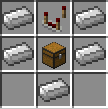
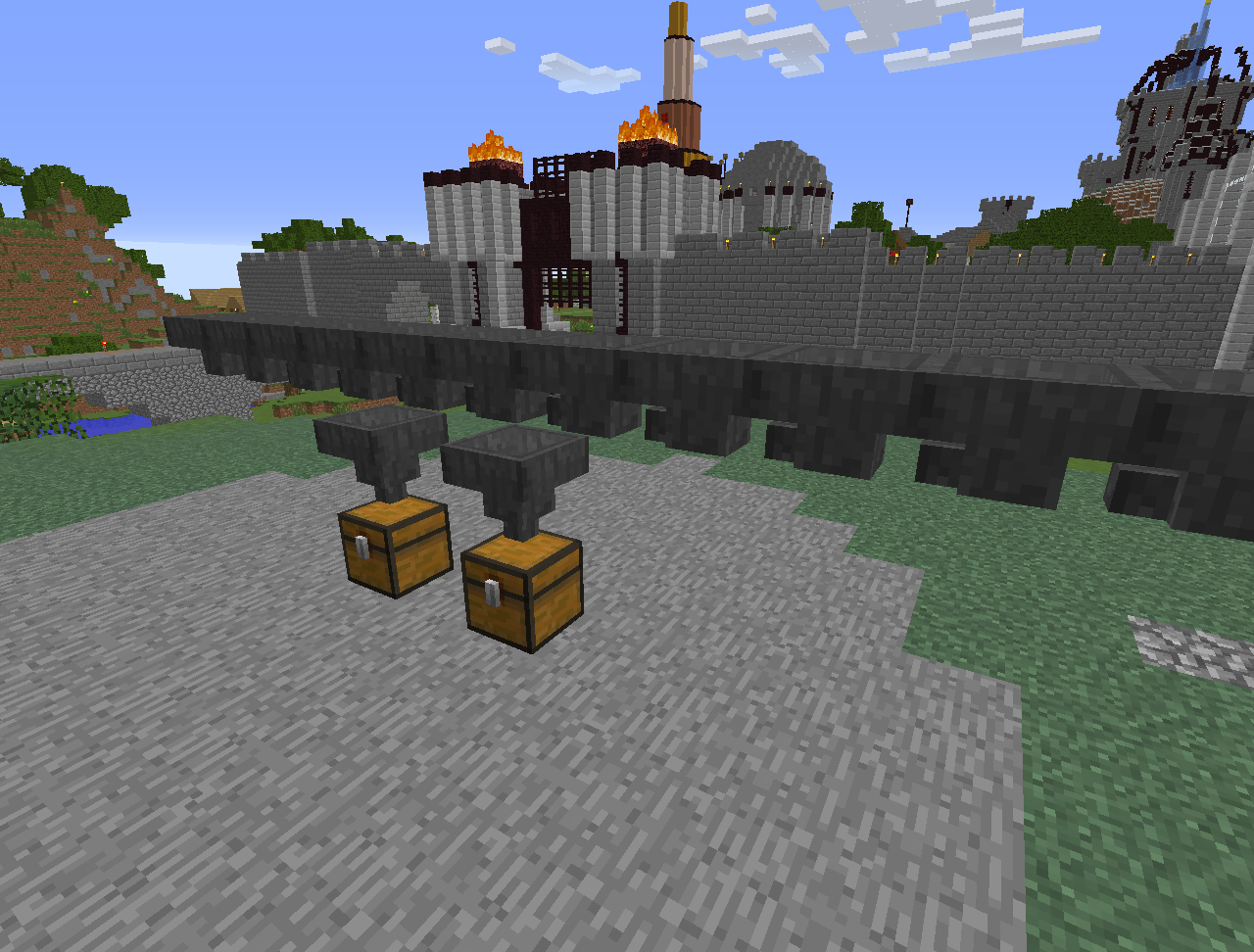
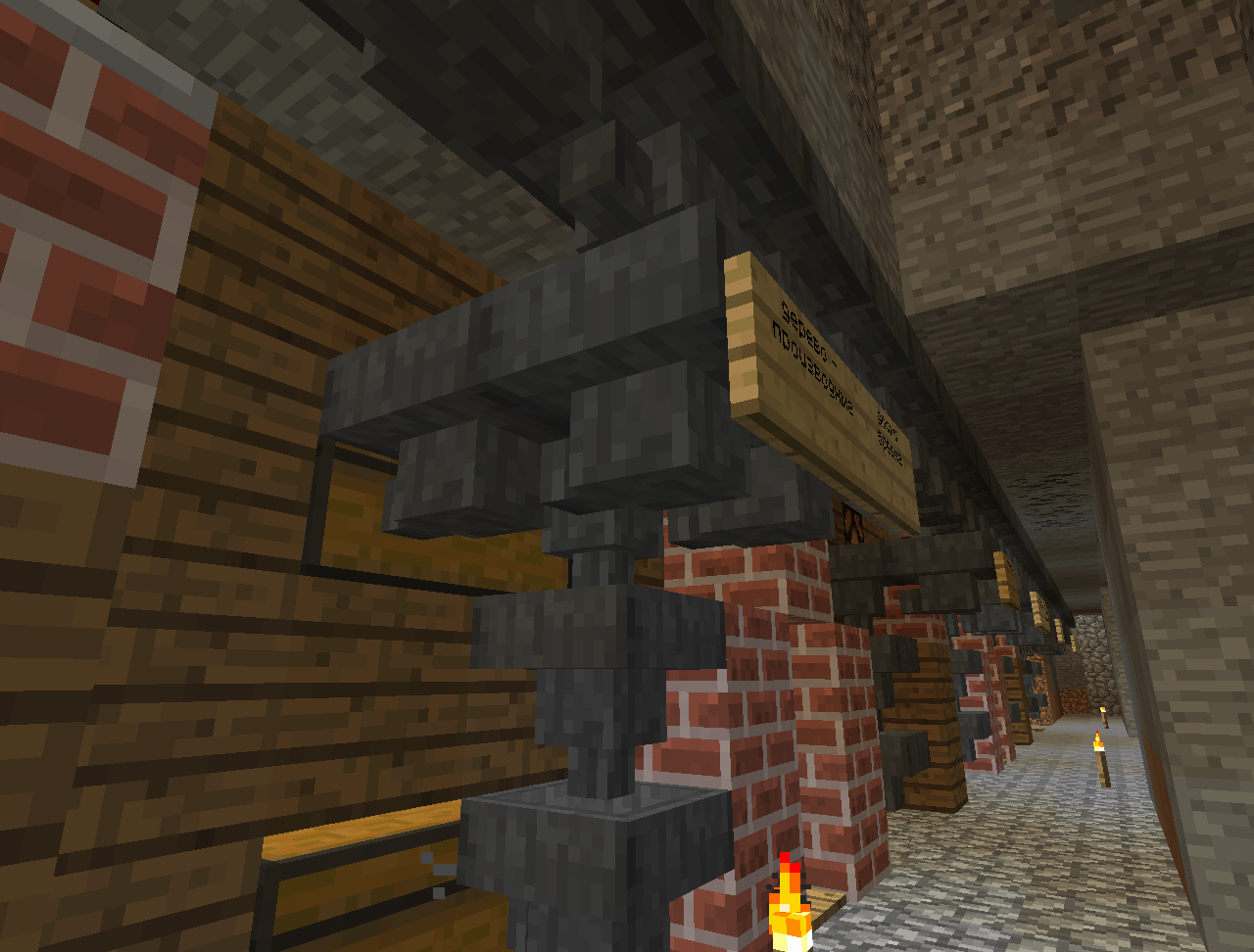
SortingHopper allows you create item filters based on hoppers. You can obtain the item by crafting or using "/sortinghopper give" command (only op).
The item sorter will only accept items specified in its rules, which can be accessed by right-clicking one. Hopper contents can be accessed by right clicking with an empty hand while holding Shift.
Classic version is a very basic version of this plugin, like it was in it's first release.
It has no inventory menu, you just put items right into renamed hopper, it doesn't allow them to be flushed and accepts only similar items. It has been updated to 1.13, but misses many features added in later versions.
Filtering groups are configured in itemgroups.yml
You can enable or switch group filtering by rightclicking an item in sorter's menu. It will only switch, if this item belongs to at least one group.
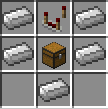
New default recipe is Hopper+Comparator
Plugin now drops hopper and comparator separately, by default
/sortinghopper give give yourself a sorter
/sortinghopper save [name] Save rules to specified file, or leave blank for default (rules.dat)
/sortinghopper load [name] Load rules from specified file, or leave blank for default (rules.dat)
JustRayz - InventoryStringDeSerializer
Sothatsit - Enchant Glow snippet
Christian d'Heureuse - Base64Coder
ProgrammerDan - contributor
Rycochet - contributor
OnlineCop - contributor
killje - contributor
WOLFI3654 - contributor