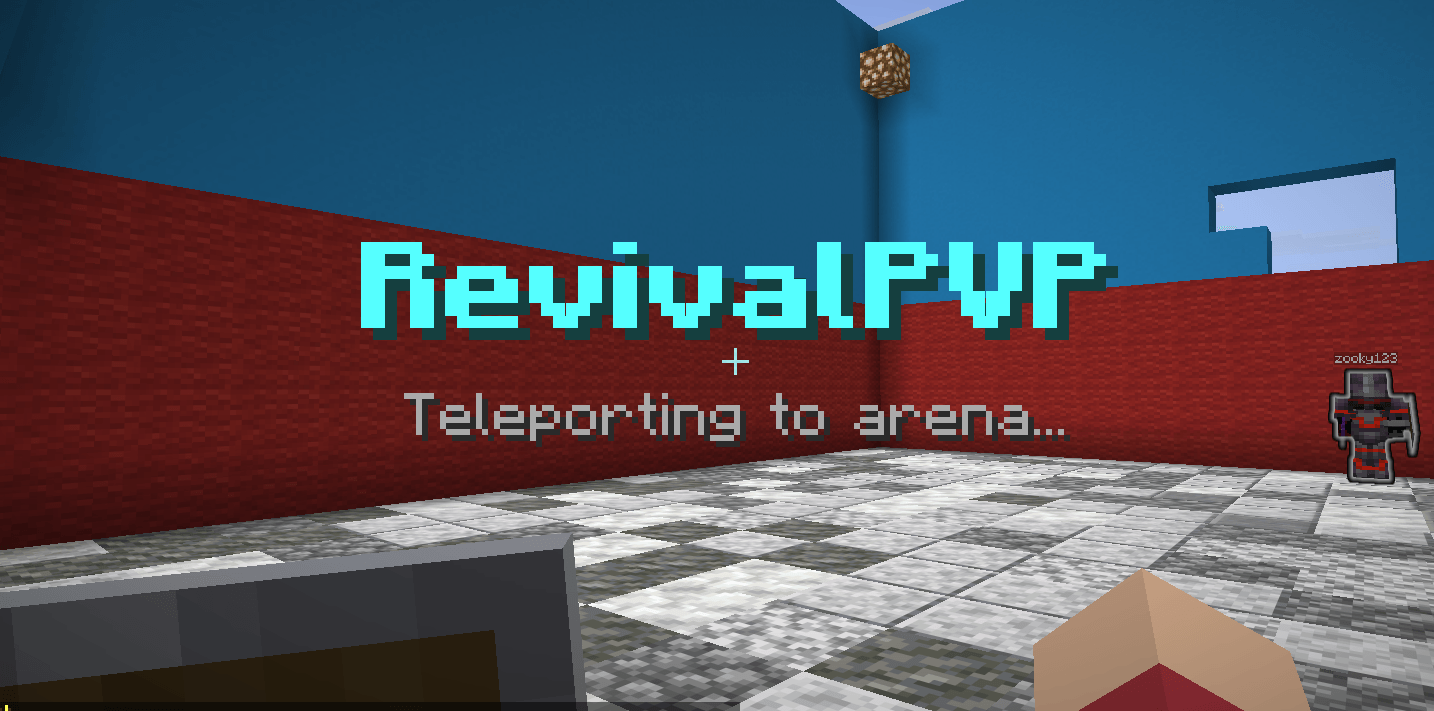
RevivalPVP
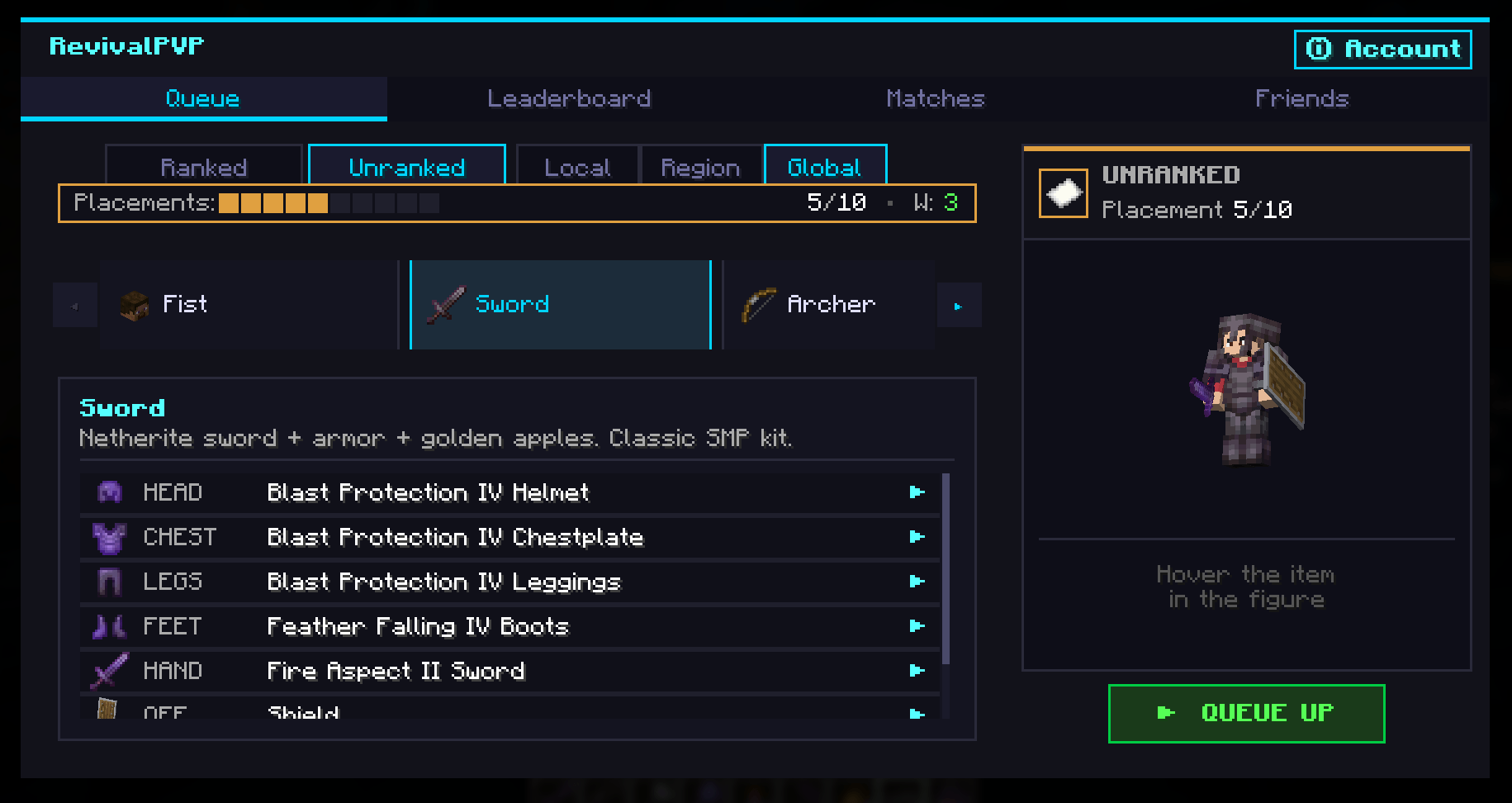
Competitive 1v1 PvP duels with cross-server matchmaking. Press Y anywhere
in Minecraft (title screen, your survival world, your friends' server) and
the RevivalPVP hub opens. Pick a kit, queue, fight a real opponent on the
RevivalPVP duel server, return to wherever you were when it's over.
No alt account, no extra login. Signs in with your Minecraft account via the
standard Mojang session protocol. Same trust model as joining any online server.
Features
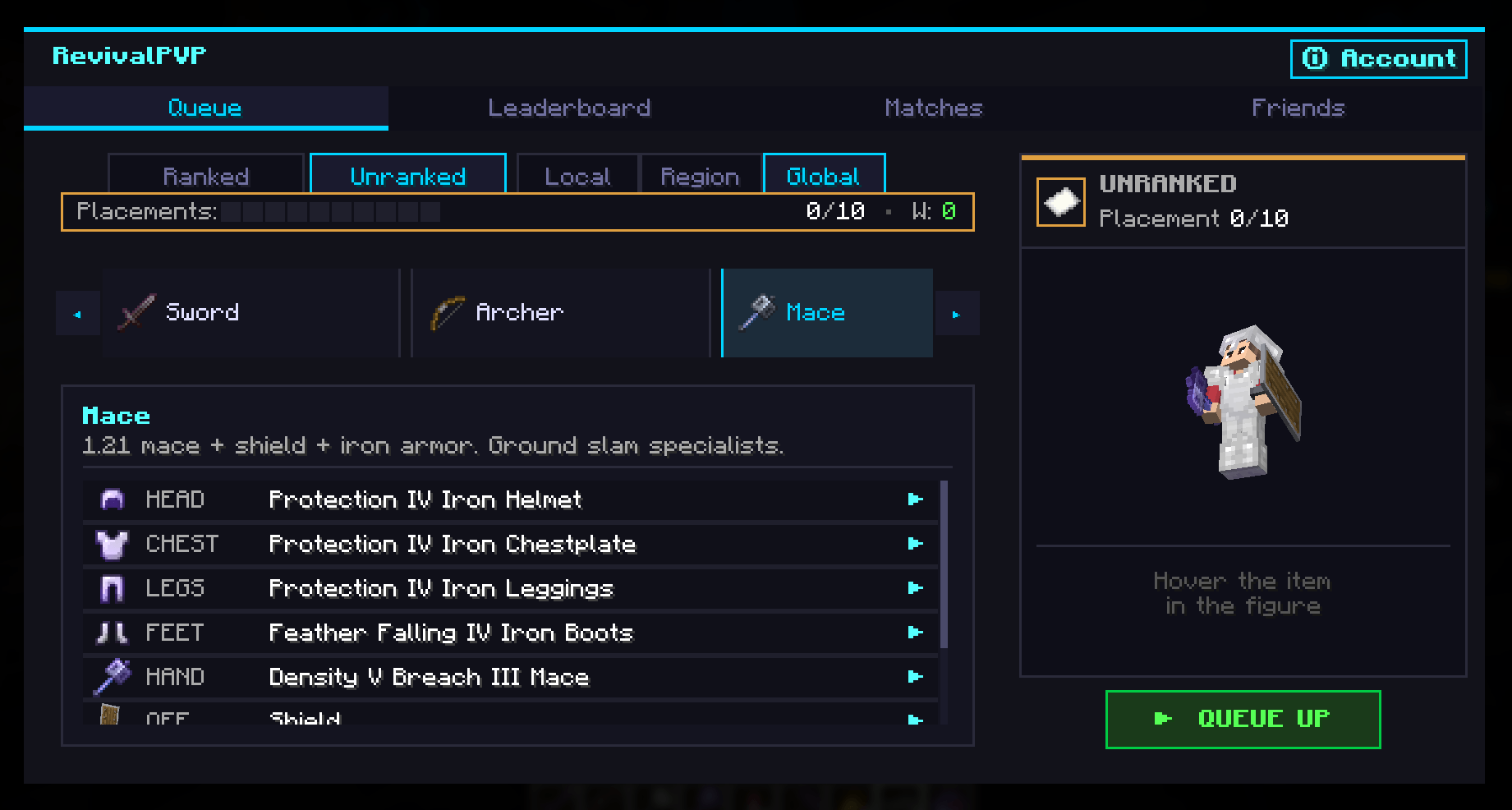
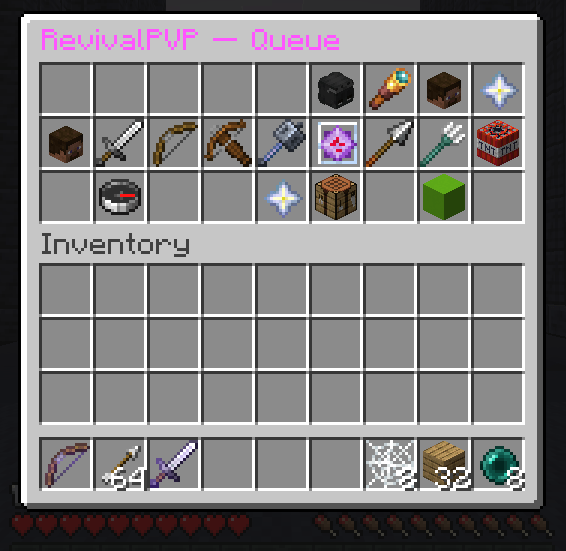
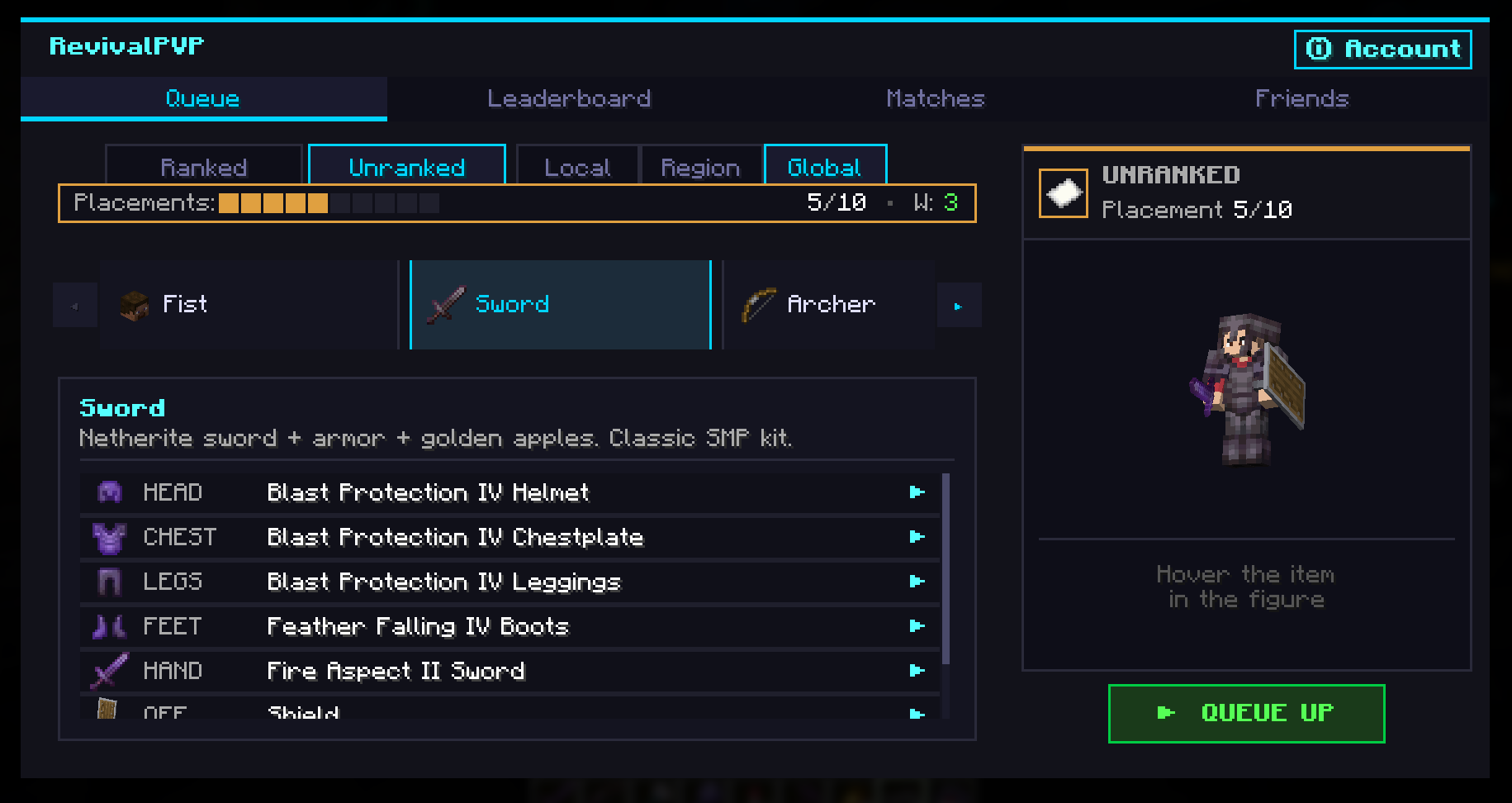
- 9 kits to duel with: Sword, Archer, Crossbow, Mace, Crystal, Spear,
Trident, TNT, Fist. Each kit gets a balanced standard loadout AND a
customizable variant picker so you can tune your gear (Sharpness V vs.
Sharpness III + Looting III, Power V vs. Flame I + Power IV, etc.).
- Ranked + Unranked queues. Ranked uses OpenSkill rating. Complete 10
placements, climb through Iron, Bronze, Silver, Gold, Platinum,
Diamond, Master, Grandmaster, Challenger.
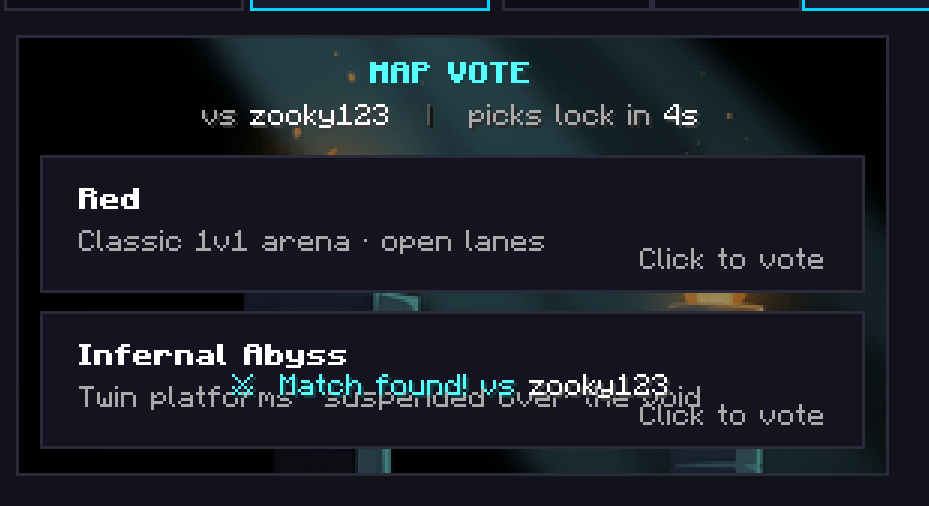
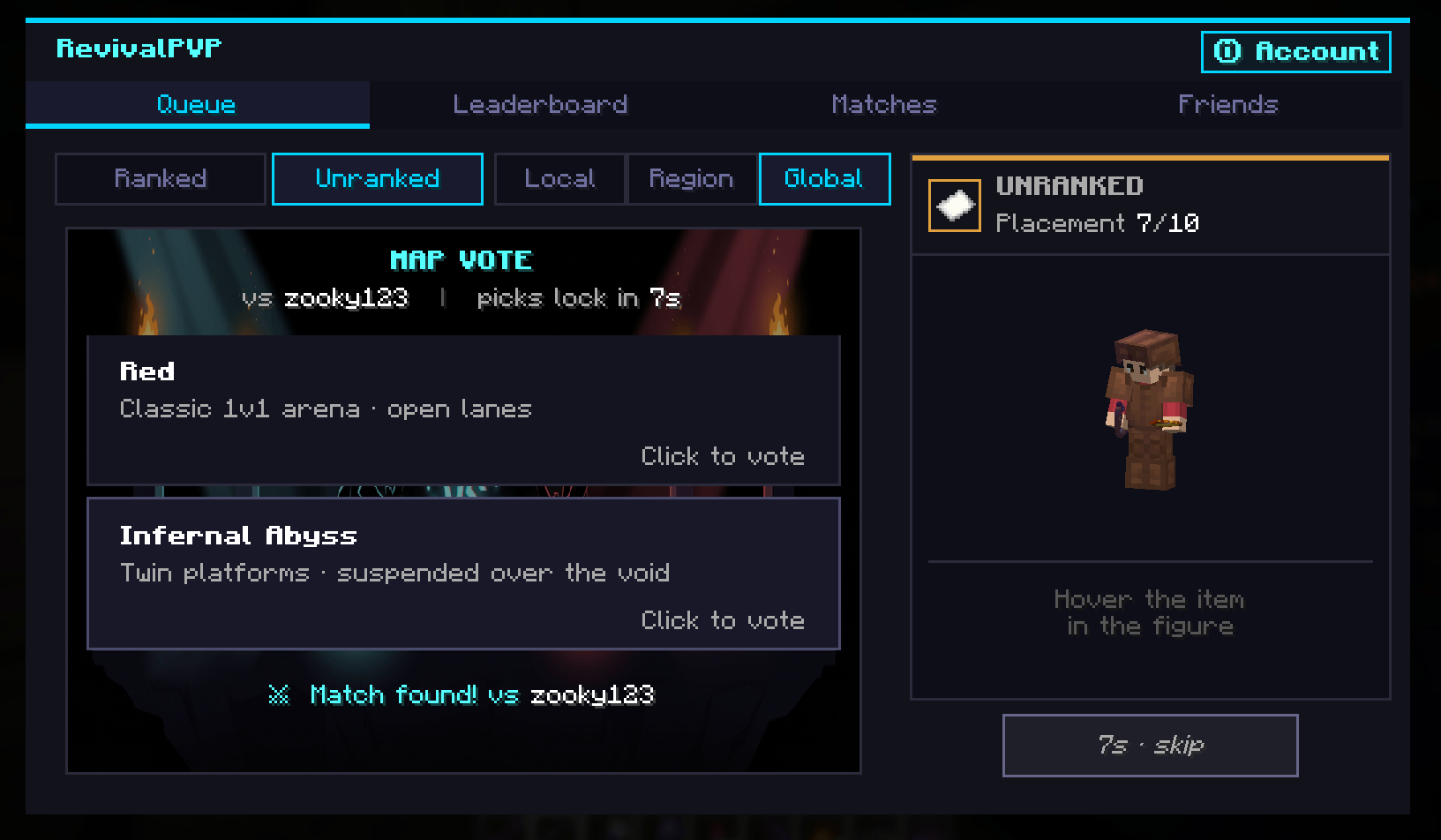
- Map vote before each duel. Multiple arenas in rotation, both players
vote, finalized after a short window.
- Spectator mode. Watch live duels from a Live Matches list, with proper
vantage cameras and side-isolated WorldBorder so you can't bleed into
someone else's fight.
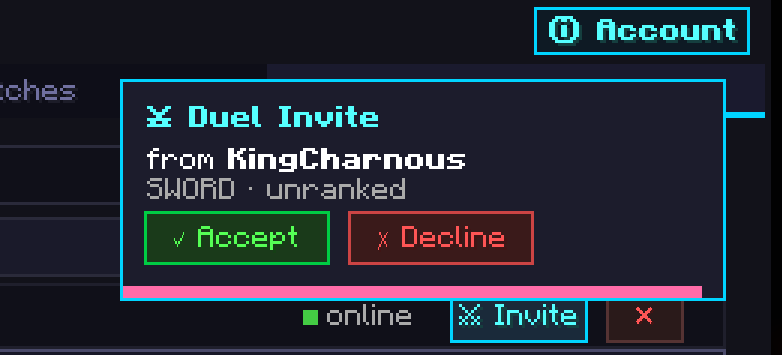
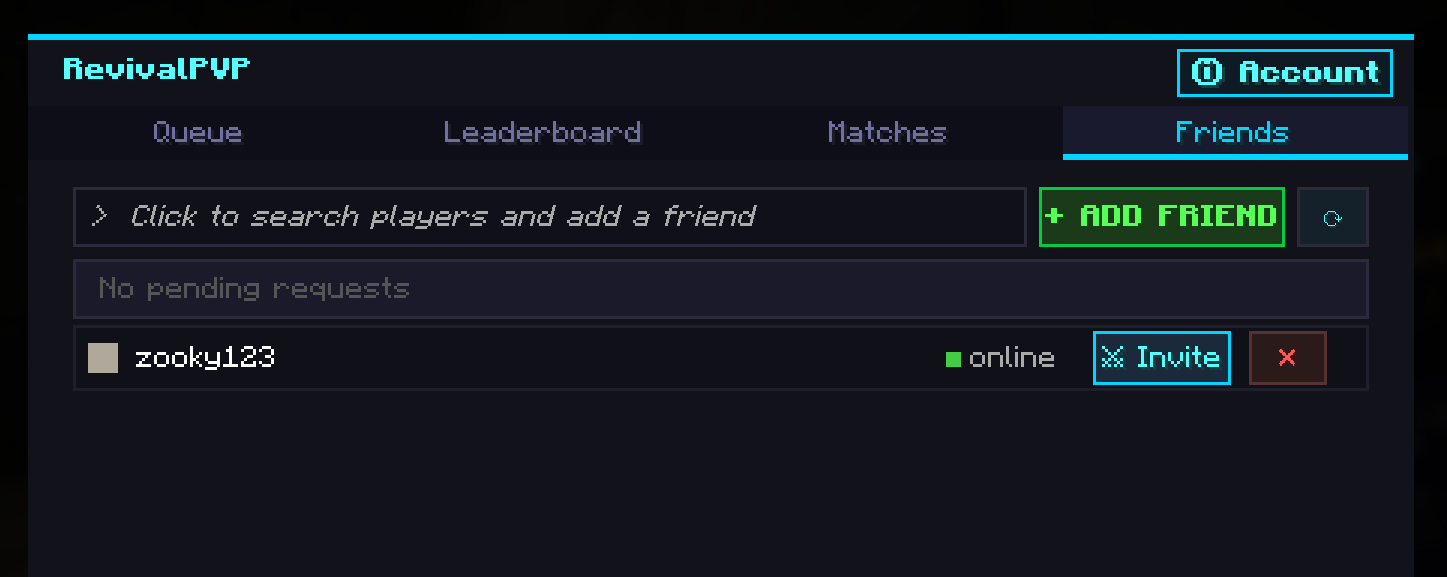
- Friend duels. Send a duel invite to a friend, skip the queue. Friend
list with online presence (idle / in queue / in duel / offline), persistent
WS keepalive so invites land reliably.
- Match history + leaderboards. Per-kit rankings, your match history
with kit + opponent + LP delta, opponent profiles + sponsor coins.
- In-game web sign-in. Generate a 6-character code in the hub to sign
into revivalpvp.net without leaving the game.
- Auto-update notifier (coming with the next Modrinth release). The
hub will surface "Update available" if a newer version exists on Modrinth.
How to use
- Install Fabric Loader + Fabric API for your Minecraft version.
- Drop
revival-pvp-mod-<version>.jar into your mods/ folder.
- Launch the game. The first time the mod starts it'll connect to the
RevivalPVP backend in the background.
- Press Y (default keybind, rebindable in Options, Controls,
RevivalPVP, Open Hub) to open the hub. The first time you queue, the
mod authenticates you using your Minecraft session. No extra password,
no separate account.
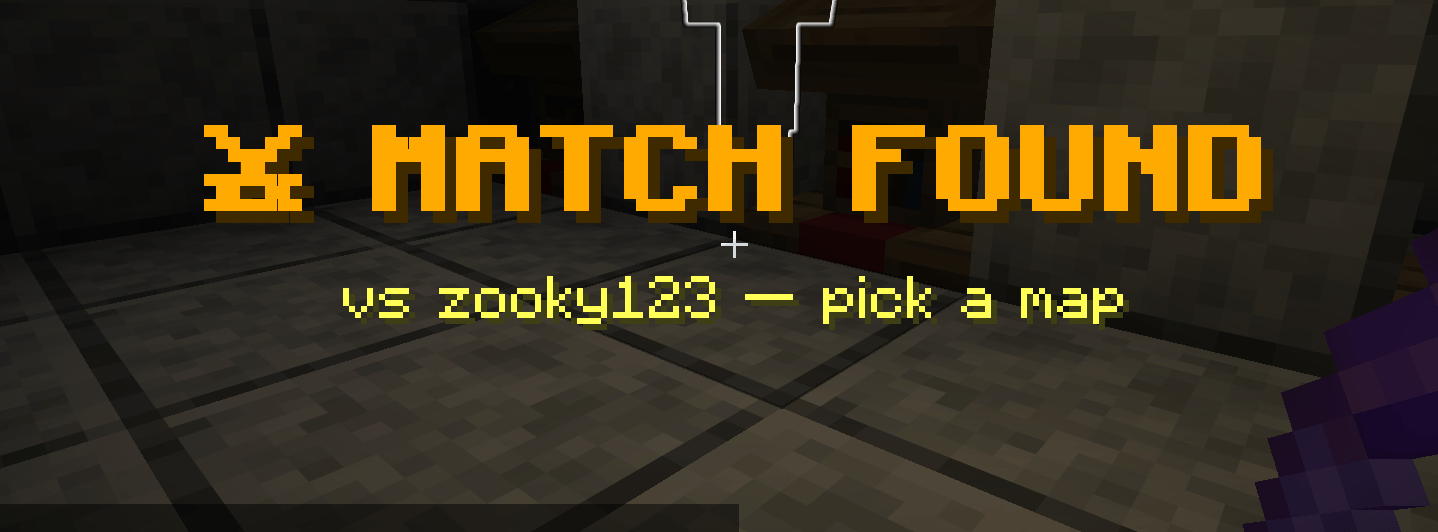
- Pick a kit + Ranked/Unranked, click QUEUE UP. When a match is found
you'll be transferred to the RevivalPVP duel server automatically.
- After the duel ends you're returned to your previous server (or the title
screen if you joined from there).
More Maps Soon
Friends Support (Invites)
Frequently asked
Do I need an account on revivalpvp.net?
No. The mod uses your Minecraft session for auth, the same protocol
Minecraft itself uses to join an online-mode server. You can also create a
website account from the in-game hub by generating a one-time login code.
Does this require server-side install?
No, the mod works on any vanilla server. There's an optional companion
plugin (RevivalPVPServerMod) that lets server admins expose /pvp to
players who don't have the mod installed, useful for partner servers.
Modrinth listing is for the client mod only.
What does the mod send to the backend?
Your Minecraft UUID + username (to identify you in the duel system), match
results during a duel, and queue/kit/scope preferences when you queue. No
chat logs, no inventory contents from your own world, no telemetry beyond
match-related events. The default backend is api.revivalpvp.net and is
configurable in config/revivalpvp.json.
Can I duel friends from any server?
Yes. Open the hub on the server you're on, send your friend a duel invite,
and the mod transfers both of you to the duel server when accepted. Both
players need RevivalPVP installed (or the server-mod must be installed on
their server).
Is the mod open source?
The Modrinth release is free to use. Source-code availability is documented
on the project's website.
What's the rebind key?
Default is Y. Change in Options, Controls, RevivalPVP. The same hub
also opens from the pause menu via an added "RevivalPVP" button.
Compatibility
- Fabric only (no Forge / NeoForge port currently).
- Java 21+ required (Minecraft 1.21+ already enforces this).
- Tested with Geyser/Floodgate. Bedrock players on Geyser-enabled
servers can use the companion server-mod's
/pvp chat-clickable hub.
- Works with standard performance / QoL mods (Sodium, Lithium, FerriteCore,
Iris, etc.). Mixin surface is small and conservative: title-screen
button, pause-menu button, Y keybind. No hooks into combat/movement code.