The Jail Mod is a server-side mod that allows you to imprison players in a virtual prison, preventing them from interacting with the world until they are released. It is perfect for Minecraft servers where you want to impose temporary penalties or temporarily limit the movement of certain players.
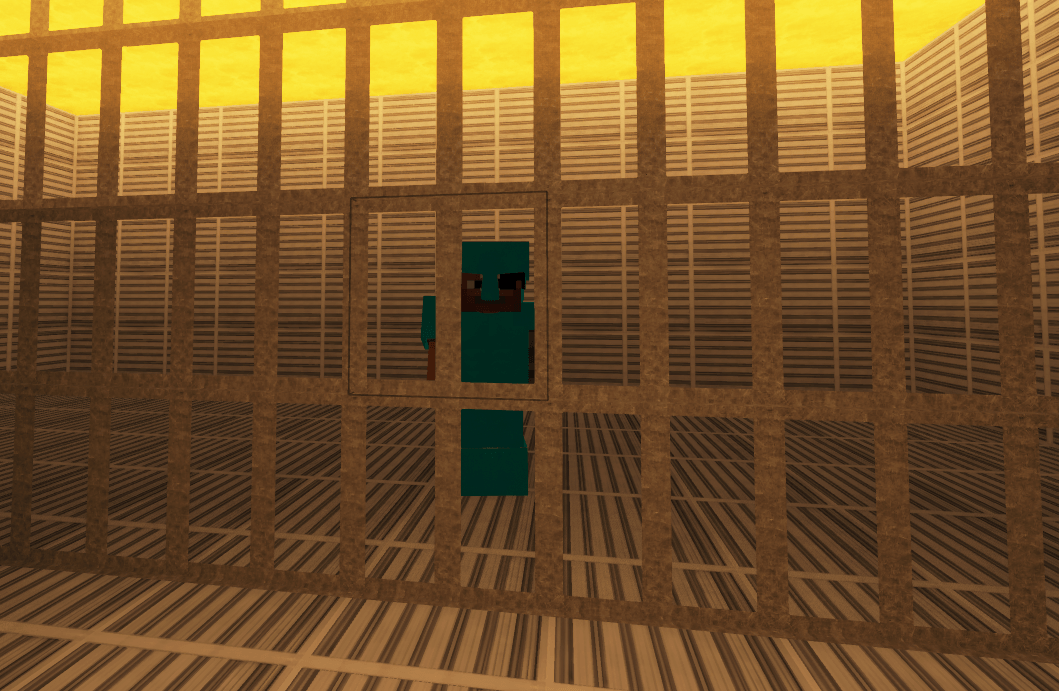
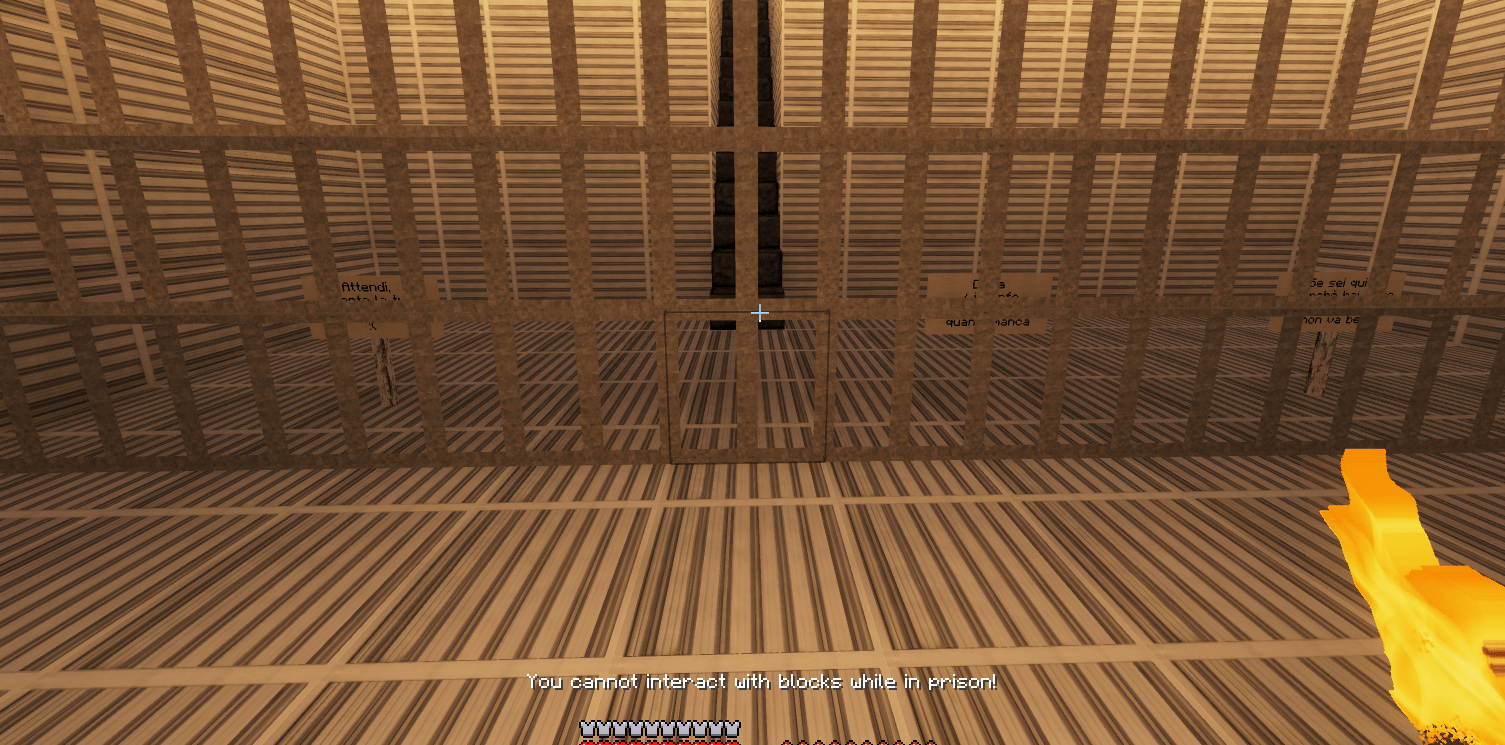

Build a prison (a closed structure).
Set the coordinates where you want the prisoner to spawn with the command /jail set x y z (example /jail set 0 60 0)
Reload the configuration using /jail reload .
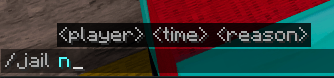
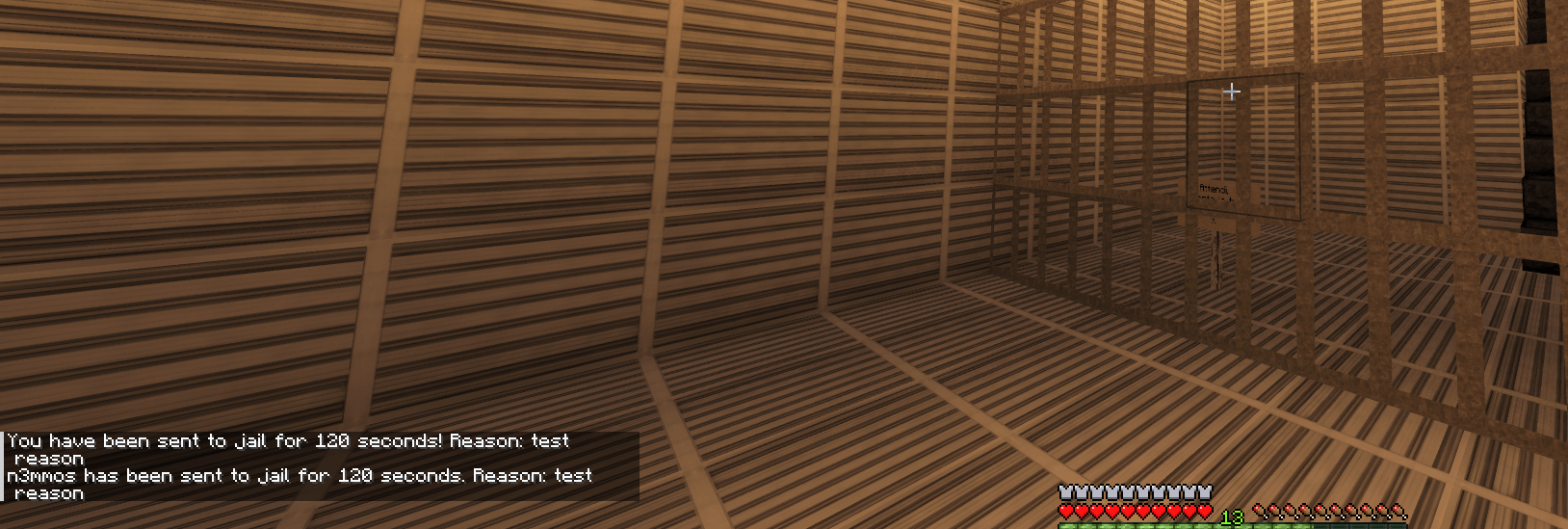
Send someone to jail with /jail playerexample 120 Griefing.
If you don't want to wait for the prison time you set in seconds (example 120 seconds), you can release the player early with the command /unjail playerexample
.jar file in the mods folder of the Minecraft server./jail player time reason/jail player_name time_in_seconds reason/jail Steve 300 GriefingThis command jails the player Steve for 300 seconds (5 minutes) with the reason "Griefing"./unjail player/unjail player_nameSteve from jail./jail info/jail infoThis command will return a message similar to: "You are in jail for another 200 seconds. Reason: Griefing."/jail reload/jail reloadThis command reloads the mod's configuration, useful if the config files have been modified./jail set/jail set x y z/jail set 0 60 0When a player is jailed, they cannot do the following:
/jail info command.config/jailmod/config.jsonThis file is automatically generated and allows you to configure the jail's location and the player's release location. Here are the options you can find:
use_previous_position: If set to true, players will be released in the position they were in before being jailed. If set to false, they will be released in a specific position.release_position: Defines the default release position with coordinates x, y, z, active if use_previous_position is set to false.jail_position: Defines the jail position with coordinates x, y, z. {
"use_previous_position": true,
"release_position": {
"x": 100,
"y": 65,
"z": 100
},
"jail_position": {
"x": 0,
"y": 60,
"z": 0
}
}
config/jailmod/language.txtThis file contains the messages that are displayed in-game, customizable to match the tone or style of the server. If the file does not exist, it is automatically generated with default messages. Here are some of the messages you can modify:
jail_player: Message the player receives when they are jailed. Use the variables for the duration and for the reason."You have been jailed for {time} seconds! Reason: {reason}"jail_broadcast: Message broadcast to all players on the server when a player is jailed."{player} has been jailed for {time} seconds. Reason: {reason}"unjail_player_manual: Message the player receives when they are manually released from jail."You have been manually released from jail!"unjail_broadcast_manual: Message broadcast to all players on the server when a player is manually released from jail."{player} has been manually released from jail!"unjail_player_auto: Message the player receives when they are automatically released from jail after the time expires."You have been released after serving your sentence."unjail_broadcast_auto: Message broadcast to all players on the server when a player is automatically released from jail after the time expires."{player} has been released after serving their sentence."block_interaction_denied: Message informing the player that they cannot interact with blocks while in jail."You cannot interact with blocks while in jail!"entity_interaction_denied: Message informing the player that they cannot interact with entities while in jail."You cannot interact with entities while in jail!"bucket_use_denied: Message informing the player that they cannot use lava or water buckets while in jail."You cannot use lava or water buckets while in jail!"item_use_denied: Message informing the player that they cannot use items while in jail."You cannot use items while in jail!"block_break_denied: Message informing the player that they cannot break blocks while in jail."You cannot break blocks while in jail!"jail_info_message: Message that shows the remaining time and the reason for the jail sentence when the player uses the /jail info command."You are in jail for another {time} seconds. Reason: {reason}."not_in_jail_message: Message shown if a player is not in jail and tries to use /jail info."You are not in jail!"Default language.txt example:
    jail_player=You have been jailed for {time} seconds! Reason: {reason}
    jail_broadcast={player} has been jailed for {time} seconds. Reason: {reason}
    unjail_player_manual=You have been manually released from jail!
    unjail_broadcast_manual={player} has been manually released from jail!
    unjail_player_auto=You have been released after serving your sentence.
    unjail_broadcast_auto={player} has been released after serving their sentence.
    block_interaction_denied=You cannot interact with blocks while in jail!
    entity_interaction_denied=You cannot interact with entities while in jail!
    bucket_use_denied=You cannot use lava or water buckets while in jail!
    item_use_denied=You cannot use items while in jail!
    block_break_denied=You cannot break blocks while in jail!
    jail_info_message=You are in jail for another {time} seconds. Reason: {reason}.
    not_in_jail_message=You are not in jail!
Use the /jail reload command after changing configuration or language messages to apply the changes without having to restart the server. Always specify a clear reason for the jailing, so the player knows why they were jailed.
Set Jail spawn position:
/jail set 0 60 0
Jailing a player for an unfair action:
/jail Alex 600 Offending another player
This jails Alex for 10 minutes with the reason "Offending another player".
Checking jail time:
/jail info
A jailed player can use this command to check how much time they have left.