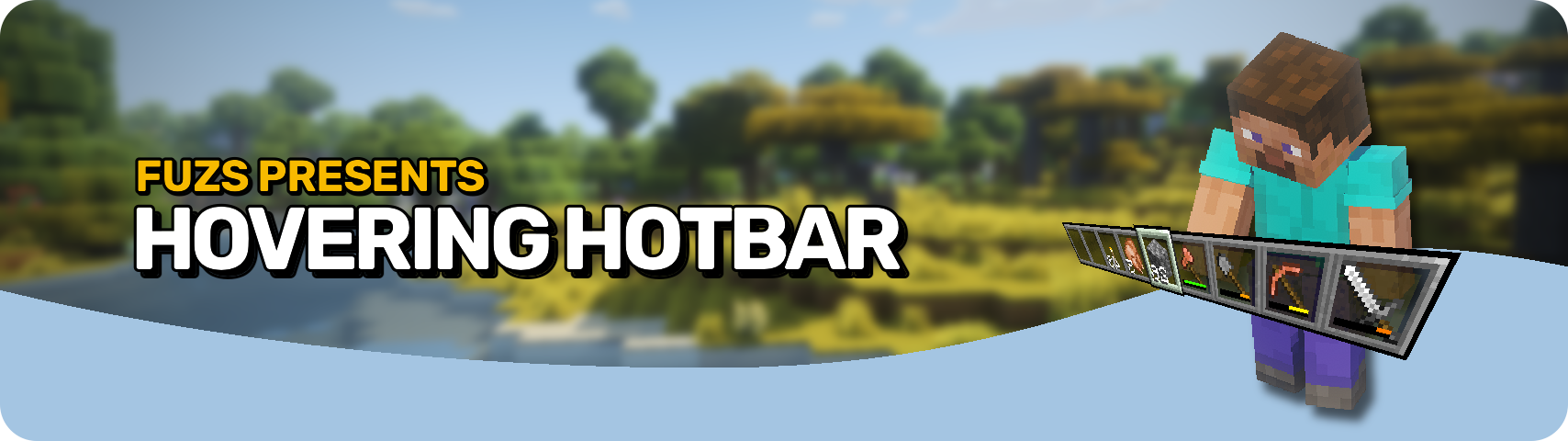







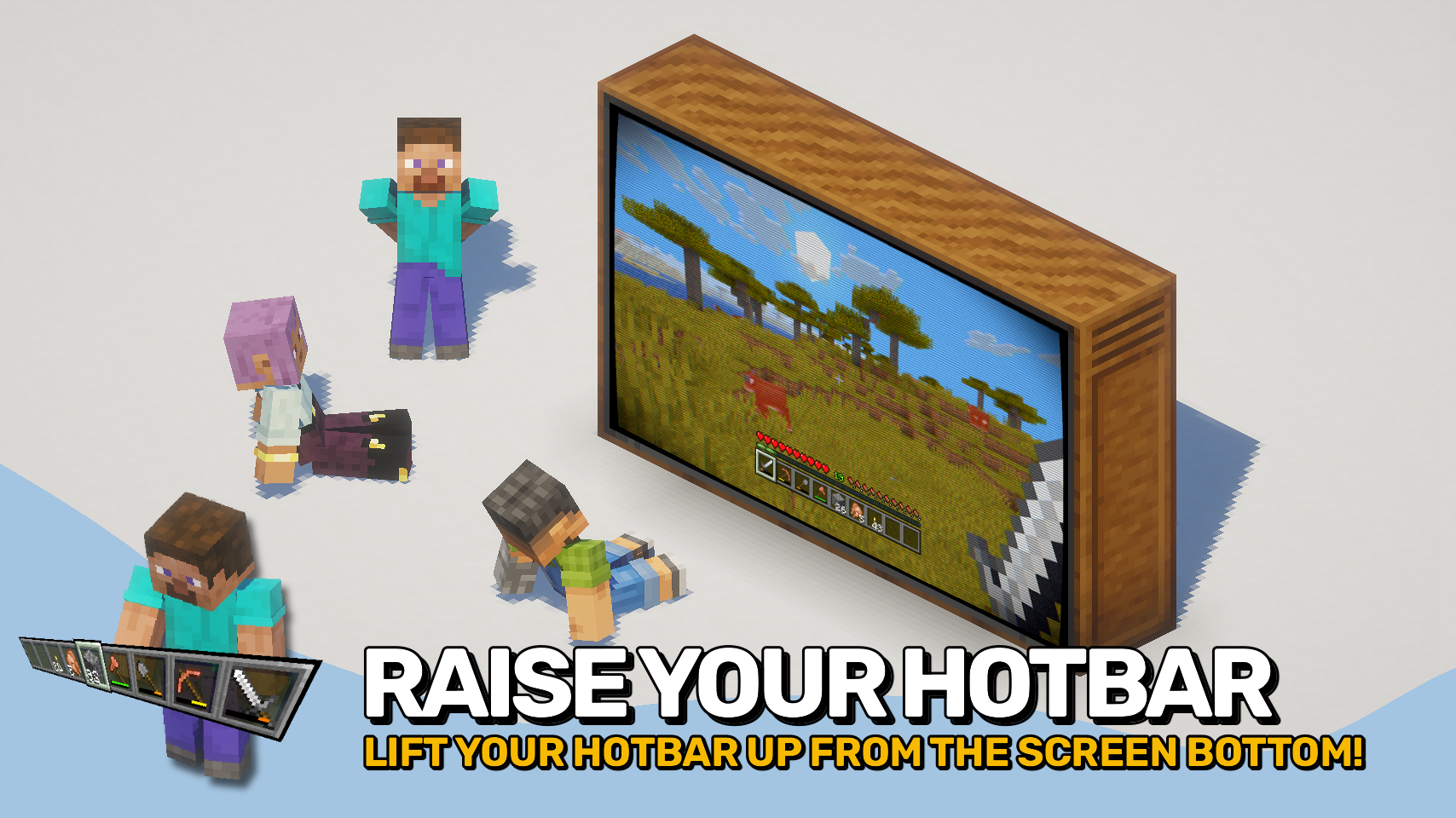
Hovering Hotbar brings the elevated hotbar style from Bedrock Edition and Legacy Console Edition to Java Edition. 🎮
By moving the hotbar away from the bottom edge of the screen, it appears to float in place, creating a cleaner and more modern HUD layout. This also allows the full selection highlight to be rendered instead of being partially cut off by the screen border. ✨
The hotbar offset is fully configurable, letting you position it exactly where you want it. To complete the console-inspired look, the experience level display can also be moved above the experience bar. ⚙️



⏩ INSTALLATION REQUIRED ON CLIENT
⏩ REQUIRES PUZZLES LIB TO BE INSTALLED (FABRIC & NEOFORGE)
⏩ REQUIRES FABRIC API TO BE INSTALLED (FABRIC)
⏩ REQUIRES FORGE CONFIG API PORT TO BE INSTALLED (FABRIC)

If available for a mod, configuration is possible directly from in-game using the mod menu (requires Mod Menu by Prospector to be installed on Fabric).
For manual configuration using an external text editor all files are found at .minecraft/config, named as MOD_ID-client.toml, MOD_ID-common.toml, or MOD_ID-server.toml, depending on the type of config. Not all types might exist for a mod, if any at all.
 |
 |
|
 |
 |
|
 |
 |
|
 |
 |
|
 |
 |
|