If you are an operator or server admin, here is how you can use GuardSyn to protect your server:
1. Getting Started
/guardsyn: Use this command to verify if the mod is running correctly. It will confirm the system is active.
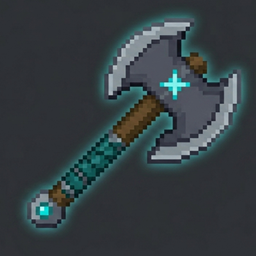
/guardsyn get: This will grant you the GuardSyn Selection Axe. This tool is essential for defining the borders of your protected zones.
2. Protecting Regions
Step 1: Hold the GuardSyn Selection Axe and Left-Click a block to define the first corner (Pos 1).
Step 2: Right-Click another block to define the second corner (Pos 2).
Step 3: Type /guardsyn deny. This command locks the selected area. Now, no one without operator permissions can break or place blocks within that zone!
3. Automatic Features
PvP Death Announcements: You don't need to type any commands for this! Once the mod is installed, it automatically tracks PvP encounters. Whenever a player dies, the server will display a color-coded message in the chat, detailing who won the fight and what gear they used.
Make sure you have operator permissions (OP) to use these commands.
If you find an area is no longer needed to be protected, simply select new coordinates or reset the zone.