Dont migrate/update a world from an older version to 5.0+, since this is a Reboot!
Hello friends of the fey and the whimsy,
It’s been a while since the last update for the Minecraft Feywild mod, but a new version is just around the corner! Due to personal reasons, I wasn’t able to work on the project for some time, and I took that space to reflect on the Feywild mod—what it currently is, and what I truly want it to be.
I really love this mod I’ve created, but I felt like it had grown too big and was trying to do too much, instead of focusing on what it’s meant to do: bringing the wild and whimsy of the Fae into Minecraft. On top of that, the mod had become increasingly complex on a technical level, with multiple dependencies on other mods, Minecraft updates, and external resources.
So, I decided to reboot Feywild—starting fresh and building it back up from the ground up.
The current version of Feywild is 5.0, and moving forward, this version and its future updates will be the ones receiving active support. The old versions will remain available as-is, but it will no longer receive updates or support. With Feywild 5.0, a lot has changed as I brought the mod back to its basics. You can find more details in the Feywild manual included in the mod, as well as on the Wiki page on GitHub.
Looking ahead, Feywild will continue to grow! More content will be added with each update—new recipes, whimsical creatures, and plenty more surprises along the way!
~ Saphie
Come explore the Feywild, a land of magic and Fey.
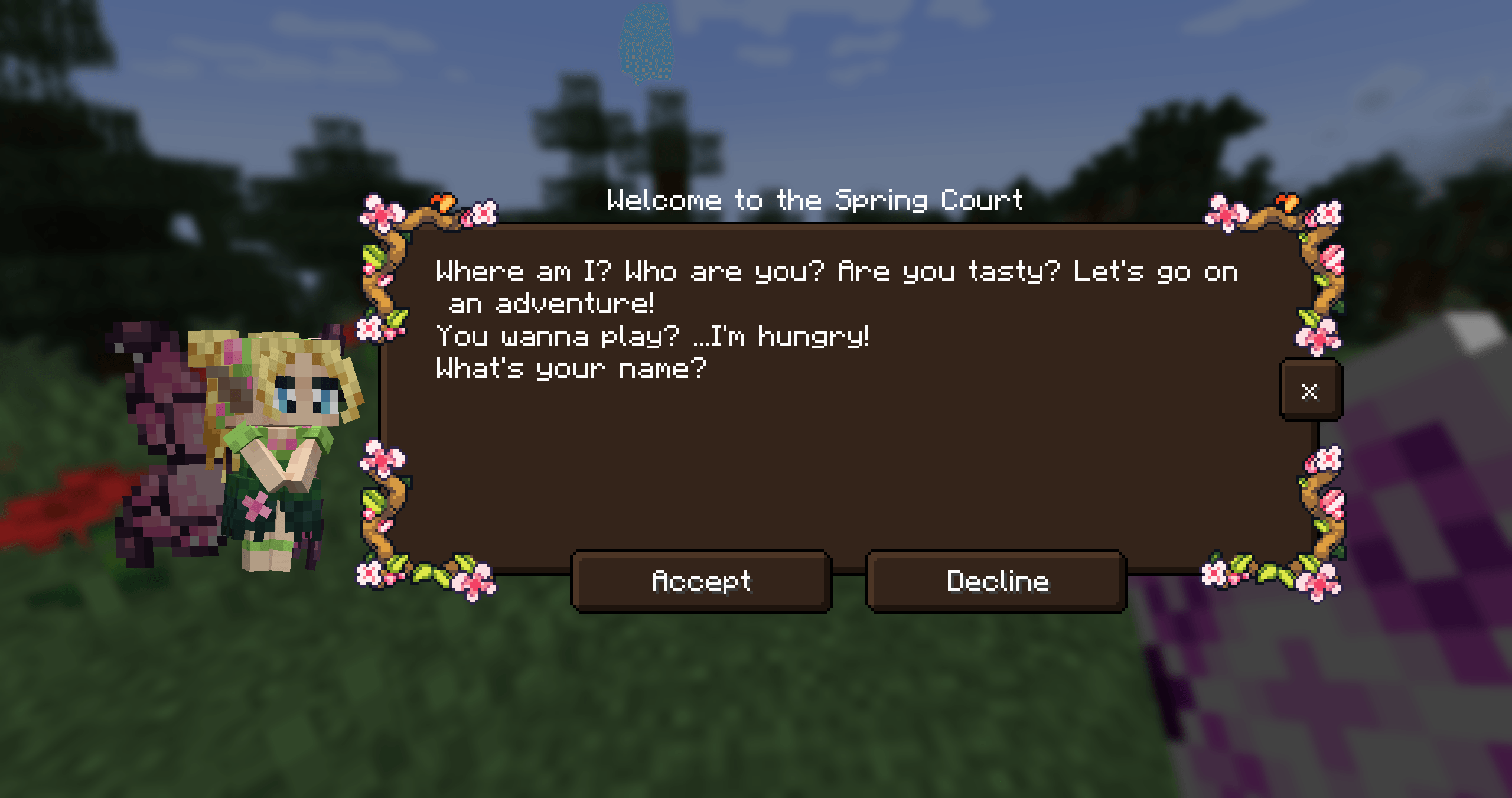
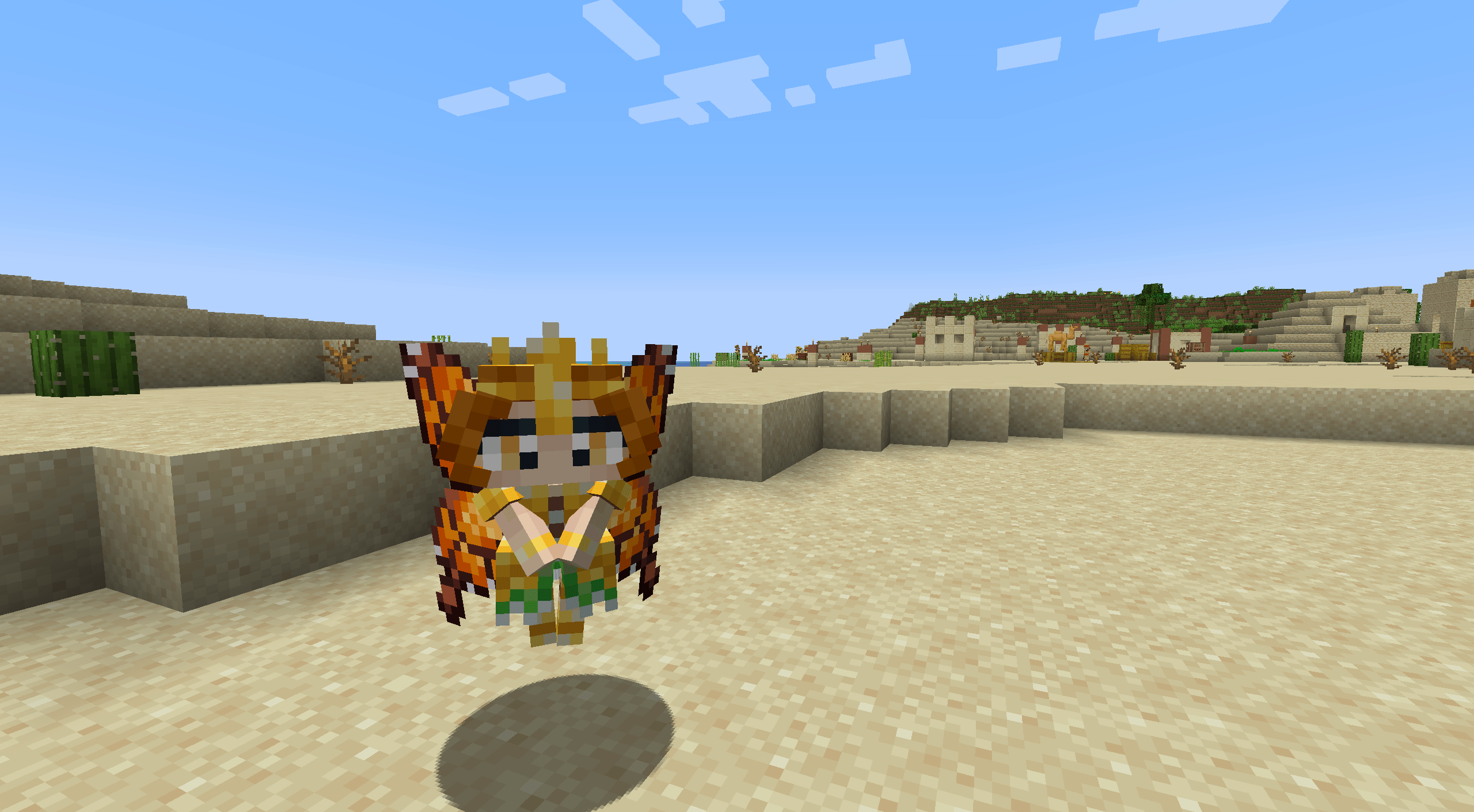
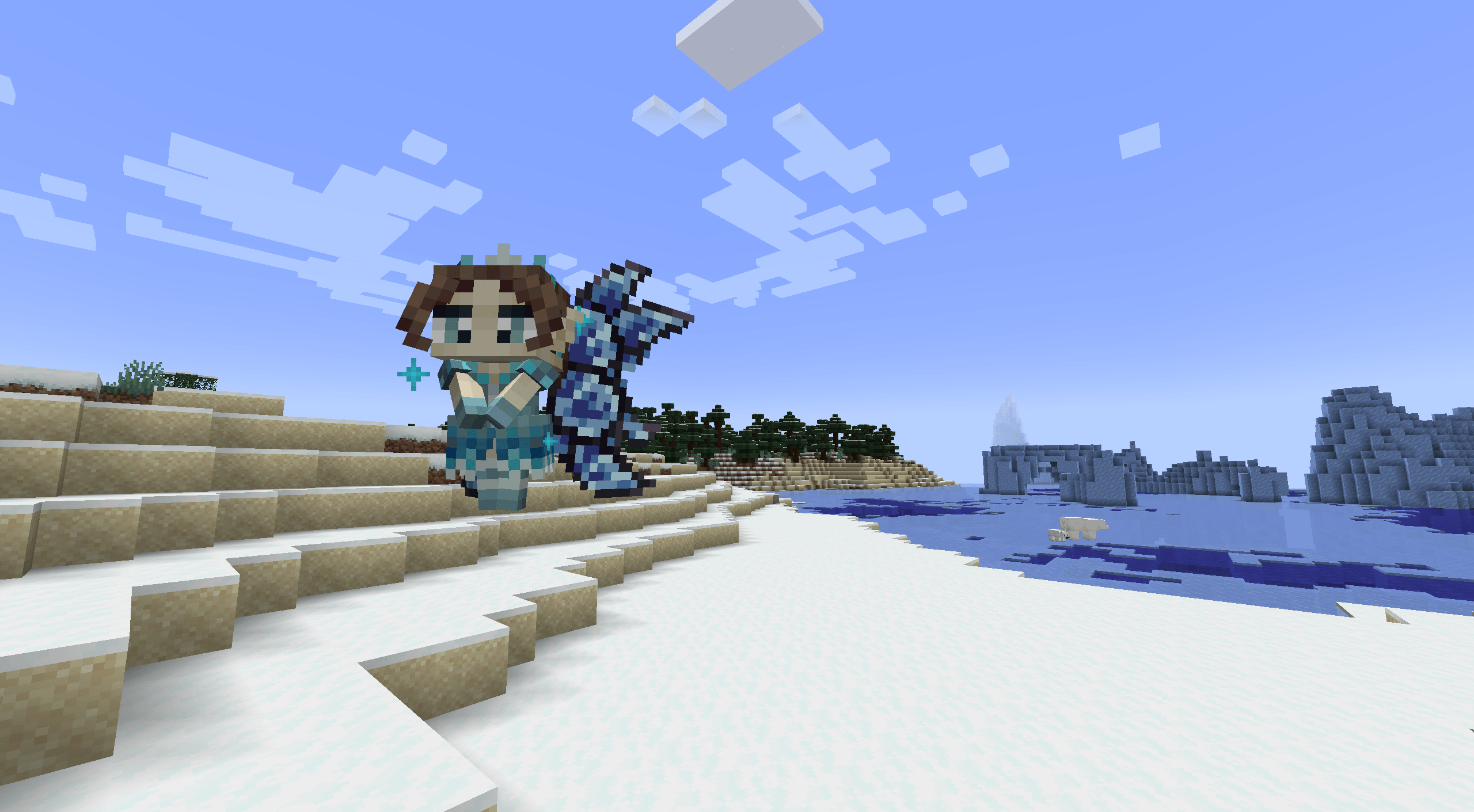
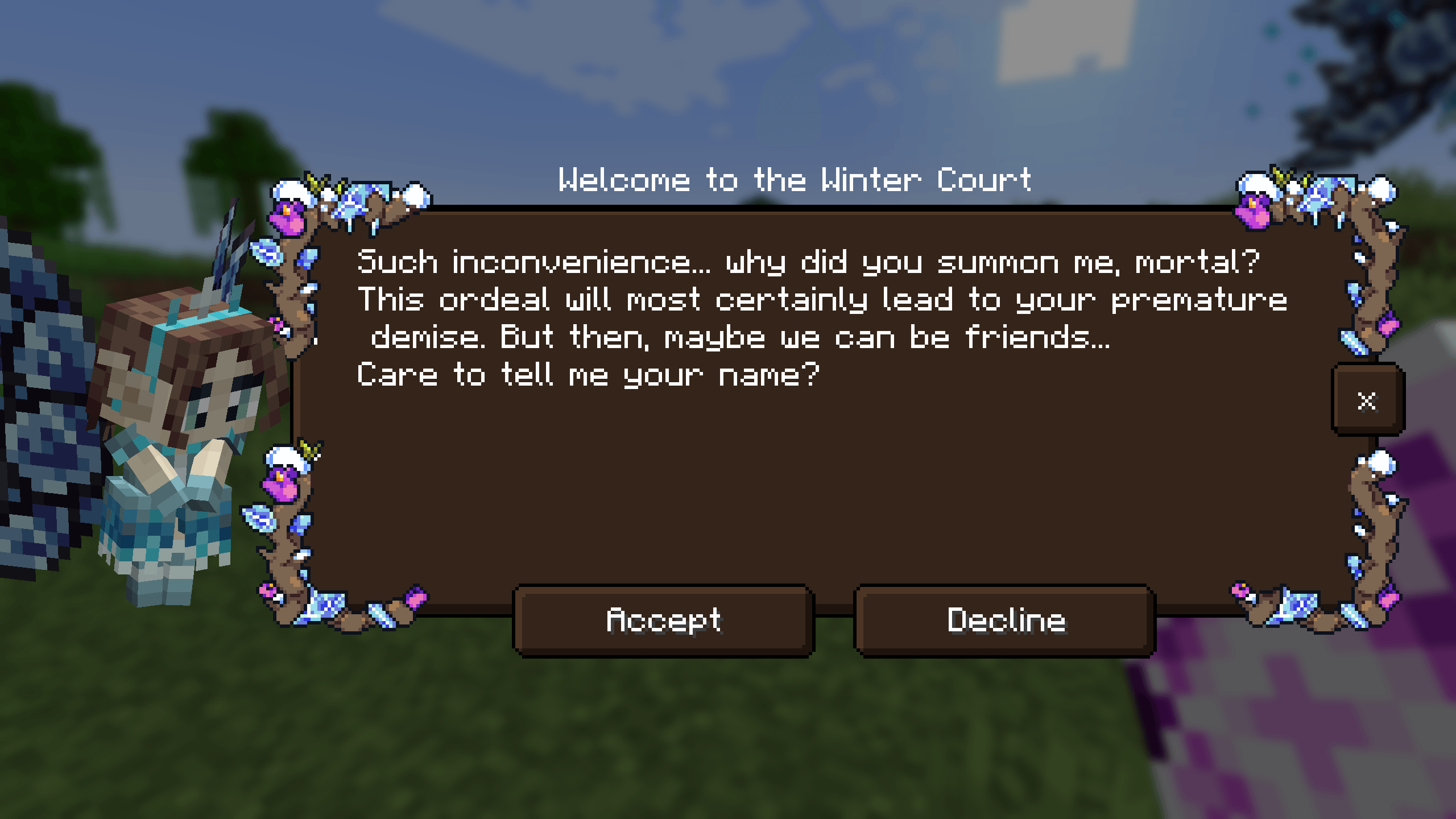
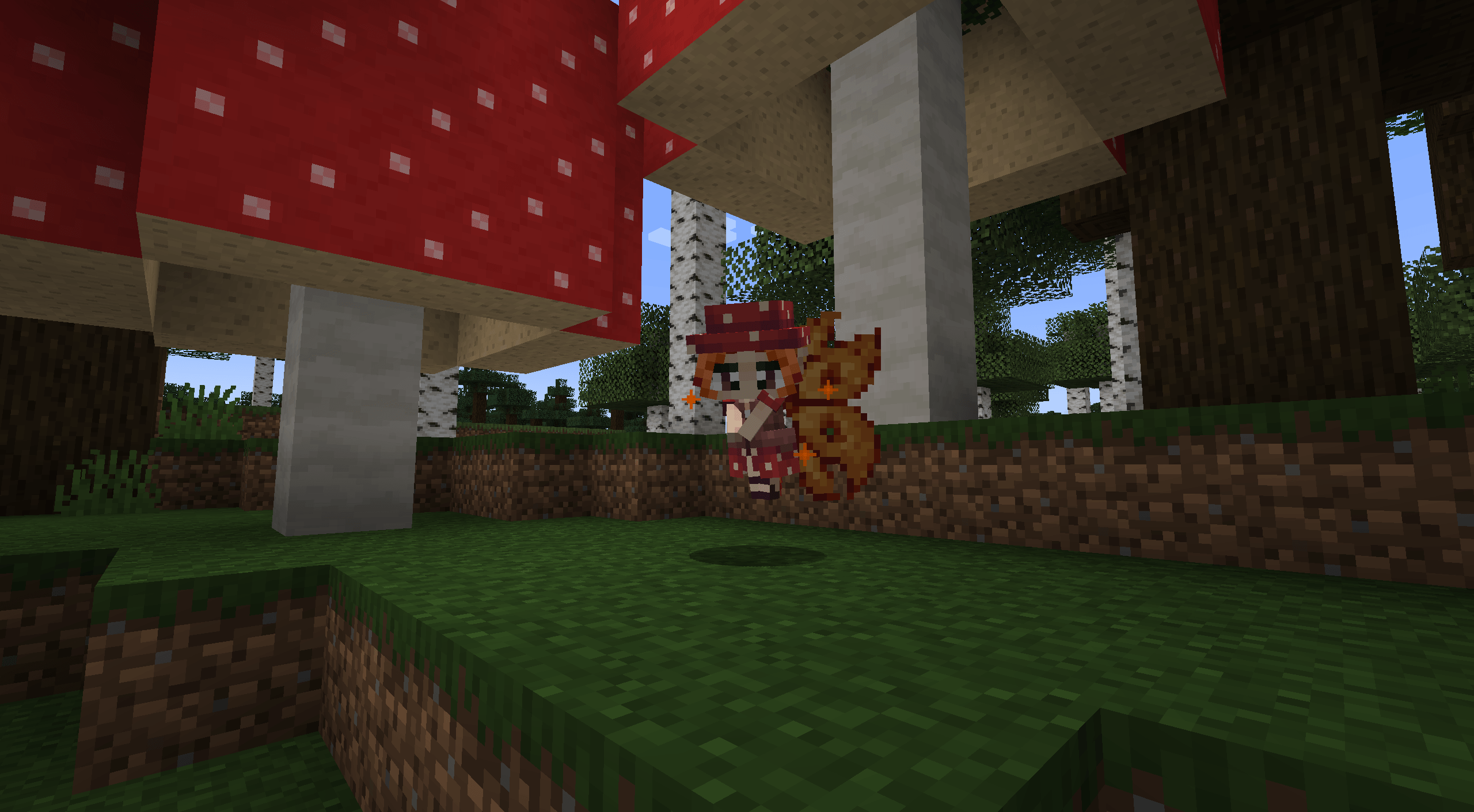
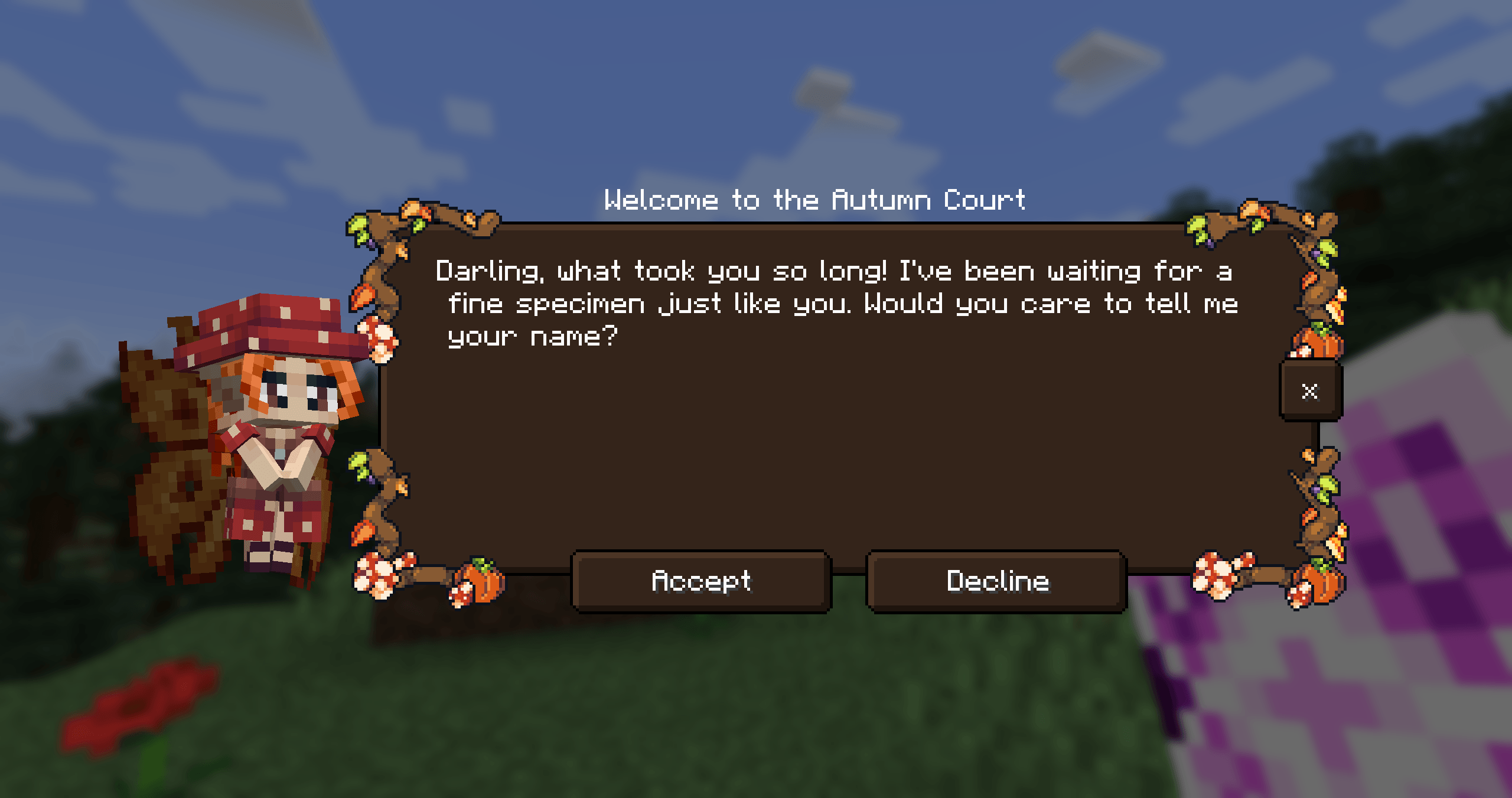
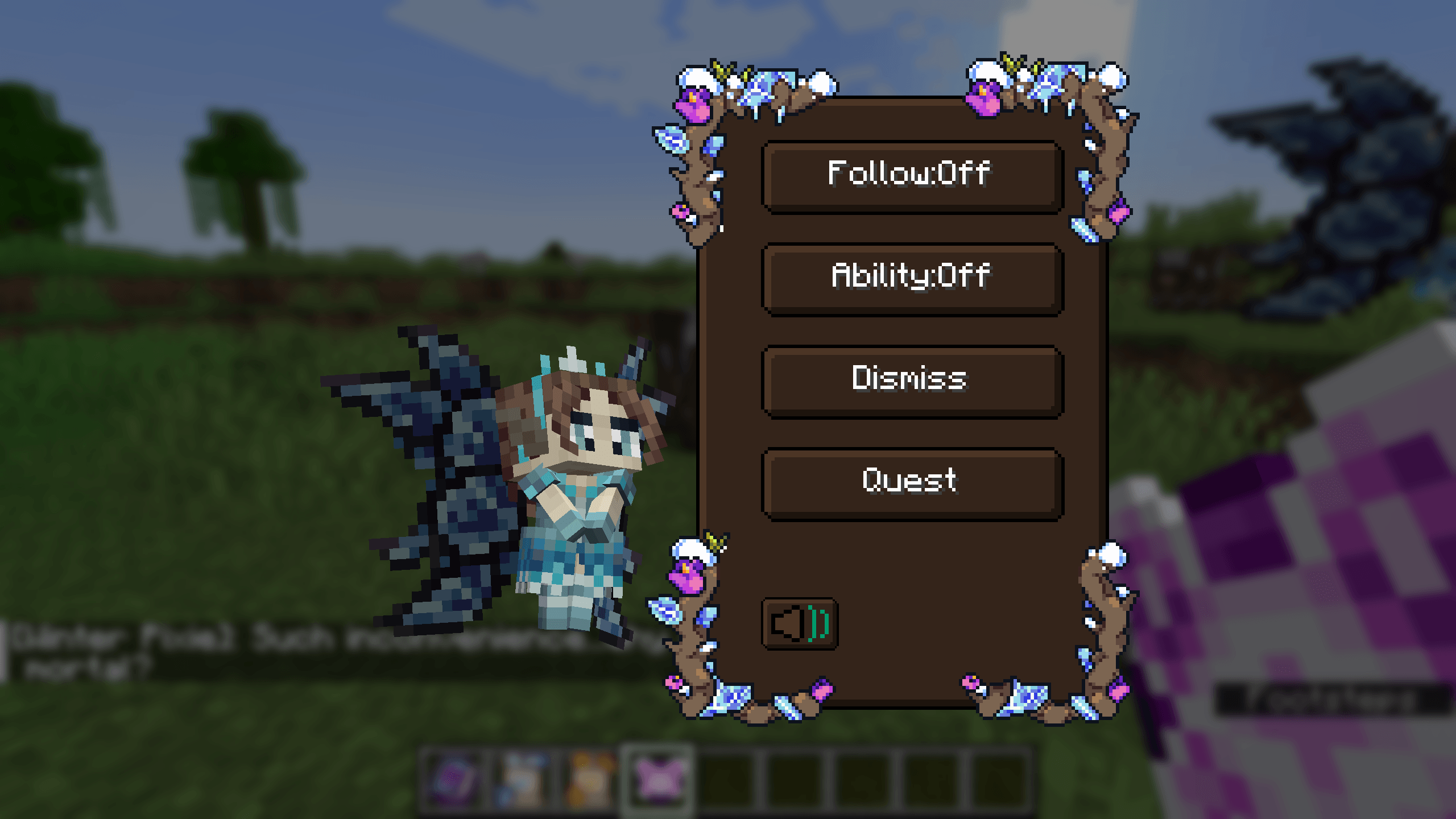
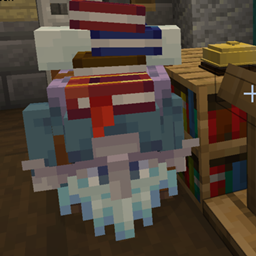
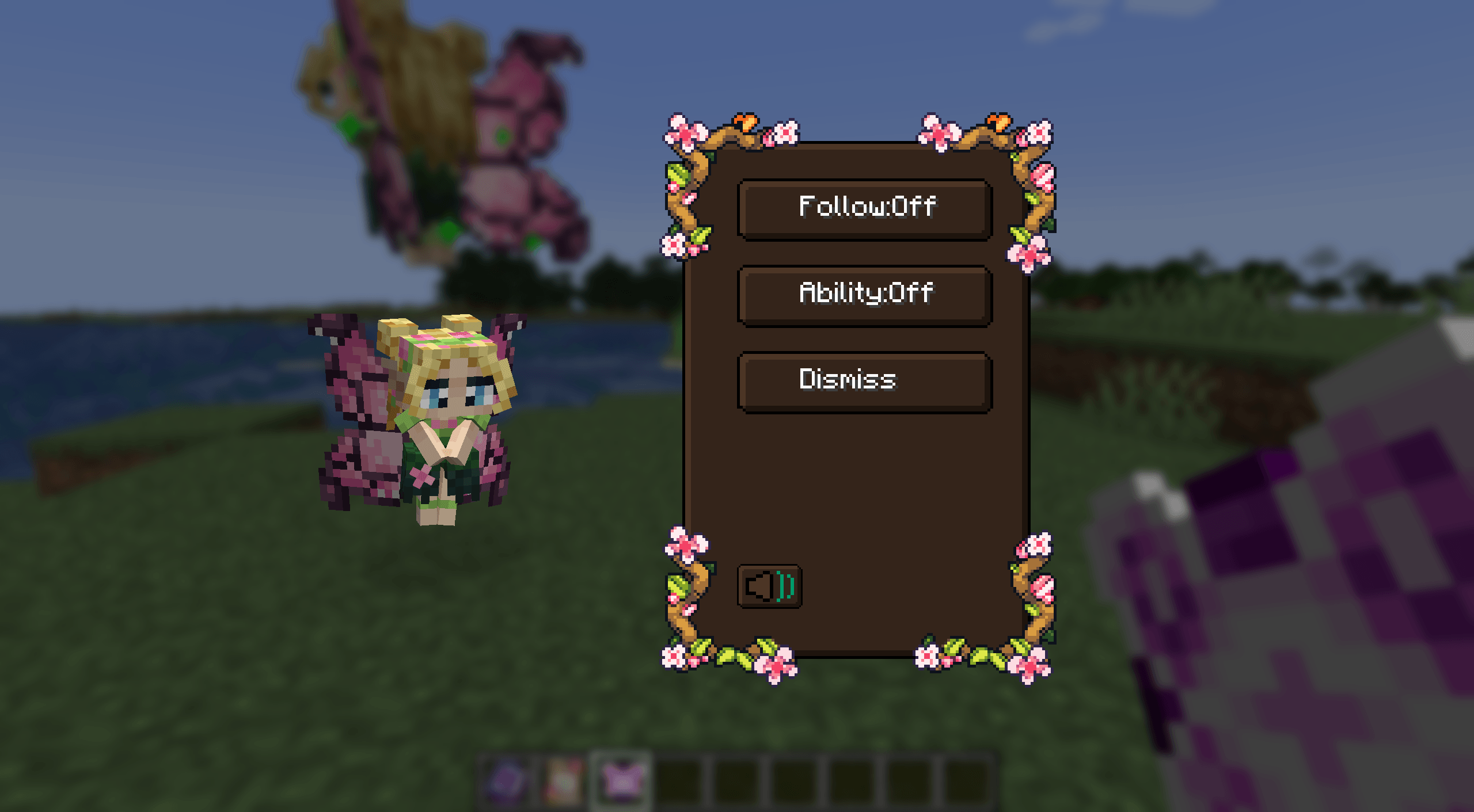
With the Feywild mod you can summon all different kinds of Fey.
Fey are the denizens of the Feywild.
Meet the denizens of the Feywild:
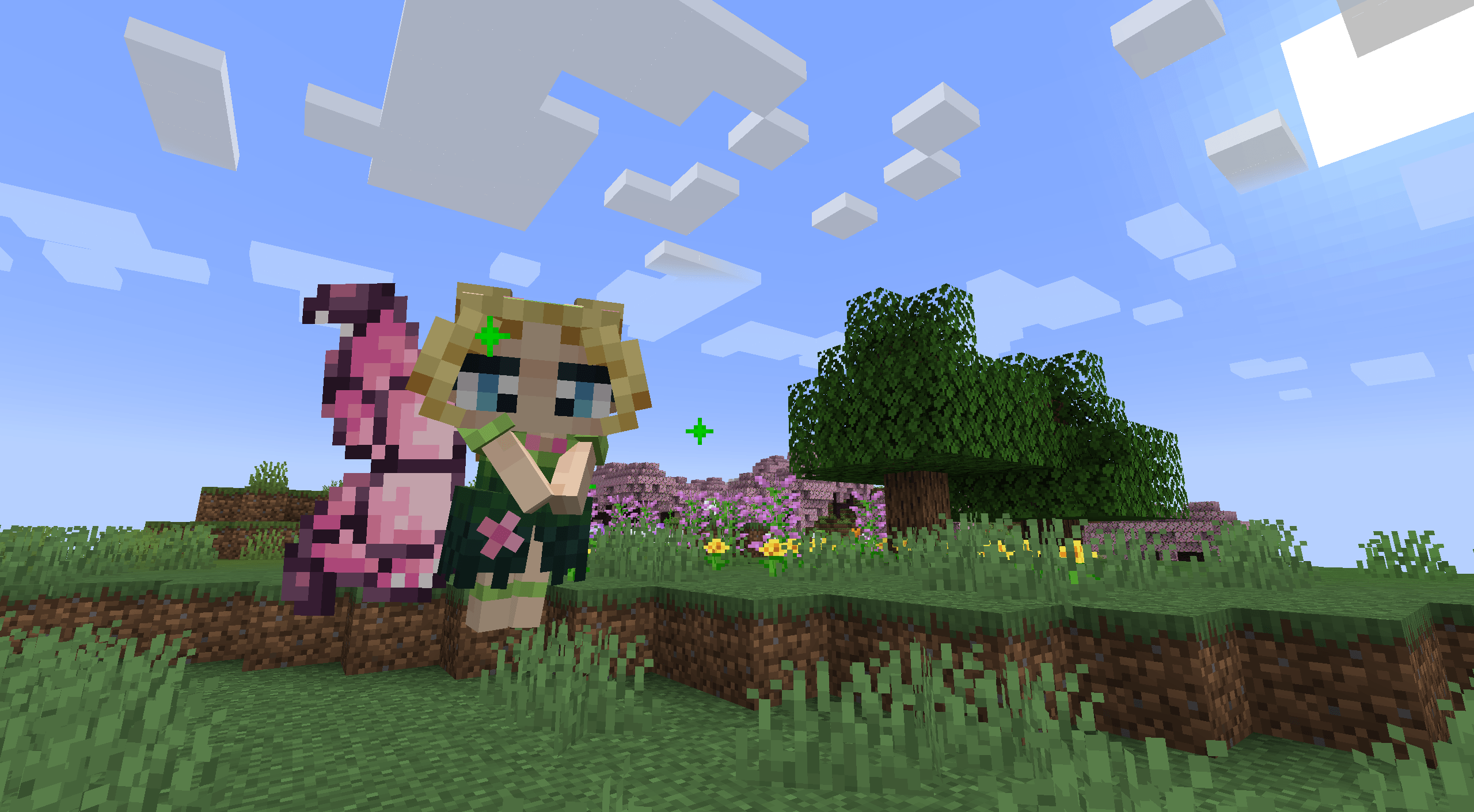
- The Seasonal Pixies
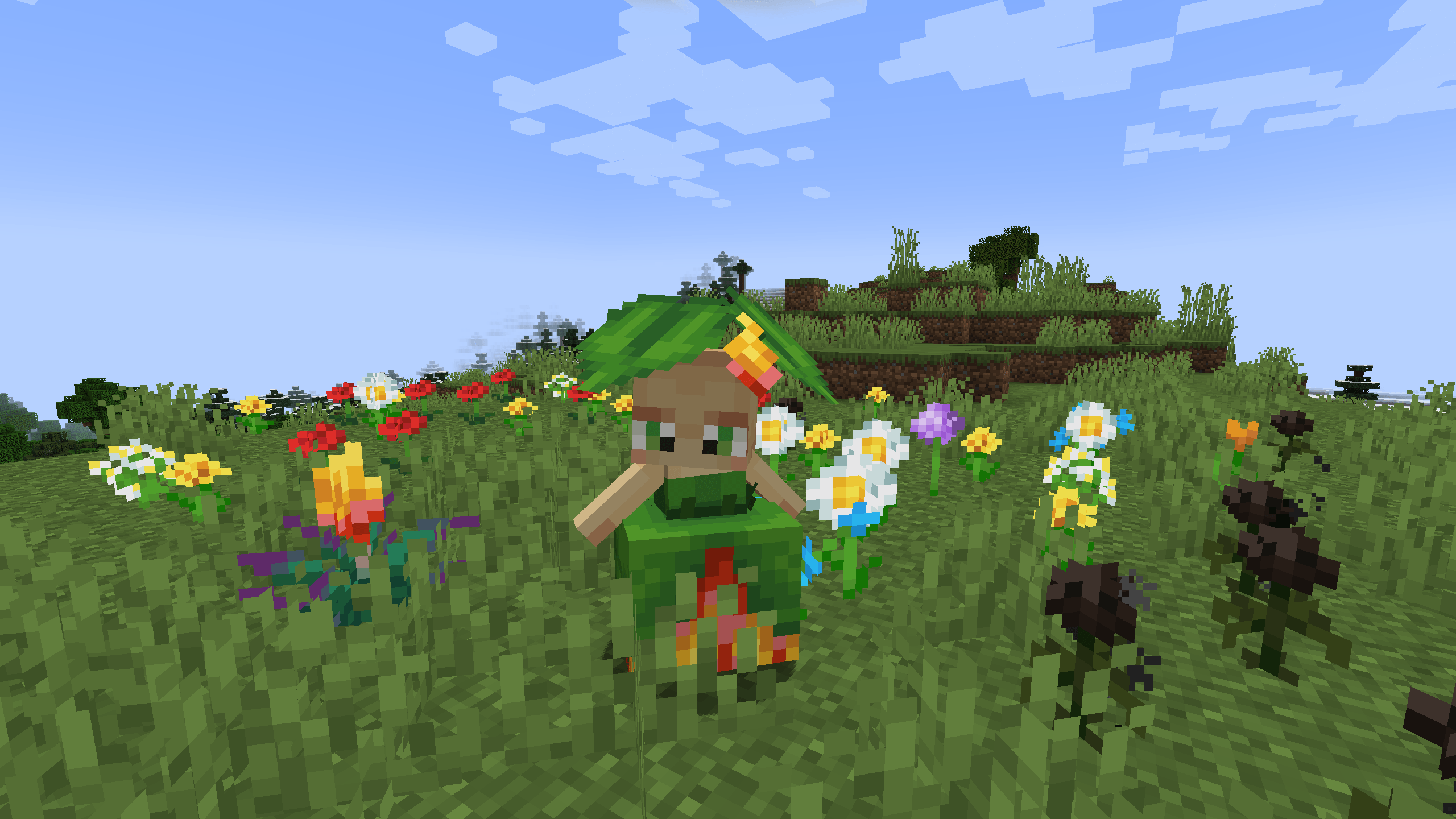
- The Mandragora
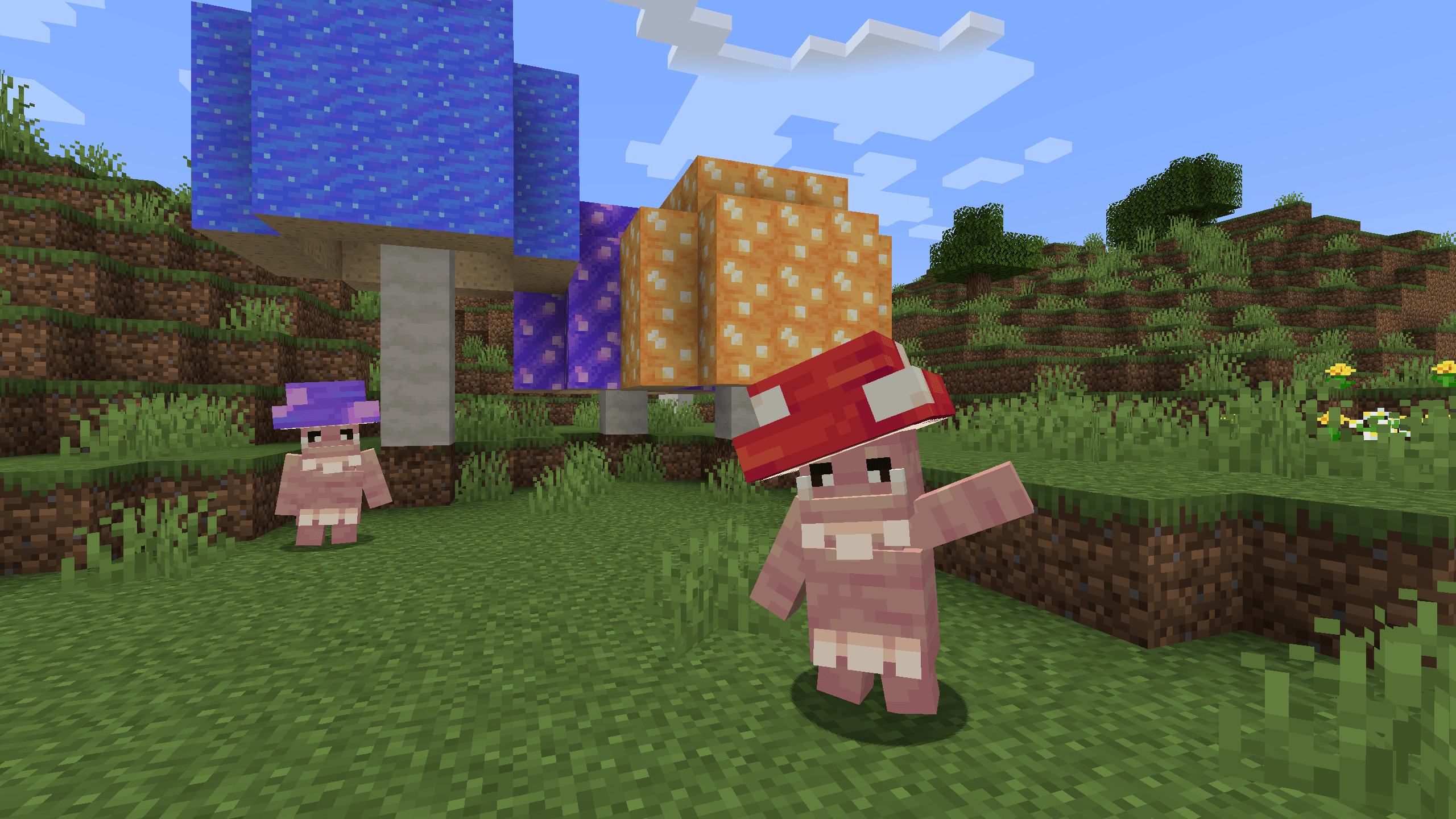
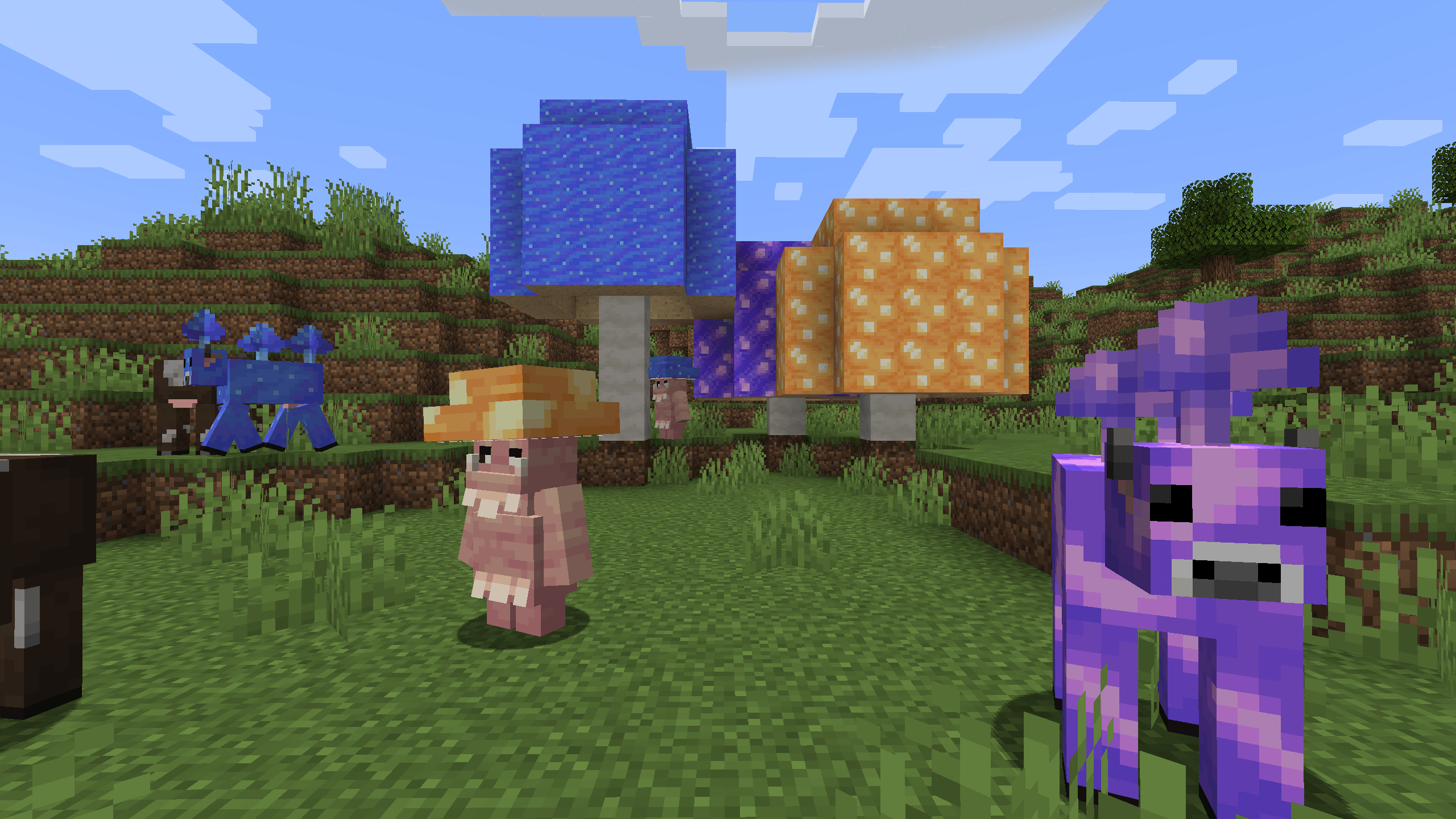
- The Shroomling
- The Bellsnickel
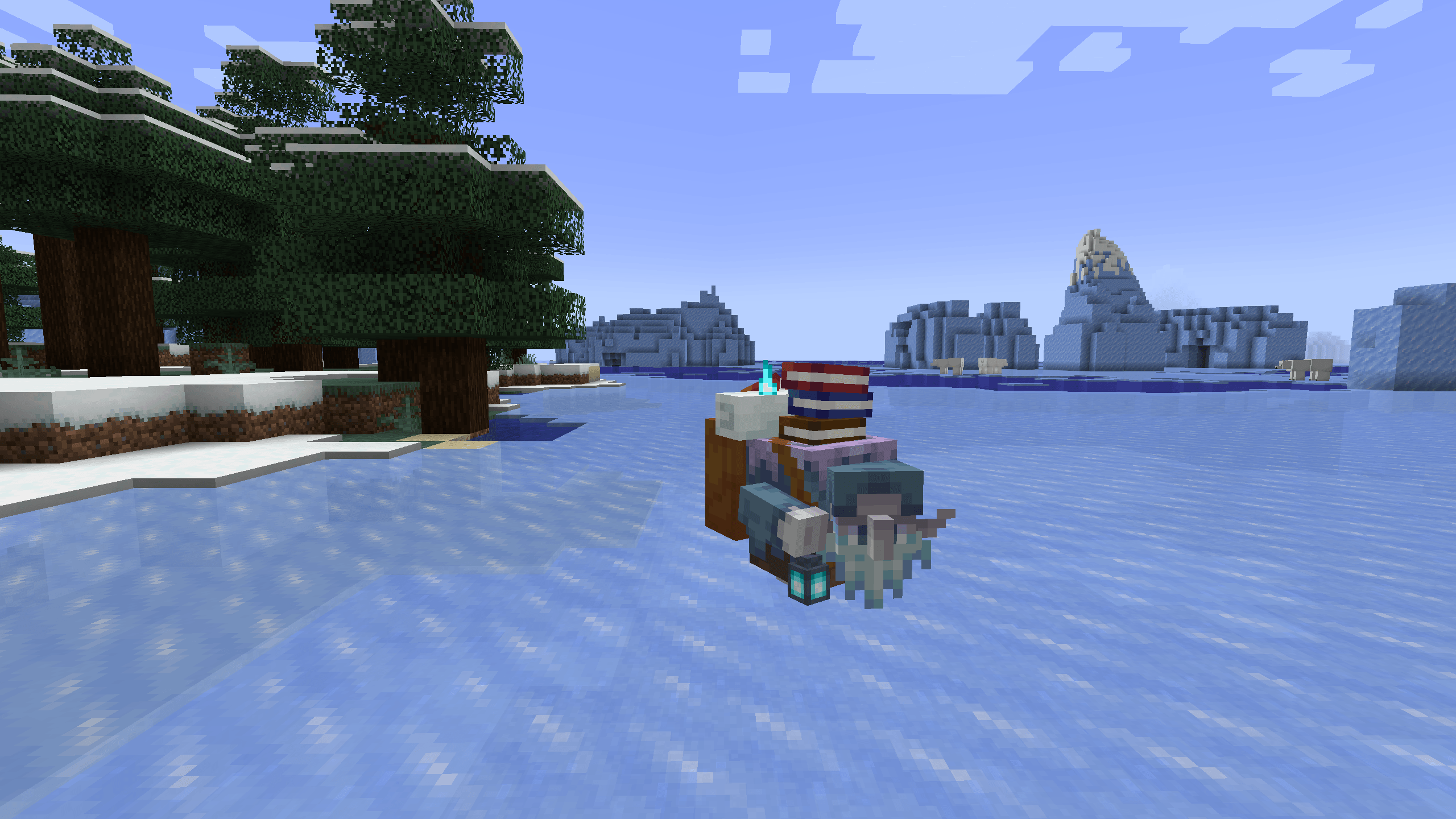
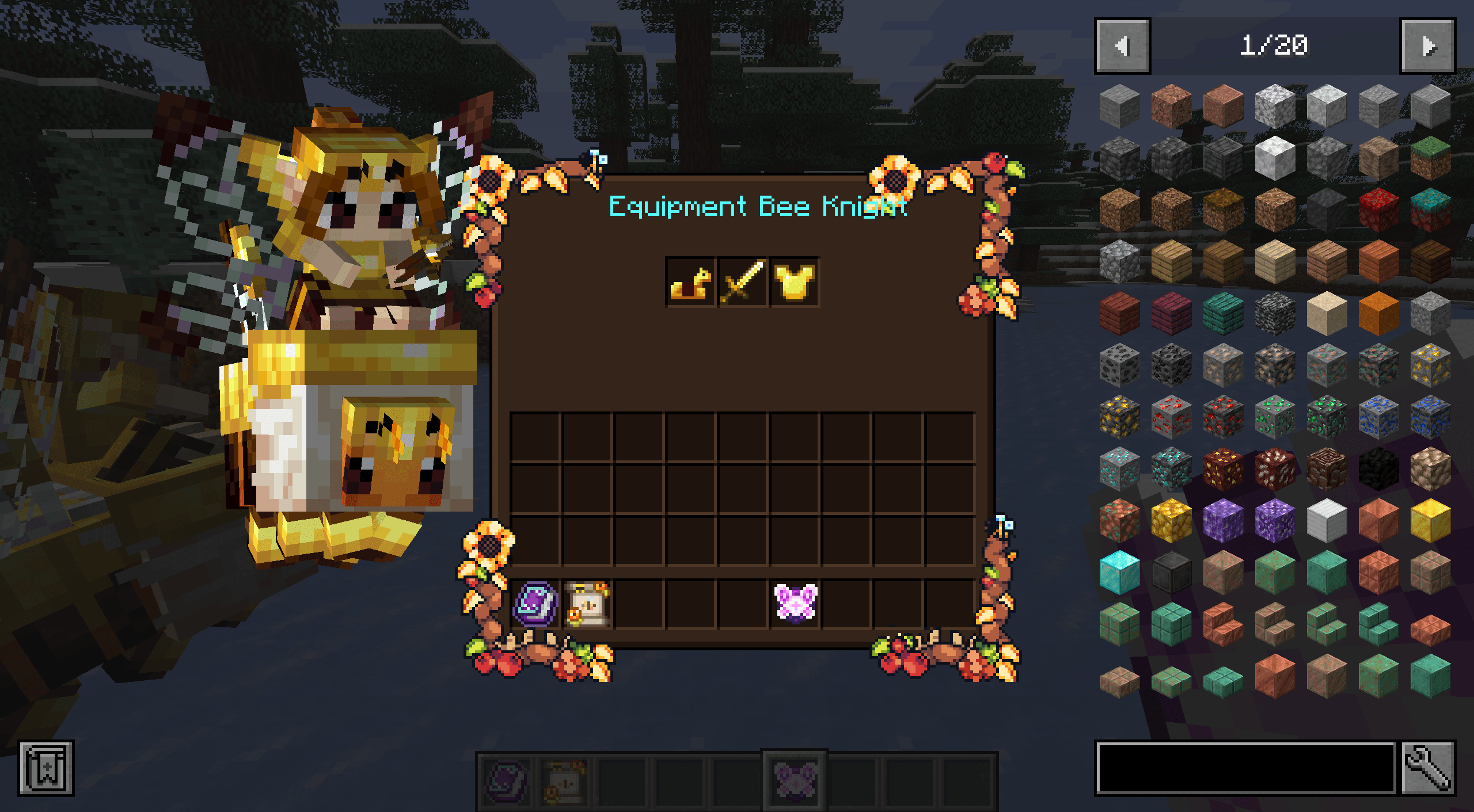
- The Bee Knight
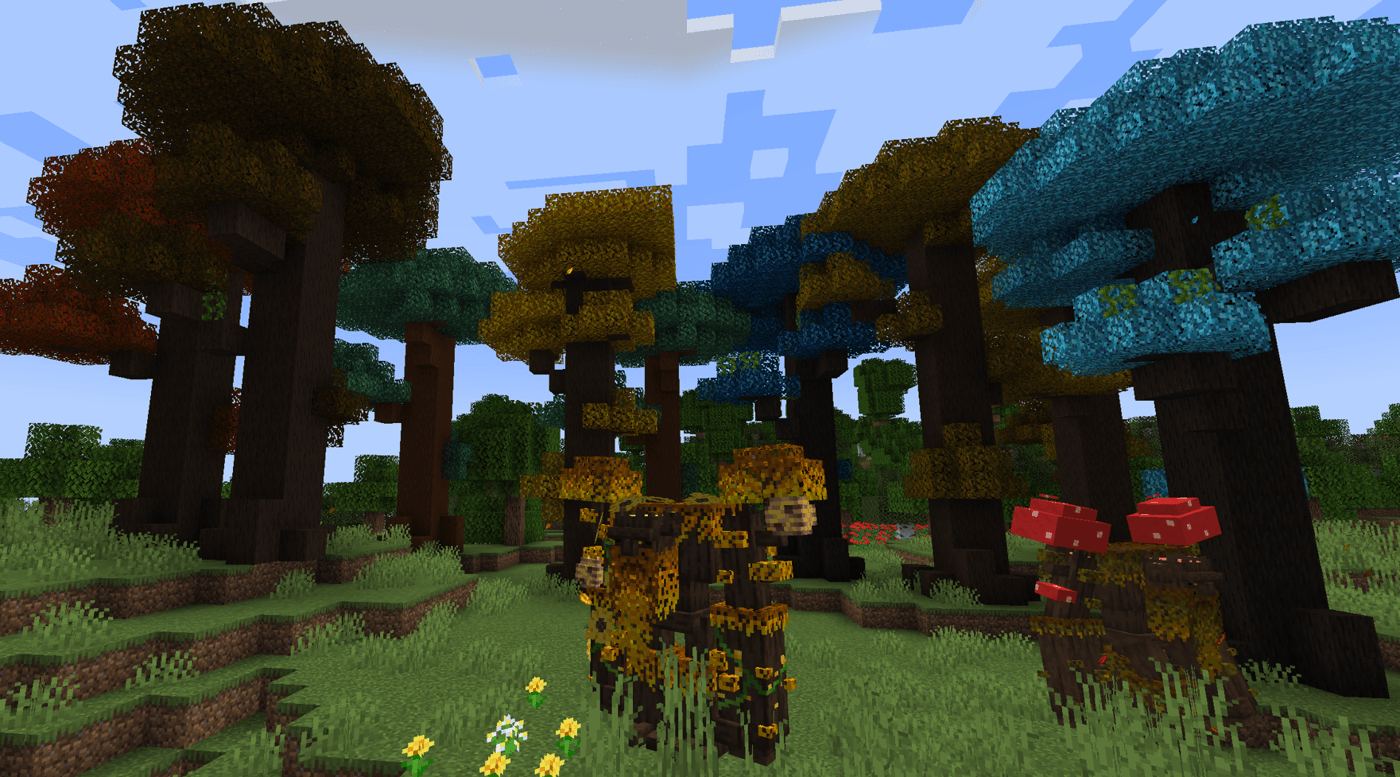
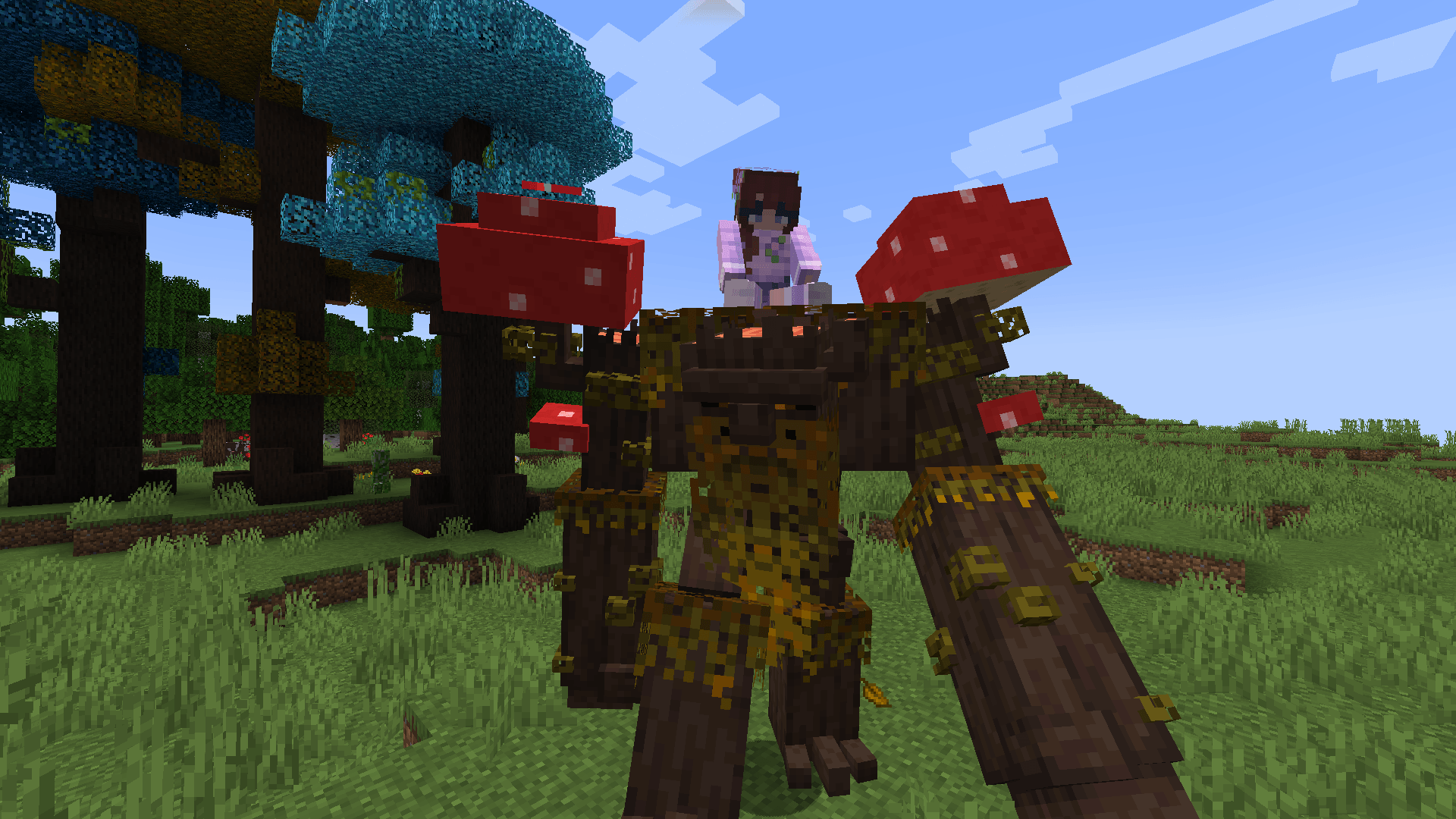
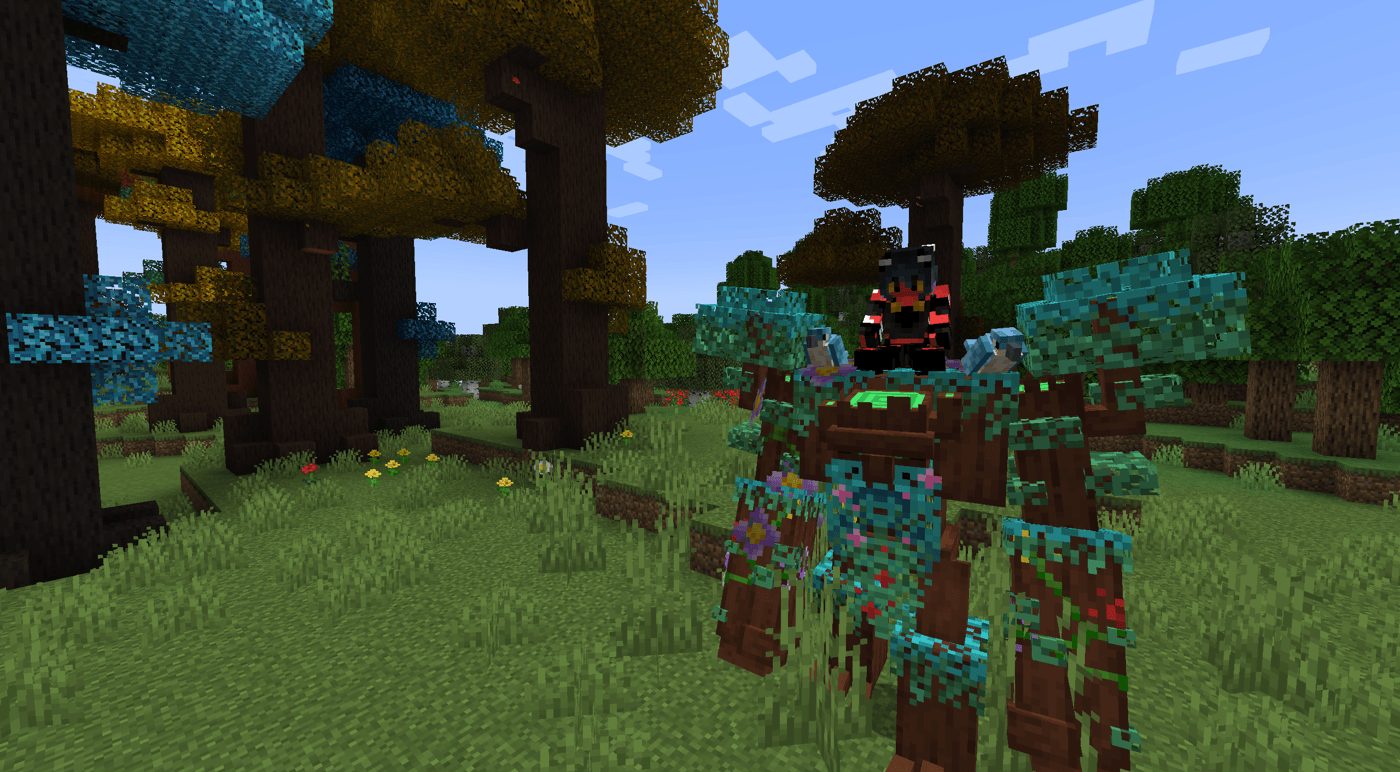
- The Tree Ents
- The rise of Queen Titania and Queen Mab (Coming Soon)
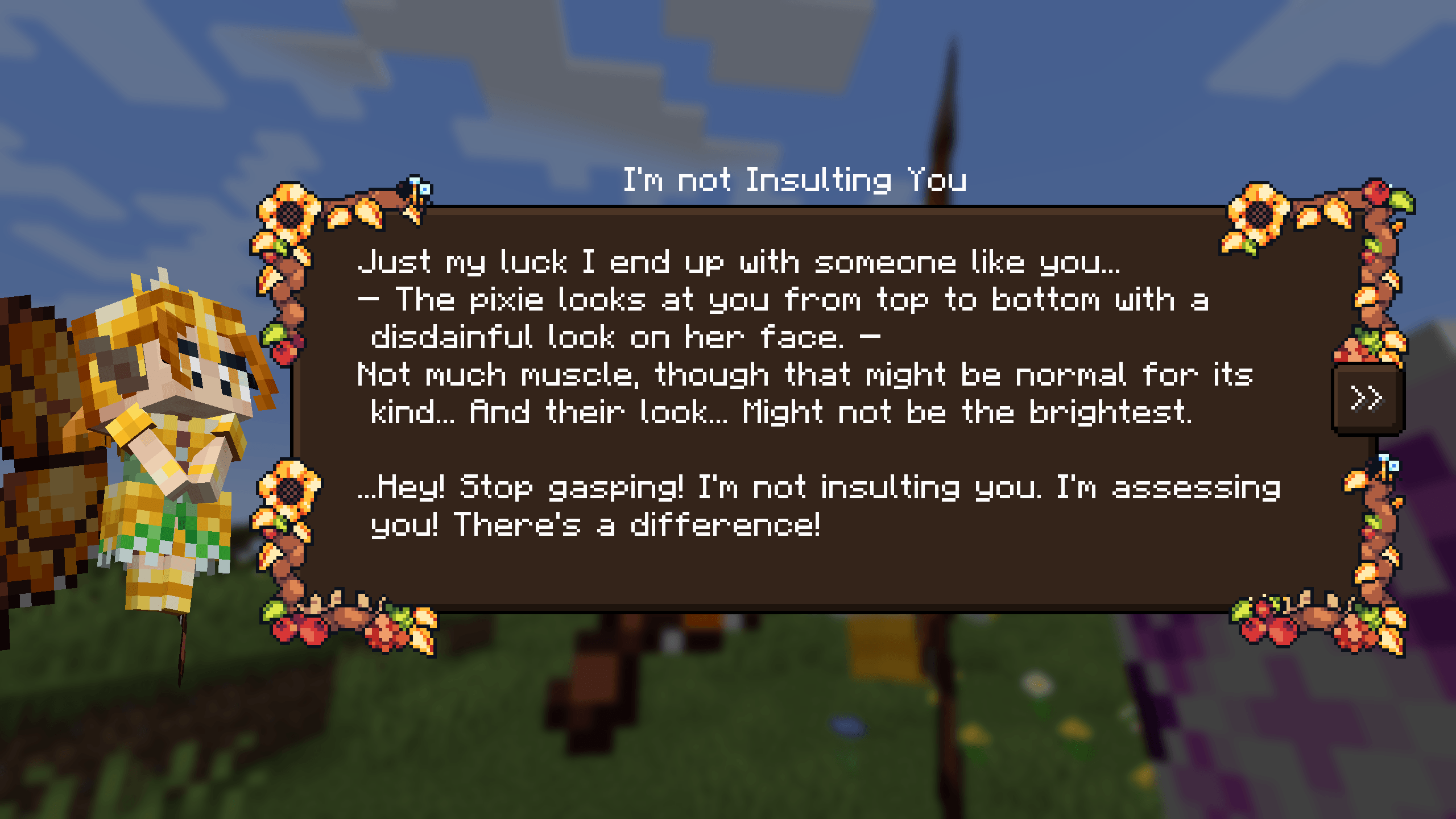
The denizens of the Feywild each have their own personality and abilities when summoned.
To do this you require a summoning scroll containing a fey.
How to get started with Feywild?
Soft Dependencies: Patchouli
https://www.curseforge.com/minecraft/mc-mods/patchouli
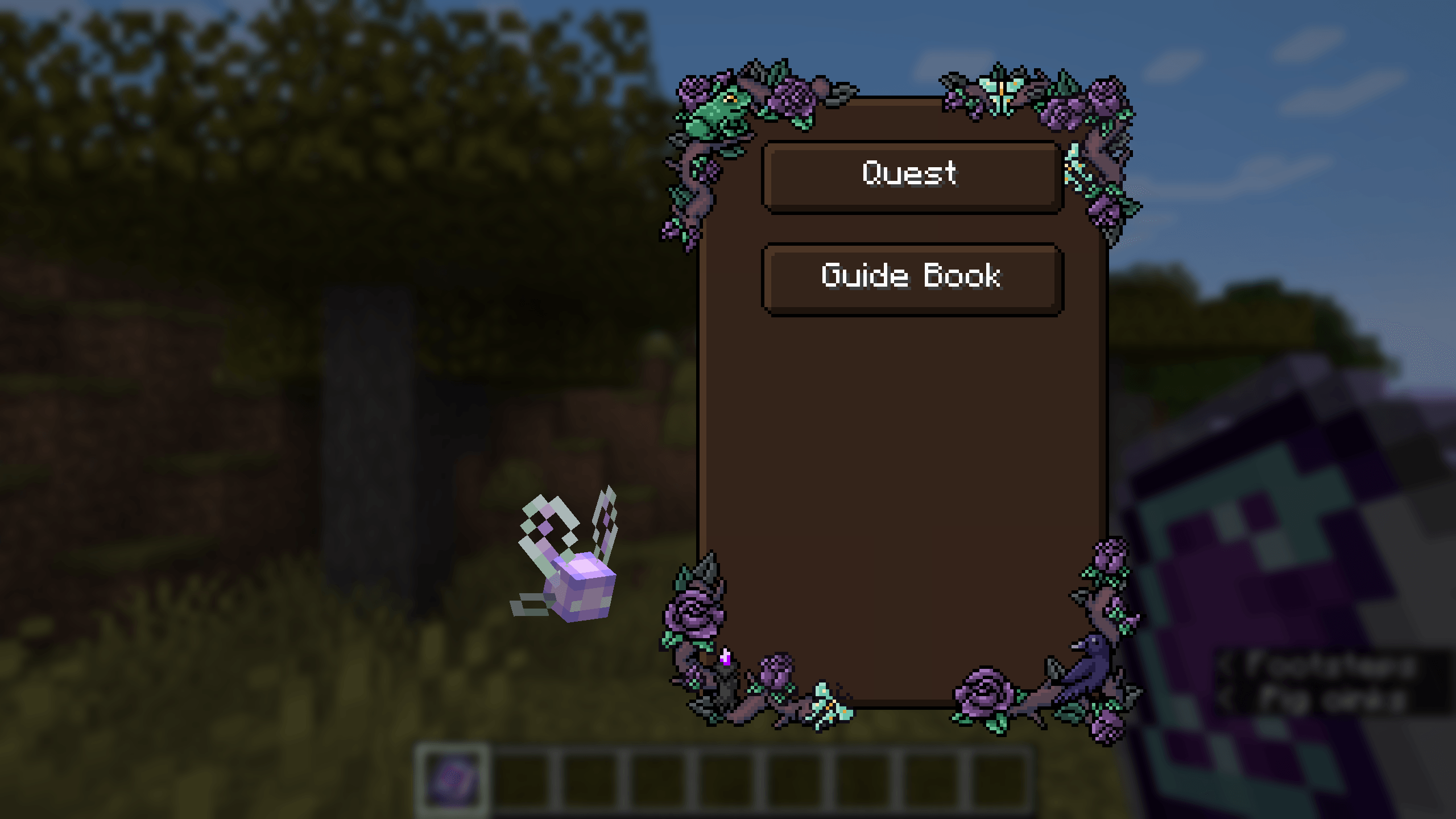
Patchouli provided the guide book for the mod.
If you dont want to use Patchouli there is a Wiki Page
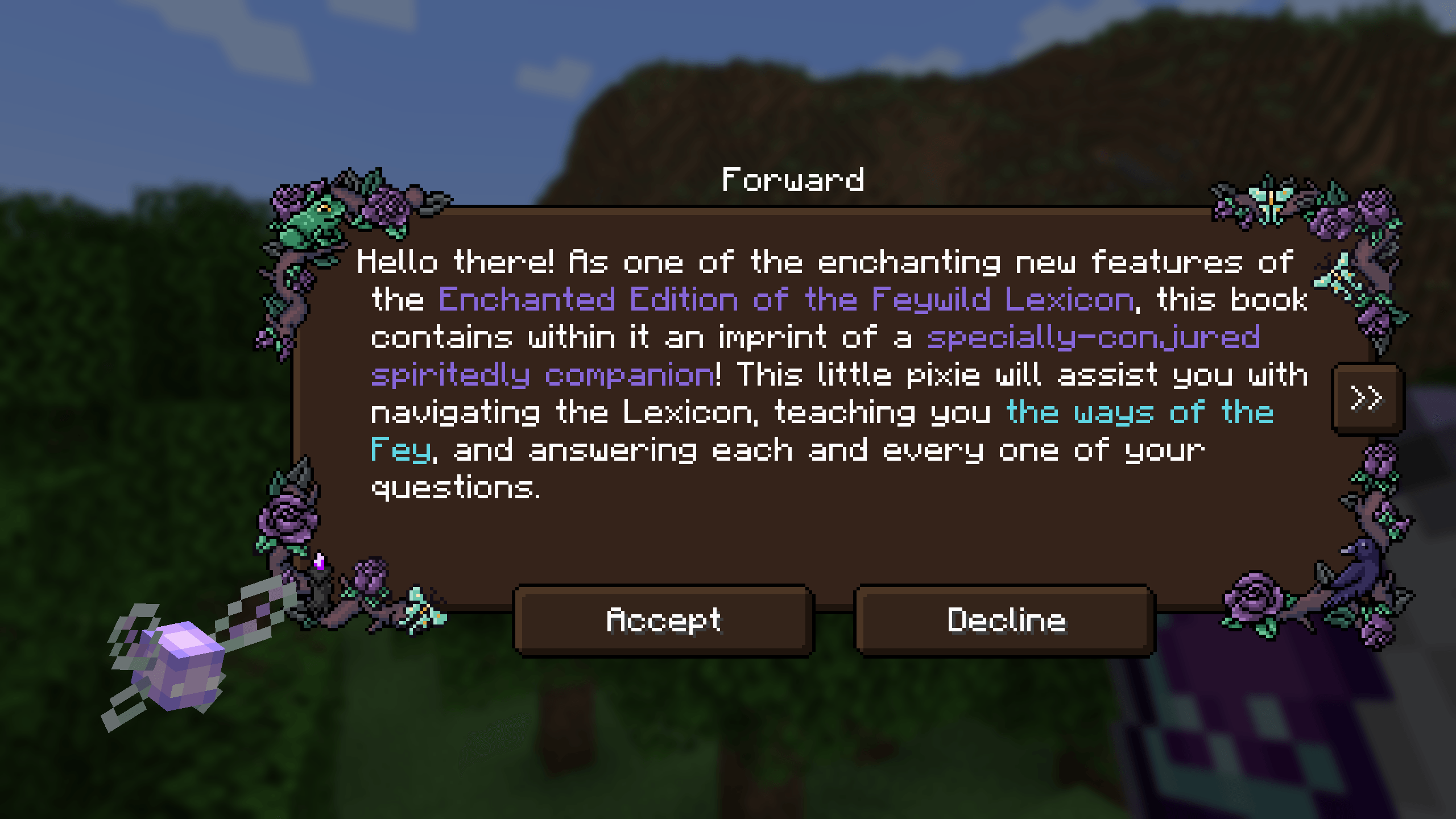
The Feywild Lexicon also provides a prelude to the Quest Stories
providing the player with a small guide through the basics of the mod.
(Pixie quest returning Soon!)
Dependency: Quest Giver
https://www.curseforge.com/minecraft/mc-mods/quest-giver
Compatibilities:
- JEI
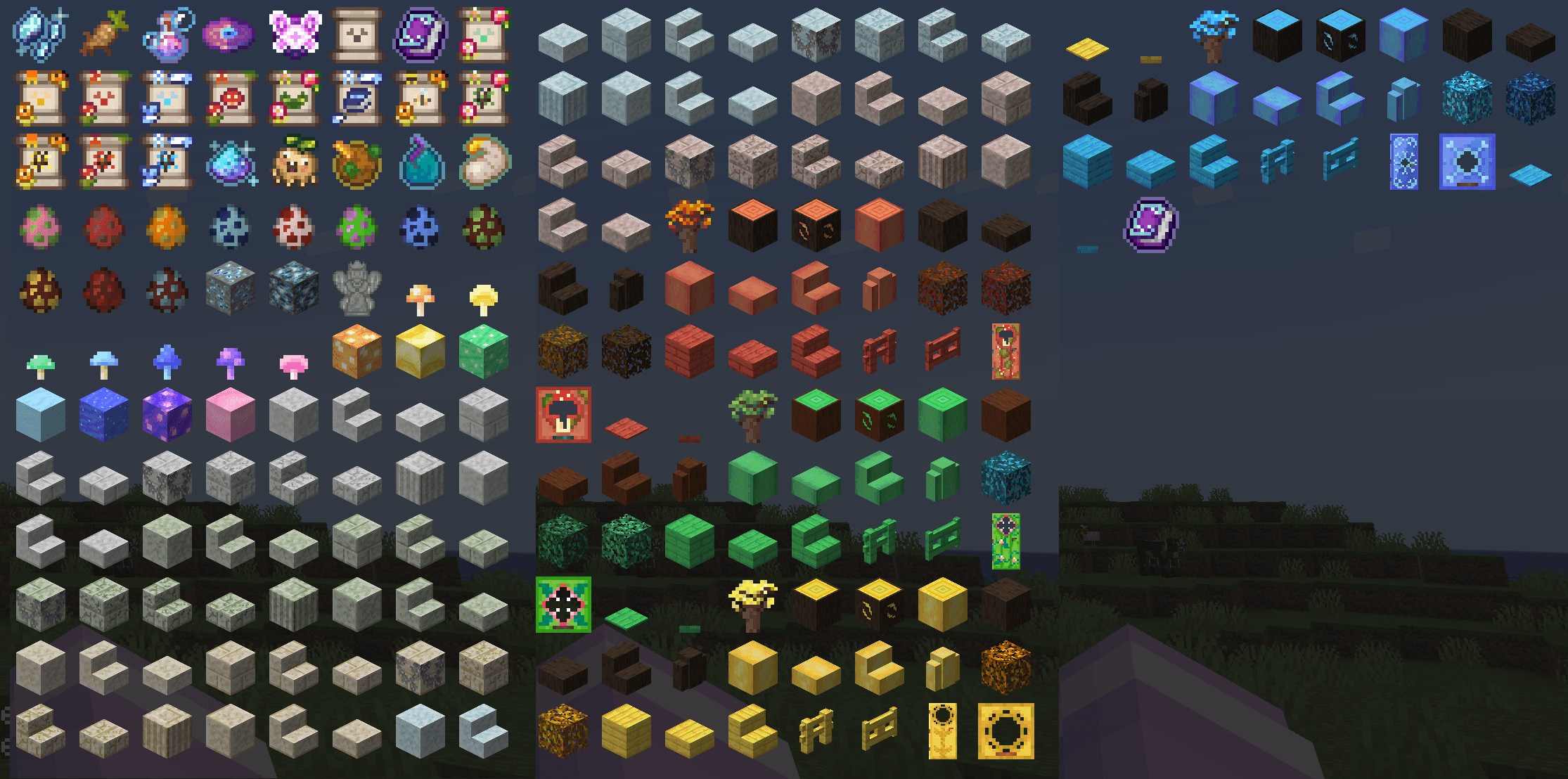
Feywild Addons;
https://www.curseforge.com/minecraft/mc-mods/feywild-library

The Feywild mod is currently still in development and we are hoping to add more content soon.
More denizens of the Feywild will come, and each of them have their own unique abilities or treats.
Interested in how this project will develop, come join us on our discord!

Our community is sponsored by BisectHosting and it would help us out greatly if you would consider using their services!
BisectHosting offers quick, simple, and high-quality server hosting with over a dozen locations available across the world, ensuring low latency.
Use the code "Feywild" to get 25% OFF your first month as a new client for any of their gaming servers.
In association with: