BRIDGING THE GAP BETWEEN CREATE AND ENVELOPE
Create: Envelope Compat makes Create packages and Envelope packages the same thing. No more choosing between automation-friendly Create crates and Envelope's mail system - you get both, seamlessly.
Build fully automated mailrooms where Create packagers, mechanical arms, funnels, and factory gauges all work hand-in-hand with Envelope's pigeon delivery, mailbox system, addressing, and payback mechanics.
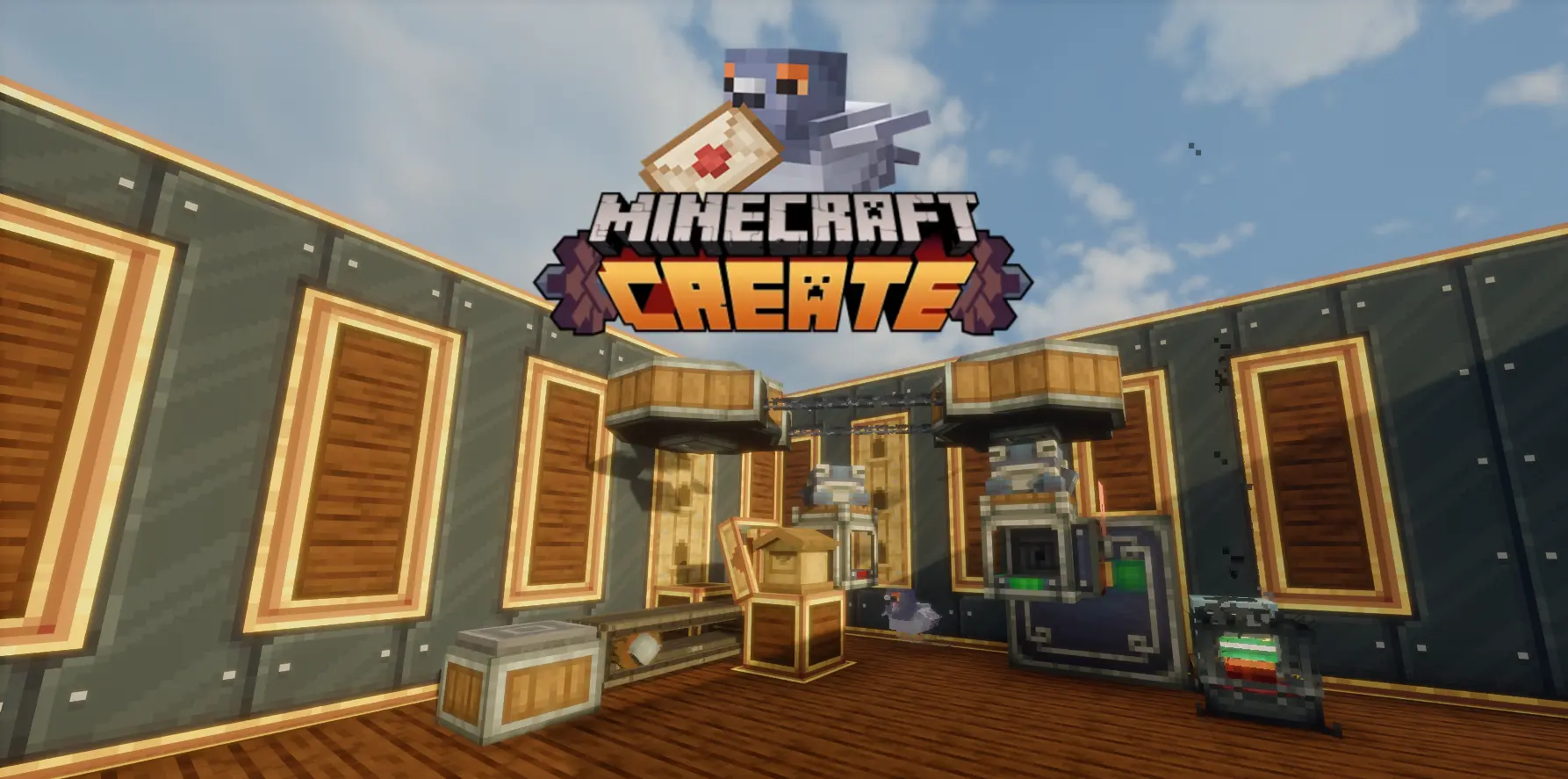
The packager never unpacks addressed packages - instead it places them directly into the facing mailbox's SLOT_MAIL, ready for pigeon pickup. This works two ways:
This means your Create packing setup feeds directly into Envelope's mail delivery without any intermediate chests, hoppers, or redstone contraptions.
Once a package lands in SLOT_MAIL, a pigeon picks it up and delivers it to the recipient's mailbox. If delivery fails (wrong address, no recipient), the package is returned to the sender's mailbox inbox as lost mail. From there, a funnel or mechanical arm can extract it and feed it back into your Create sorting system.
The complete loop: Packager → Mailbox → Pigeon → Recipient / Lost Mail Return → Funnel → Back to Packager
The factory gauge can see inside the package sitting in SLOT_MAIL using virtual item handler slots. When it detects that the gauge's promised item is inside the crate, the promise is completed. This means your Create restock system works perfectly with mail-sent packages - no special configuration needed.
Right-click a mailbox while holding a mechanical arm to link it. The arm can:
No GUI opens when linking the arm connects directly, just like it does with basins, depots, and packagers.
Payback tags work on Create packages through two paths:
Payback Packages (the ones the mail service sends as payment) are never converted to Create format - they keep their identity so the pigeon system recognizes them correctly.