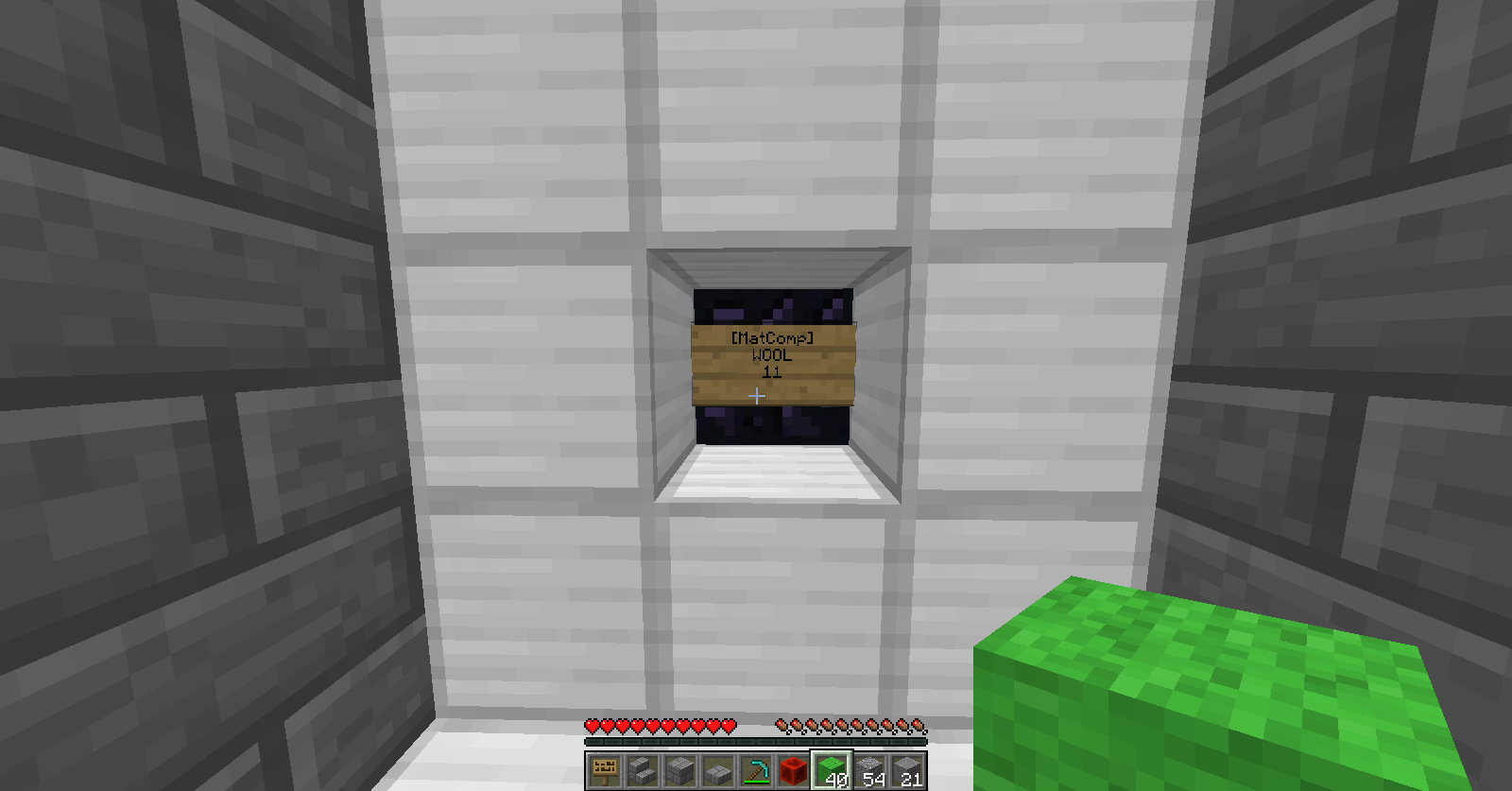
Compact Storage is the first plugin I have created. The goal of Compact Storage is to allow players to store massive amounts of a single item in a single block. Items like cobblestone, rotten flesh, bones, arrows, sand, coal, logs and others can over take chest upon chest and bog down a tidy base. Compact Storage is the solution to this problem.
Right-click on a storage block sign to add an item.
Right-click while sneaking on a storage block sign to remove an item.
WARNING: You will not be able to destroy a storage block without emptying it first.
As mentioned above, there are currently no commands for Compact Storage.
Download the latest file for your version of minecraft, then put the jar file in your plugins folder. Once you restart your server, Compact Storage should be working correctly.
Currently there are no permissions. Only the player who created a storage block may put in or retrieve items or break the storage block.
This is my first plugin and as such I am sure there will be bugs. Please report to me any that you find! Also, I was unsure of how to handle permissions, so if you have a request, please don't be shy!