A high-stakes trade expansion for Create: Aeronautics & Sable
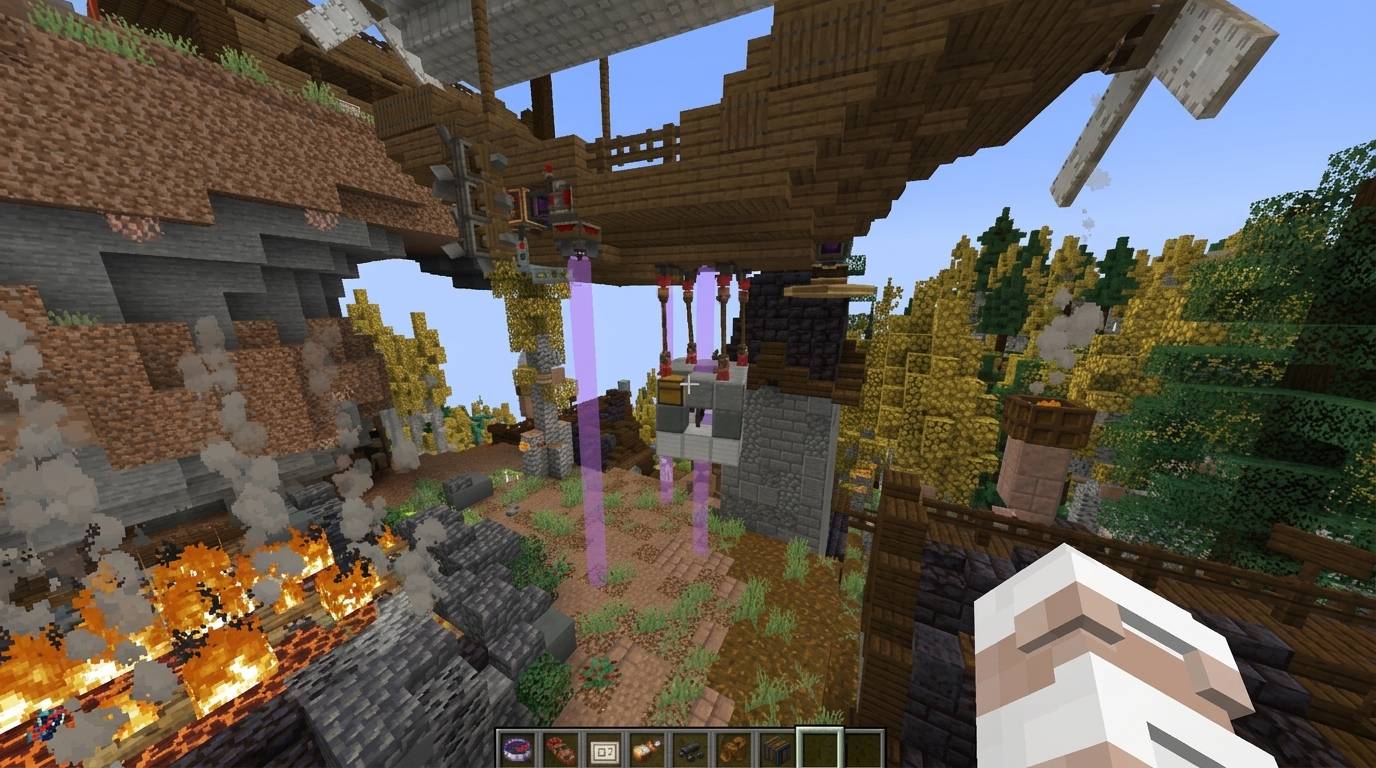
Aeronautics Delivery Quests (ADQ) is a lightweight, high-performance NeoForge 1.21.1 mod that adds procedural hauling contracts to your server. Players can accept quests, travel to remote locations to secure physical cargo, and pilot their custom-built airships to transport these heavy rigid bodies to destination settlements for massive rewards.
ADQ must be installed on both the client and server (or just the client for singleplayer) to handle custom UI rendering, block assets, and packet synchronization.
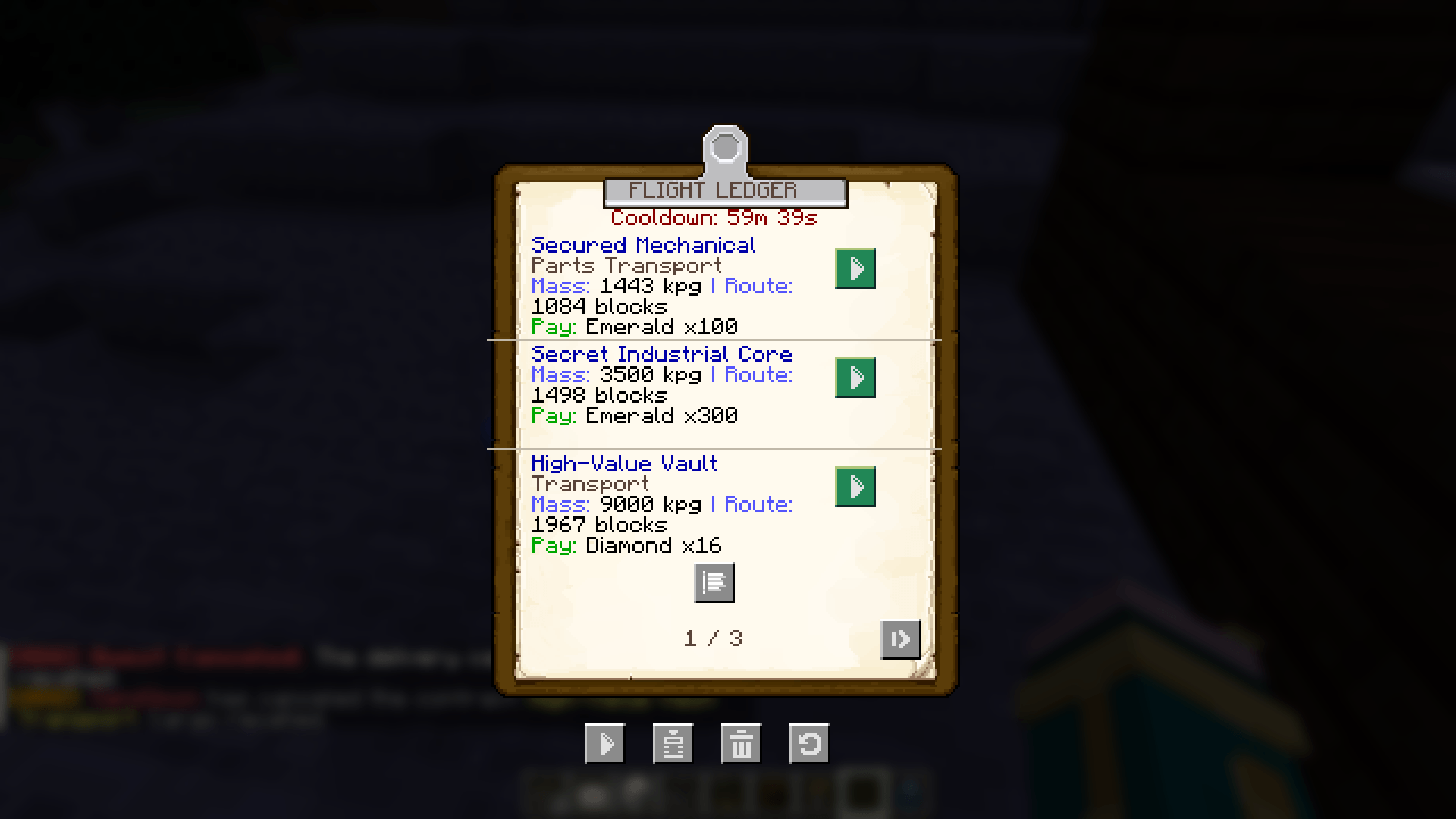
/adq for administrators), players browse available contracts with dynamically calculated routes and tailored rewards. Creators can design custom quest entries in custom_quests.json using custom NBT templates!enableCargoInvulnerability). When off (default), cargo blocks can break, and any missing mass proportionally reduces your reward payout! When on, cargo is fully shielded from breakages, explosions, and mob griefing.Yes. Because the mod introduces the physical Delivery Quests Table block, custom clipboard menus, client-side screen UI rendering, and network synchronization packets, it must be installed on both the server and the client (or just the client for singleplayer).
No. To prevent the classic "structure-lookup tick spikes," all village searches and pathfinding calculations are run on fully asynchronous background threads (ForkJoinPool). Only the final block placement is scheduled on the main thread, keeping your server running at a solid 20 TPS.
No. The block protection is highly targeted. It strictly intercepts block-breaking inside matching Sable SubLevel UUIDs or Overworld pickup coordinates corresponding to an active delivery quest, and only triggers if enableCargoInvulnerability is enabled in the config. Normal airships, blocks, and structures remain 100% destructible.
Yes. All active quests, accepted states, cargo positions, and player cooldowns are persisted in GSON JSON registries (adq_quests.json and adq_cooldowns.json) inside the server's world save folder. Stale compasses are also automatically purged on player login to handle offline quest expirations.
[!NOTE] All
/adqcommands require operator permissions (Level 2+). Regular players must use the physical Delivery Quests Table block to open the board, cancel contracts, or reissue compasses.
/adq - [Admin] Open the virtual Aeronautics Quest Board & command control panel./adq cancel - [Admin] Abandon your current contract (recalls physical cargo and clears compasses)./adq compass - [Admin] Re-issue your Quest Delivery Compass (only if on an active quest and you don't already have one)./adq generate - [Admin] Force-triggers a background procedural quest generation./adq complete - [Admin] Force-completes your active delivery contract./adq delete <index> - [Admin] Cleanly force-deletes a specific board quest./adq deleteall - [Admin] Purge all quests from the board./adq reload - [Admin] Reload quests, player cooldowns, and custom quest templates from disk.