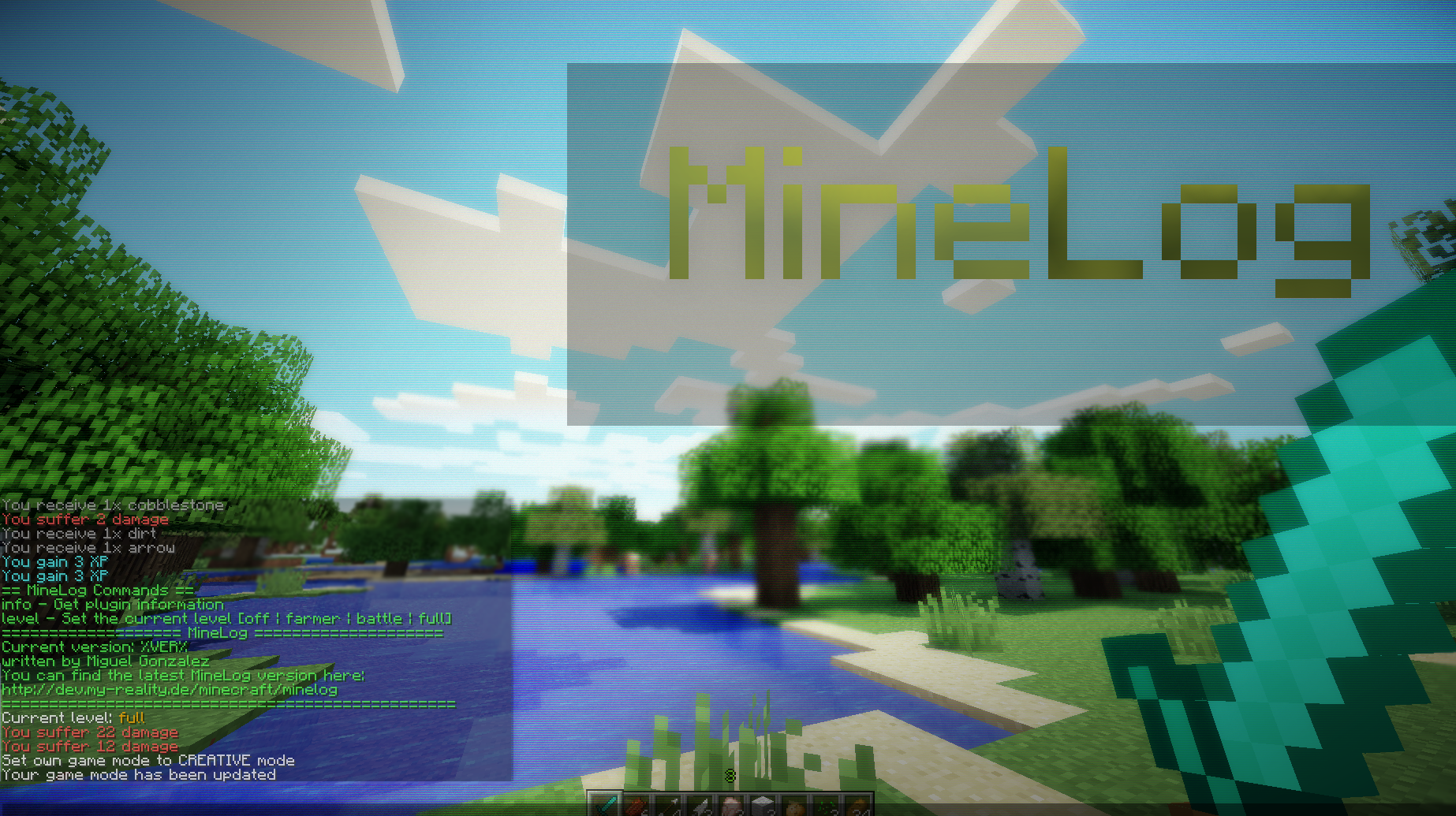
MineLog adds additional information to the chat box. Each time when you gain experience, pick up items or receive damage a message will appear (MMORPG like). Furthermore each player is able to configure the logging. There exist four modes:
full: Shows all information
farmer: Shows only farming relevant information
battle: Shows only battle relevant information
off: Hides all information for the current player
Commands
Level
The modes can be set by typing:
/minelog level [type]
Additionally you can call the help menu by simply typing:
/minelog
Message
You can set a welcome message by typing:
/minelog message [message]
To clear the message, just type:
/minelog message
Placeholder
Placeholder are part of the message command and can be used to refer to specific information. Each placeholder has a special notation like %PLACEHOLDER%. There is a list of supported placeholders:
PLAYER: Displays the name of the current player
BLACK: Makes the following text black
DARK_BLUE: Makes the following text dark blue
DARK_GREEN: Makes the following text dark green
DARK_AQUA: Makes the following text dark aqua
DARK_RED: Makes the following text dark red
DARK_PURPLE: Makes the following text dark purple
GOLD: Makes the following text gold
GRAY: Makes the following text gray
DARK_GRAY: Makes the following text dark gray
BLUE: Makes the following text blue
GREEN: Makes the following text green
AQUA: Makes the following text aqua
RED: Makes the following text red
LIGHT_PURPLE: Makes the following text light purple
YELLOW: Makes the following text yellow
WHITE: Makes the following text white
MAGIC: Makes the following text looking crazy
BOLD: Makes the following text bold
STRIKETHROUGH: Makes the following text strikethrough
UNDERLINE: Underlines the following text
ITALIC: Makes the following text italic
Example
Here is an example how placeholders work:
/minelog message %GOLD%Hello %GREEN%%PLAYER%, %GOLD%how are you? We've something special for you on %AQUA%this server
The result would be a colorized text: Hello Fred, how are you? We've something special for you on this server