For 1.4 documentation, click here.

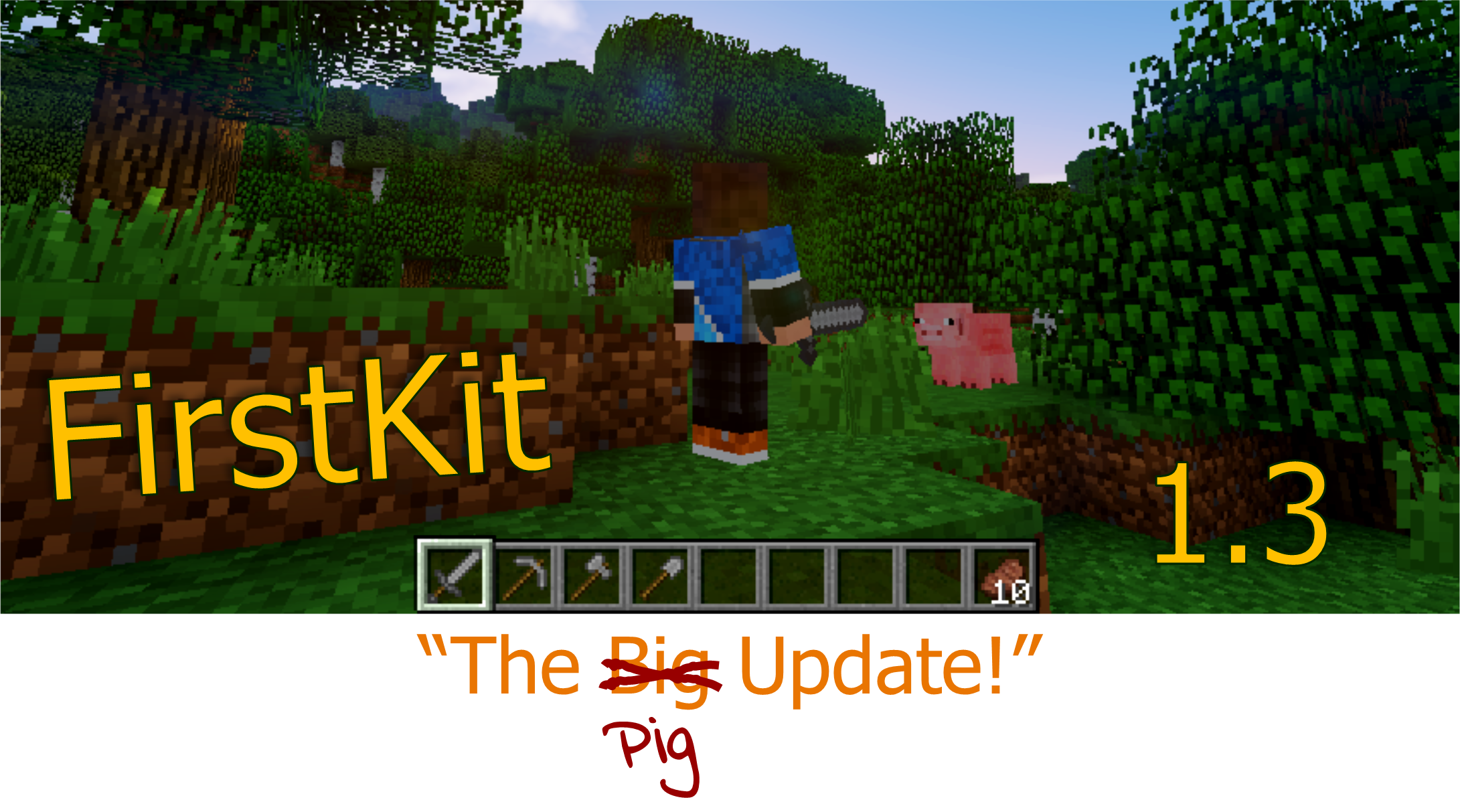
WE ARE PROUD TO PRESENT: FirstKit 1.3!
This plugin will provide users with a customisable kit, but only one time. The plugin comes with group support, and more!
A COPY OF THIS PLUGIN HAS BEEN UPLOADED TO SPIGOTMC. THIS HOWEVER IS NOT THE OFFICIAL VERSION OF THE PLUGIN, AS WE HAVE NOT SUBMITTED THE PROJECT TO SPIGOTMC. WE DO NOT GUARANTEE THAT THE VERSION AVAILABLE FROM SPIGOTMC IS UNMODIFIED OR DOES NOT CONTAIN ANY MALICIOUS CODE! WE WILL ALSO NOT BE UPDATING THE VERSION AVAILABLE FROM SPIGOTMC.
As said in the first line of this description, this plugin will give users a kit, but just once (until an admin unbans them with /fkunset). Config files are stored in the 'plugins folder', in a folder with the plugin name. Notes about editing these config files are in the files themselves
/fk This command is intended for admin use. Usage: /fk [groups] [setkit:setallowed] [Group:(Kit)]
FirstKit comes with an advanced configuration system, with options to define kits, groups, and other settings. You can edit this file with in-game commands, but this functionallity is limited, so to do some advanced editing you'll need to open the files in a texteditor. Any texteditor, including notepad will work for this. However, when editing the file manually, there are some things you need to know:
The configuration file is located at: <your bukkit or spigot server>/plugins/FirstKit/config.yml. The default configuration, which is installed when the plugin is first started, or when this file is missing, will look like this:
kit-default:
    items:
        - STONE_SWORD,1
        - STONE_PICKAXE,1
        - STONE_AXE,1
        - STONE_SPADE,1
        - COOKED_BEEF,10
#ONLY SPECIFY THREE VALUES HERE
colors:
    kit-positive: GOLD
    kit-negative: RED
    error: DARK_RED
groups:

group-allowed:
At the top of this file there are some comment lines, these are instructions for editing the file, the same ones as you'll find here. Underneath the instructions, you'll find the default kit, specified by
kit-default
Underneath that, you'll find some colorcodes. These are values for the textcolor in messages, broadcasted to players. You can edit these if you wish to maintain a specific color theme on you're server. Underneath that are some sections related to group association, it is strongly recommended you don't edit these manually, as there exist in-game commands to do so.
Version control is located on github.
You can also view the changelog for this version on the changelog page.
We are thrilled to hear your experiences with and thoughts about the FirstKit plugin. Feel free to leave a comment on the bottom of this page, or to send a ticket if you want to report a bug or give feedback.