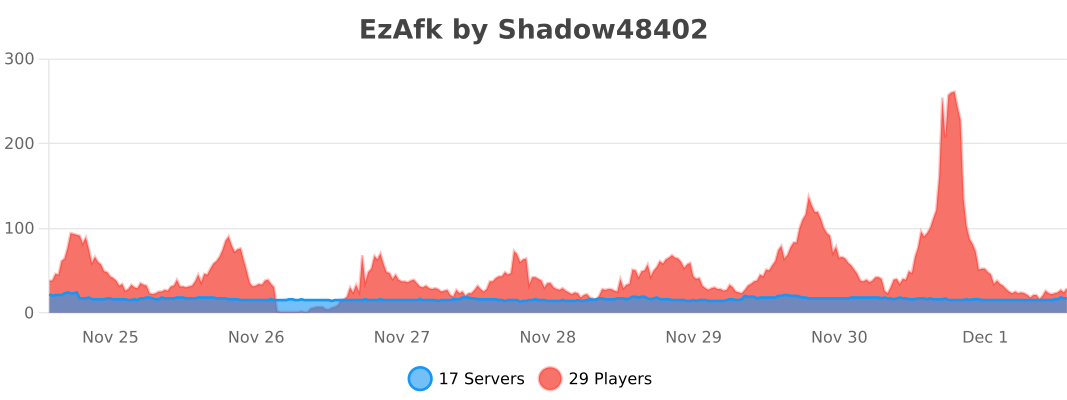
EzAFK is a configurable plugin designed to help server administrators manage AFK (Away From Keyboard) players on their Minecraft servers. With EzAFK, you can detect when players go AFK, notify them, broadcast messages to the server, and kick players who remain AFK for too long. Keep your server active and free from idle players effortlessly!
Features:
Integrations
TAB
We've built in a prefix for the TAB player list. You are able to add the `%afk%` placeholder in your TAB groups.yml. This can be set by example at _DEFAULT_: -> tabprefix.
https://www.spigotmc.org/resources/tab-1-5-1-21.57806
Example configuration
_DEFAULT_:
    tabprefix: "%afk%%luckperms-prefix%"
The AFK prefix of EzAfk can be set in the config.yml of EzAfk.

WorldGuard
We have a custom WorldGuard flag that prevents players from going AFK, this way you can make an AFK area for players. This by example can prevent automatic farms on your server since they are limited to a specific AFK area.
https://dev.bukkit.org/projects/worldguard
Flag name: afk-bypass
How to add the flag to your region?
You can run the command
/region flag <FLAG_ID> afk-bypass ALLOW
GUI
The GUI is available with the command /ezafk gui, the permission ezafk.gui or OP is required to use the GUI.
Options available in the GUI:

Permissions:
ezafk.bypass - Bypass the auto AFK
ezafk.gui - Usage of the GUI
Commands:
/afk - Players can set themselves as AFK using the /afk command.
/ezafk reload - Reload the plugin configuration with the /afk reload command.
/ezafk gui - Manage AFK players easily through the GUI
Support:
For support, suggestions, or bug reports, please visit our support thread on SpigotMC.org.
Keep your server active and free from idle players with EzAFK! Download now and take control of AFK players on your server.