Mineuniverse
Log in Register
Plugins

Disenchantment Totem

A totem that removes enchantments from player tools, armor and items while in its radius.
by MaxAkt
Download Claim this project
25 downloads
0 likes
Updated Jun 30, 2026
0 hypes
Fun General Mechanics Miscellaneous

Static Badge Static Badge Static Badge

✨ Disenchantment Totem ✨

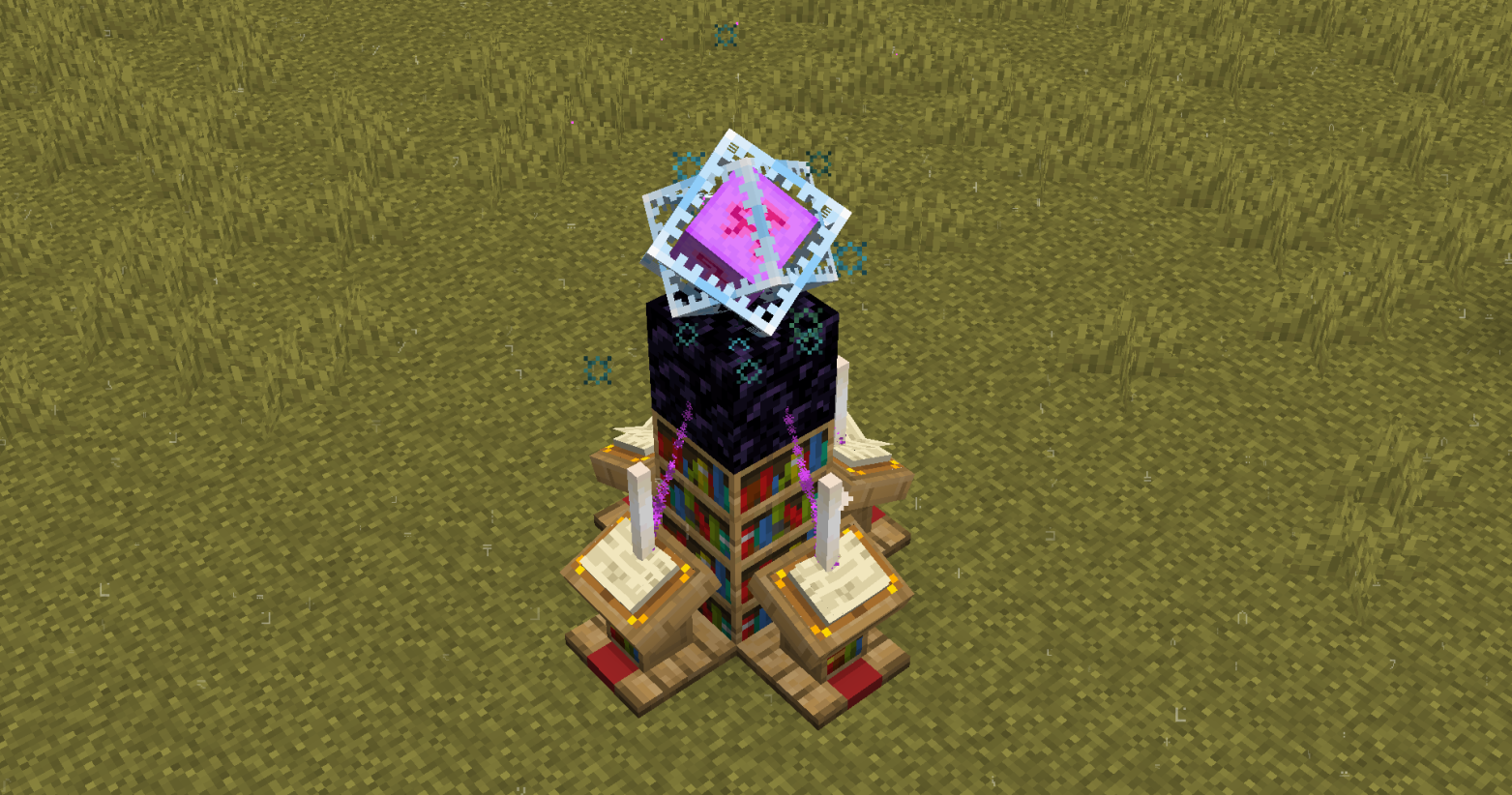
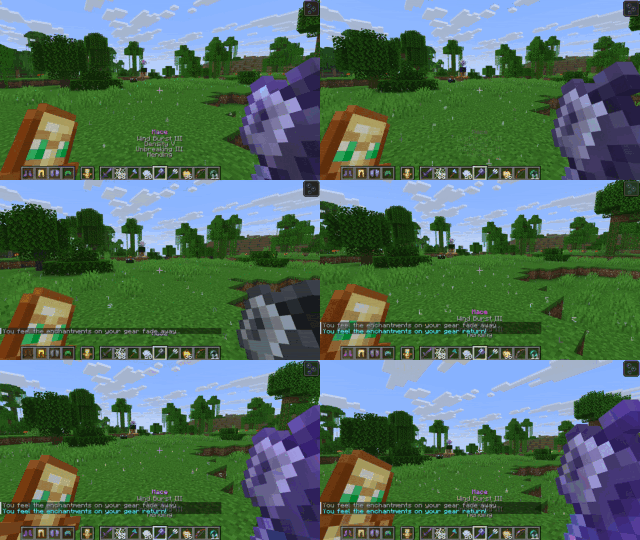
Introducing the Disenchantment Totem, a structure that creates a zone of null magic. Inside its radius, all enchantments are temporarily disabled (De-enchanted) from your gear, only to return the moment you step out (Re-enchanted).

It's the ultimate tool for creating fair PvP arenas, neutral trading hubs, or unique challenge zones where skill matters more than gear or even as a fun feature for an SMP!
🔮 Core Features

  • Seamless Enchantment Suppression: Automatically and temporarily removes enchantments from all items in a player's inventory upon entering the totem's radius.
  • Automatic Restoration: Enchantments are instantly returned when a player leaves the totem's radius.
  • Inventory Safe: Reliably tracks items even when they are moved in your inventory, dropped, or stored in containers within the zone.
  • Golden Apple Conversion: As a feature, Enchanted Golden Apples are temporarily converted into regular Golden Apples inside the zone (toggleable in config).
  • Expandable Radius: Increase the totem's power and range by placing books on its four lecterns. More books mean a larger area of effect!
  • Stunning & Configurable Effects: Features beautiful, server-friendly particle effects that visually represent the totem's power. Every single effect can be turned on or off in the config!
  • Built-in Protection: Prevents players from using Enchanting Tables and Anvils while inside the totem's radius.

⚙️ How to Build a Totem

Building your first totem is simple. Construct the following multi-layer structure:

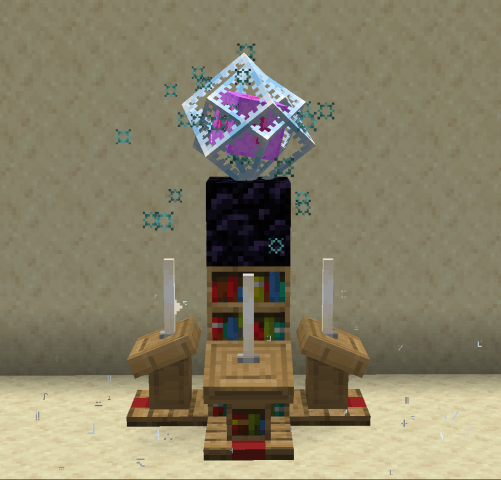
  • Layer 1 (Bottom): Place 1 Bookshelf in the center, surrounded by 4 Lecterns on each side.
  • Layer 2 (Middle): Place 1 Bookshelf on top of the first one, surrounded by 4 End Rods.
  • Layer 3 (Top): Place 1 Obsidian block on top of the second bookshelf.

To Activate: Right-click the top of the Obsidian block with an End Crystal! (Crystal has to go in last!)
(Optional): Add 4 Books on the Lecterns to expand the radius of the Totem
🔧 Highly Configurable

You can easily toggle in the Config file:

  • All three particle effects individually (floor, book, sucking).
  • The ambient idle sound.
  • The enter/exit messages shown to players.
  • The Enchanted Golden Apple conversion feature.
  • The enchanting & anvil prevention feature.

undefined

DisenchantmentTotem-1.1.jar
MC 1.20.6, 1.21.2, 1.21, 1.21.3, 1.16, 1.19.3, 1.20.2, 1.21.8, 1.18.1, 1.20, 1.20.4, 1.20.3-Snapshot, 1.21.4, 1.19.2, 1.20.5, 1.21.5, 1.20.1, 1.21.5-Snapshot, 1.20.3, 1.21.7, 1.17
Release 2025-10-11 Get

You Might Also Like

BattleTracker 2.0
A standalone plugin and companion to BattleArena that tracks PVP & PVE statistics along with a suite of additional combat features to enhance server gameplay.
9,997
eHunger Games (Mcpvp hg)
A hunger games plugin like mcpvp
9,985
Basic Trails
Basic Trails Plugin
9,974
HypixelFirework
HypixelFirework
9,956
PremiumBoots [Like GommeHD]
9,949
llamaGrapple
A customizable grapple hook!
9,925