BoneTool is a tool created to edit block properties with many features for builders. This is a creative tool developed as a package of features intended to be used on creative servers.
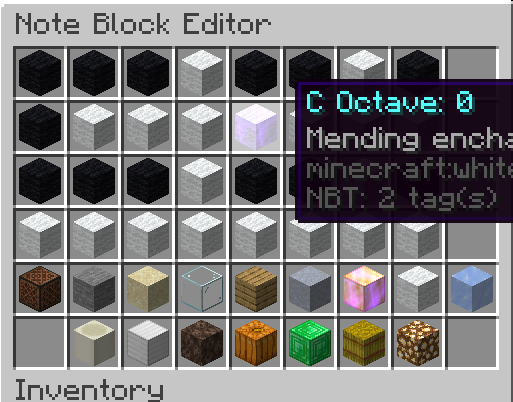
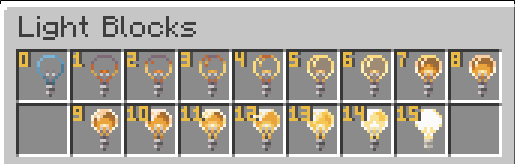
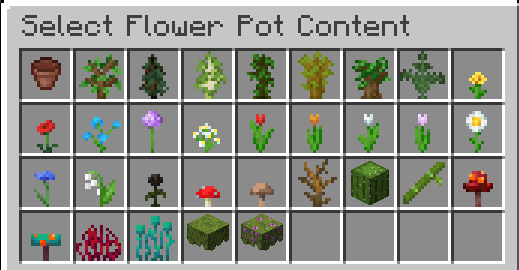
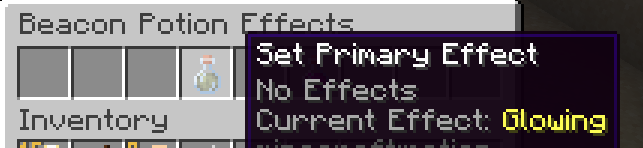
Features:
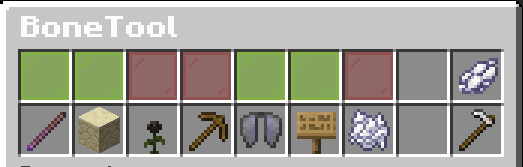
Use the wand to edit block properties
Place blocks without triggering block updates
Change your fly speed by double crouching
Edit signs by right-clicking on them
Automatically delete items when dropped
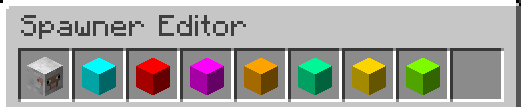
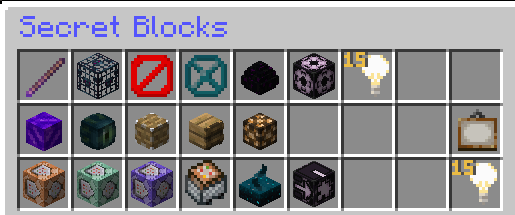
Access to unobtainable items including portals, piston head, lit redstone lamps and more
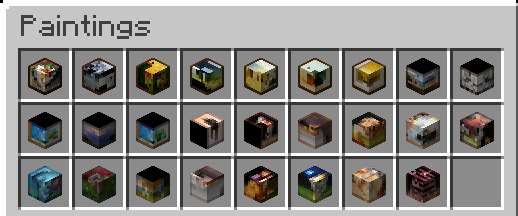
Place specific paintings rather than a random one
Soft Depencies (fully optional):
Builder's Utilities by Arcaniax. BoneTool will expand the existing /blocks menu. This can be disabled in the config file.
LightAPI by EvilSpawn. This allows BoneTool to edit the light level of blocks. Must be turned on in the config file. This feature is obsolete thanks to light blocks being added in 1.17.
Commands:
/bonetool
/blockupdate (alias /bu /noblockupdate)
/forceplace (alias /fp, /forcep, /fplace)
/snipeplace (alias /sp, /snipep, /splace)
/editsign (alias /es, /signedit)
/flyspeed (alias /fspeed, /fs)
/nolitter (alias /nl, /litter)
/blocks (alias /secretblocks, /illegalblocks)
/paintings
/lightblock
Permission List:
* bonetool.tool.use - Basic permission to be able to use the bone tool.
* bonetool.tool.nobupdate - Permission to use the no block update feature.
* bonetool.tool.forceplace - Permission to use the force place feature.
* bonetool.tool.snipeplace - Permission to use the snipe place feature.
* bonetool.tool.flyspeed - Permission to use the fly speed feature.
* bonetool.tool.signedit - Permission to use the sign edit feature.
* bonetool.tool.nolitter - Permission to use the no litter feature.
* bonetool.blocks.gui - Permission to access the secret blocks gui. if using Builder's Utilities use builders.util.secretblocks
* bonetool.blocks.use - Permission to use BoneTool secret blocks.
* bonetool.blocks.paintings - Permission to access the paintings gui.
* bonetool.blocks.lightblock - Permission to access the light block gui.
* bonetool.admin.reload - Reload configuration file
* bonetool.admin.bypass - Bypass the blacklists
How to use the BoneTool wand:
Get a BoneTool wand (bone being the default item). Using the wand, left-click a block to open its properties. Left-clicking the air opens up the main BoneTool menu to change settings. From there you can select what tool to bind to right-click.
Todo list:
PlotSquared support
MySQL support for userdata
Support for older Minecraft versions
Localization (adding languages)
For any issue or assistance, my discord is DeZilla#4008
Your feedback is greatly appreciated.