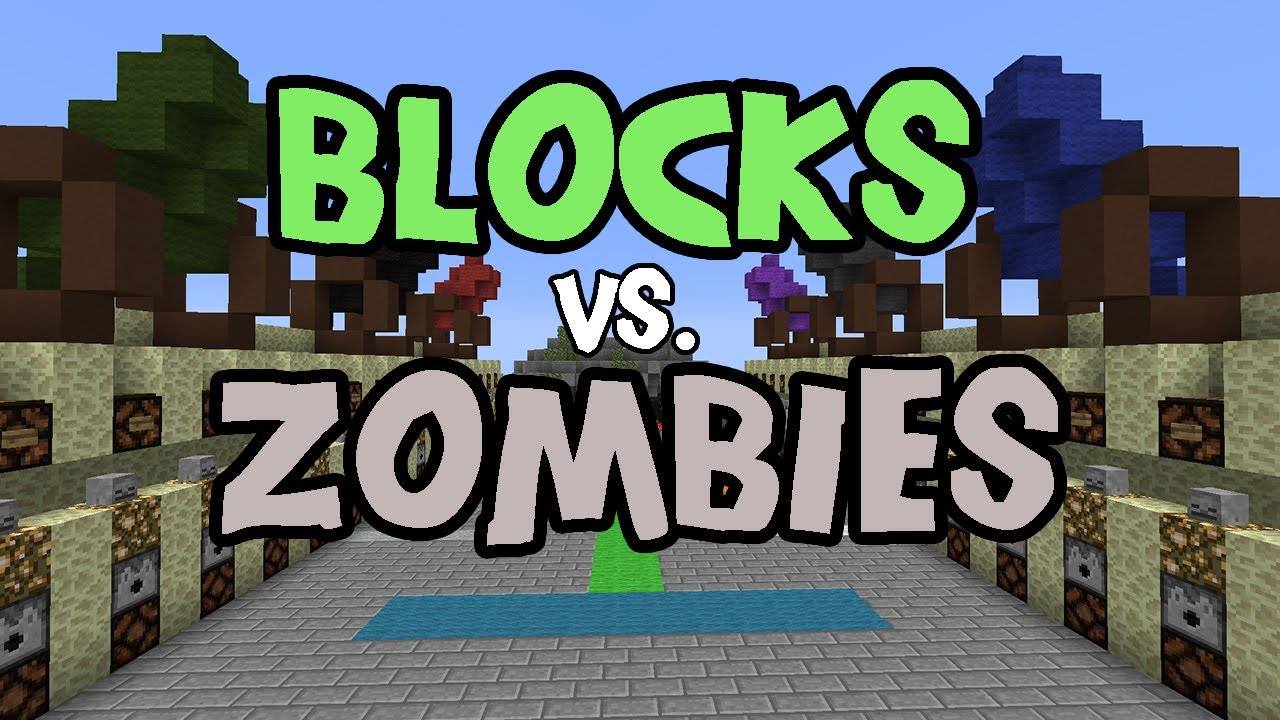
Ever played the Blocks vs Zombies map made by Sethbling and wished that there was a way to make this a minigame for your public server? Well look no further. This plugin will help you create multiple arenas using the map and it will do everything for you.
- Lobby
- Reset of Arena, Arrows, and Reloads crates with all the items the original map has when the game started
- Leader-Board
- Webstats
- Custom Chat per world
- Custom Preset amount of players per map
- Donor Kits
- Donor Connect on Full
- Donor ColorName
- Join/Leave Signs
- Map Protection
- BungeeCord Support
- Spectator (By Request)
- Spectator Sign
- Spectator SpawnPoint
- Custom Map
- Custom ZombieSpawns
- Custom Zombie Waves
- Custom Timer
- Custom Shop
- Better Point and Gold System.
- Gold is Directly placed in the Players inventory
- Change ScoreBored Colors.
- Custom Rewards on end of game if players win.
- Custom player loss of money if zombies win.
- Custom command run on end of game.
- Leader-Board
- Webstats
- Donor Kits
- Donor Connect on Full
- Donor ColorName
- BungeeCord Support
- Custom Map
- Custom ZombieSpawns
- Custom Zombie Waves
- Custom Timer
- Custom Shop
- Better Point and Gold System.
- Gold is Directly placed in the Players inventory
2. Vault
3. WorldEdit
4. Multivers / Multiworld
5. Map Made by Sethbling
6. Command Blocks FOR NOW. This is for the Alpha versions.
I am working on having custom menu's for points and when right-clicking the villager there will be a custom chest-like menu where you can buy your stuff, and donors will be able to purchase better perks than members. All this and a TON more will be in the final release. For now you need sethblings original map with command blocks enabled.
1. Put BvZ.jar into your /plugins Folder
2. Restart Server
3. Tweak around the Config to your liking.
1. Load Sethblings Map in a NEW world. Make Sure its a new world because this world will spawn all zombies with special items,
2. Select the arena with WorldEdit and type: /bvz create <arenaname>
3. Set Zombie-Spawns: Use WorldEdit to select 2 points then type /bvz addzombiespawn <arenaname> You can have multiple spawns if needed.
4. Set Player Spawns /bvz setspawn <arenaname> Next The number of spawns you set will determine the number of slots.
5. Set Lobby /bvz setlobby This is a global lobby for all arenas. You should have signs here so players can join arenas again.
6. Repeat steps 1-5 For multiple Arenas. For now you cannot have 2 arenas on the same world. I will work on that soon.
/bvz - Help Menu
/bvz join - Teleports to Lobby Permission: bvz.member.join
/bvz join [arenaname] - Joins a game Permission: bvz.member.join.arenaname Players MUST have this permission to play the game
/bvz leave - Leaves game Permission: bvz.member,join
/bvz spectate <arenaname> Permission: bvz.member.spectate.arenaname
Permission: bvz.vip,join.arenaname This allows a vip to join a game and it will kick the last NON-VIP player that joined.
Permission: bvz.vip.kit This allows a vip to use /bvz kit while in-game
Permission: bvz,vip,kit.kitname This allows a vip to use a specific kit
Permission: bvz.vip.points This allows a vip to gain 2x the points [or custom multiplier. Look in Config]
Permission: bvz.vip.gold This allows a vip to gain 2x the gold [or custom multiplier. Look in Config]
Command:
/bvz kit : bvz.vip.kit and bvz.vip.kit.kitname
Permission: bvz.admin,createarena Allows for Creation of Arena, Spawns, and Lobby
Permission: bvz.admin.join Allows an Admin to join on Full even if arena is full of VIP
REMEMBER These Builds are NOT reviewed by the Bukkit Team in any way. USE AT YOUR OWN RISK.
LINK: http://mc.craftrealms.com:8080/
If you are a developer and want to Help in the process of creating this plugin the message me,