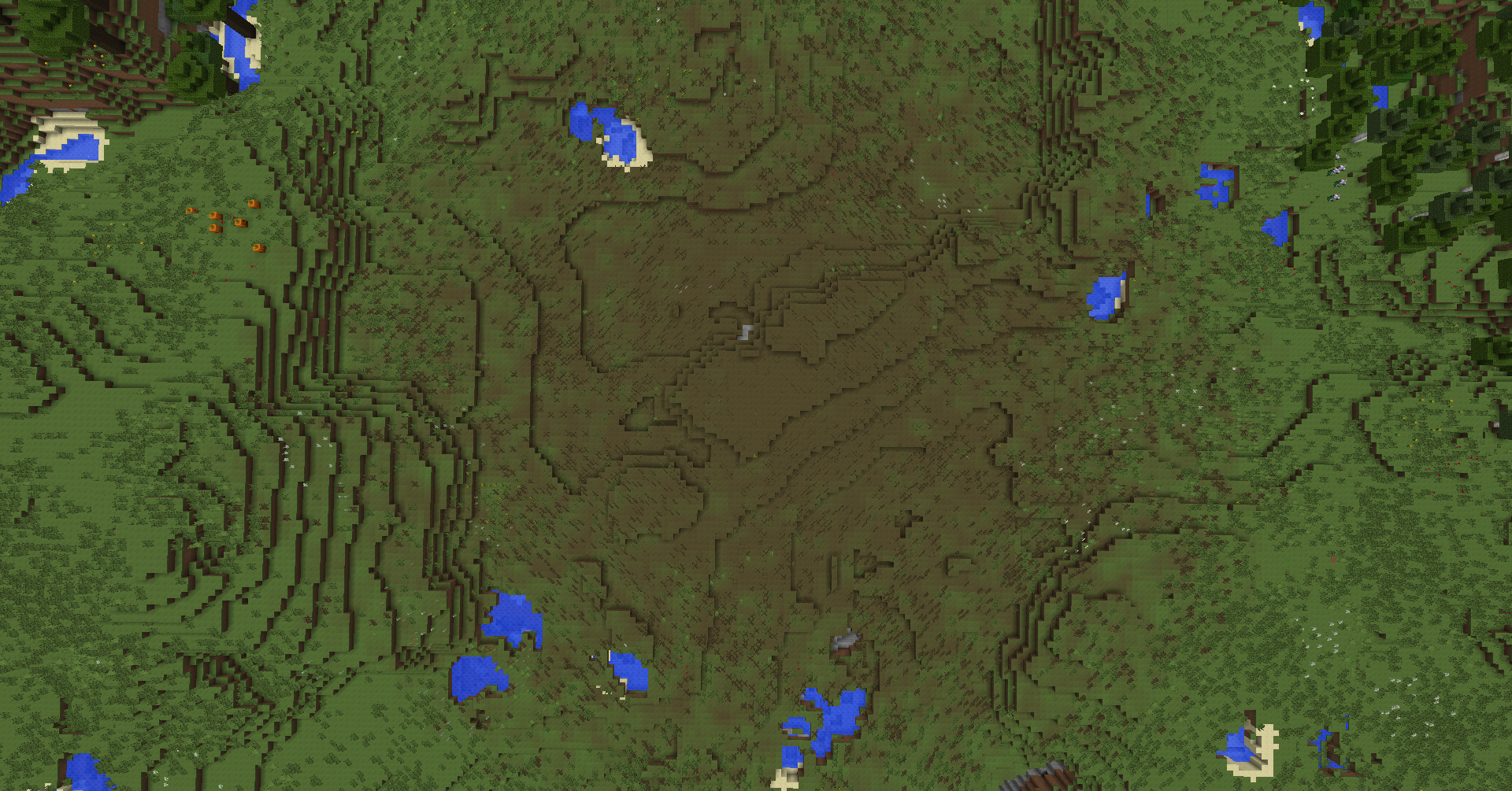
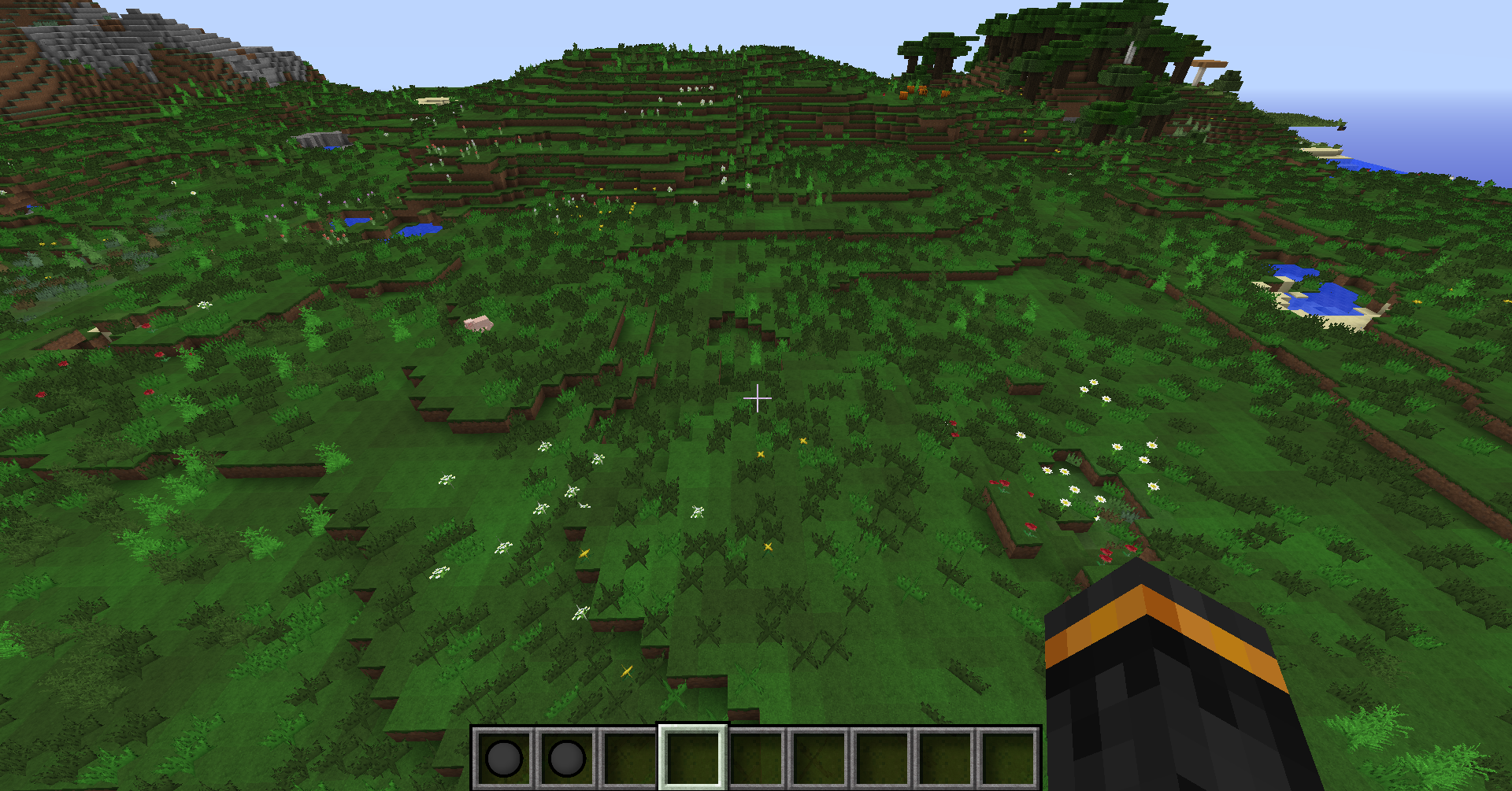
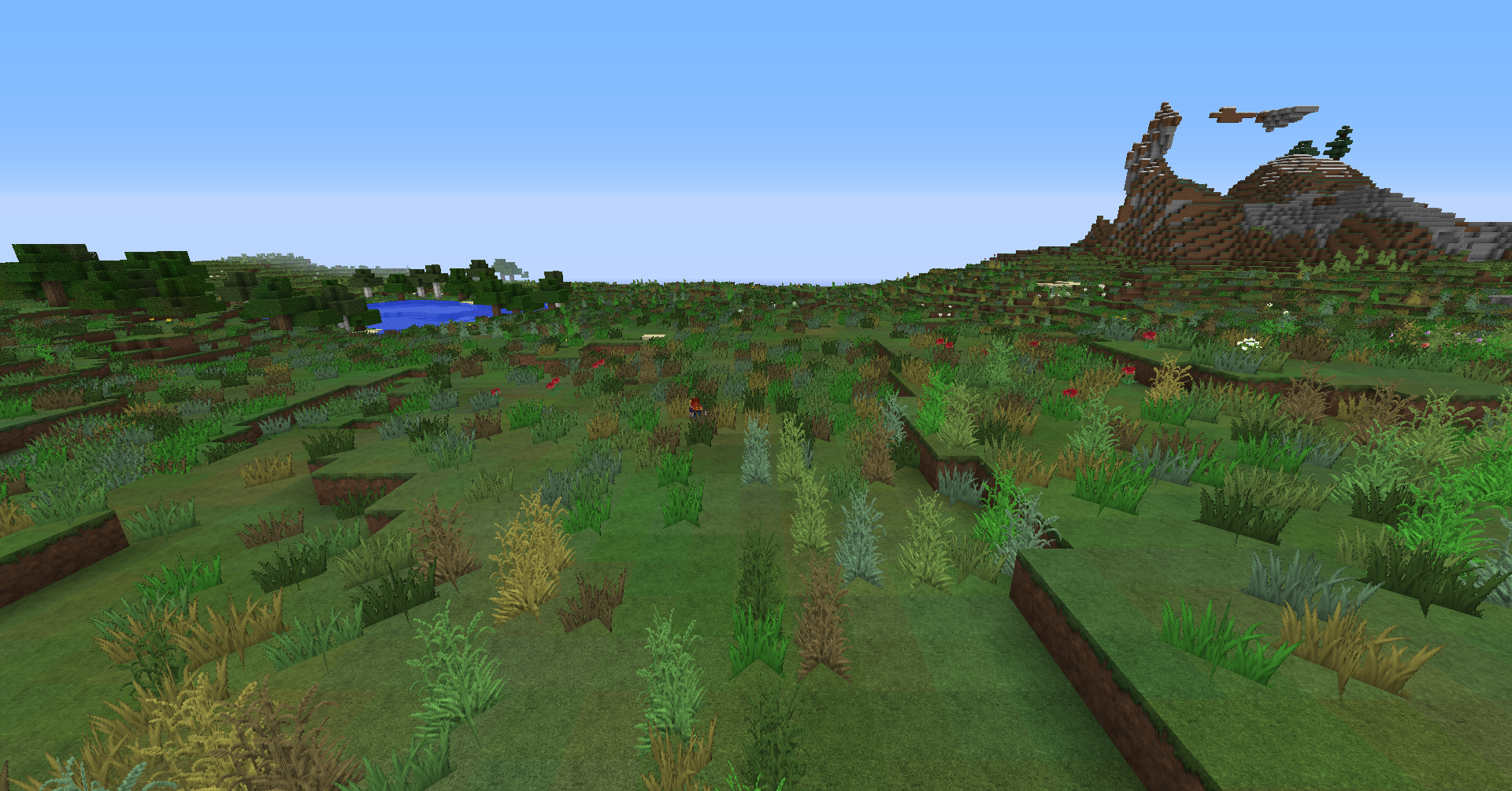
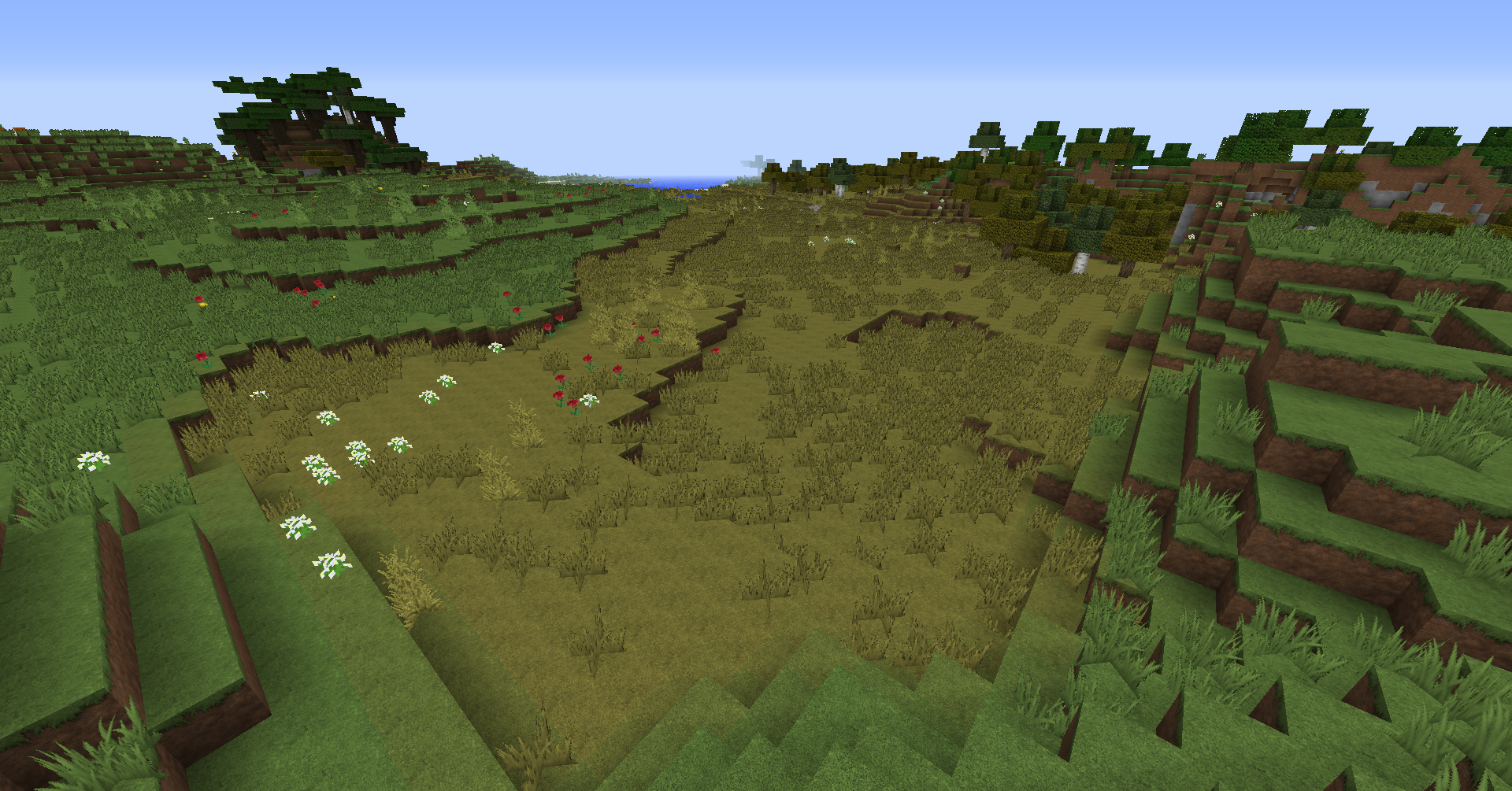
This is a powerful building tool for changing biomes and populating terrein. With masks you can set biome exactly where and how you want them,
you can fill complete biomes, mix them together and much more!
You can also use either preset or custom grass brushes to quickly populate your terrein with grass and flowers.

artist: xDizasterCYx
Click here for a full list of commands
Main commands: /biome /biomes /bc /biomecontrol
| command | usage |
|---|---|
| /bc [biome] [radius] <shape> | Equip a biome wand. |
| /grass [type/input] <power> <size> | Equip a grass wand. |
| /bc undo <amount> | Undoes your previous operation(s). |
| /bc hightmask <hight> | Sets your hight mask. |
| /bc blockmask <block(s)> | Sets your block mask. |
| /bc biomemask <biome(s)> | Sets your biome mask. |
| /bc power <amount> | Sets the power of your operations. |
| /bc help <page> | Shows help ingame |
| biomecontrol.use | Allows you to use the plugin, without it you can just see the list of biomes. |
| biomecontrol.config | Allows you to use the config changing command |
Just drag and drop the .jar file into your plugins folder. Optionally you can edit the config once it's generated and do /bc reload ingame to activate it.
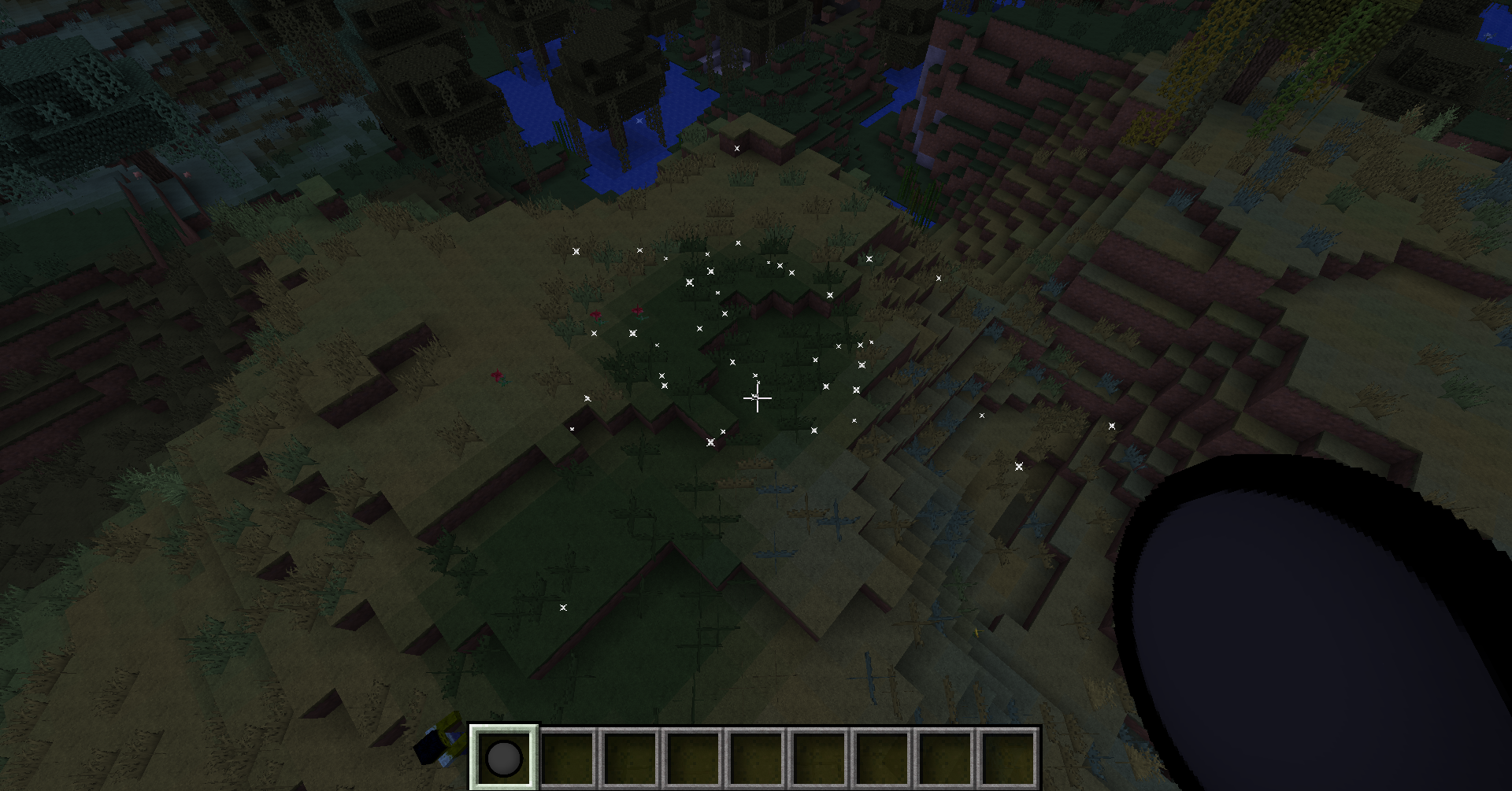
See the images on this project for some examples. All these examples where made very easily with either one or two operations.