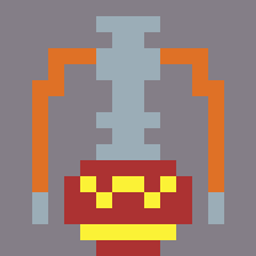
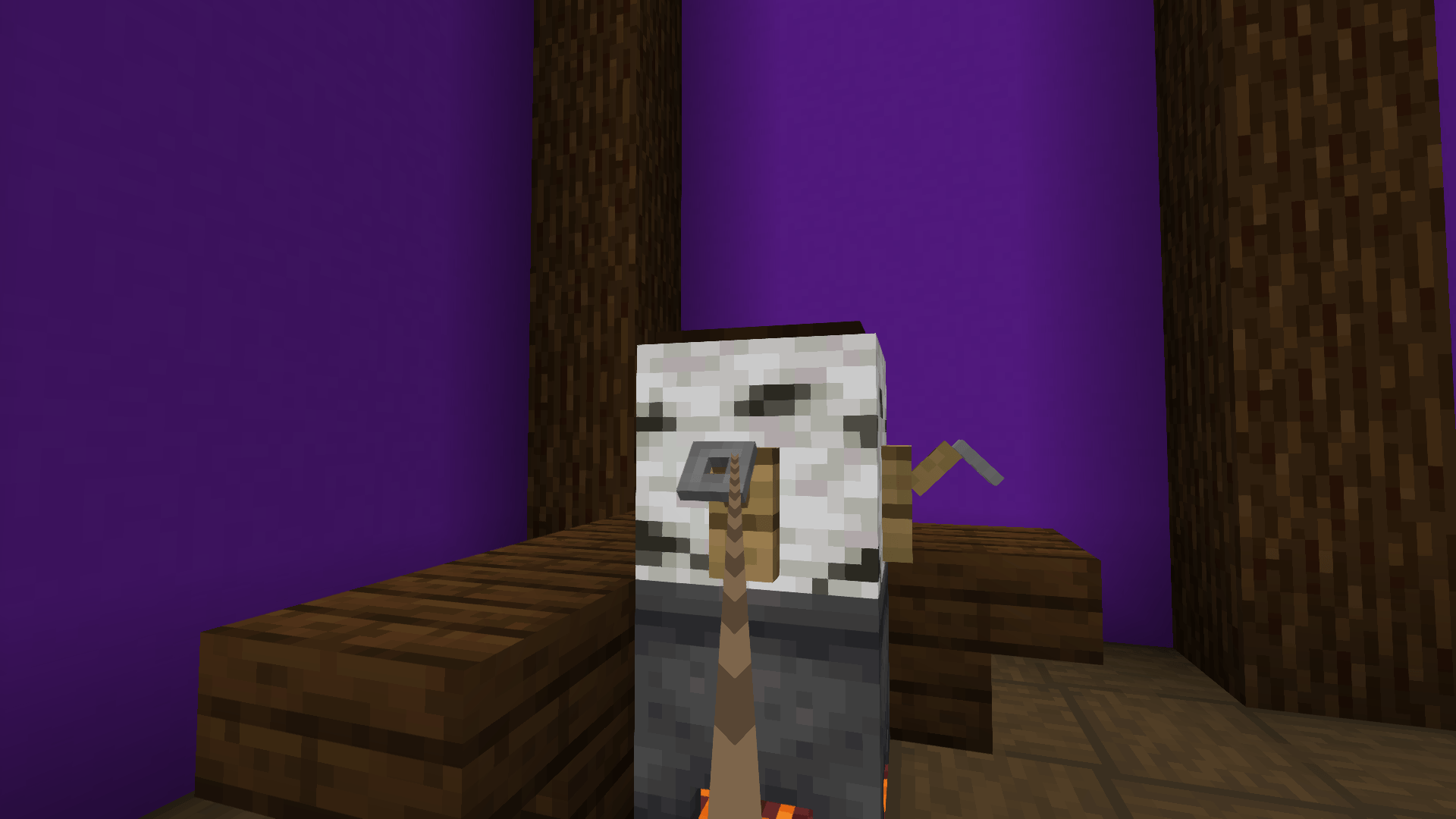
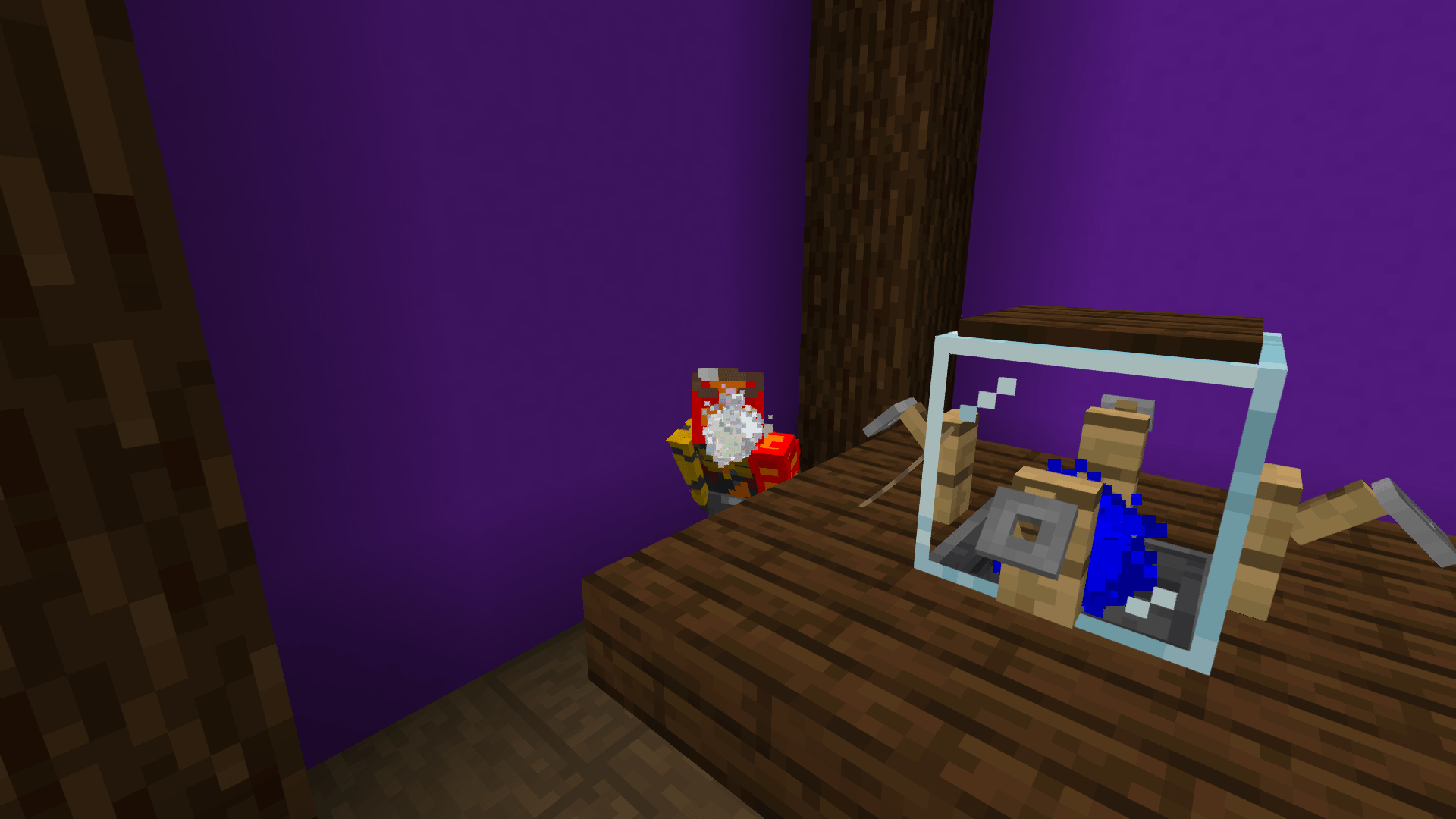
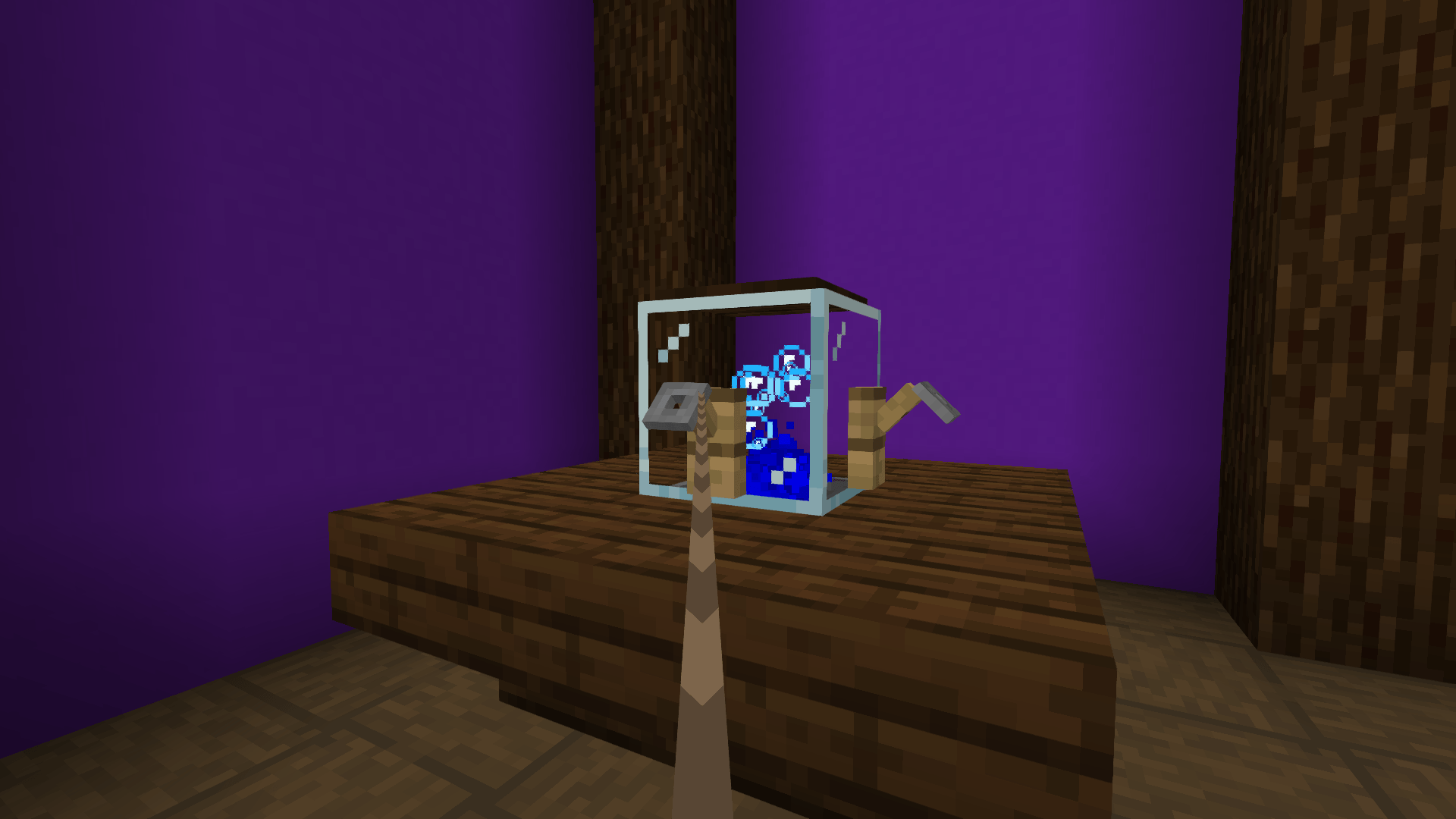
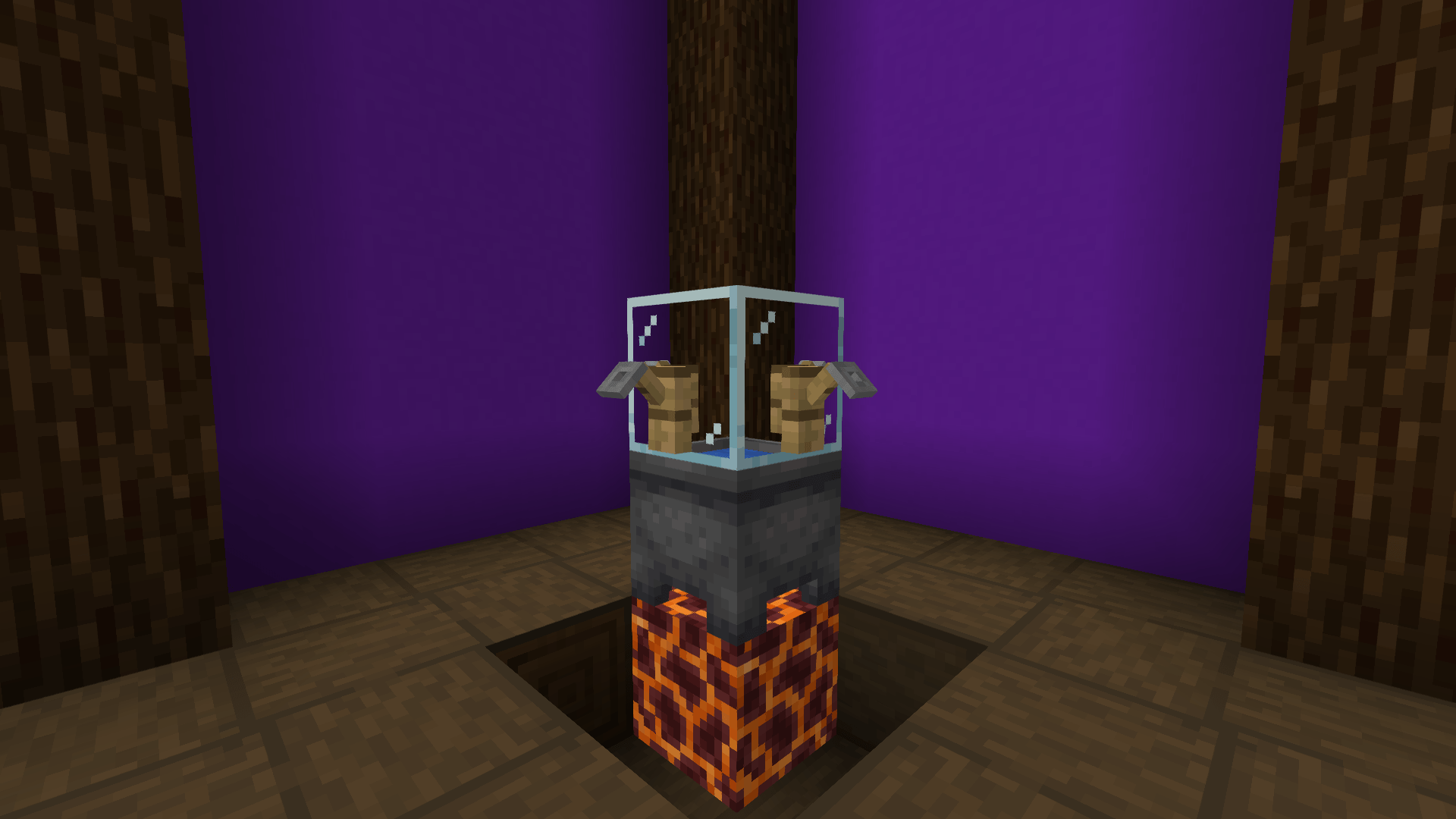
This plugin is designed for survival but can also be used in creative mode. It adds a way to create a functioning hookah, which can be built as shown in the image below:
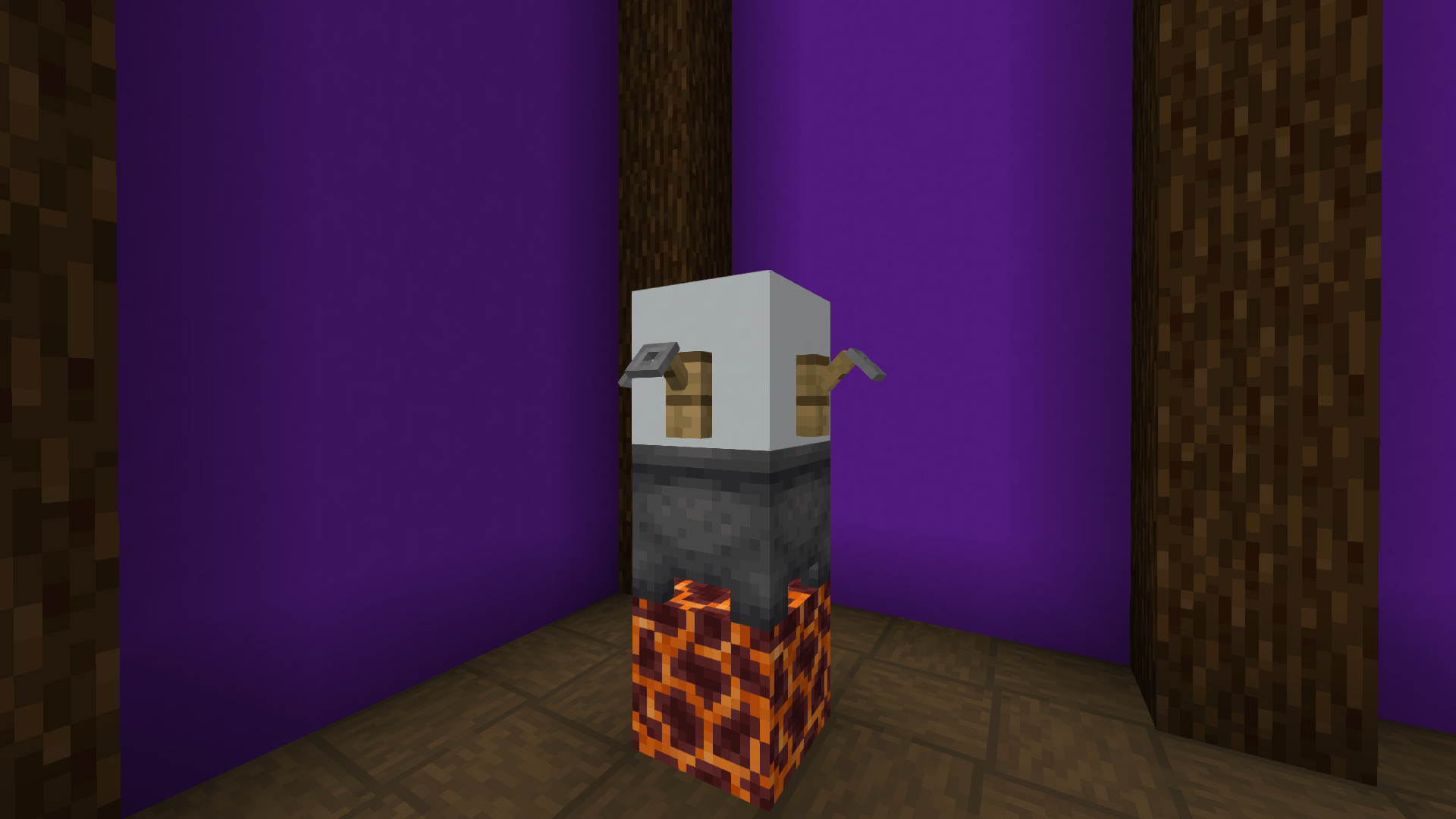 Composition:
The hookah cannot be used when the cauldron is empty!
When you right-click on any of the tripwire hooks, you will connect to the hookah and start filling up with smoke and the water level in the cauldron will be lowered by one. After 3 seconds, you will be fully filled. By holding down the SHIFT key, you will exhale smoke for up to 5 seconds, depending on how much you have inhaled.
When you are finished, you can either right-click anywhere while standing to end the action or walk more than 4 blocks away to disconnect from the hookah.
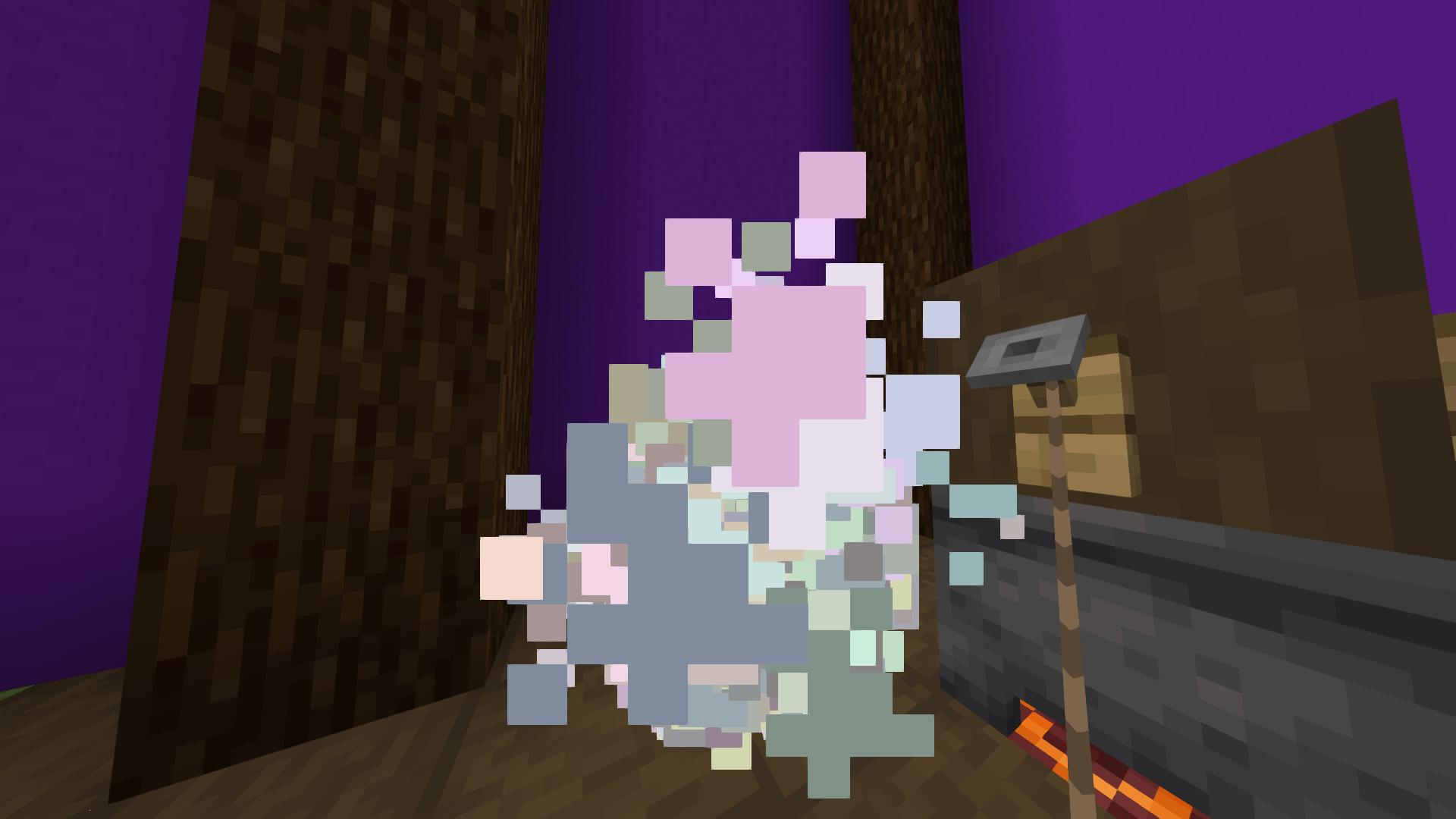
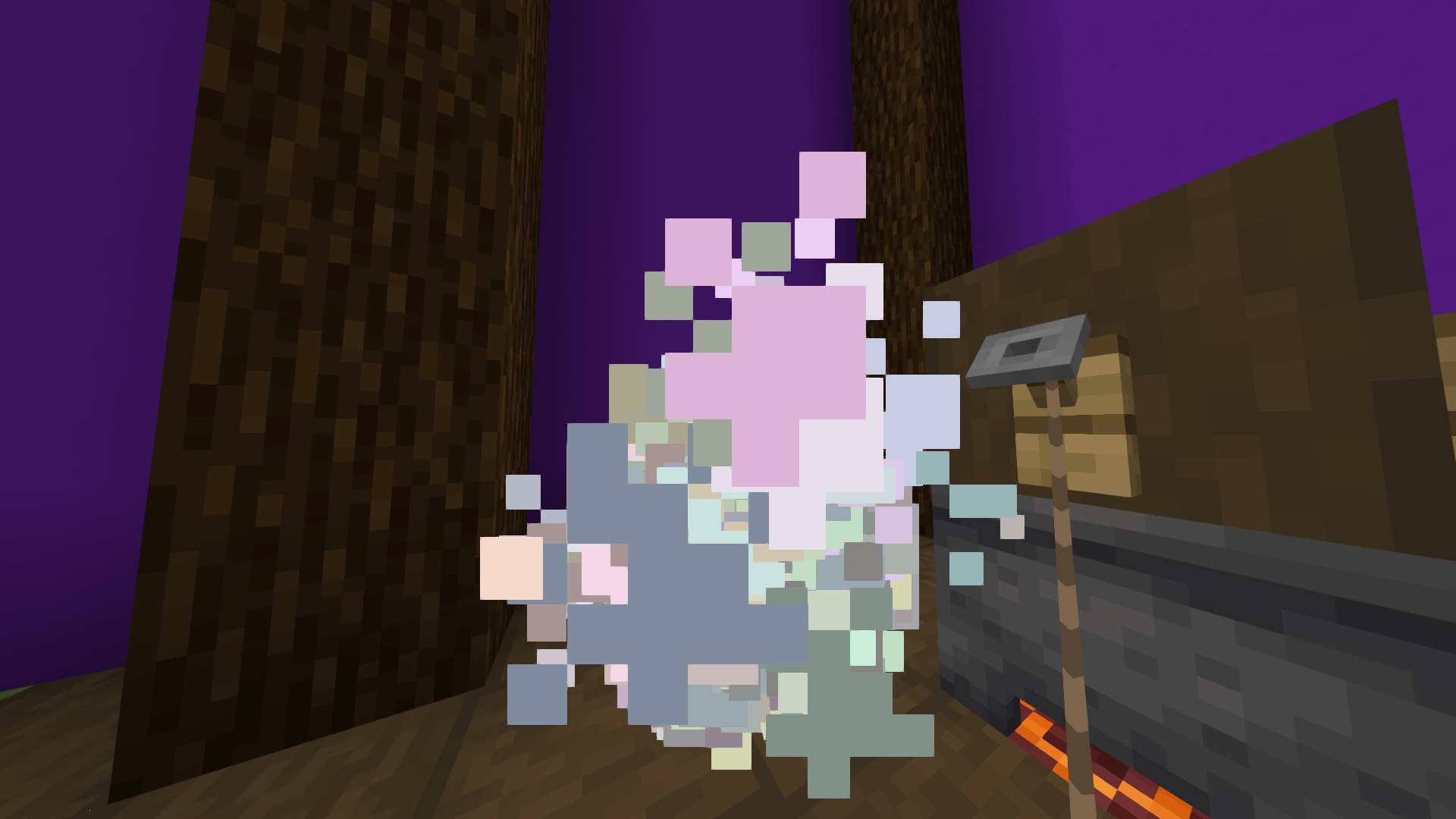
*Glass is recommended because the particles in the hookah are only visible if glass is used as the block on top. For more detailed visuals, visit the gallery.
The plugin works on bukkit, spigot, paper. Use it on versions 1.20.5 or above (JDK 21). No setup and config needed. After you put this into the plugin folder, it will start working after a reload or restart.