This mod provides a client-side user interface for the WorldEdit plugin allowing you to see your selected region in-game in real time. It allows you to work more quickly and accurately with your WorldEdit selection and is especially useful.
This is a partly rework of Mumfreys Worldedit CUI for Liteloader.
This has no relation to Worldedit or other allready existing Selection Mods.
If you search for the offizial build go to https://github.com/mikroskeem/WorldEditCUI
Check out the Source Code on github.com!
Thanks to the original authors:
- Mumfrey
First you have to install Fabric.
You need the permissions to use Worldedit or at least Worldedits selection Feature.
Use whatever tool you setup as selection tool, normally its the wooden axe, and left/right click to set the first and the second position.
You should see the selection now
Important, since the /we cui command is delay between trying and actually joining a server, it might fail to execute the command. Depending on the login time it needs to join. You can edit the configugration to change the delay (default is 1000 nanoseconds or 1 second)
Worldedit cui stores all language Files inside %appdata%\.minecraft\config\worldeditcui.
You can change all variables here to match your language.
If you press F12 ingame the configscreen will open, you can change every colour, some settings and the default keybinds here.
Since Fabric is missing a "modlist" modmenu provides this.
You should be able to call the config screen with modmenu too and it will display some other information about this mod.
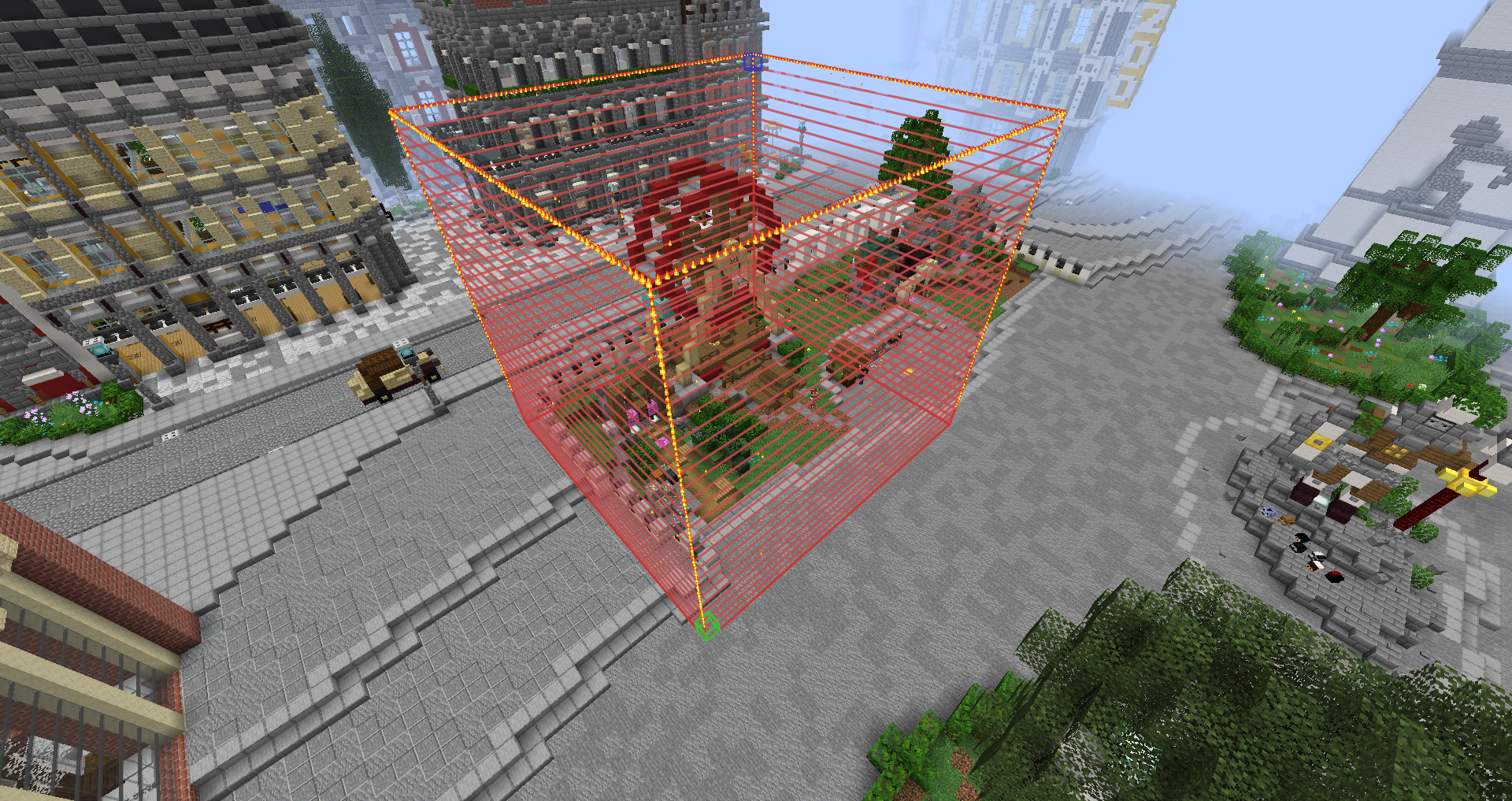
Here an example of a cuboid selection
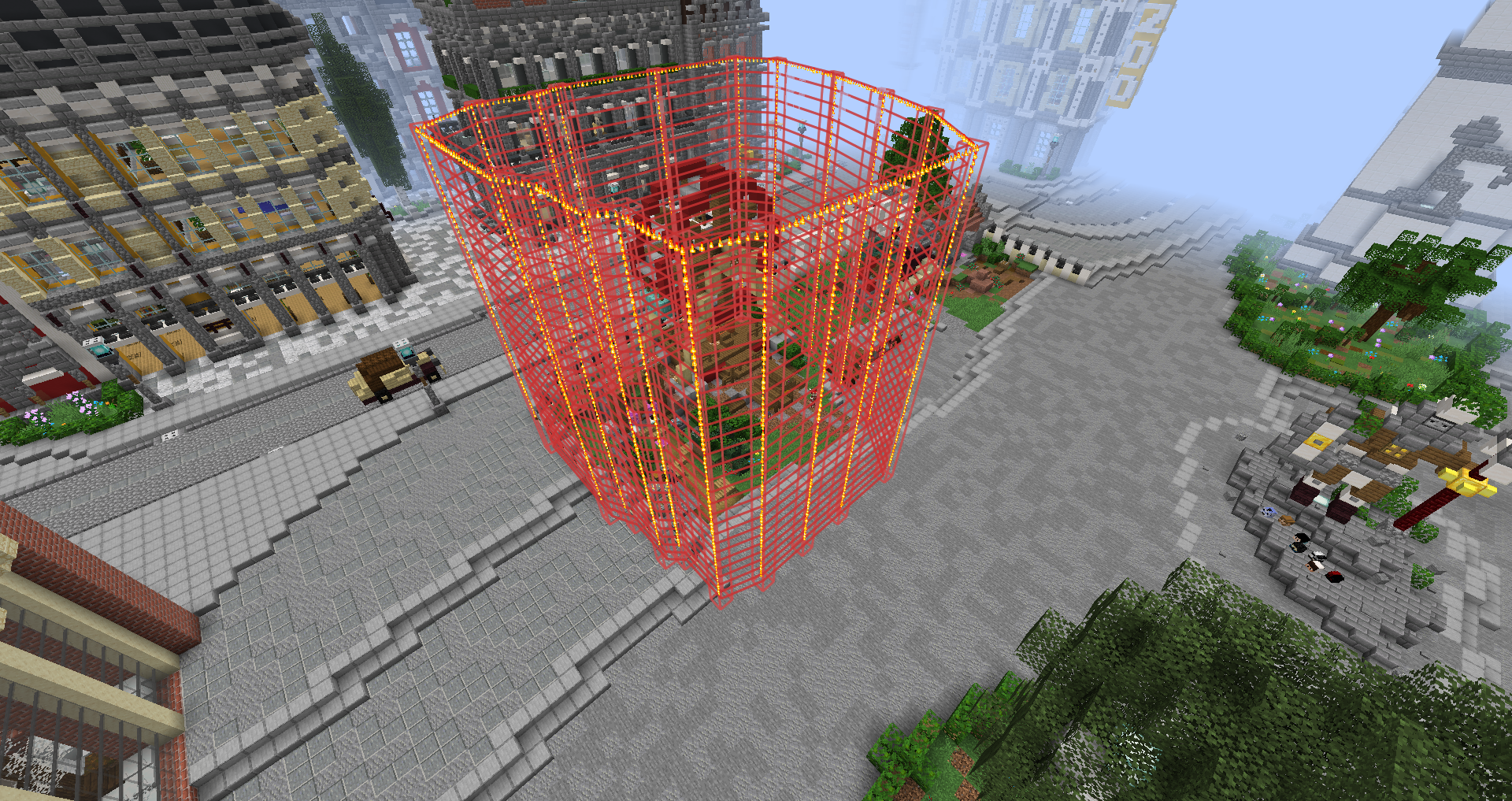
And an example of a cuboid selection: