Switch between your singleplayer worlds with a single command — no trip back to the title screen.
WorldChange loads another world from your saves folder while you're still in-game. It reuses Minecraft's own "play selected world" flow, so all you see is the normal loading screen — you never get kicked back to the menu.
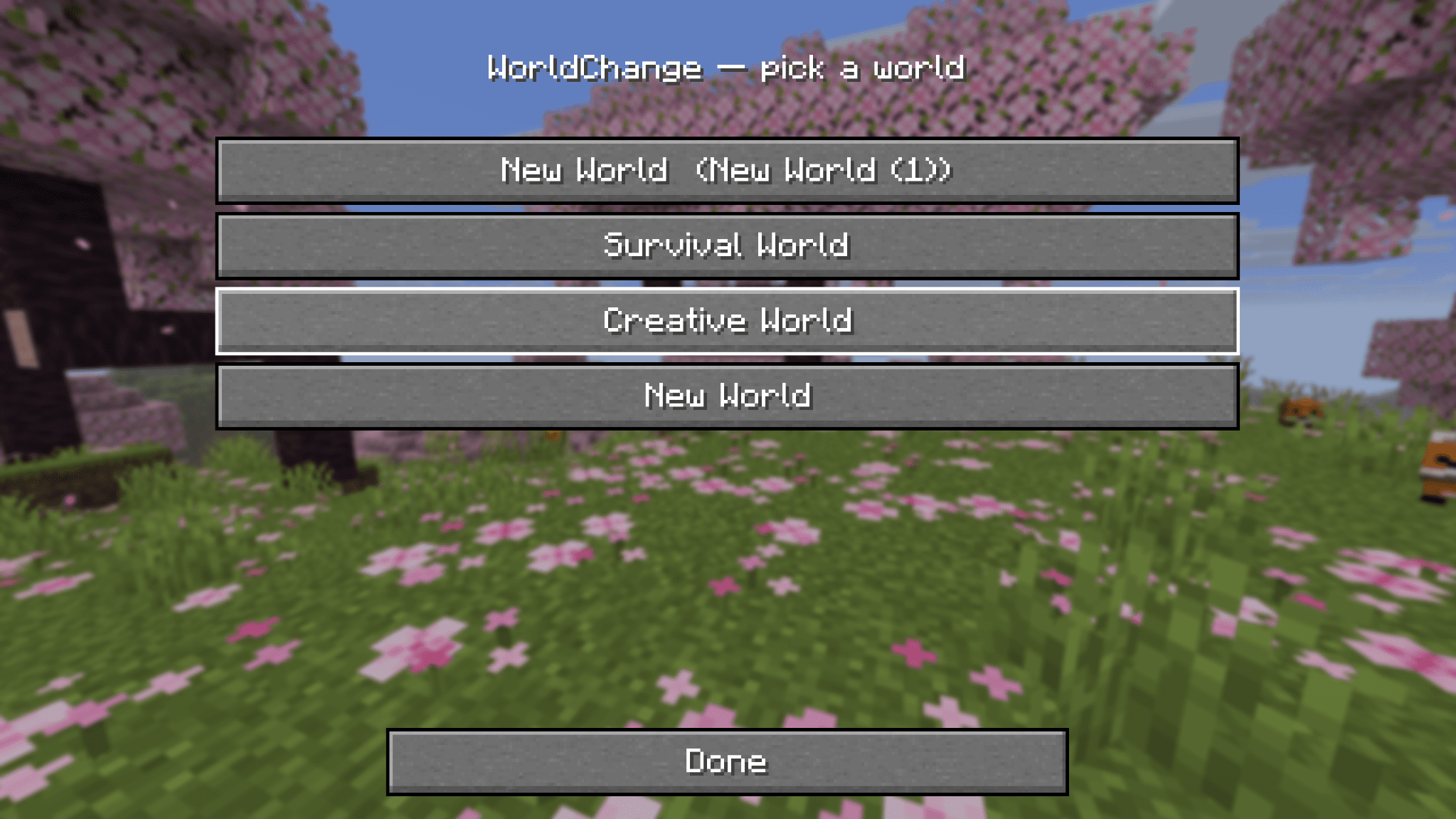
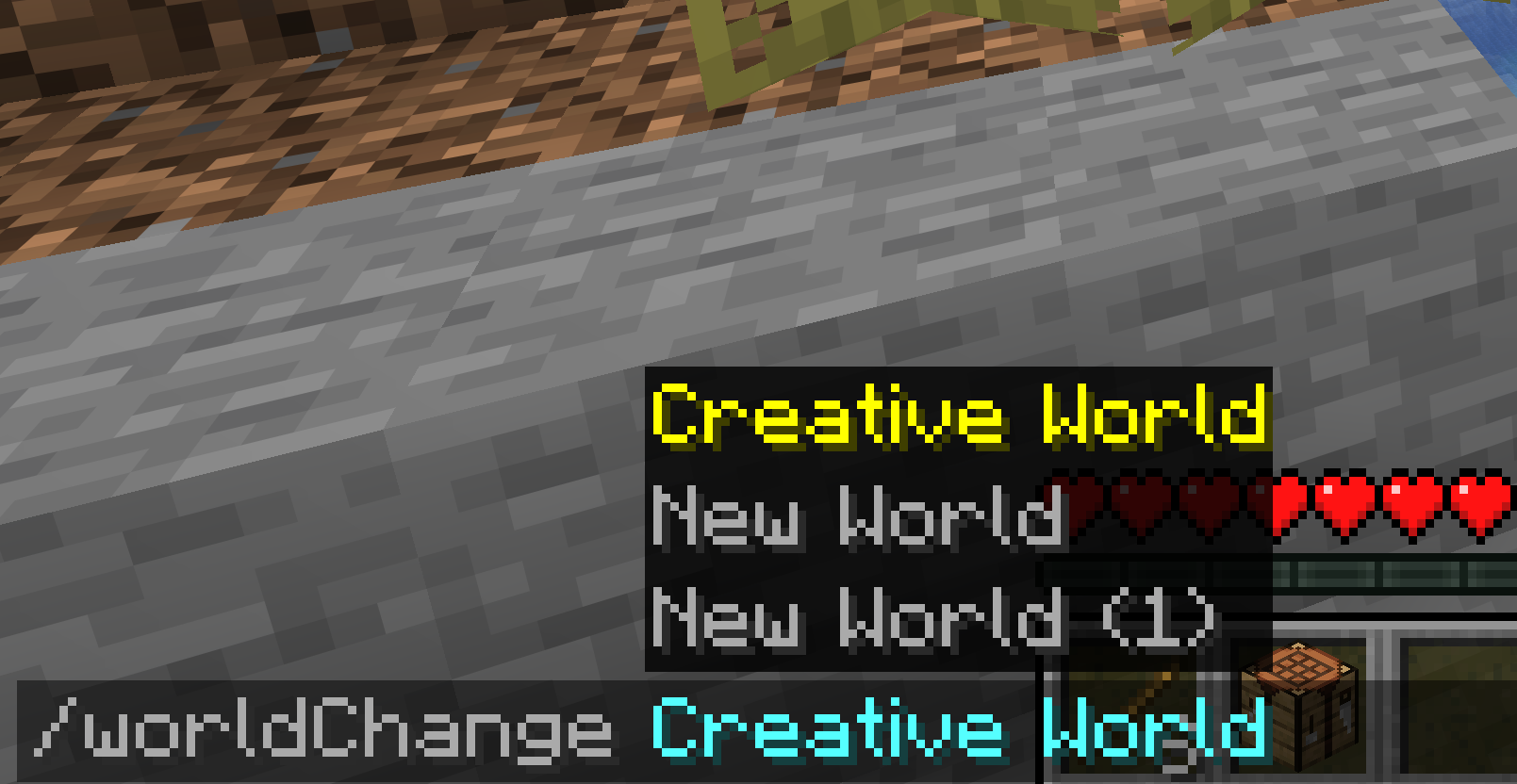
/worldChange <name> switches you to that world instantlyPrefer clicking over typing? Open WorldChange from Mod Menu to get a clean, vanilla-style list of your worlds — one click switches. Worlds that can't be loaded (incompatible version, currently open, or locked) are shown but disabled.
/worldChange MyWorld          # switch by name
/worldChange MyWorld:12345    # add the seed when two worlds share a name
| Loader | Fabric |
| Minecraft | 1.21.10 · 1.21.11 · 26.1 · 26.1.1 · 26.1.2 · 26.2 |
| Requires | Fabric API |
| Optional | Mod Menu (for the world picker) |
| Side | Client-side only — not needed on servers |