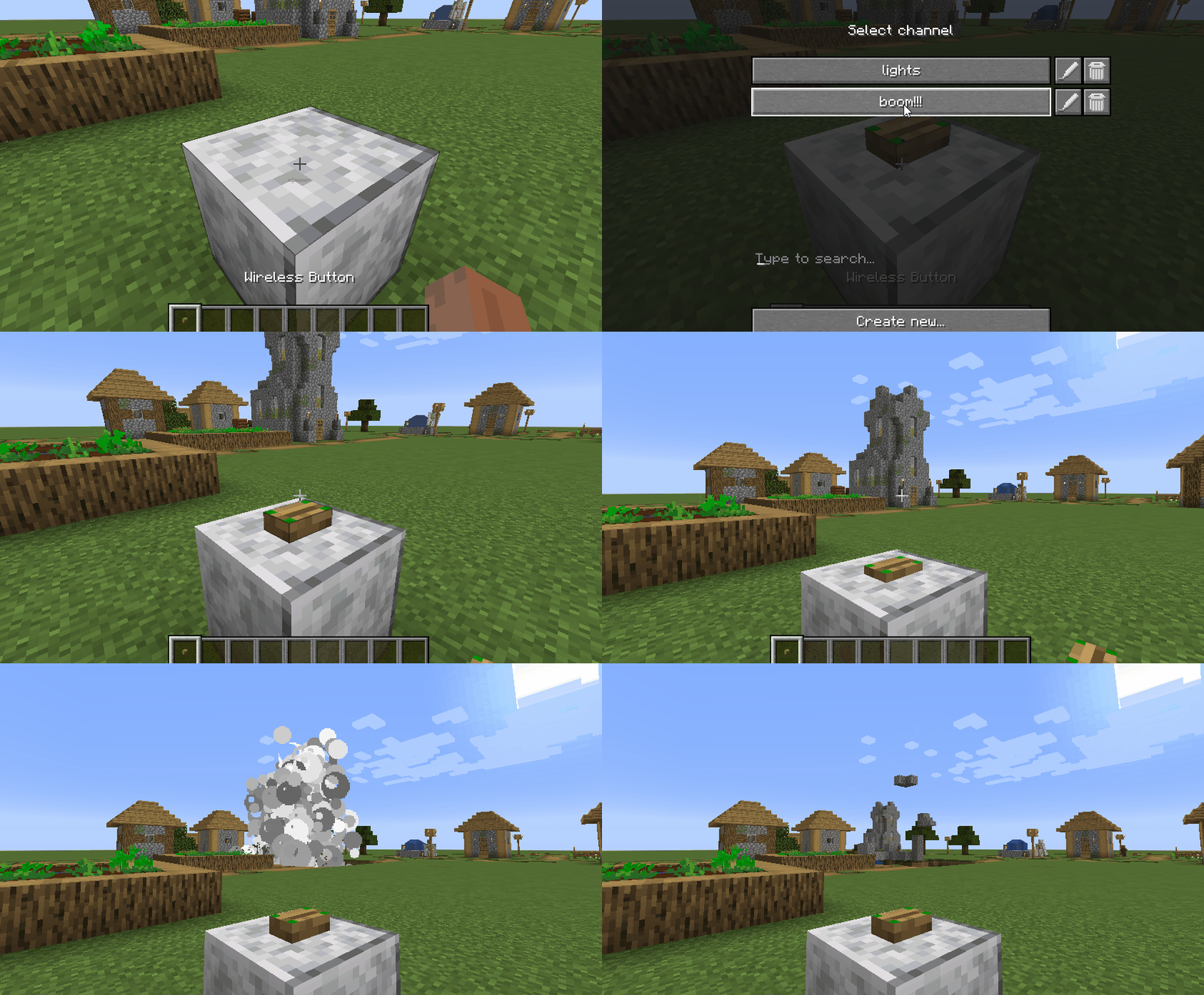
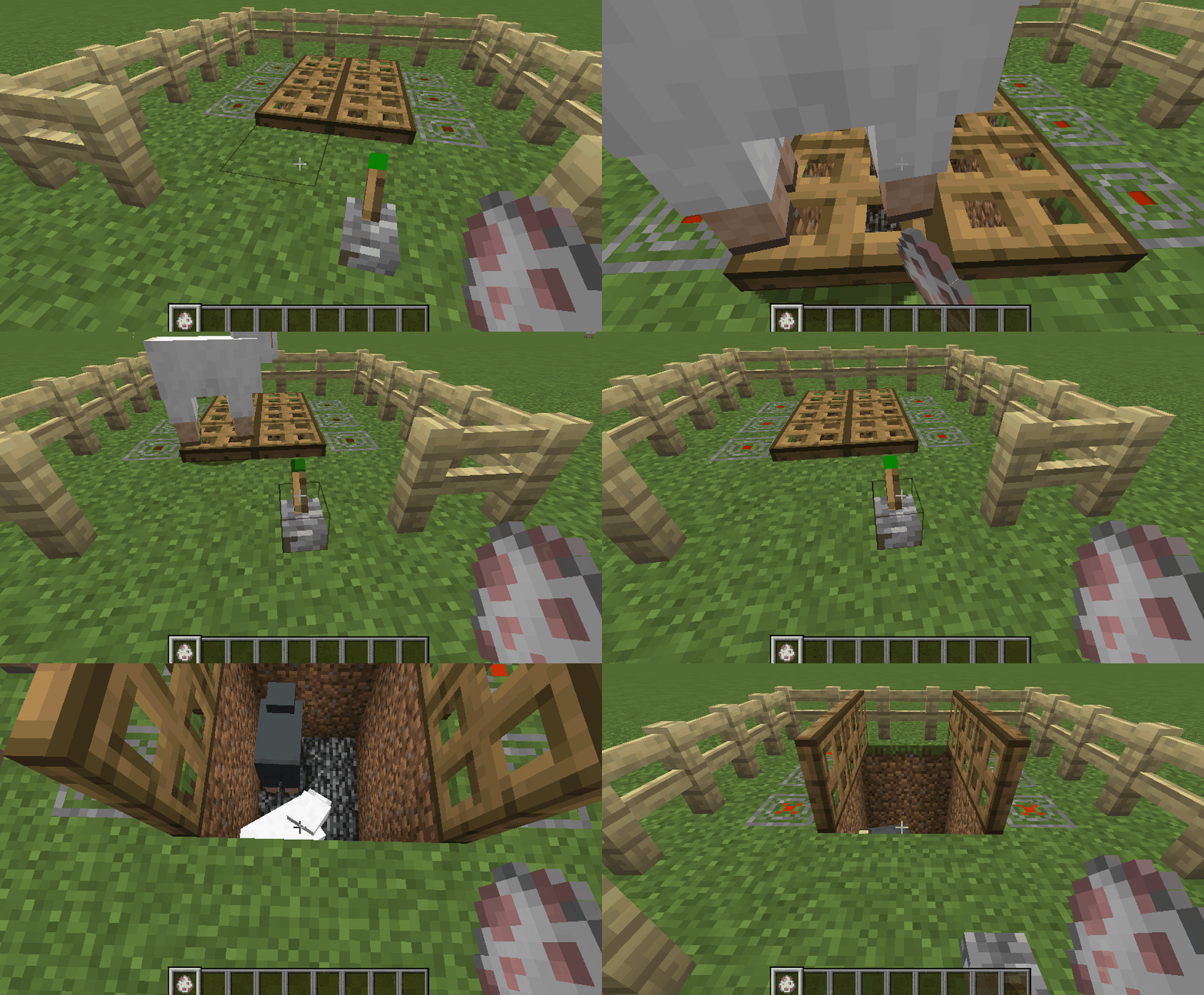
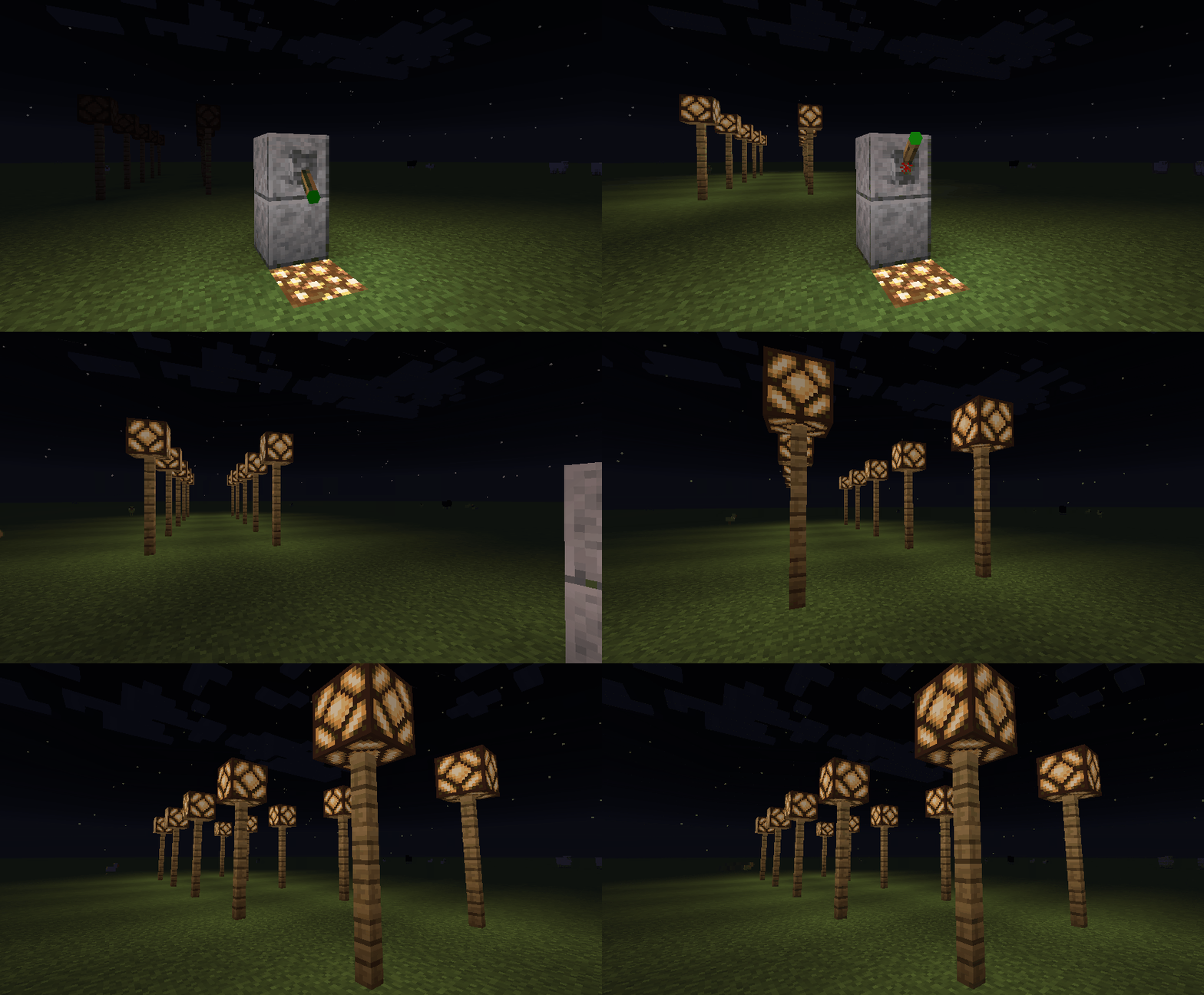
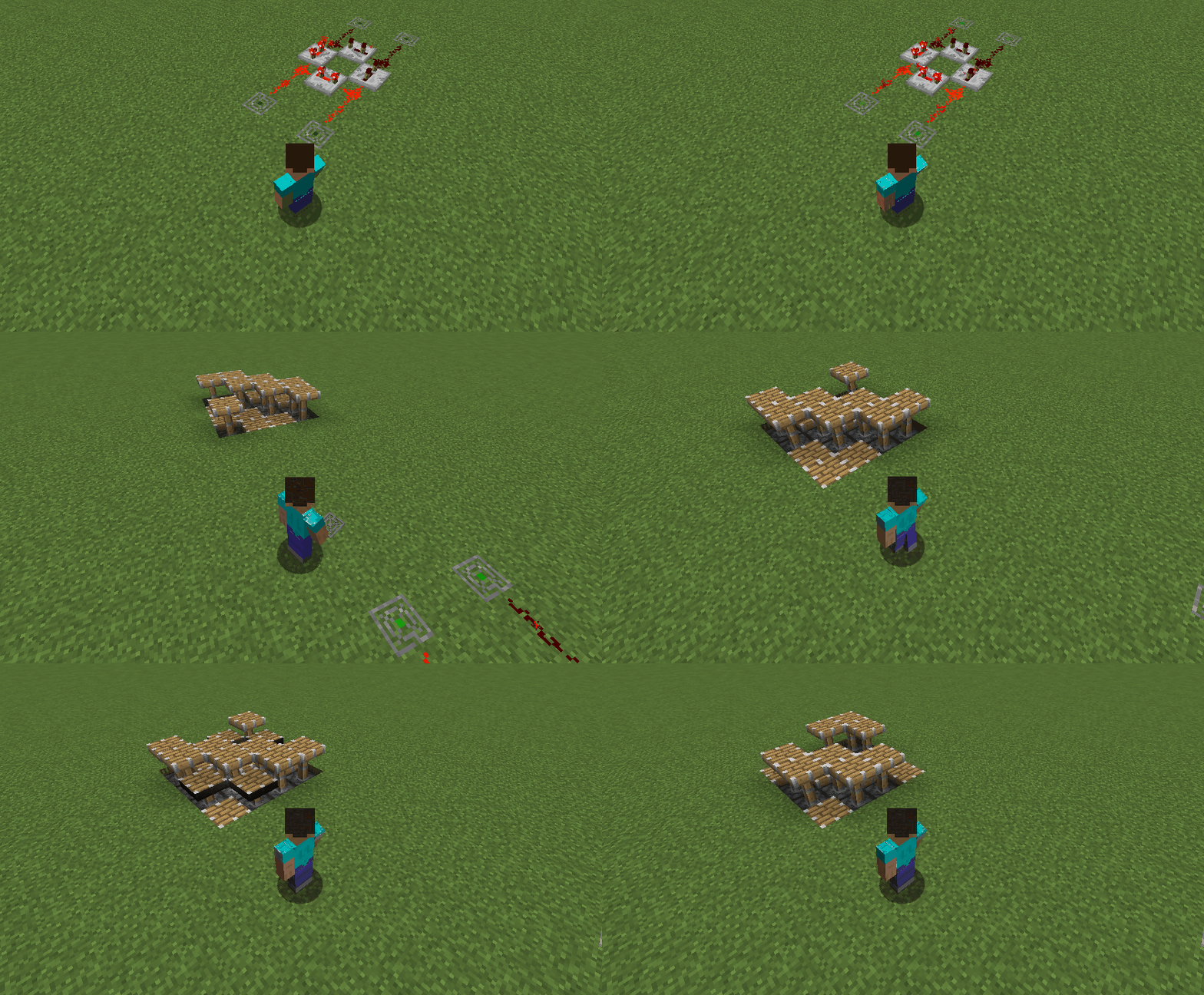
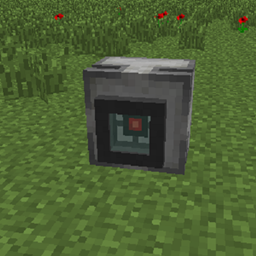
This mod allows to create wireless redstone circuits using Transceiver item.
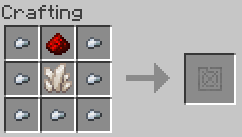
After placing a Transceiver in the world you decide if it should work as a Transmitter or Receiver of redstone signal. You also need to specify a channel on which the Transceiver will work.
You can create any numer of channels - each with a unique name.
Transmitter detects redstone signal around it and sends it to all Receivers on the same channel.
Receiver powers up all blocks around it when it receives a signal from any Tranmitter on the same channel.
How to setup example circuit:
1. Place a Transceiver in the world
2. Select "Transmitter" mode
3. Select existing channel (you can type to search if you have multiple channels) or click "Create new..."
4. The Transmitter should be now configured. If you right-click on it you should see a message with Transceiver's mode and channel's name (it's helpful when debugging multi-channel circuits)
5. Now place a Redstone Lamp in some distance from the Transmitter.
6. Place another Transceiver on the Lamp and select mode: Receiver and the same channel as before.
7. Now power up the Transmitter block. You can use a lever, button, redstone block or any other redstone signal source.
8. When powered, both Transmitter and Receiver should "blink" and the lamp should be on.
Permissions
By default you can see and use any channel crated by users on the server but you can rename or delete only your own channels. This behaviour can be changed in server config file. Other possible options are:
- PUBLIC_WRITE - every user has full access to all channels on the server
- PRIVATE - users have only access to their own channels and channels permitted by other users.
In PRIVATE mode you can use following commands to manage access to your channels:
/channels grant <channels> <users>
/channels revoke <channels> <users>
To manage channels (create, rename, delete) you can use following command:
/channels show
Other items
This mod adds 3 additional items just to make the circuits more compact:
- Wireless Button
- Wireless Lever
- Wireless Pressure Plate
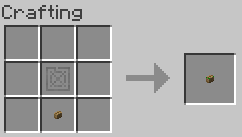
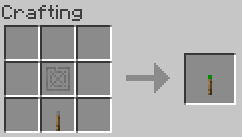
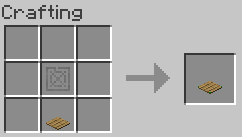
All of them work as Transmitters in addition to their normal behaviour.
To see which channel they are bound to use Ctrl + Right Click.

Examples
If you wonder what you can do with this mod see some examples below ;)