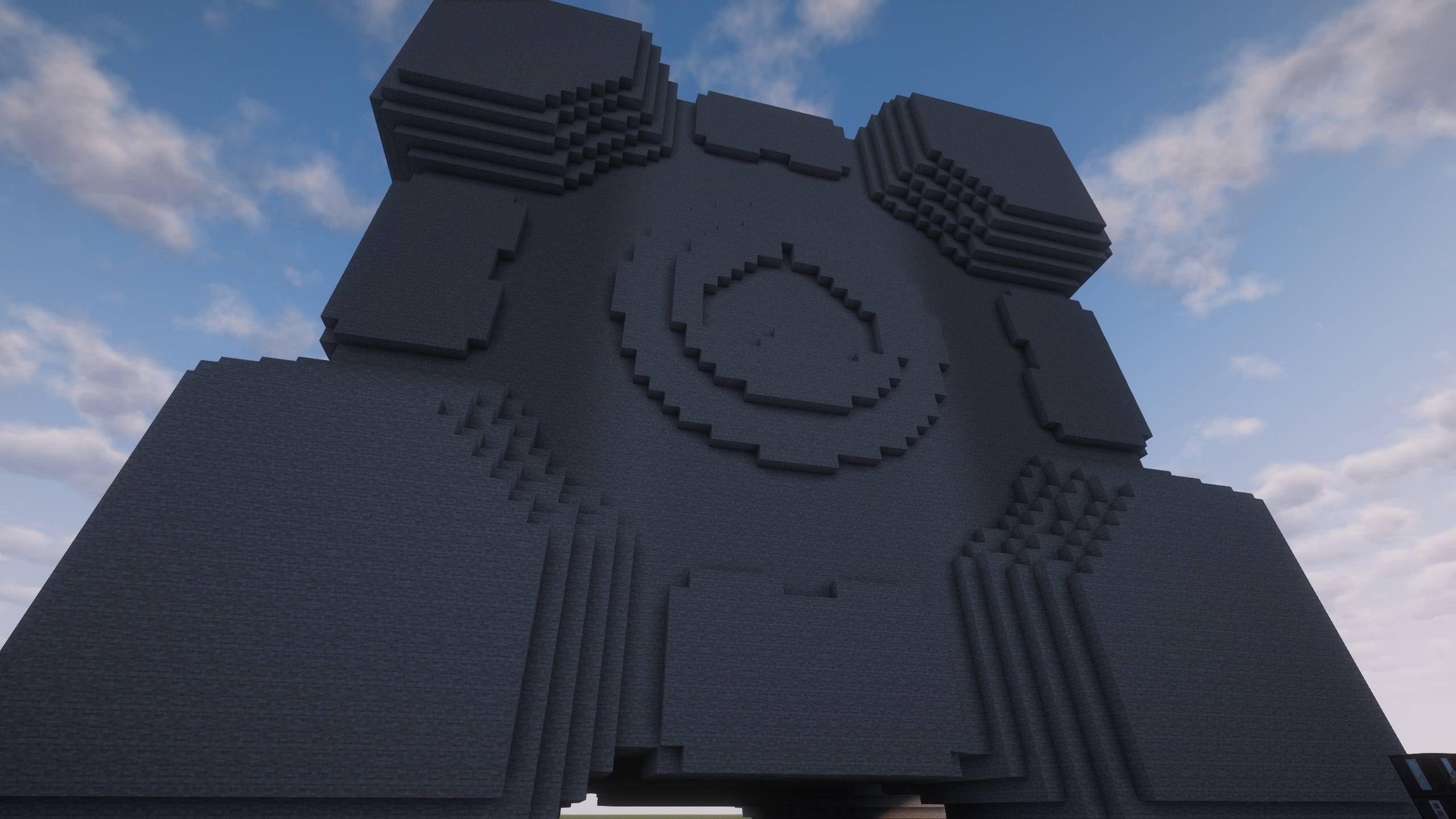
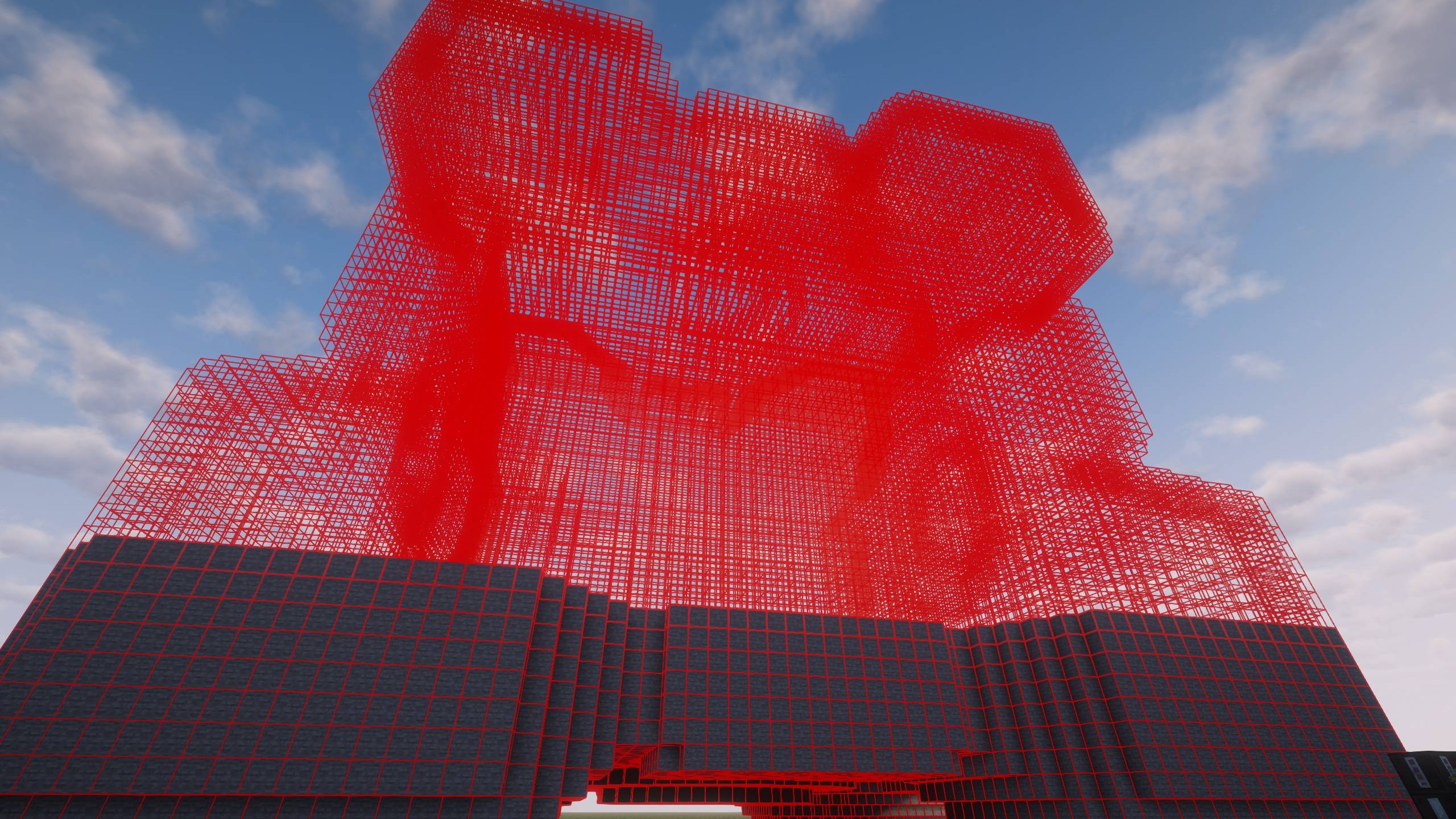
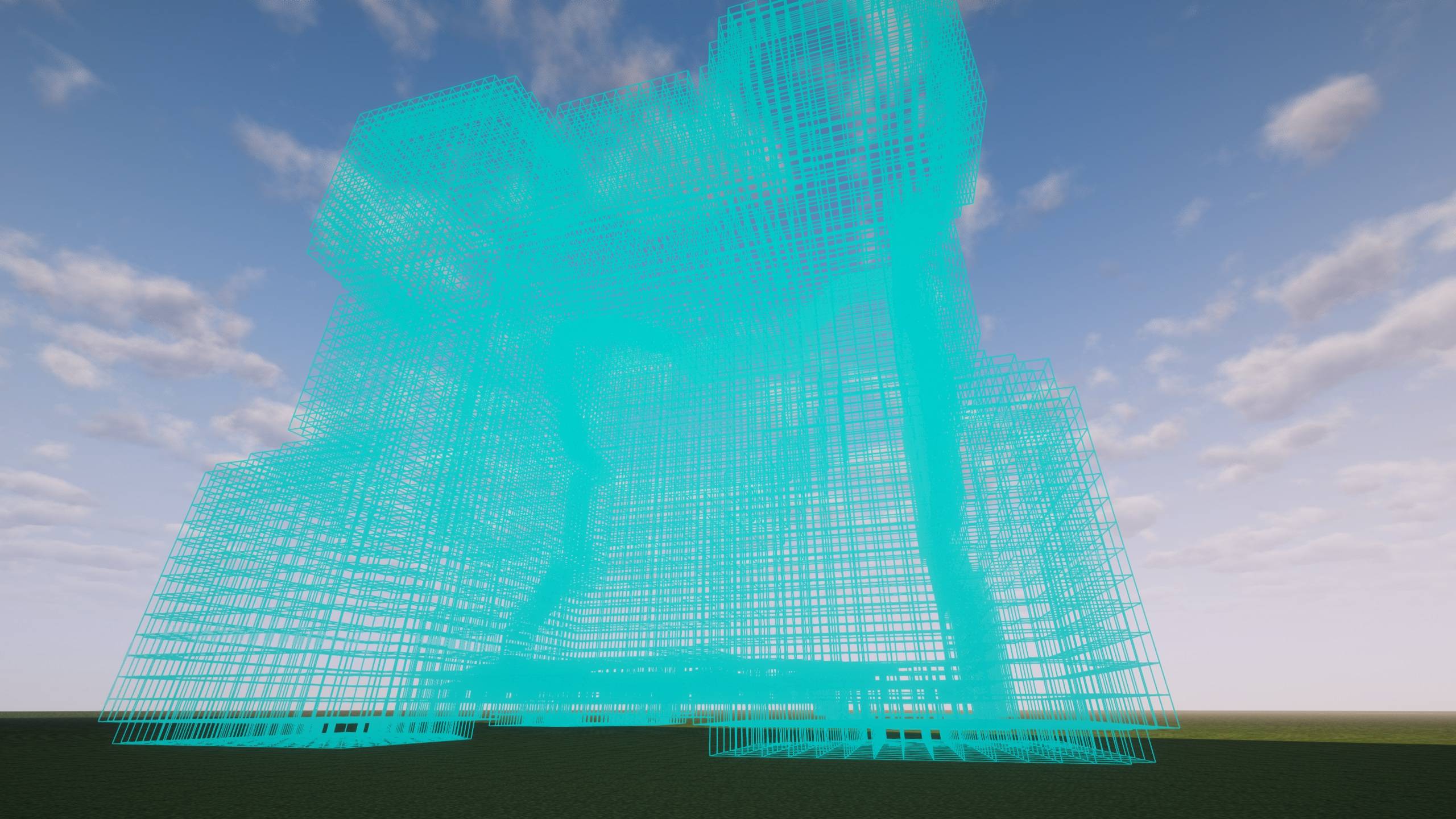
Transform your favorite 3D models into magnificent Minecraft structures with precision voxelization and intelligent block placement.
## Features
### Professional STL Voxelization
- Surface-accurate conversion using Separating Axis Theorem (SAT)
- Preserves fine details that other voxelizers miss
- Supports both ASCII and Binary STL formats
- Smart scaling to fit any model size
### Intelligent Build System
- Server-authoritative placement - perfect for multiplayer
- Tick-budget management prevents server lag
- Two-phase construction: Building + Interior Lighting
- Configurable performance settings
### Interior Lighting (Unique!)
- Automatically lights hollow interiors to prevent mob spawning
- Smart enclosed-air detection
- Fully configurable spacing and search radius
### Easy to Use
1. Craft the Voxel Builder Controller
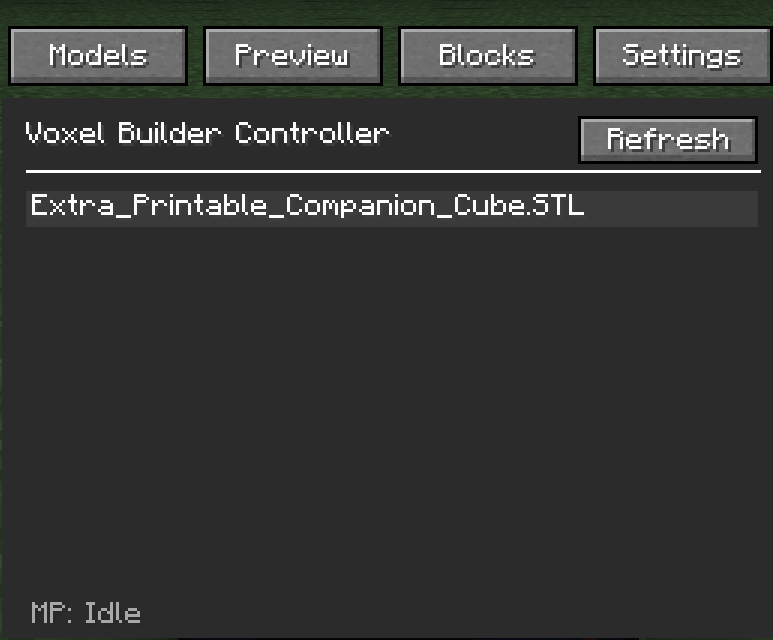
2. Right-click to open GUI
3. Select your STL file
4. Preview with real-time rotation
5. Place anchor and watch it build!
### Server-Safe
- Distance limits and dimension locks
- Per-player and global build limits
- Configurable extent caps
- Admin commands for monitoring
## How to Use
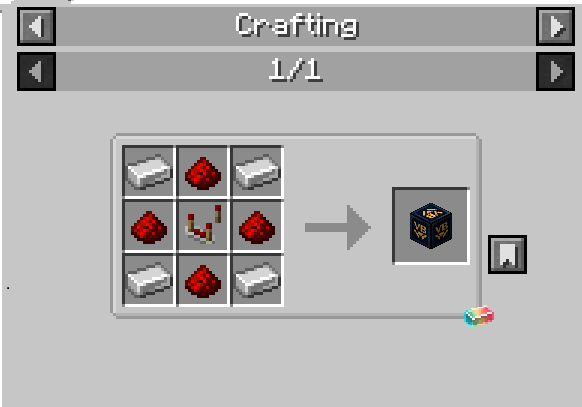
### Crafting Recipe
```
I R I
R C R
I R I
```
- I = Iron Ingot
- R = Redstone
- C = Comparator
### Basic Workflow
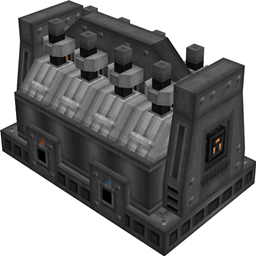
1. Place the Voxel Builder Controller block
2. Right-click to open the GUI
3. Load an STL file from `.minecraft/voxelbuilder/models/`
4. Customize rotation and detail level
5. Click "Place Build" and right-click a block to set anchor
6. Watch it build automatically!
## Commands (OP Only)
- `/voxelbuilder config` - View configuration
- `/voxelbuilder status` - Check active builds
- `/voxelbuilder cancel <player>` - Cancel player's builds
- `/voxelbuilder cancelall` - Emergency: cancel all builds
## Configuration
Server config file: `<world>/serverconfig/voxelbuilder-server.toml`
Key settings:
- `globalBlocksPerTick` (300) - Performance budget
- `lightingEnabled` (true) - Interior lighting system
- `maxDistanceFromAnchor` (96) - Grief protection
- See full config documentation on GitHub
## Requirements
- Minecraft 1.21.1
- NeoForge 21.1.211+
- Java 21+
## ATM10 Compatible
Tested and working with All The Mods 10!
## Links
- [GitHub](https://github.com/BadMuthaJeffer/VoxelBuilder)
- [Report Issues](https://github.com/BadMuthaJeffer/VoxelBuilder/issues)
---
**Created by BadMuthaJeffer**