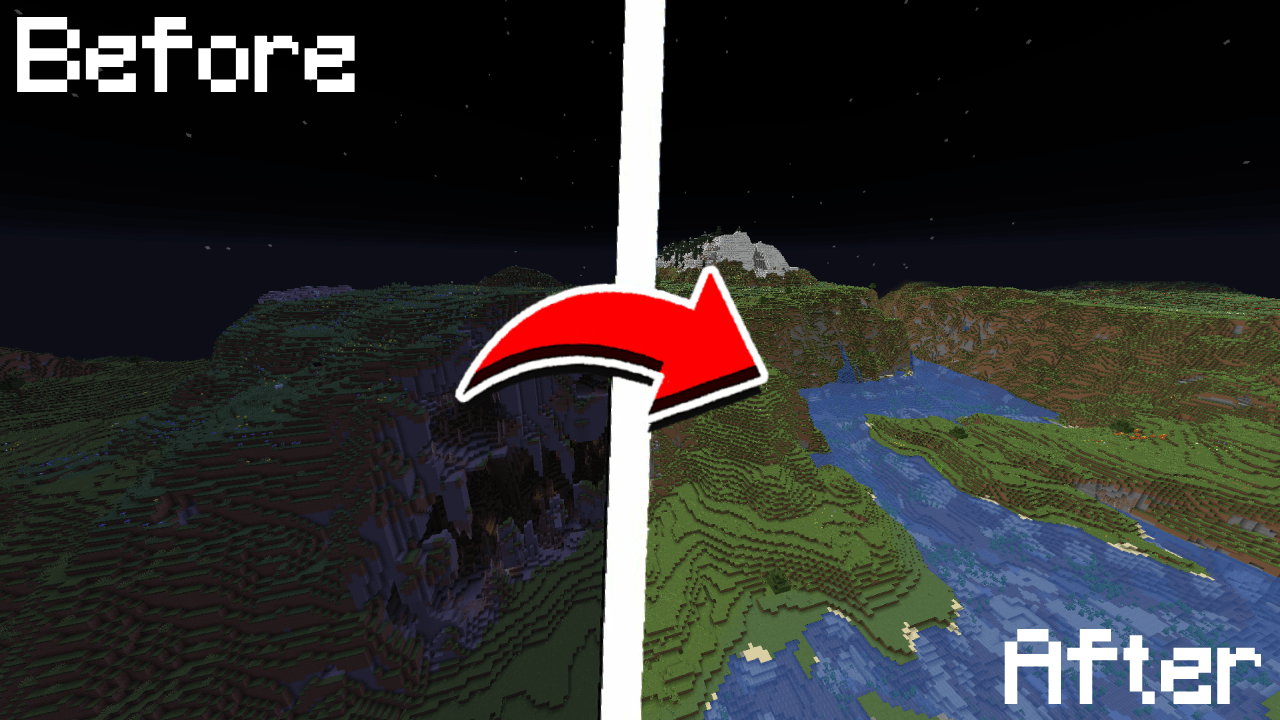
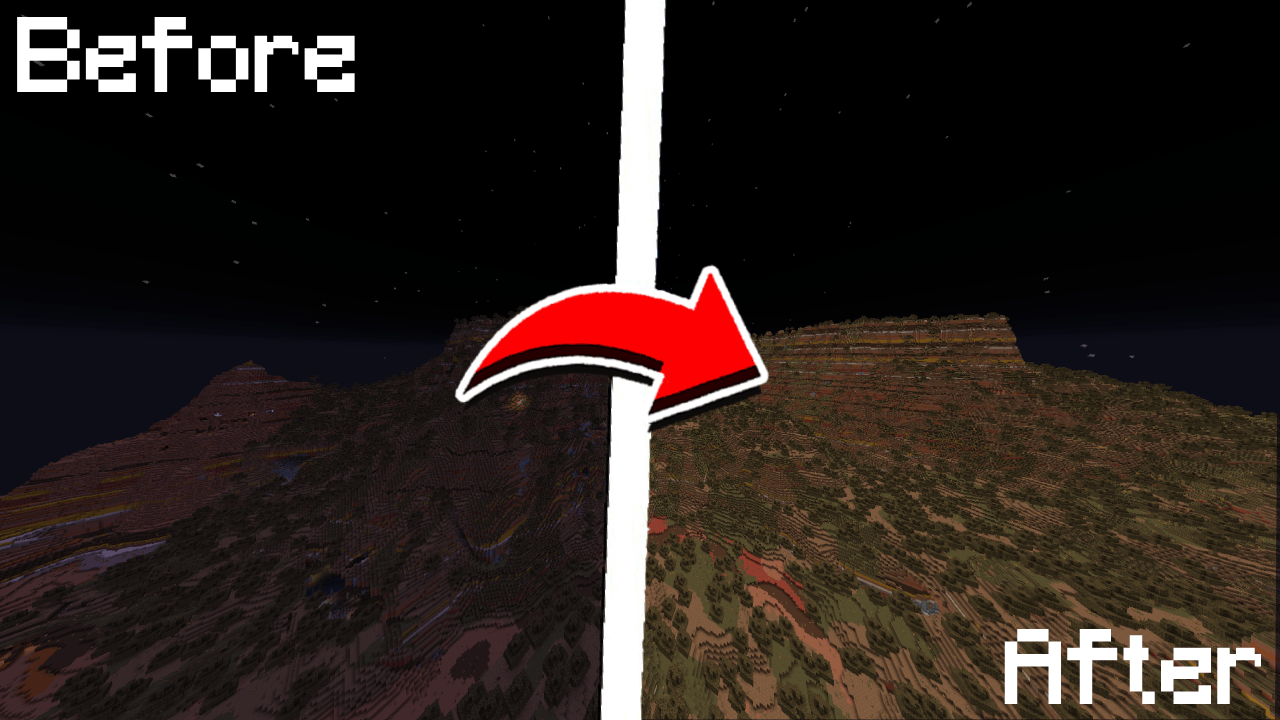
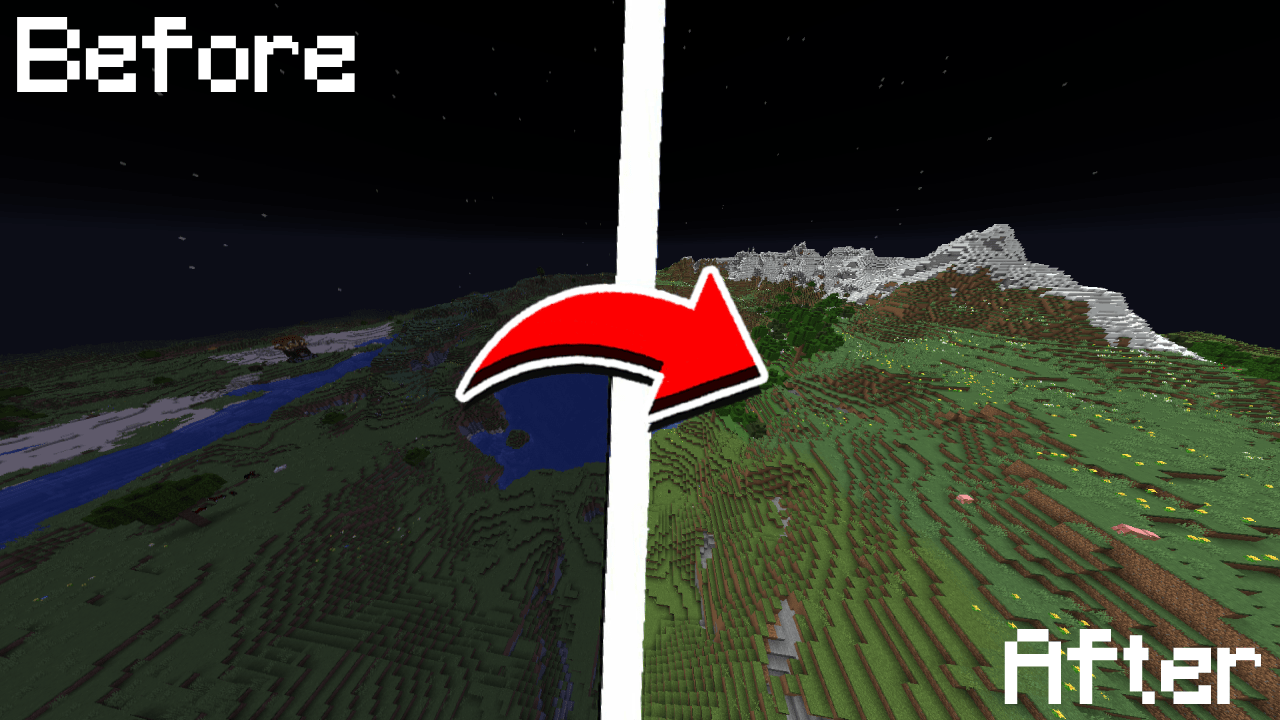
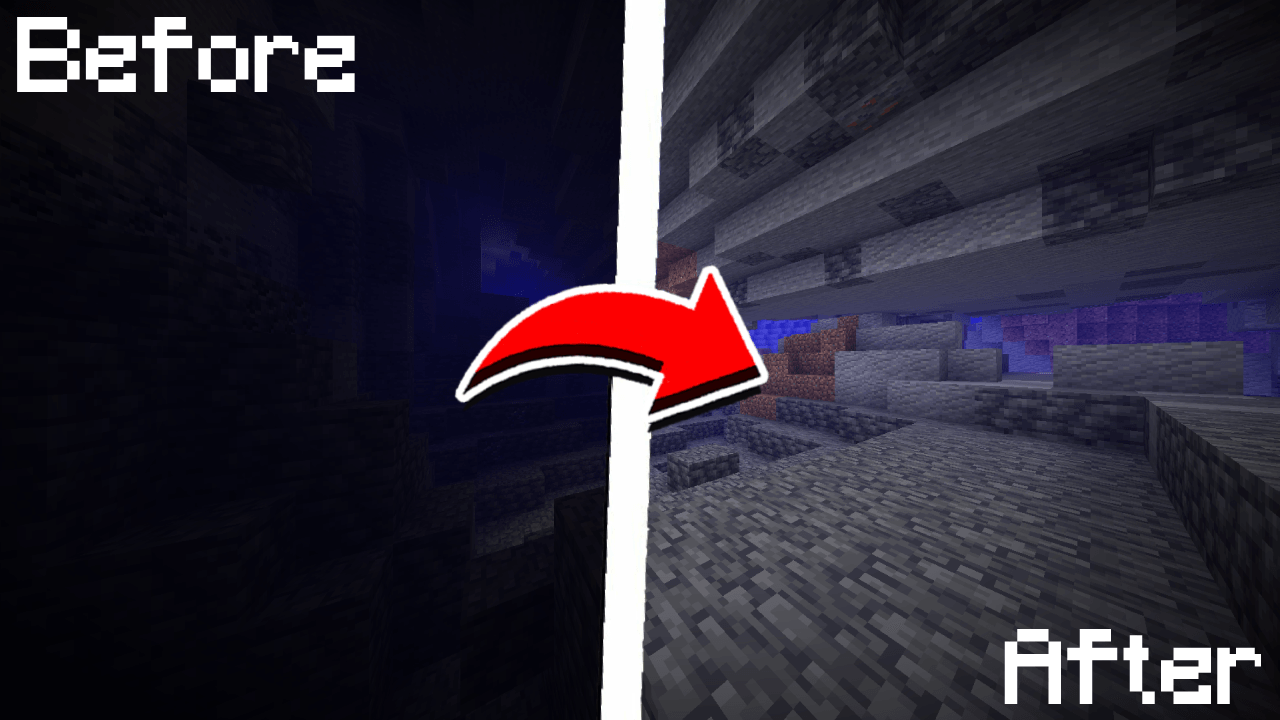
A simple, toggleable, and configurable full brightness mod for Fabric.


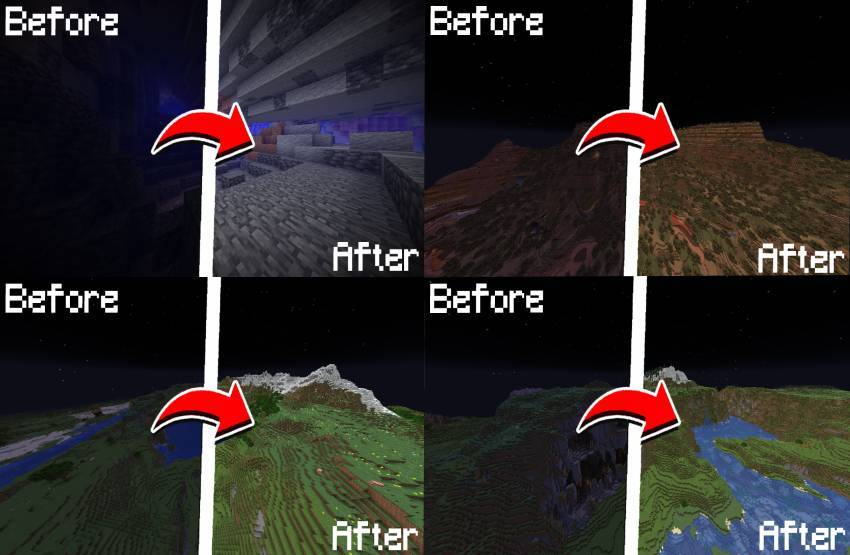
B)/fullbright commands or the in-game config screen| Command | Description | |
|---|---|---|
/fullbright or /fullbright status |
Check current brightness settings | |
/fullbright toggle |
Turn fullbright on/off | |
/fullbright set <number> |
Set brightness to exact value | |
/fullbright increase |
Make it brighter by one step | |
/fullbright decrease |
Make it dimmer by one step | |
|
Turn off all brightness modes | |
/fullbright min |
Jump to minimum brightness | |
/fullbright max |
Jump to maximum brightness | |
/fullbright mode gamma |
Switch to gamma brightness mode | |
/fullbright mode nightvision |
Switch to night vision mode | |
/fullbright saveconfig |
Save your current settings | |
/fullbright resetconfig |
Reset everything to default | |
/fullbright config |
Open the config screen |
| Action | Default Key | |
|---|---|---|
| Toggle Fullbright On/Off | B |
|
| Increase Brightness | Arrow Up |
|
| Decrease Brightness | Arrow Down |
|
| Maximum Brightness | End |
|
| Minimum Brightness | Home |
|
| Open Config Screen |
Not Bound |
Customize all of these under:
Options → Controls → Keybinds → True Fullbright
.jar file into your mods/ folder3. Launch the game
B to toggle fullbright on/off/fullbright commands to adjust gamma, change modes, or view status/fullbright config or via Mod Menumin/maxHave feedback or ran into an issue?
→ DM me on Discord at rijz.gg
Developed by Rijz & Clyriz4