TesseraUI is a lightweight UI framework for NeoForge that lets mod developers build Minecraft screens with HTML templates, CSS styling, and native Minecraft rendering.
It is designed for developers who want richer client-side interfaces without manually rebuilding layout, styling, interaction, and rendering logic for every screen. Define your UI with familiar HTML-like templates and CSS files, bind it to Java data and callbacks, then let TesseraUI render it as real Minecraft GUI widgets.
TesseraUI does not embed a browser and does not run JavaScript. Templates and styles are parsed at runtime and converted into native UI components that work inside the Minecraft client.
Minecraft GUI development can become repetitive quickly: positioning elements, handling hover states, resizing layouts, wiring buttons, translating text, rendering item slots, and keeping large dynamic lists responsive all take time.
TesseraUI gives you a structured UI layer inspired by web development while staying inside the Minecraft rendering stack. You can build screens faster, keep presentation separate from Java logic, and reuse UI patterns across your mod.
It is useful for:
{{ }}, v-for, and v-ifdata-i18n and translation bindingsCreate UI files under your mod assets and load them from Java:
<col>
  <h2 data-i18n="ui.example.title">Settings</h2>
  <p>Hello, {{ player.name }}!</p>

  <row>
    <button onclick="save">Save</button>
    <button onclick="cancel">Cancel</button>
  </row>
</col>
col {
background: #1A1208;
padding: 12px;
gap: 8px;
}
button {
background: #5C3A1E;
color: #F0B27A;
width: 80px;
height: 16px;
transition: background 200ms ease-out;
}
button:hover {
background: #7C5A2E;
}This lets artists, designers, and developers iterate on layout and styling without burying every visual decision inside Java code.
If you prefer building screens directly in code, TesseraUI also exposes a full Java API. You can create panels, labels, buttons, lists, animations, item slots, and interactive components programmatically while using the same layout and rendering system.
You can also mix both approaches: use templates for most UI structure, then attach Java callbacks, dynamic models, and custom components where needed.
TesseraUI focuses on the practical needs of Minecraft mod UIs:
The goal is to make complex mod screens easier to build, maintain, and restyle over time.
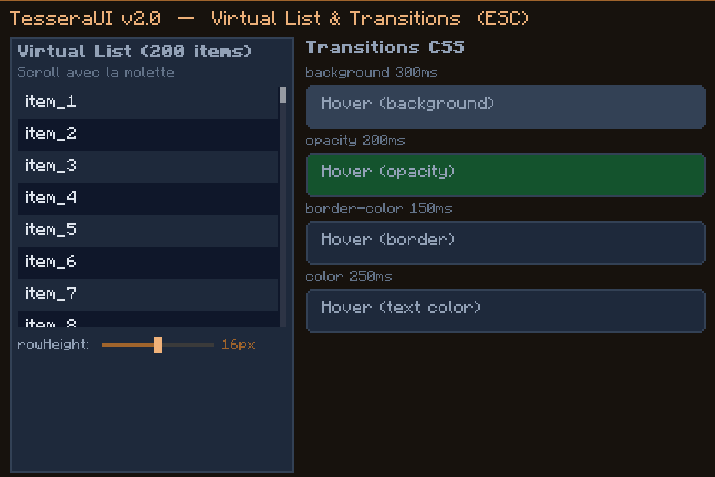
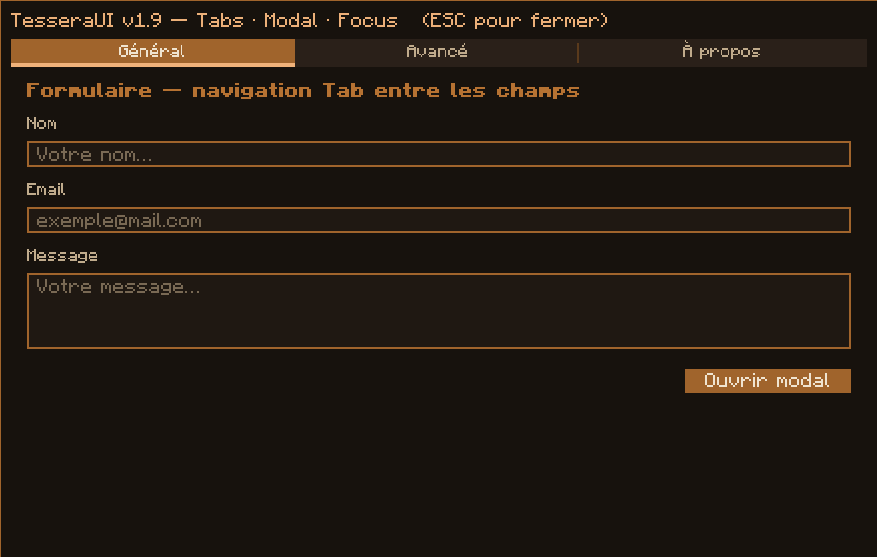
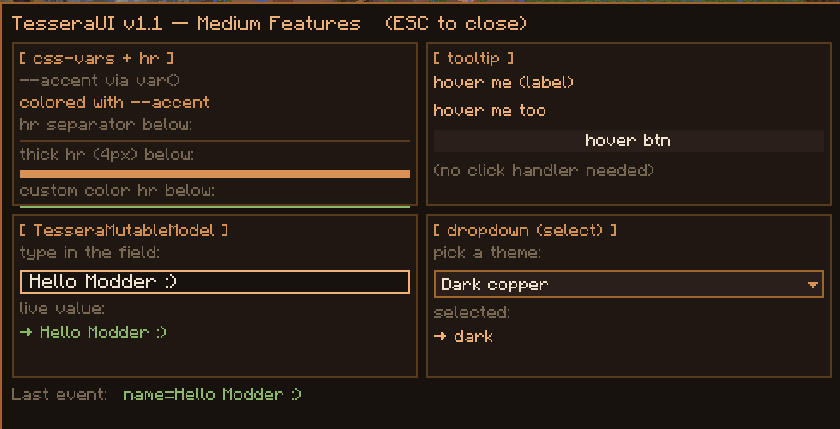
TesseraUI includes several development/demo screens that can be opened in-game to see the framework in action. They are useful for testing features, taking screenshots, and understanding how the HTML/CSS templates map to Minecraft UI widgets.
Recommended demo screens:
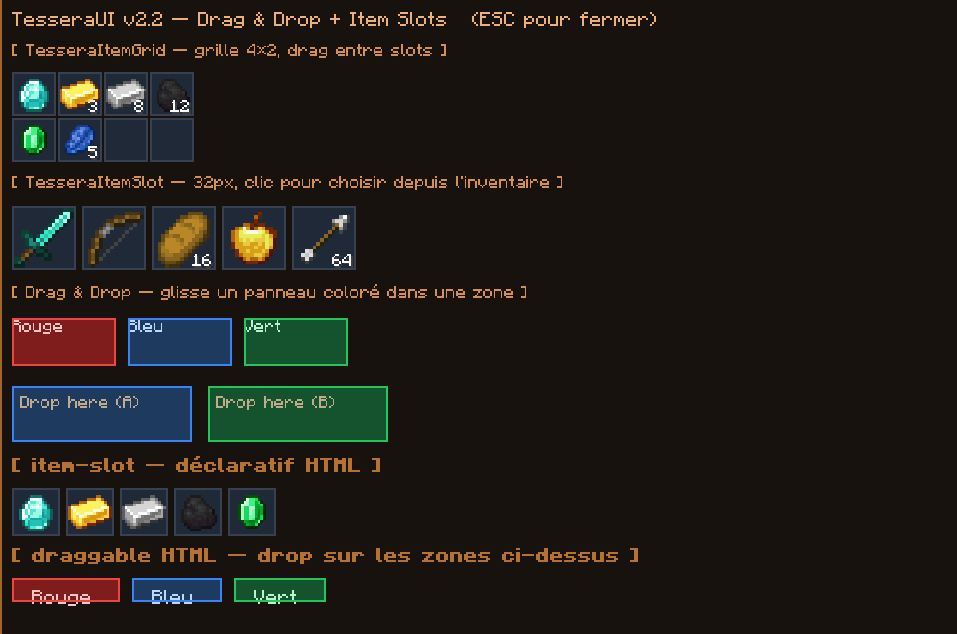
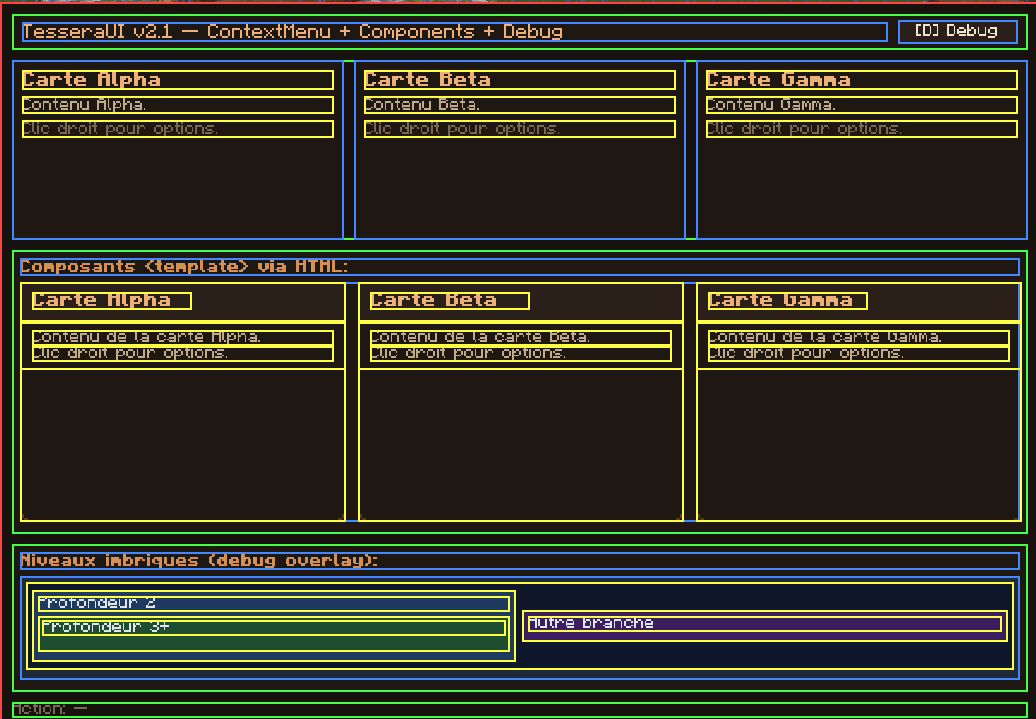
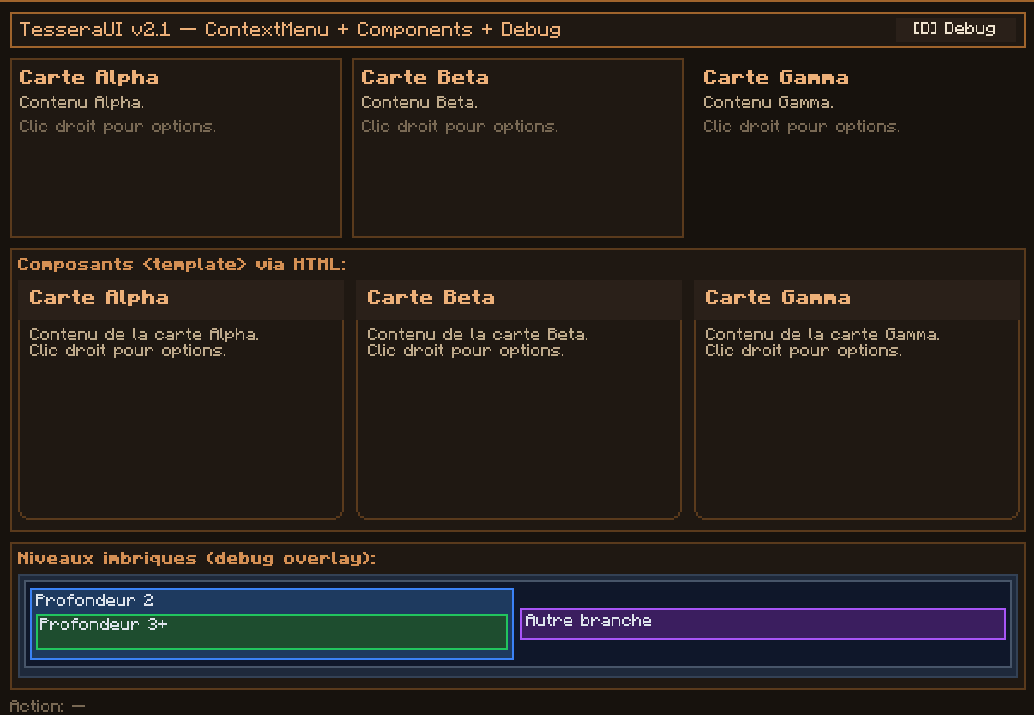
/tessera test-v18 — tooltips, reactive state, and toast notifications/tessera test-v19 — tabs, modal dialogs, forms, sliders, and keyboard focus/tessera test-v20 — virtual lists and CSS transitions/tessera test-v21 — reusable components, context menus, and debug overlay tooling/tessera test-v22 — drag and drop, item slots, and item grids/tessera test-v23 — CSS transitions and keyframe animationsThese screens are meant as practical examples for mod developers, not as gameplay content. They show how TesseraUI can be used to build real mod menus, configuration panels, inventory-style interfaces, dashboards, and dynamic client-side screens.
Documentation is available on the GitHub Wiki:
https://github.com/Blushister/TesseraUI/wiki
The wiki includes getting started guides, supported HTML tags, the CSS reference, data binding, layout behavior, localization, drag and drop, item slots, hot reload, and the programmatic API.
TesseraUI is licensed under LGPL-3.0.