


This mod allows you to add item labels to your shulker boxes, making your storage more organized and inventory management much easier.
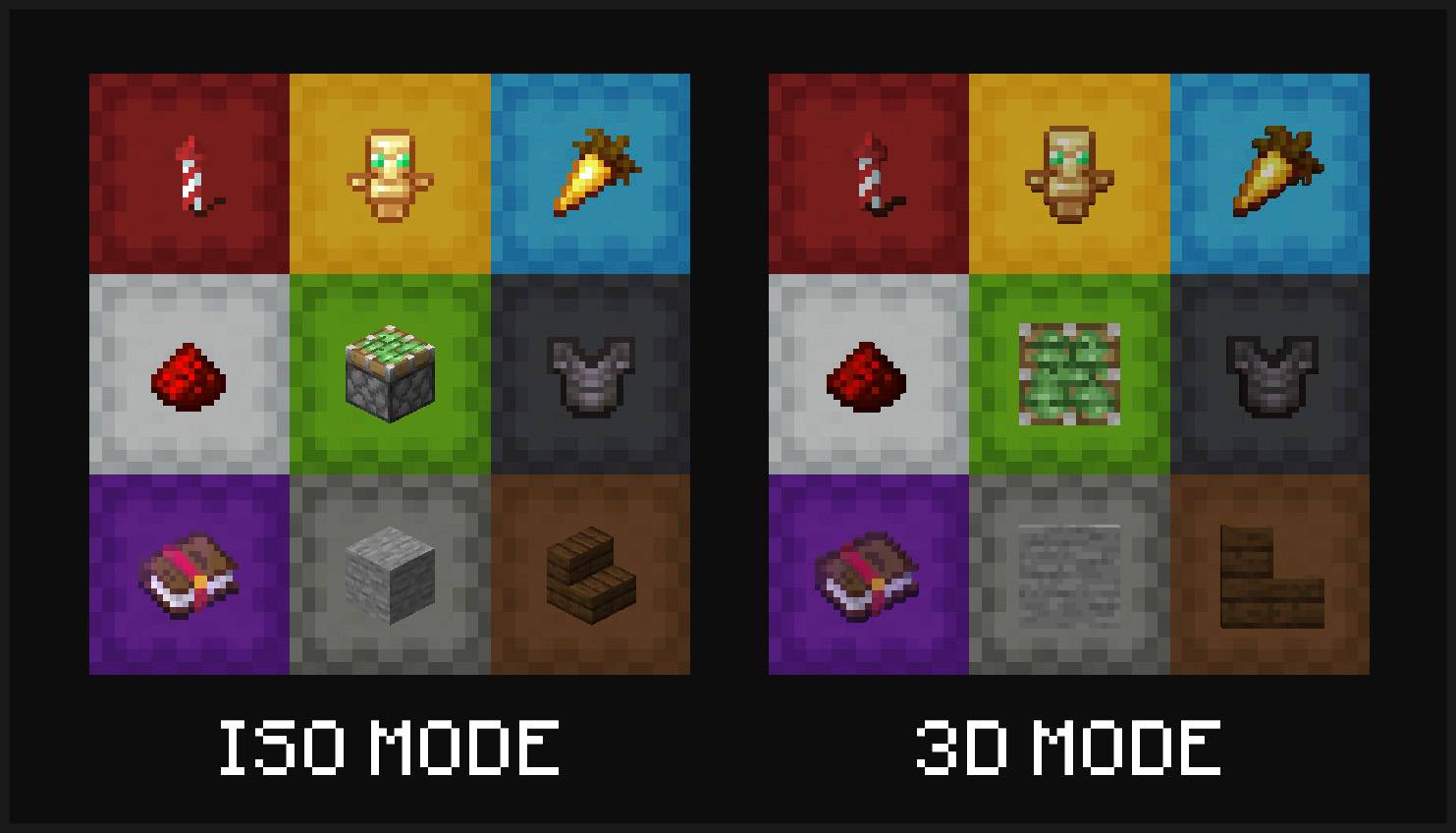
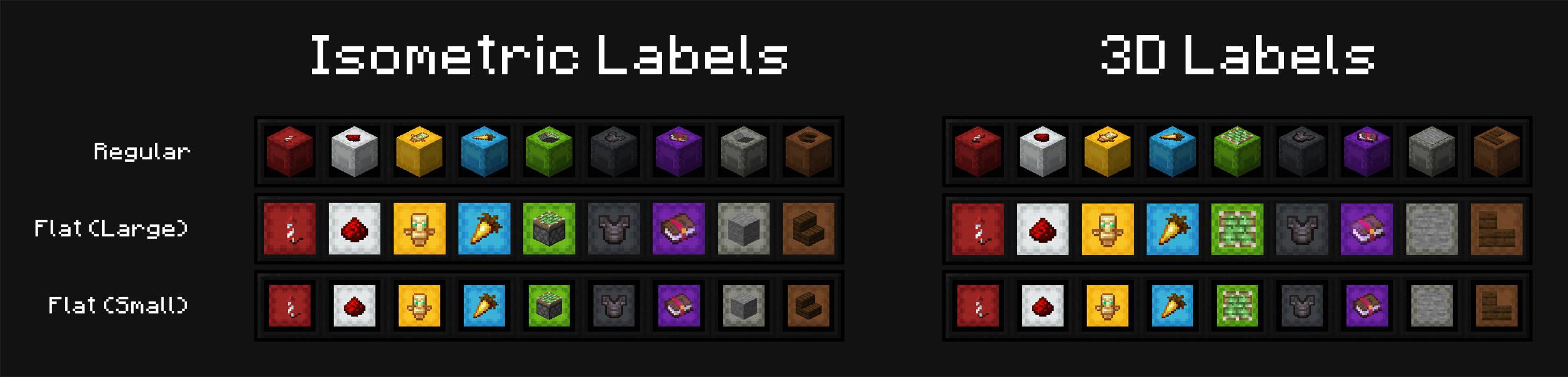
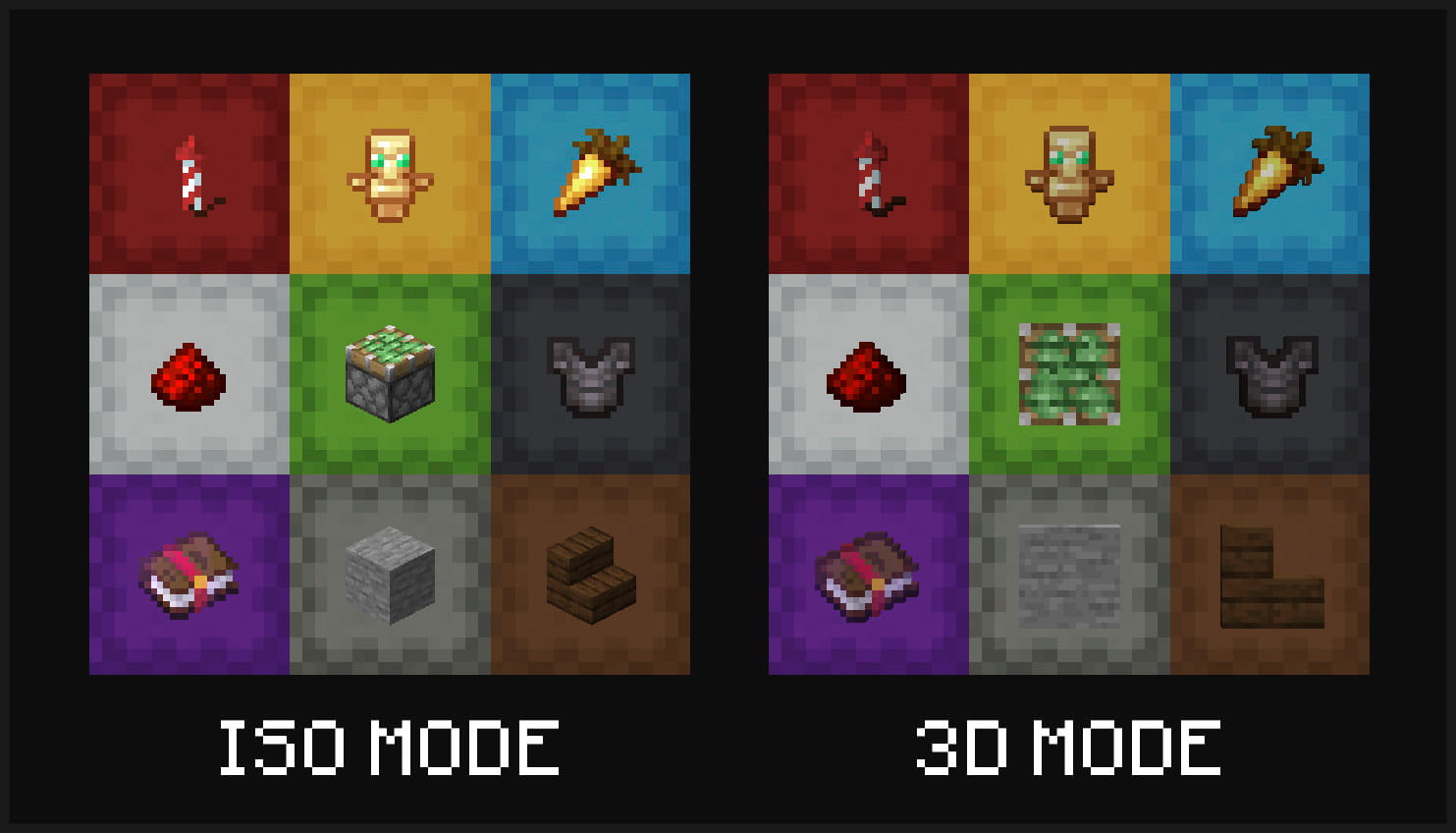
Multiple display modes are supported - you can have your shulker boxes displayed in flat mode, and choose to display labels in either 3D or isometric mode.
Display your labeled shulker boxes in the GUI in any mode. Labels can be shown in 3D or isometric mode, and shulker boxes can appear in regular or flat (large/small) mode
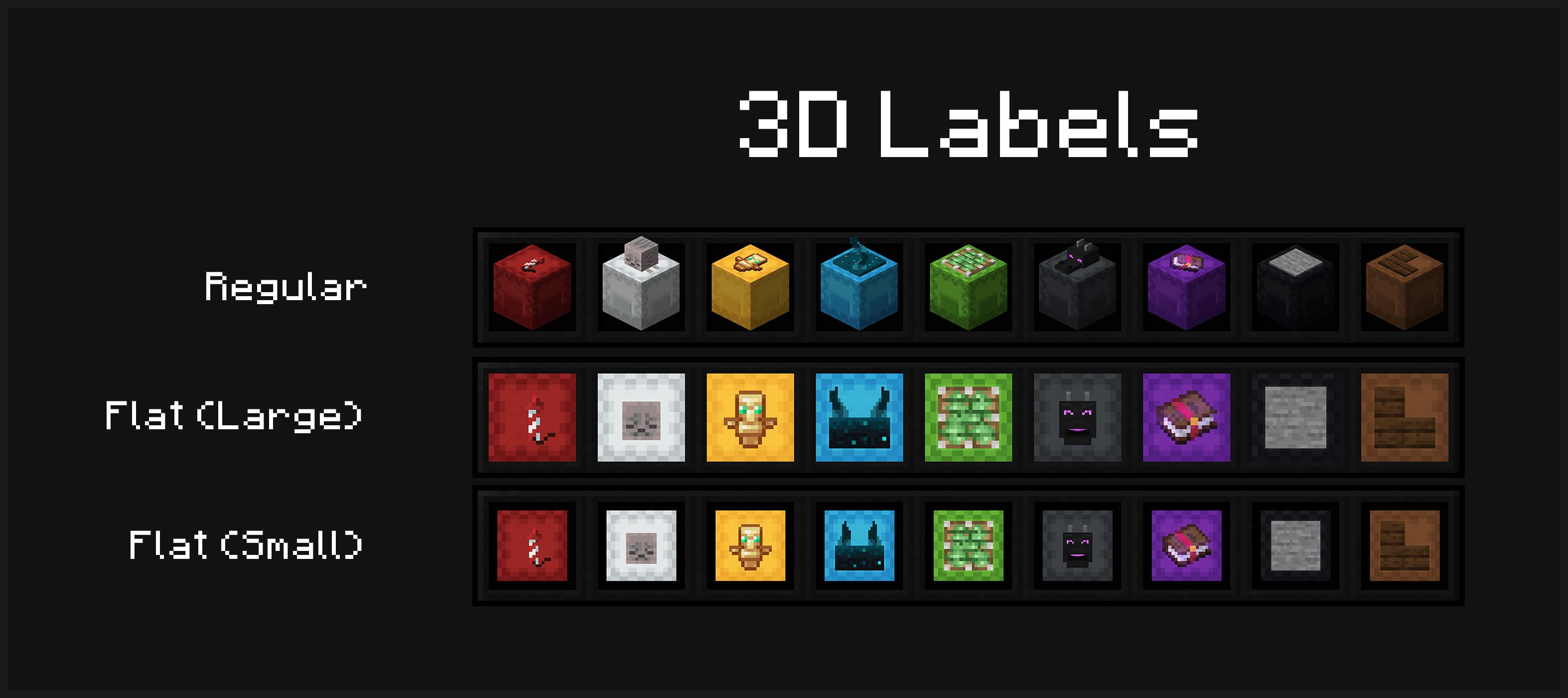
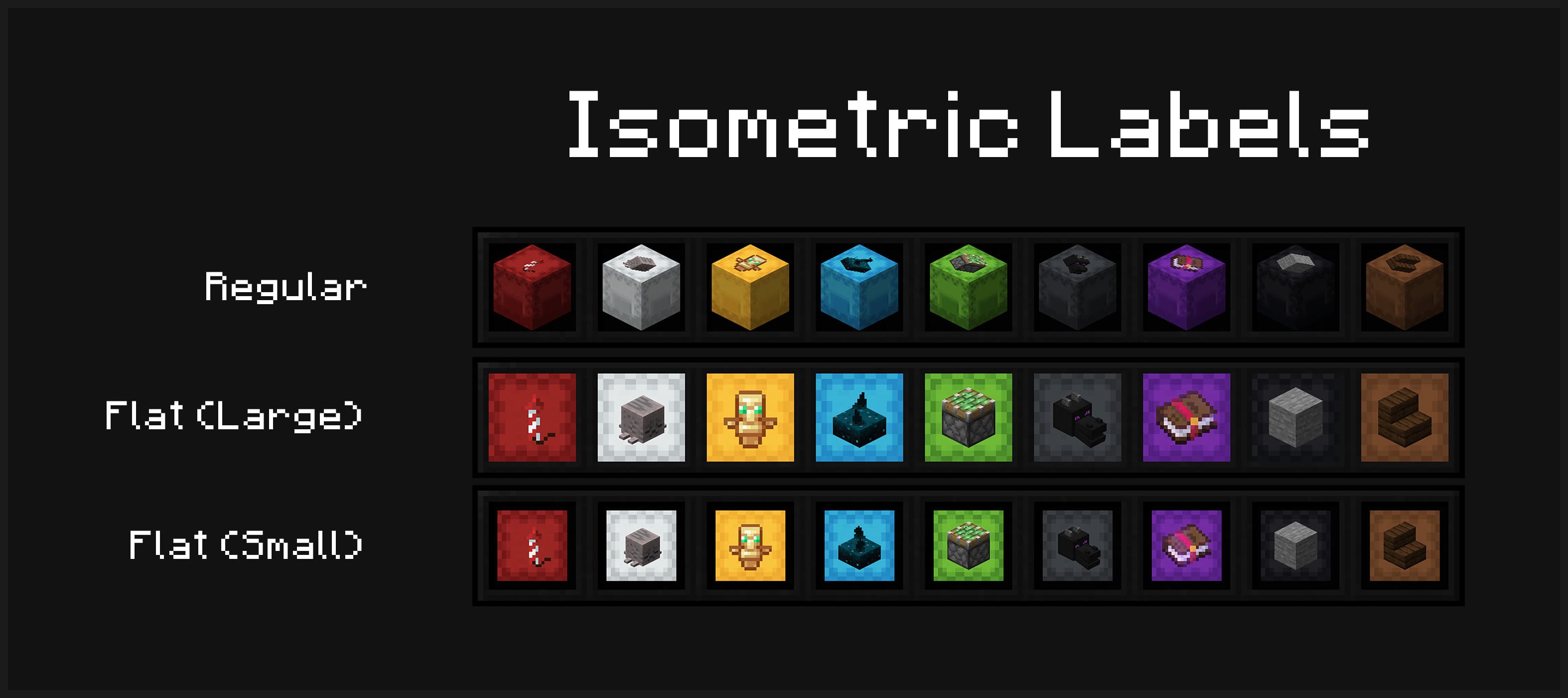
Item labels on placed shulker boxes can also either display in isometric or 3D mode
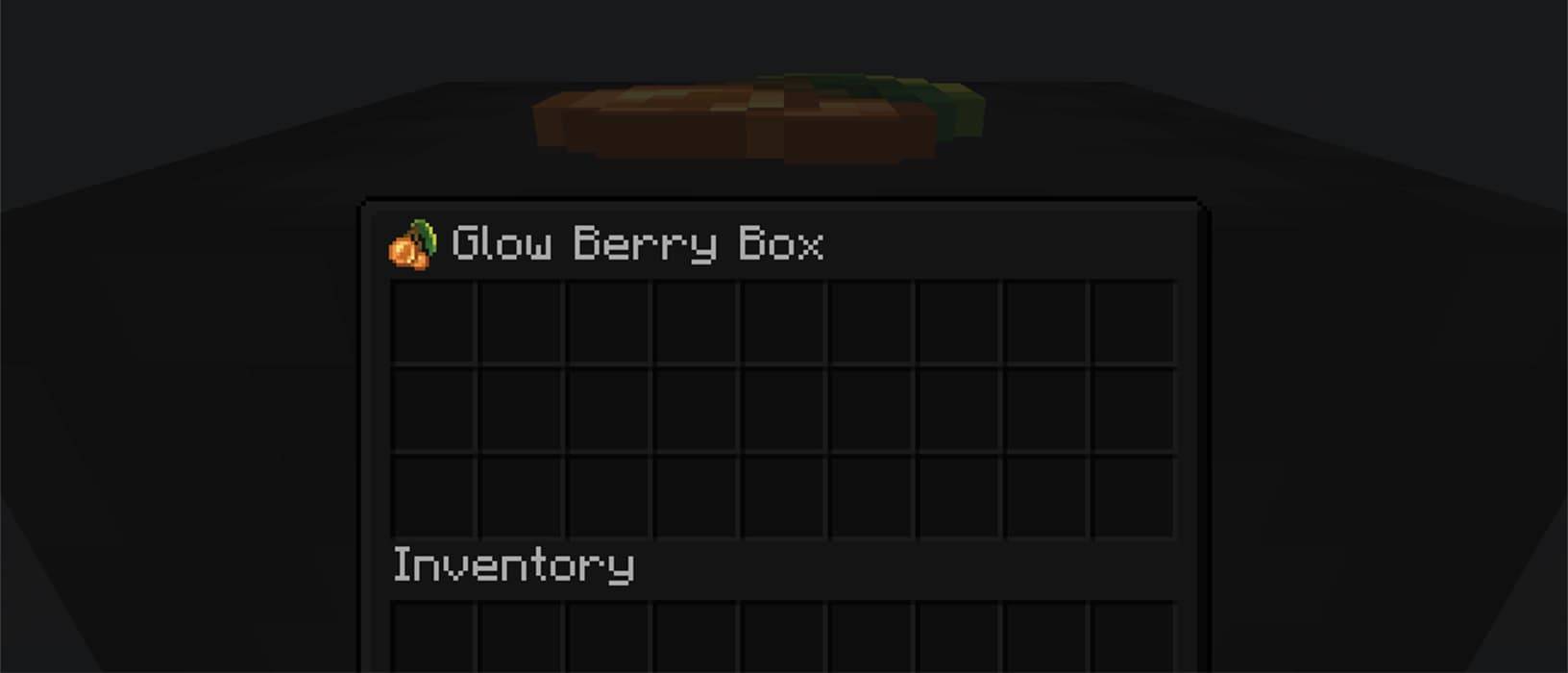
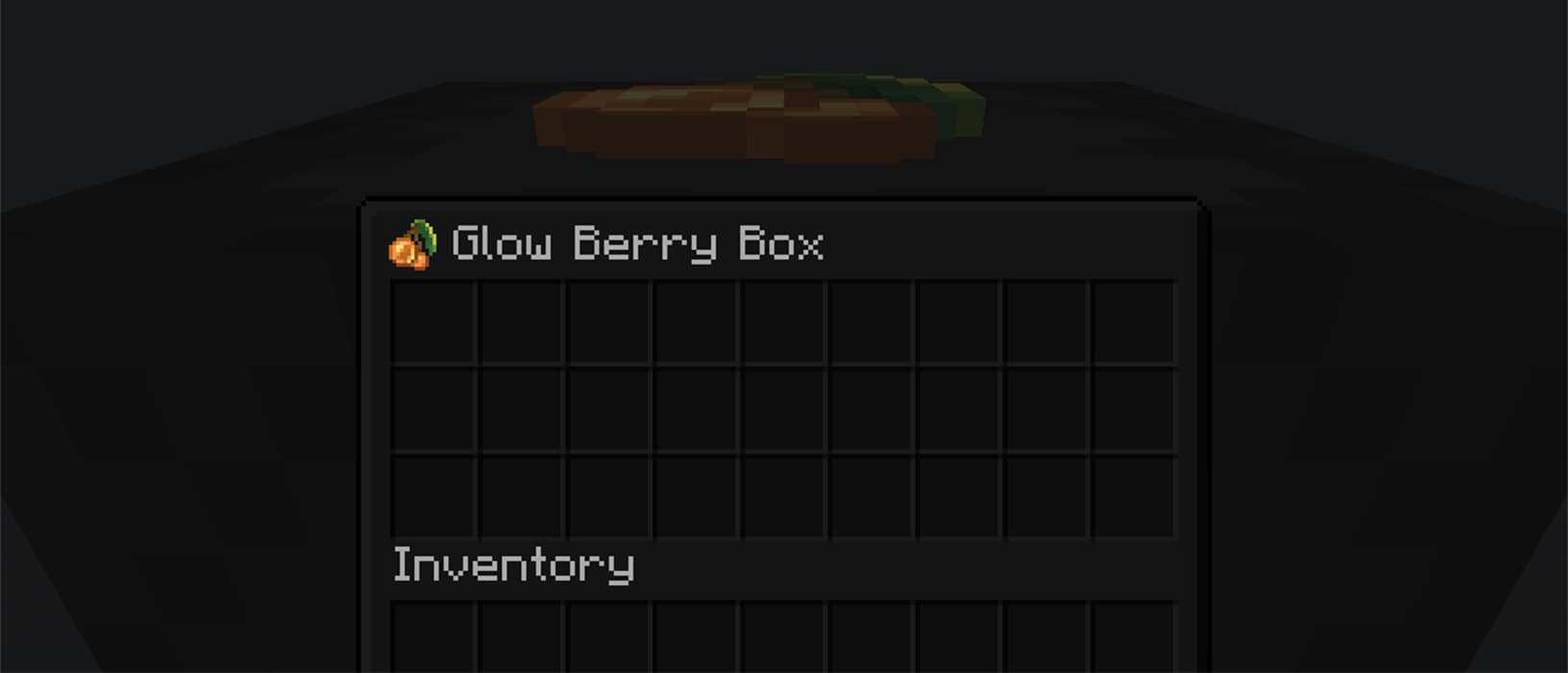
Optionally view your label from inside your shulker box
mods folder/shulker-box-labels config to open the config screen in-game
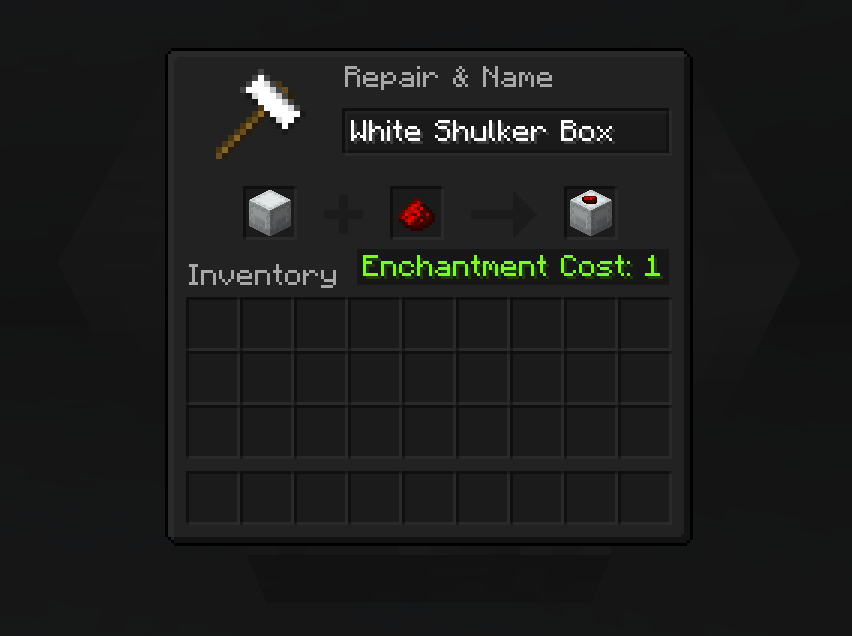
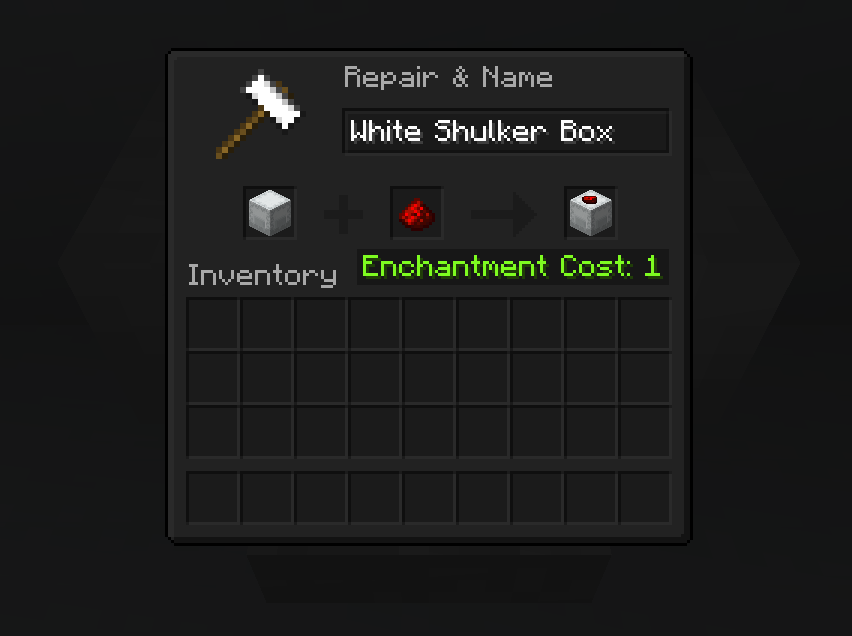
To apply a label, simply place your shulker box in the first anvil slot and the label item in the second slot. This costs one experience level. You can also modify the name of your shulker box at the same time.
Anvil Preview