Get 25% off your Minecraft server with Shockbyte! Ready to start an epic adventure with your friends? Just click here or on the banner and use promo code “COBBLEKANTO”, plus you’ll be helping us keep improving the mod and developing future projects!
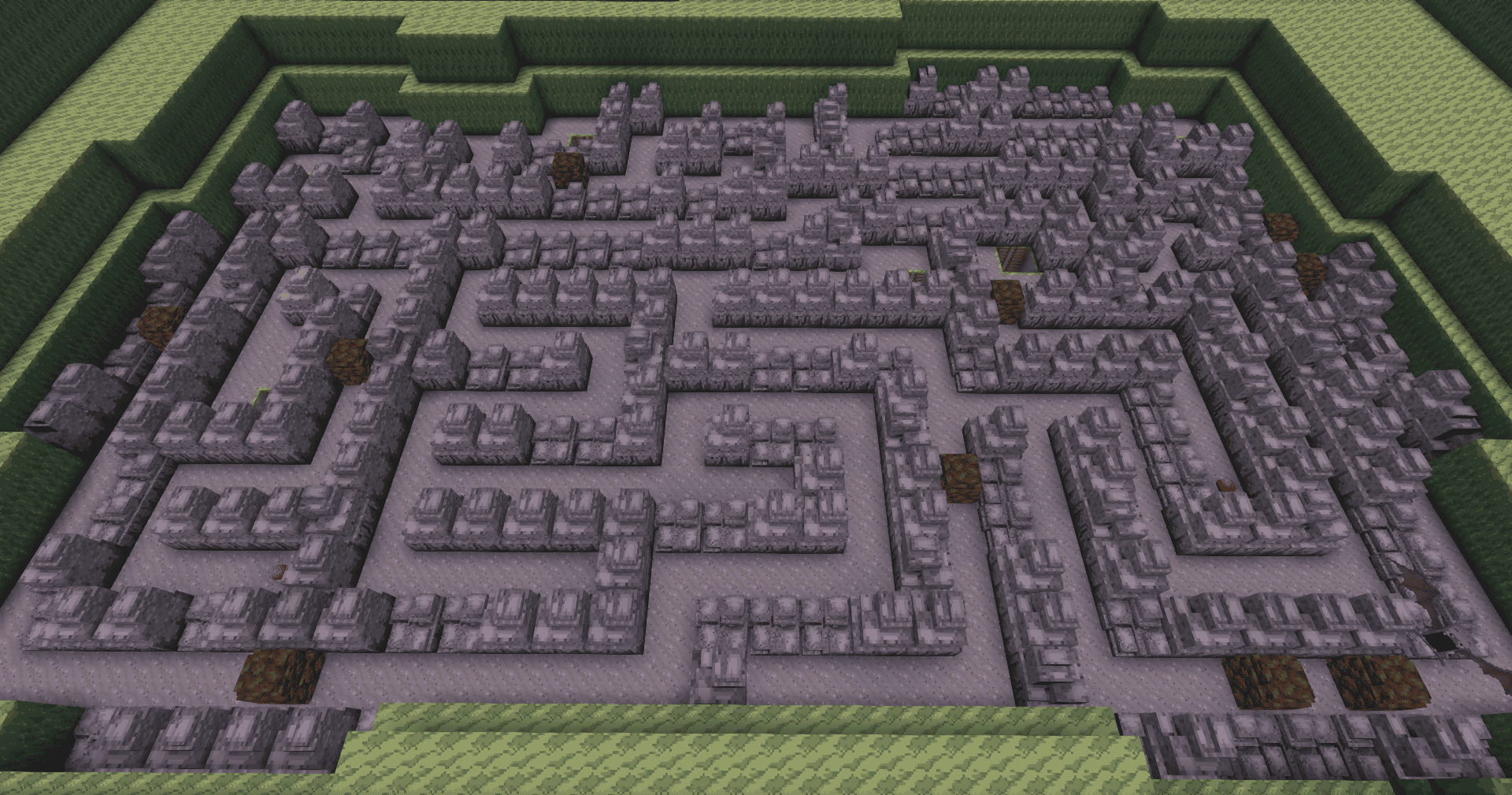
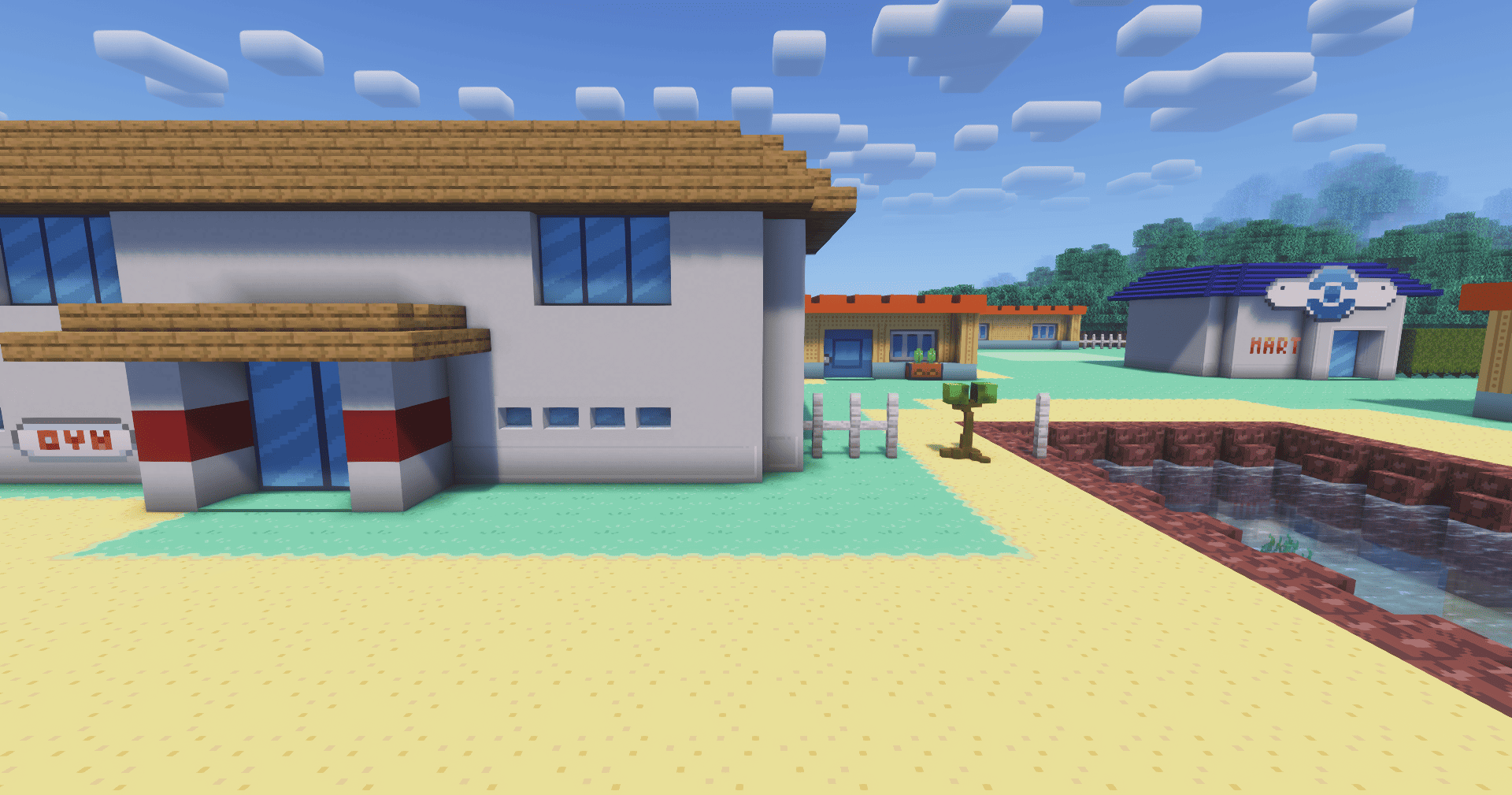
This mod was originally created for the CobbleKanto project, but it can also be used by other creators who want to build adventure maps, puzzle routes, caves, gyms, dungeons, and Cobblemon-based worlds.
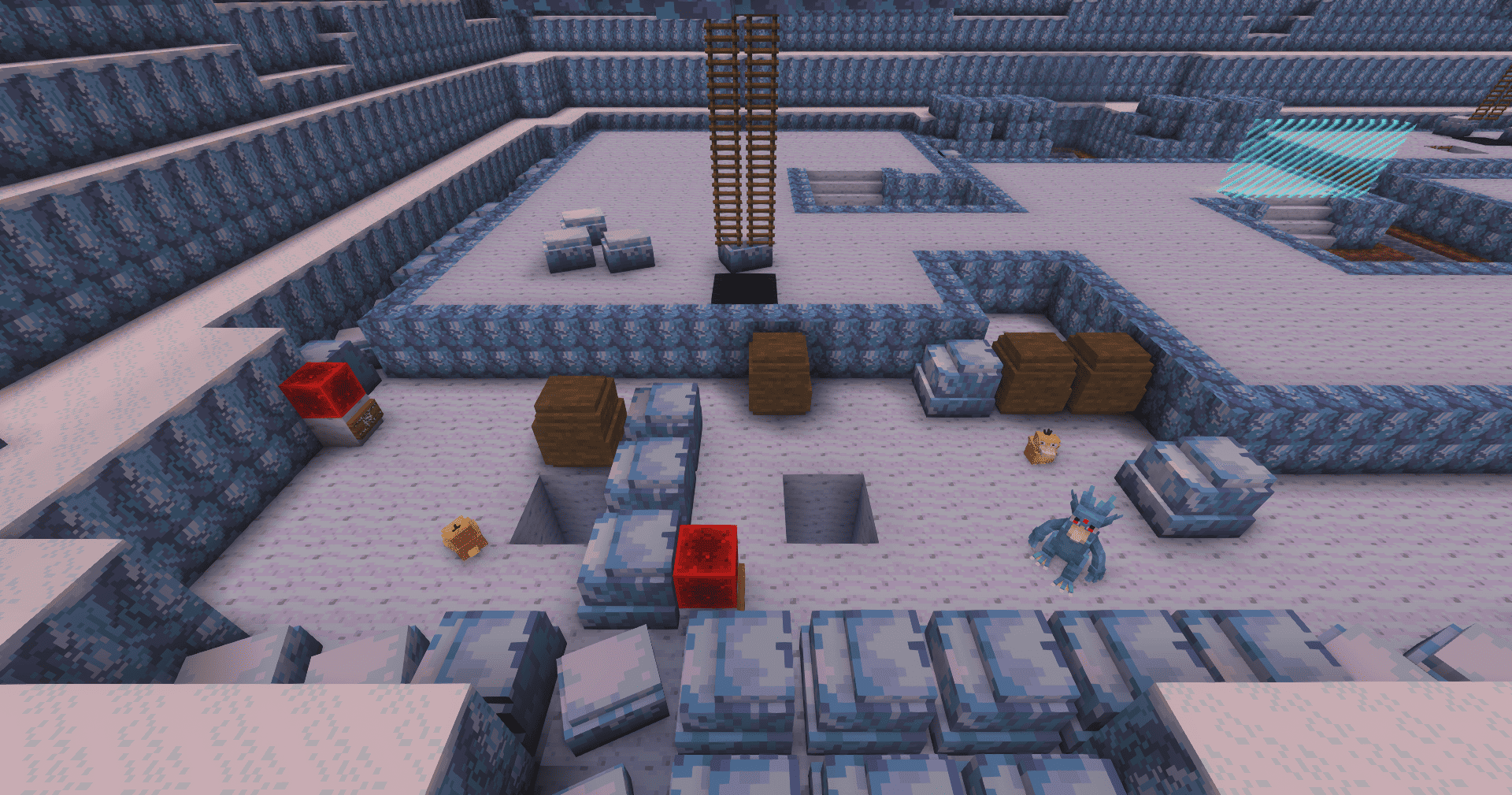
It adds special scene blocks that interact with Cobblemon moves such as Cut, Rock Smash, Strength, and Flash, allowing builders to create routes, obstacles, hidden paths, pushable boulder puzzles, dark caves, foggy areas, and interactive gate systems.
SceneBlocks adds a custom Use Key Move keybind.
By default, the key is:
Grave Accent / Backtick
On many keyboards, this is the key near ESC or above TAB. You can change it in Minecraft's controls menu.
When a player looks at a supported SceneBlock and presses the key, the mod checks the currently selected Cobblemon in the player's party.
If that Cobblemon knows the required move, the action is triggered.
Supported key moves:
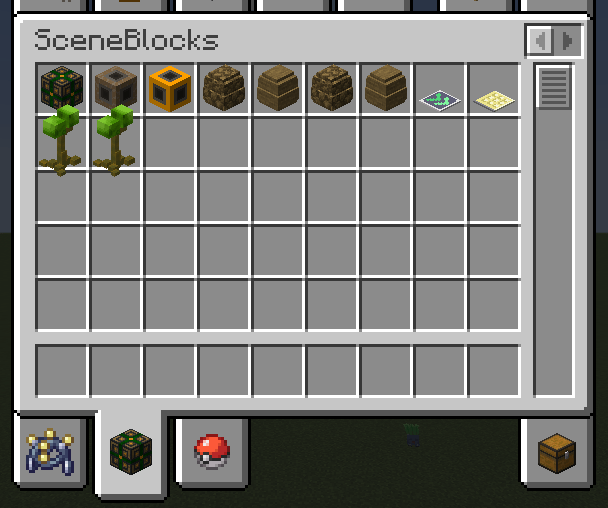
SceneBlocks includes special trees and rocks that can be cleared by players using the correct Cobblemon move.
These obstacles are designed for multiplayer adventure maps. When a player uses the correct move, the block becomes passable for that player and then resets after a short time.

This means other players can still experience the obstacle normally, making it useful for servers, routes, dungeons, and progression-based maps.
SceneBlocks includes pushable boulders powered by the Strength move.
Players can push these blocks by looking at them and using the Use Key Move key while their selected Cobblemon knows Strength.

Strength boulders can be used for:
The Stone Info Receiver is the main puzzle controller block in SceneBlocks.
It allows builders to connect Strength boulders, targets, gates, resets, and commands into a single puzzle system.

With the Stone Receiver, you can configure:
This system has a steep learning curve, so make sure to test everything calmly. If you need help, you can send a message to "cobblekanto" on Discord.
SceneBlocks includes two special utility blocks:
The Gate Block can be used as part of puzzle controlled doors, gates or hidden items.
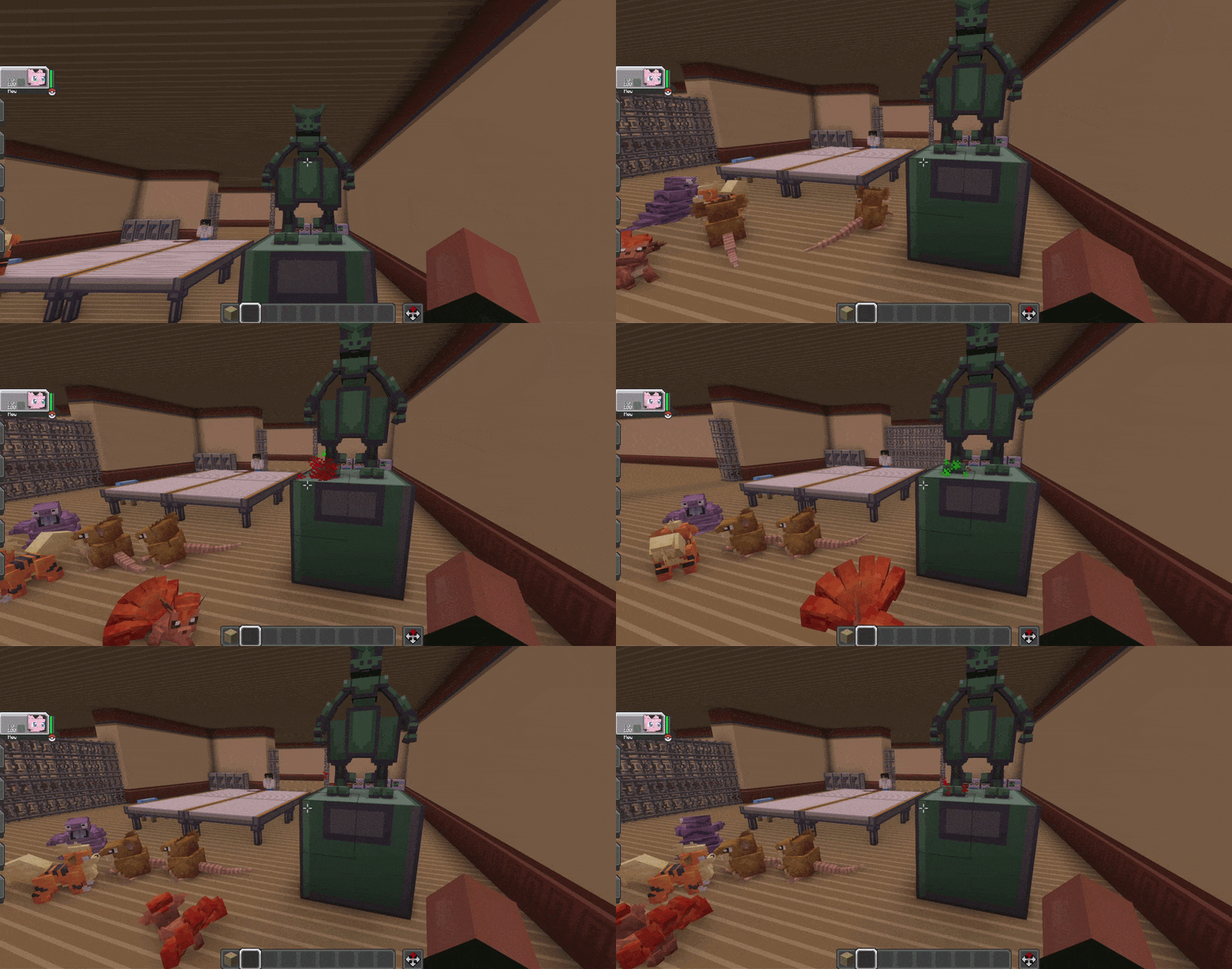
The Reset Block can be linked to a receiver, allowing builders to create manual reset points for puzzle rooms.
Both blocks support camouflage visuals. In creative mode, crouch and right-click a Gate or Reset block while holding another block item to make it visually mimic that block.
These blocks are COMPLETELY OPTIONAL! You can configure most receiver setups using only the Stone Info Receiver block.
SceneBlocks includes configurable Flash areas.

When a player enters a Flash area, the screen fades into darkness and the player receives a blindness-style effect. If the selected Cobblemon knows Flash, the player can use the SceneBlocks keybind to clear the darkness for that area.
Admin commands:
/sceneblocks flash_area set <name> <x1> <y1> <z1> <x2> <y2> <z2>
/sceneblocks flash_area remove <name>
/sceneblocks flash_area list
/sceneblocks flash_area clear
SceneBlocks also includes configurable Fog areas.

Fog areas create an atmospheric mist effect with screen overlay and particles. Unlike Flash areas, they are mainly visual and environmental, making them useful for exploration and map atmosphere.
Admin commands:
/sceneblocks fog_area set <name> <x1> <y1> <z1> <x2> <y2> <z2>
/sceneblocks fog_area remove <name>
/sceneblocks fog_area list
/sceneblocks fog_area clear
SceneBlocks includes two Vector Plate blocks:

Speed plates push players in the direction the plate is facing.
Stopper plates cancel horizontal movement.
SceneBlocks also includes a world setting for Strength boulders and entity safety:
/sceneblocks StrengthCanDamageMobs
Changes whether Strength boulders are allowed to damage/suffocate mobs when moved.
By default, this setting is designed to be friendly and avoid unwanted mob damage.
SceneBlocks was mainly designed for custom maps, servers, and adventure routes.
For best results:
No. SceneBlocks requires Cobblemon because the key move system checks Cobblemon moves directly from the player's Cobblemon party.
Yes. SceneBlocks was created with multiplayer adventure maps in mind.
Cut and Rock Smash obstacles use per-player passable/invisible behavior, so each player can interact with routes individually.
Yes, absolutely! Credit is appreciated, especially if the mod is being used in a public project, server, or map.
No. The main configuration tools and commands are intended for admins, operators, and map builders. But... we plan on making a "Survival friendly" update!
Check these things:
If you have ideas or feedback and want to assist us in delivering better tools for the Cobblemon community, drop a direct message at "cobblekanto" Discord!
SceneBlocks is an unofficial fan-made Minecraft mod.
This project is not affiliated with, endorsed by, sponsored by, or approved by Nintendo, Game Freak, Creatures Inc., The Pokémon Company, Mojang Studios, Microsoft, or the Cobblemon team.
Minecraft is a trademark of Microsoft Corporation. Pokémon and related names are trademarks of their respective owners. Cobblemon belongs to its respective creators.