English
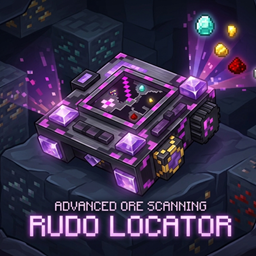
Advanced ore and block locator for Minecraft with deep customization!
Features:
- 🧩 Universal Mod Support: Automatically detects and works with any custom ores from other modifications! No configuration files needed.
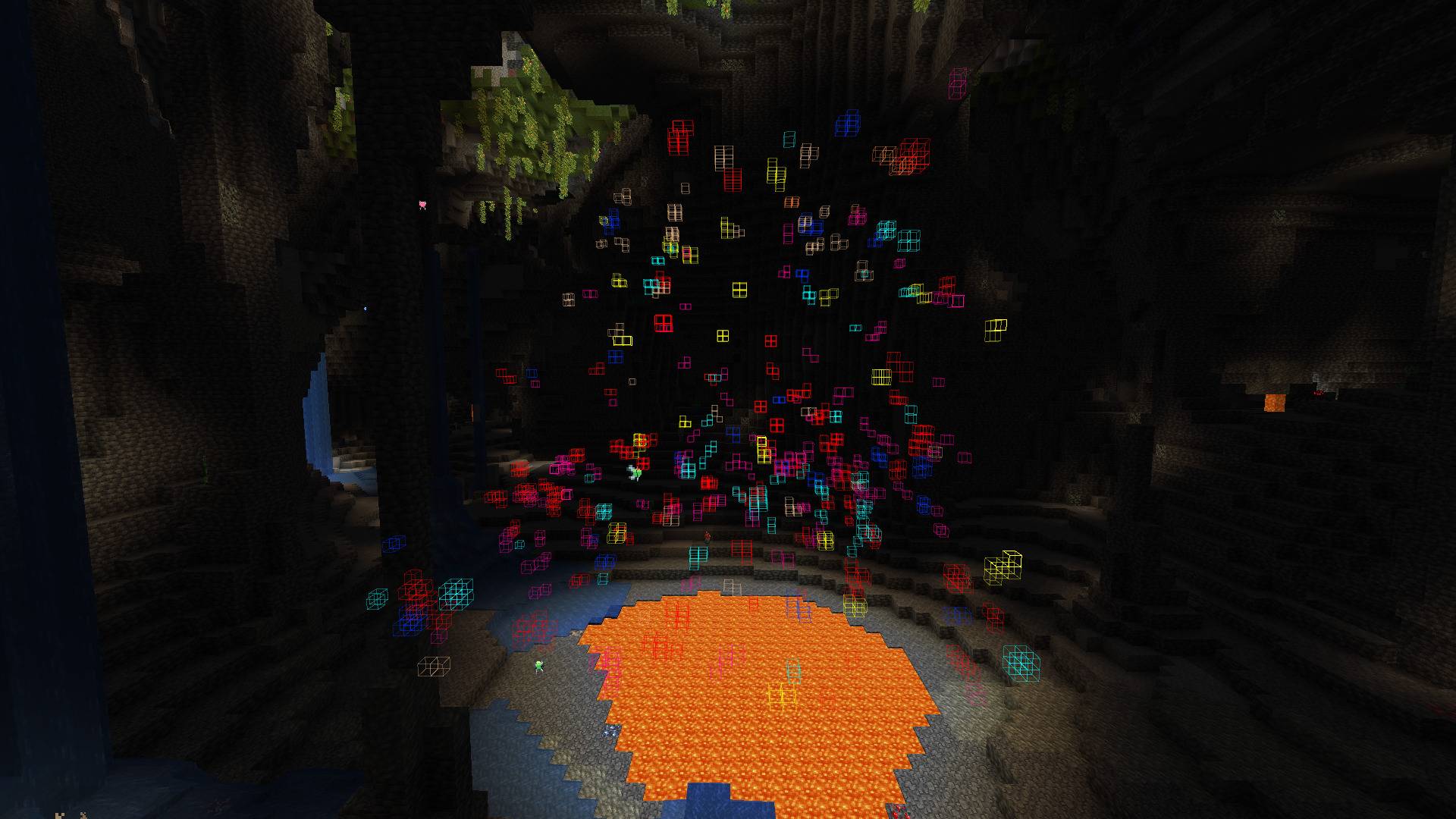
- 🎯 Precise Tracking: Highlights target ores and blocks in real-time.
- 🎨 Full RGB Customization: Use built-in sliders to set any color for any specific ore.
- ⚙️ Polished GUI: Clean interface with locking frames for comfortable tweaking.
Tier System & Progression
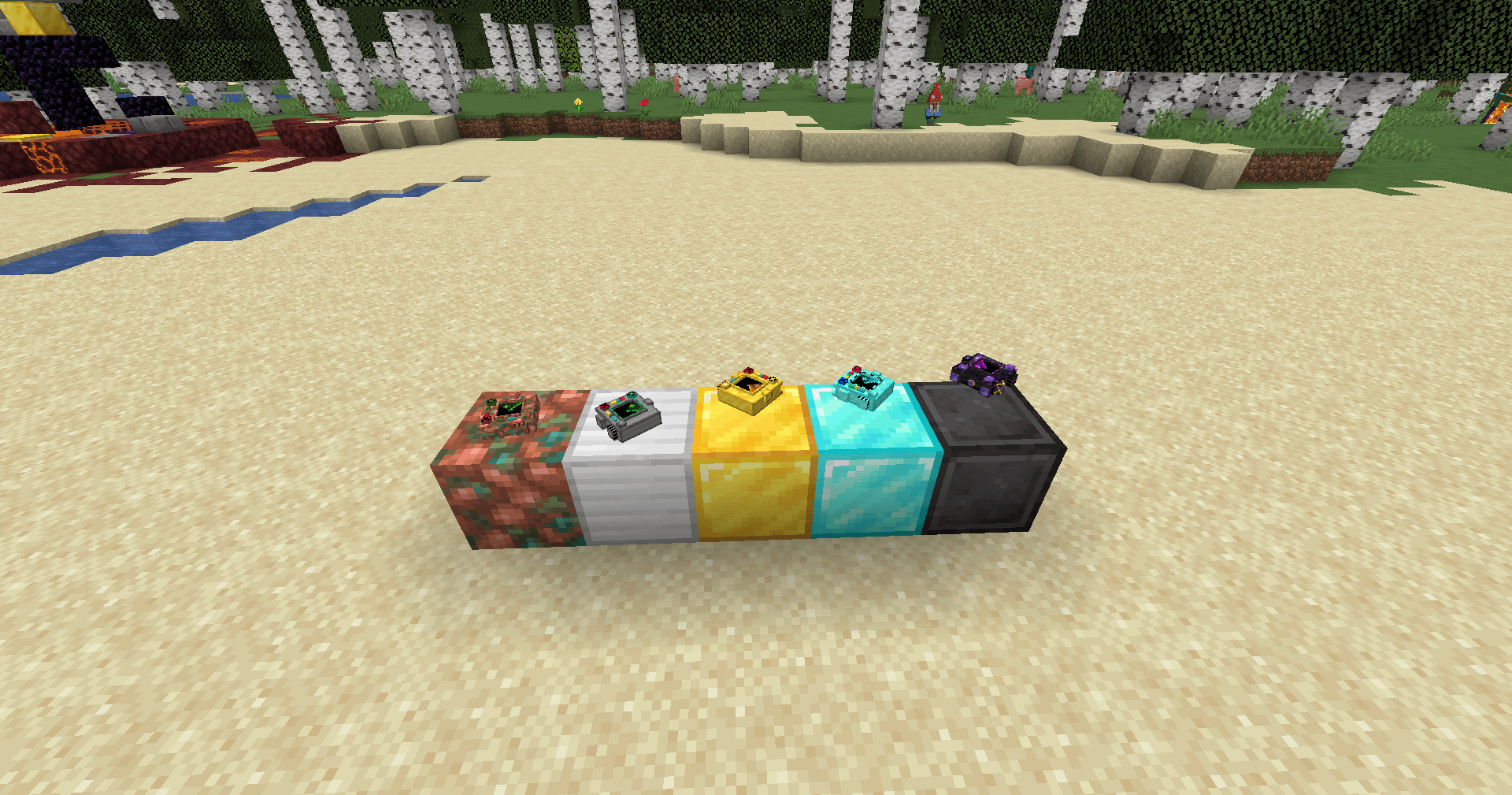
Forget about a one-size-fits-all tool — the locator evolves right along with you! The mod features 5 technological tiers, each increasing your detection range:
- Copper Locator — your first basic device for tracking simple resources at a short range.
- Iron Locator — expands your scanning radius for more efficient mining.
- Golden Locator — further increases the detection range to spot rare materials earlier.
- Diamond Locator — a powerful tool built for deep mining with a massive coverage area.
- Netherite Locator — the ultimate pinnacle of technology. Maximum scanning radius and complete immunity to fire and lava!
💾 Sharing Your Configurations
You can easily share your custom ore colors and filter settings with friends! No game restart required.
- Find the config file: Go to your Minecraft folder, open "config", then "orelocator". Path:"...\.minecraft\config\orelocator\filter.json"
- Copy and Share: Send this "filter.json" file to your friend via Discord, Telegram, or any other way.
- Apply: Your friend just needs to place this file into their own "config\orelocator\" folder (replacing the old one if prompted).
Done! The changes will apply instantly when they open their world.
⚙️ How to Change the Maximum Scan Radius
Server owners and players can fully customize the scanning limits for each tier in the common config file:
- Open the "...\.minecraft\config\" folder and open "orelocator-common.toml" with any text editor (like Notepad).
- Locate the tier variables you want to change, for example, for the Netherite tier: "netherite_max_radius = 64" "netherite_current_radius = 64"
- Change the values to your liking (e.g., change both to "128" to increase the limit).
- Save the file and restart the game (or rejoin the world) to apply the new limits.
You can customize limits for all tiers using their respective lines: `copper_max_radius`, `iron_max_radius`, `gold_max_radius`, `diamond_max_radius`, and `netherite_max_radius`.
⚠️ Important Note: To open the settings interface, you must hold the locator in your main hand! Press "R" to open settings in-game. If you are not holding the device, the menu will not open.
---
Русский
Продвинутый локатор руд и блоков с полной кастомизацией!
Особенности:
- 🧩 Поддержка любых модов: Автоматически находит и работает с кастомными рудами из любых других модификаций! Никаких сложных настроек.
- 🎯 Точный поиск: Подсвечивает нужные руды в реальном времени.
- 🎨 RGB-кастомизация: Кастомные слайдеры позволяют настроить любой цвет подсветки для каждой руды отдельно.
- ⚙️ Продуманный GUI: Стильный интерфейс с аккуратными рамками-фиксаторами.
Система уровней и прогрессия
Забудьте об одном универсальном устройстве — локатор развивается вместе с вами! Мод предлагает 5 технологических тиров, каждый из которых увеличивает радиус вашего поиска:
- Найдите файл настроек: Откройте папку с игрой, перейдите в "config", а затем в "orelocator". Путь: "...\.minecraft\config\orelocator\filter.json"
- Скопируйте и отправьте: Скиньте файл "filter.json" другу через Discord, Telegram или любым удобным способом.
- Установка: Другу достаточно положить этот файл в свою папку "config\orelocator\" (с заменой, если файл уже существует).
Готово! Все настройки подхватятся автоматически прямо в игре, как только друг зайдет в мир.
⚙️ Как изменить максимальный радиус сканирования
Вы можете вручную настроить лимиты расстояния для каждого уровня локаторов под баланс своей сборки:
- Откройте папку "...\.minecraft\config\" и откройте файл "orelocator-common.toml" через любой текстовый редактор (например, Блокнот).
- Найдите строки нужного вам локатора (например, незеритового): "netherite_max_radius = 64" "netherite_current_radius = 64"
- Измените значения на желаемые (например, укажите "128" в обеих строках, чтобы увеличить предел).
- Сохраните файл и перезагрузите игру (или перезайдите в мир), чтобы новые лимиты вступили в силу.
Точно так же можно настроить радиус для остальных тиров, изменяя строки: "copper_max_radius", "iron_max_radius", "gold_max_radius", "diamond_max_radius" и "netherite_max_radius".
⚠️ Важное примечание: Чтобы открыть интерфейс настроек, вам обязательно нужно держать рудолокатор в руке! Нажмите кнопку "R", чтобы открыть настройки в игре. Если устройство не выбрано, меню не откроется.