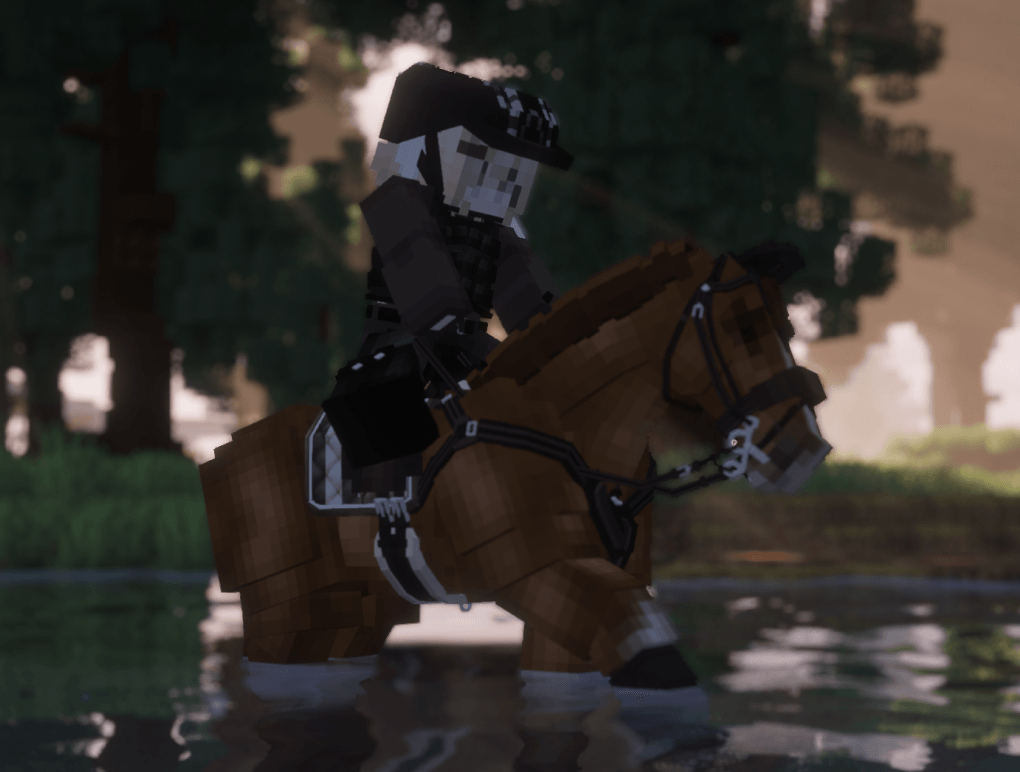
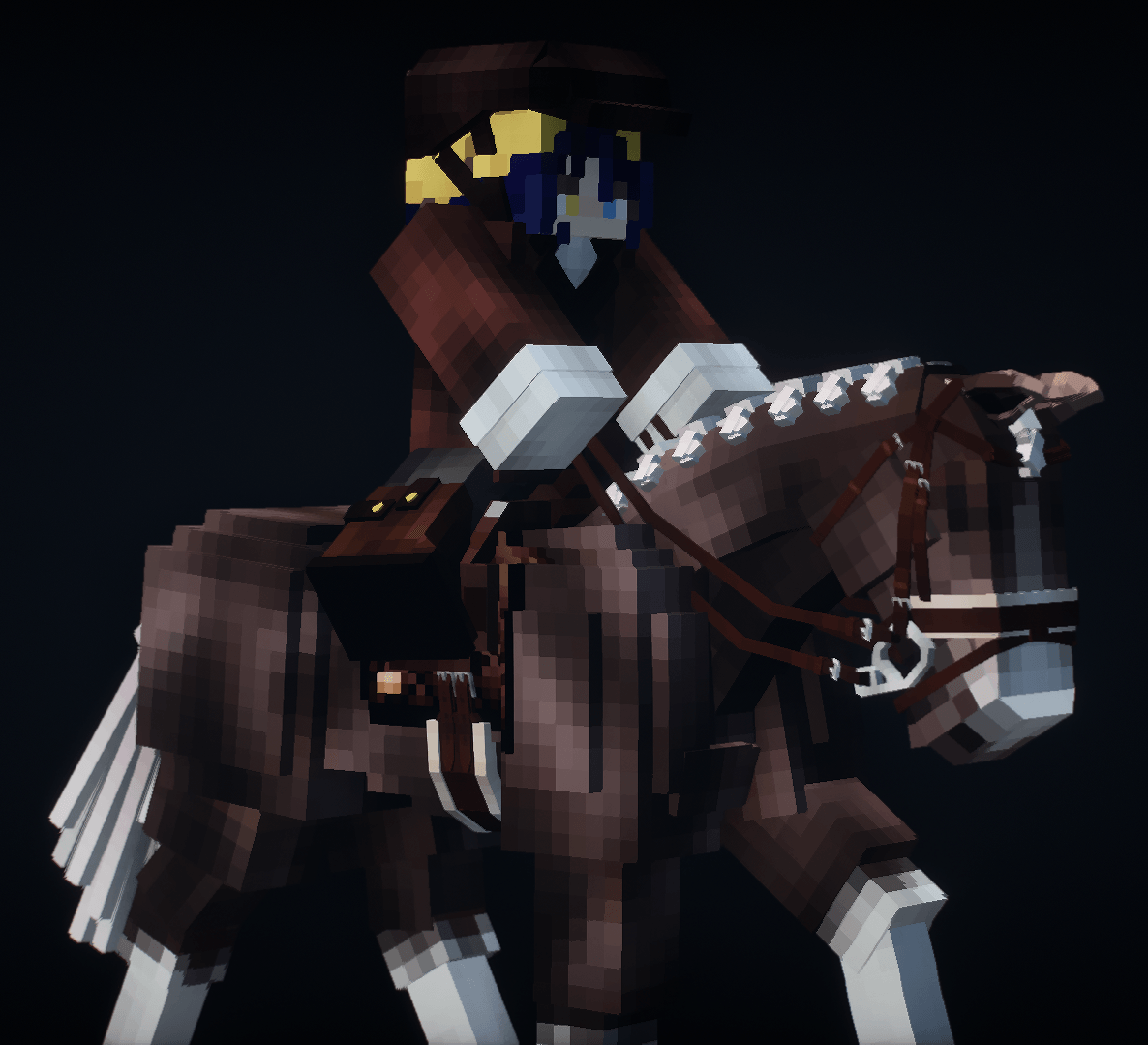
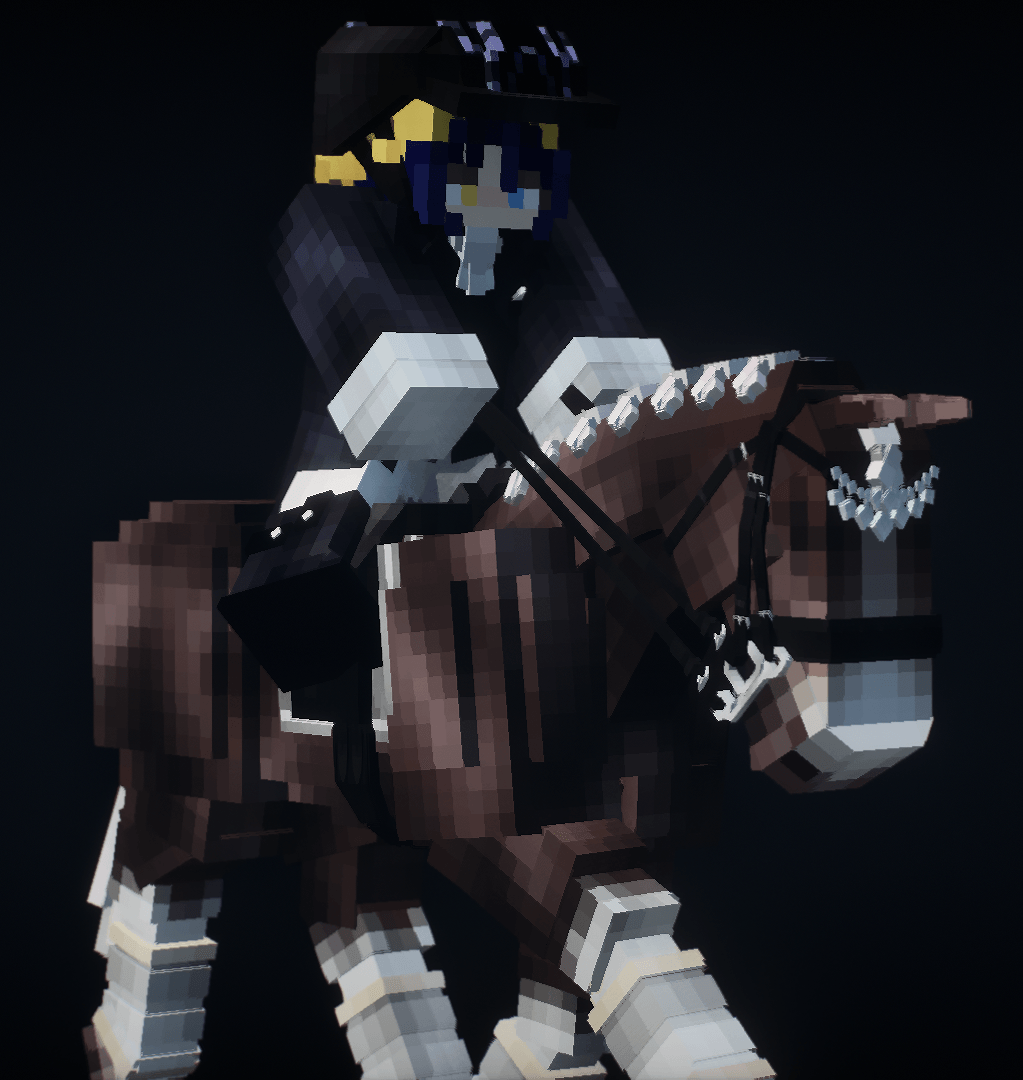
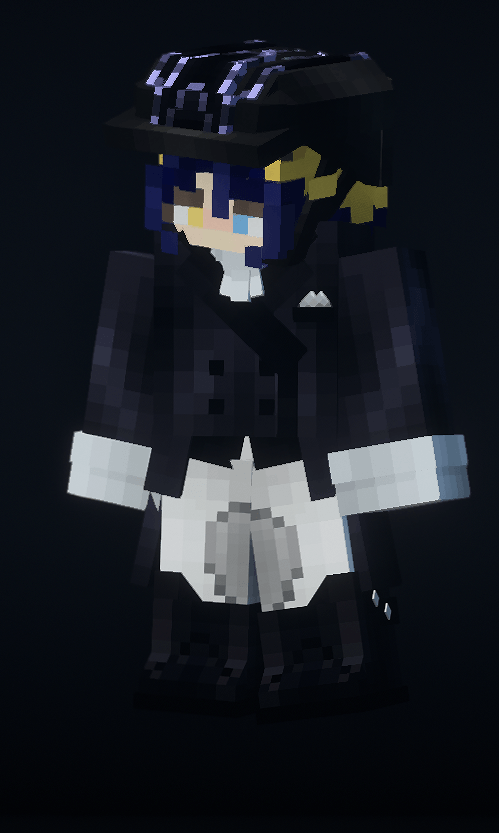
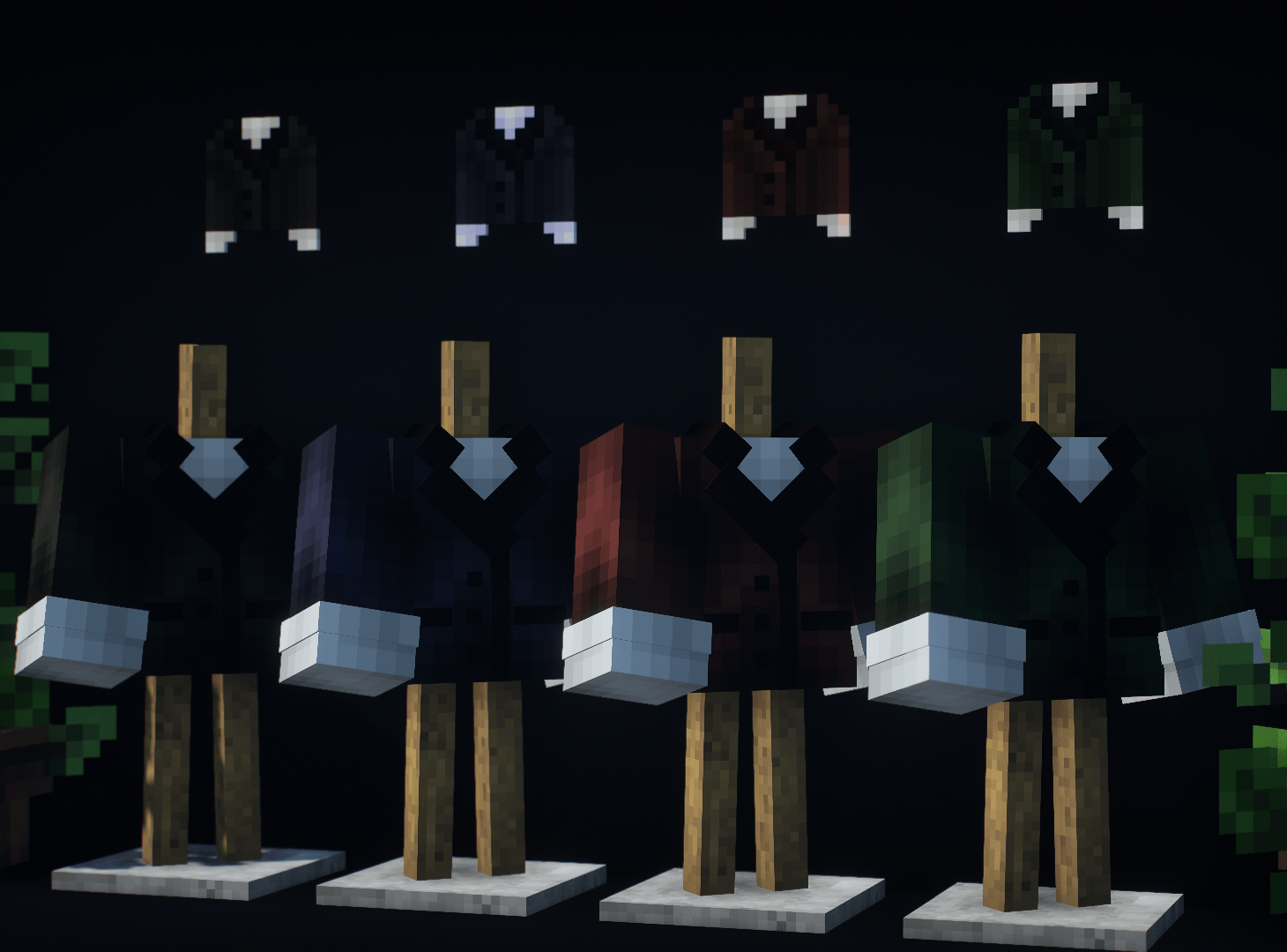
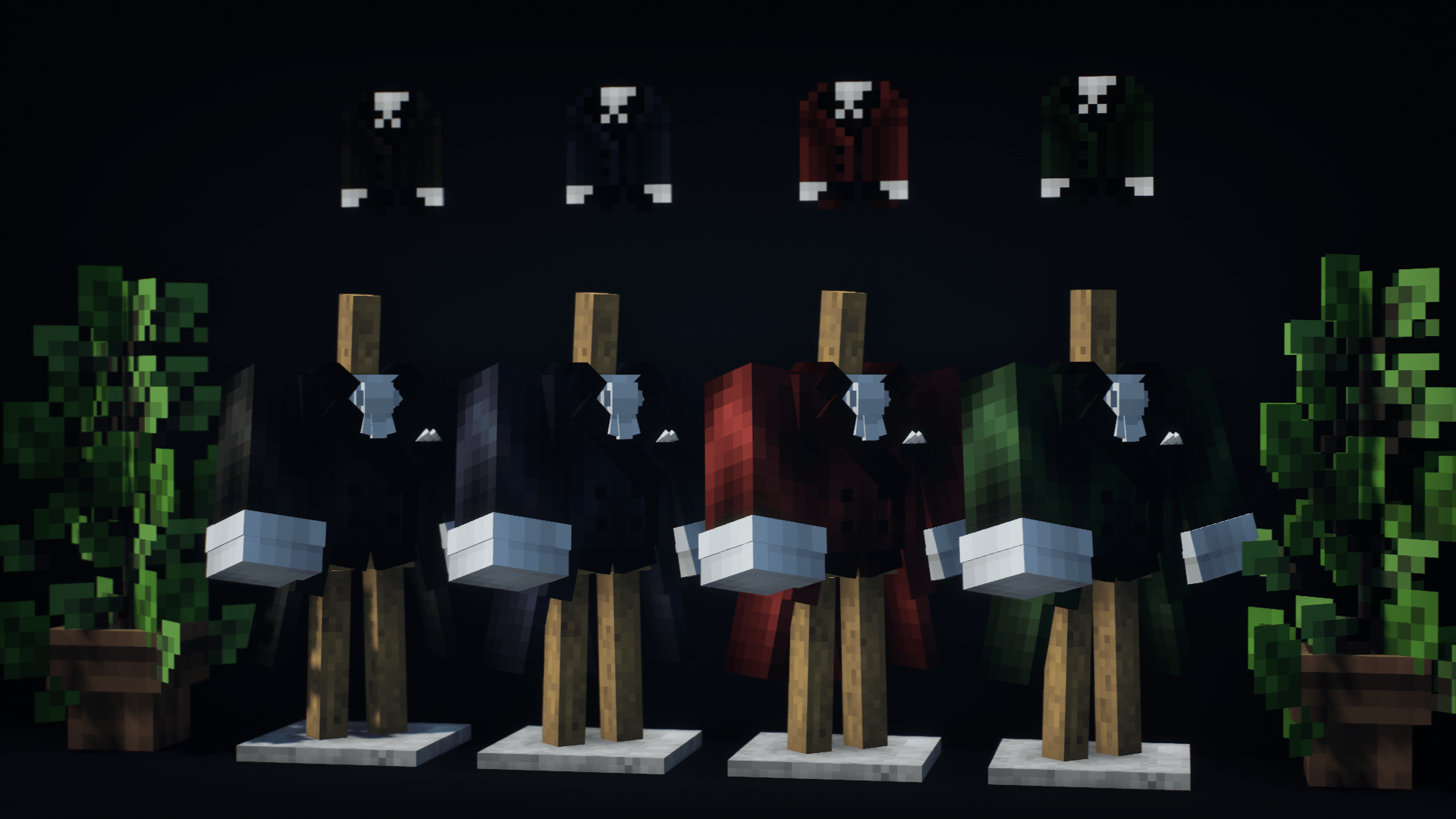
This mod adds clothing for horseback riding!
This mod expands your rider's wardrobe by adding stylish tailcoats, elegant riding coats, classic breeches, and boots. (Please note: the mod does not contain helmets from RidingHelmetMOD; they will be added in a future update).
What's added:
- Frac: 4 base colors and 12 "empty" textures for your designs.
- Ridingjacket: 4 base colors and 12 "empty" textures.
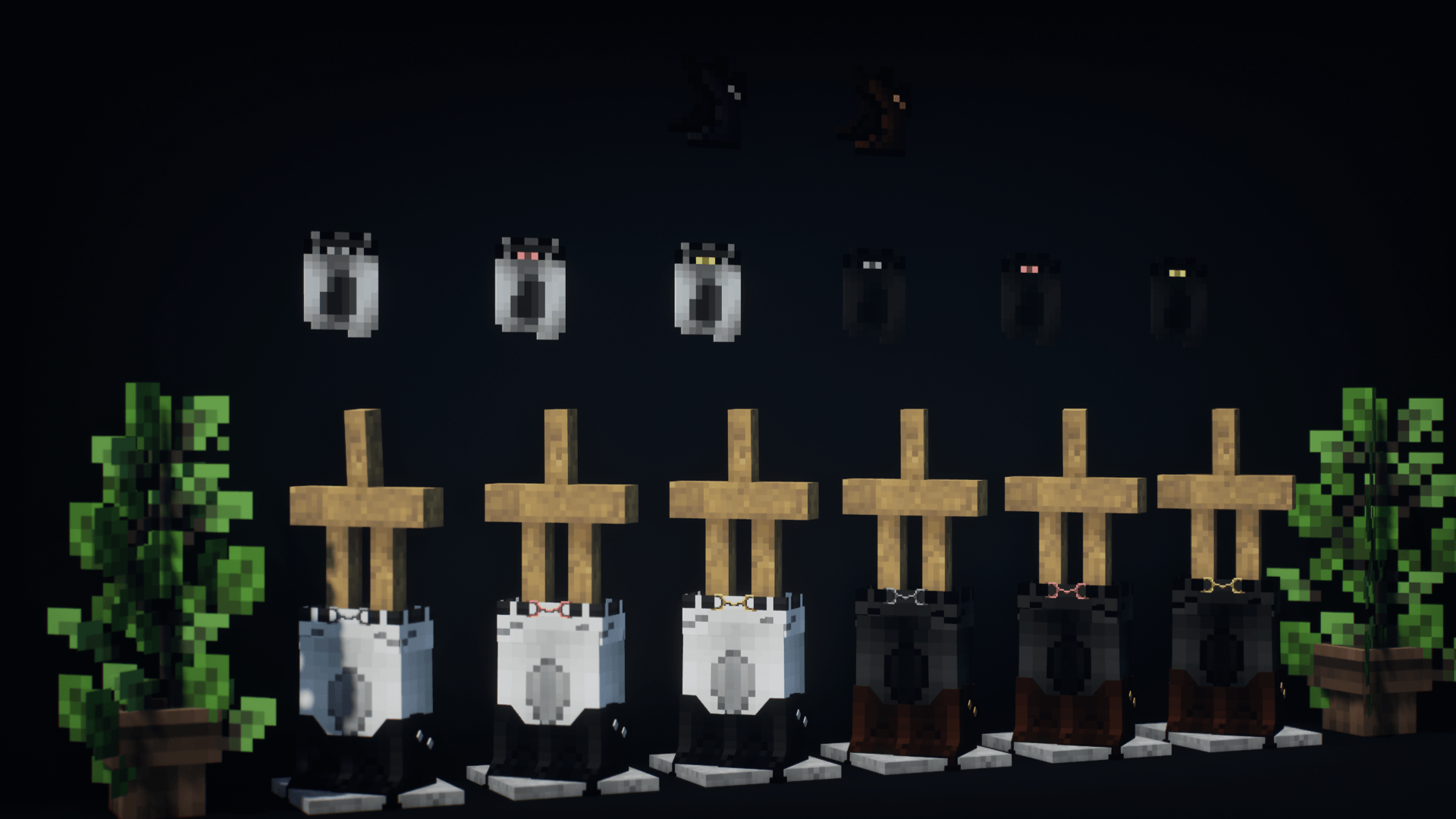
- Breeches: 2 base colors with multi-colored plaques (3 plaque colors) and 12 "empty" textures.
- Boots: 3 base colors and 12 "empty" textures.
- Gloves: 3 base colors and 13 "empty" textures.
- Vest: 1 base colors and 13 "empty" textures.
You can use the "empty" textures by replacing them, thereby expanding the mod with new colors and designs!
Future updates will add even more empty textures, and a general resource pack with new design sets will be released. For now, you can order custom designs!
🔧 How to replace a texture?
File names:
Boots - boots(n) | icon - boots(n)_icon
Frac - frac(n) | icon - frac(n)_icon
Riding coat - rid(n) | icon - rid(n)_icon
Gloves - g(n) | icon - g(n)_icon
Vest - v(n) | icon - v(n)_icon
Breeches - b(n)__layer_2 | icon - b(n)_icon
1. Replacing the main texture:
1) Right-click on the mod file -> Open archive.
2) Navigate to:
assets -> riding_equipment_mod -> textures -> entities (Breeches - assets -> riding_equipment_mod -> textures -> models -> armor)
3) Select the texture with the matching name Name(n) (where n is any number: 1, 2, 3...) that you want to replace.
4) Rename your texture to match the selected slot (e.g., boots5.png) and move it into the resource pack folder, replacing the original.
2. Replacing the icon:
1) Right-click on the mod file -> Open archive.
2) Navigate to:
assets -> riding_equipment_mod -> textures -> items
3) Select the texture named Name(n)_icon (where n is any number: 1, 2, 3...) that you want to replace.
4) Rename your texture to match the selected slot (e.g., boots5_icon.png) and move it into the resource pack folder, replacing the original.
🔧 Other ways to add new textures
Download and install the resource pack - it works for all mod versions and game versions accordingly. It won't add new equipment on its own.
Replacing main textures:
1) Open the resource pack folder.
2) Navigate to:
assets -> riding_equipment_mod -> textures -> entities (Breeches - assets -> riding_equipment_mod -> textures -> models -> armor)
3) Select the texture with the matching name Name(n) (where n is any number: 1, 2, 3...) that you want to replace.
4) Rename your texture to match the selected slot (e.g., boots5.png) and move it into the resource pack folder, replacing the original.
Replacing the icon:
1) Open the resource pack folder.
2) Navigate to:
assets -> riding_equipment_mod -> textures -> items
3) Select the texture named Name(n)_icon (where n is any number: 1, 2, 3...) that you want to replace.
4) Rename your texture to match the selected slot (e.g., boots5_icon.png) and move it into the resource pack folder, replacing the original.
Through separate resource packs with sets:
These packs contain pre-configured textures.
Each set replaces textures starting from the first empty slot (Name(1).png, Name(2).png, etc., depending on the number of equipment pieces in the pack).
Replacing the main texture:
1) Open the resource pack folder.
2) Navigate to: assets -> riding_equipment_mod -> textures -> entities. (Breeches - assets -> riding_equipment_mod -> textures -> models -> armor)
3) Select the texture named Name(n). If using multiple packs, check which slots are empty/available.
4) Rename the texture accordingly (e.g., boots5.png).
Replacing the icon:
1) Open the resource pack folder.
2) Navigate to: assets -> riding_equipment_mod -> textures -> items.
3) Select the texture named Name(n)_icon. If using multiple packs, check which slots are empty/available.
4) Rename the texture accordingly (e.g., boots5_icon.png).
Important notes:
Always make sure your textures are in .png format and match the original sizes.
If you're using multiple resource packs, check for conflicting textures in the same slots.
Done!
Free and paid kits, as well as the opportunity to order your own unique designs (or your modest support) - Boosty https://boosty.to/samecreation
Discord - same1202