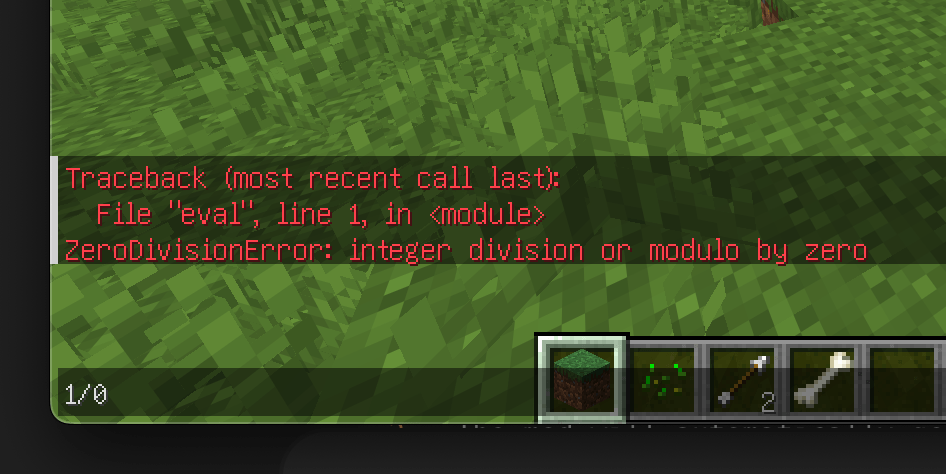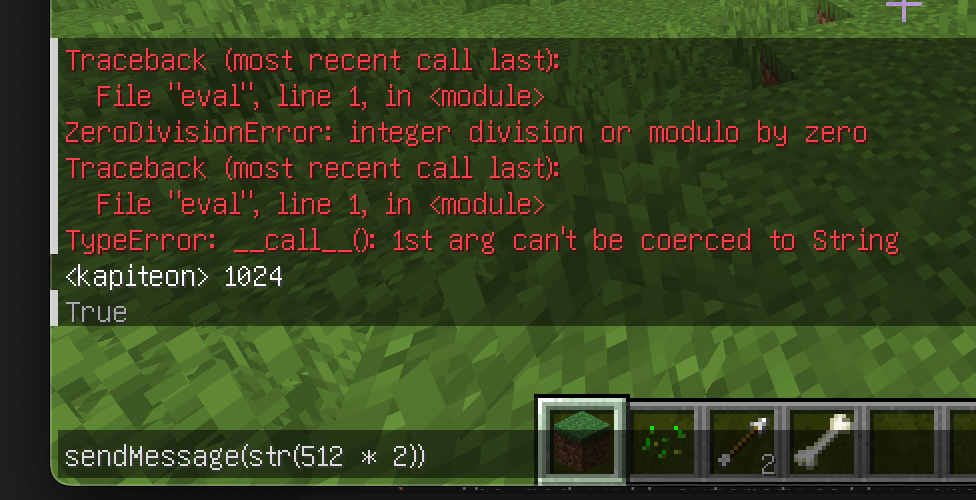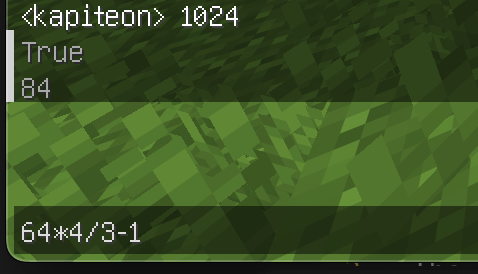
PyCraft is a lightweight utility mod that integrates a Python interpreter directly into the Minecraft client.
It is not designed to replace Java modding or create complex content mods. Instead, it serves as a flexible scripting tool to automate chat interactions, create custom keybindings, and execute expressions on the fly without restarting the game.
main.py in your mods folder. Changes are detected and reloaded automatically within 1 second.main.py file in your .minecraft/mods/ folder.main.py in any text editor (VS Code, Notepad++, etc.).PyCraft runs on Jython (Python 2.7). You can use standard Python syntax and libraries.
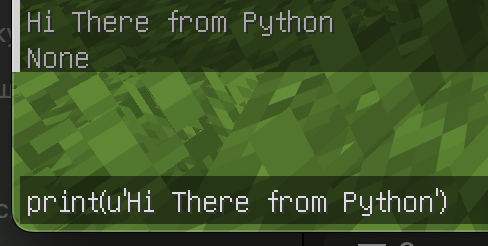
These functions are available to call from your script or the in-game console:
| Function | Description |
|---|---|
sendMessage(text) |
Sends a message to the server. If text starts with /, it is executed as a command. |
openChat(text) |
Opens the player's chat GUI with the text already typed in. |
Define these functions in your main.py to handle game events:
onChat(message)
Called whenever a chat message is received by the client.
message (str): The content of the chat message.onKey(state, key, modifiers)
Called whenever a keyboard key is interacted with.
state (int): The action type.
0: Key Released (Unpress)1: Key Pressed2: Key Held (Long press)key (int): The GLFW key code (e.g., 85 is 'U').modifiers (int): Bitmask for modifier keys (Shift, Ctrl, Alt).main.pyThis example demonstrates how to create a "Global Chat" hotkey and a simple auto-responder.
# -*- coding: utf-8 -*-
import re

# Event: Key Input
def onKey(state, key, modifiers):
    # Check if key is 'U' (85) and action is Press (1)
    if key == 85 and state == 1:
        # Open chat with '!' prefix for global chat
        openChat('!')

# Event: Chat Received
def onChat(message):
    # Search for "Hello" in the incoming message
    result = re.findall(u'Hello', message)

    # If found, reply automatically
    if (len(result) > 0):
        sendMessage('Hi')

print('PyCraft main.py loaded!')f"{var}" or async/await) are not supported.