This description is up to date with the most recent version of Minecraft that the mod supports.
Features may be modified or missing in earlier versions.





About
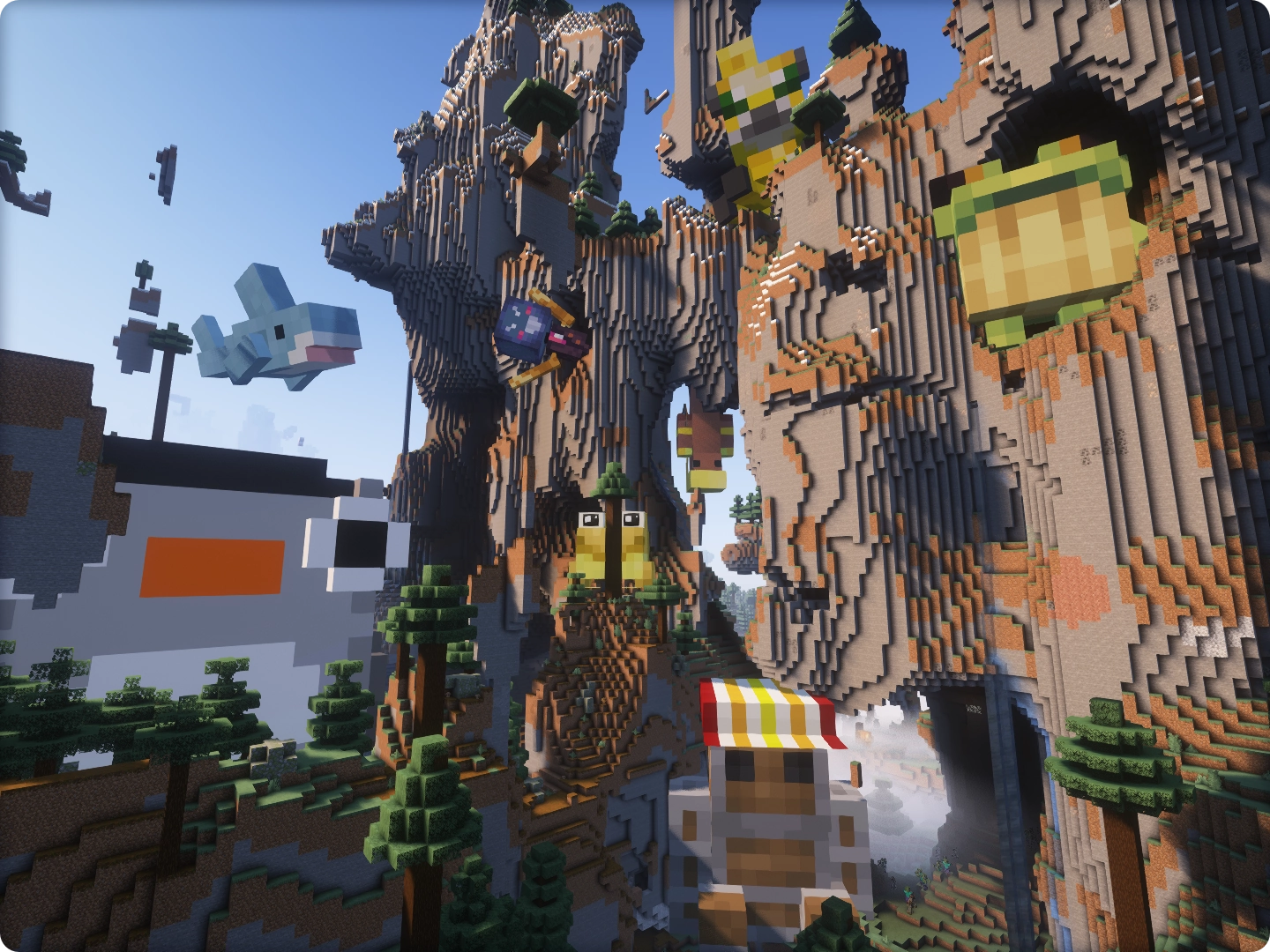
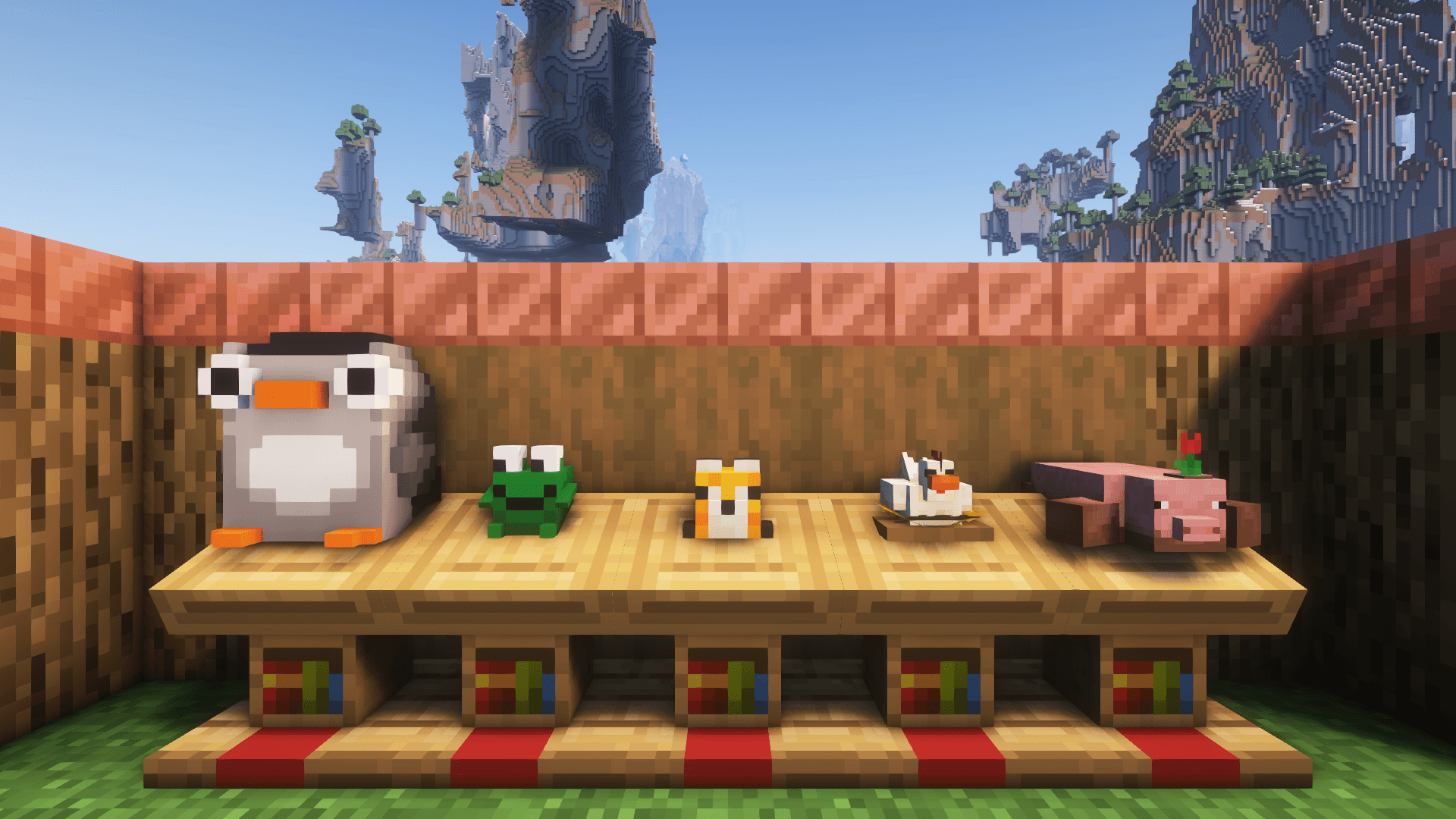
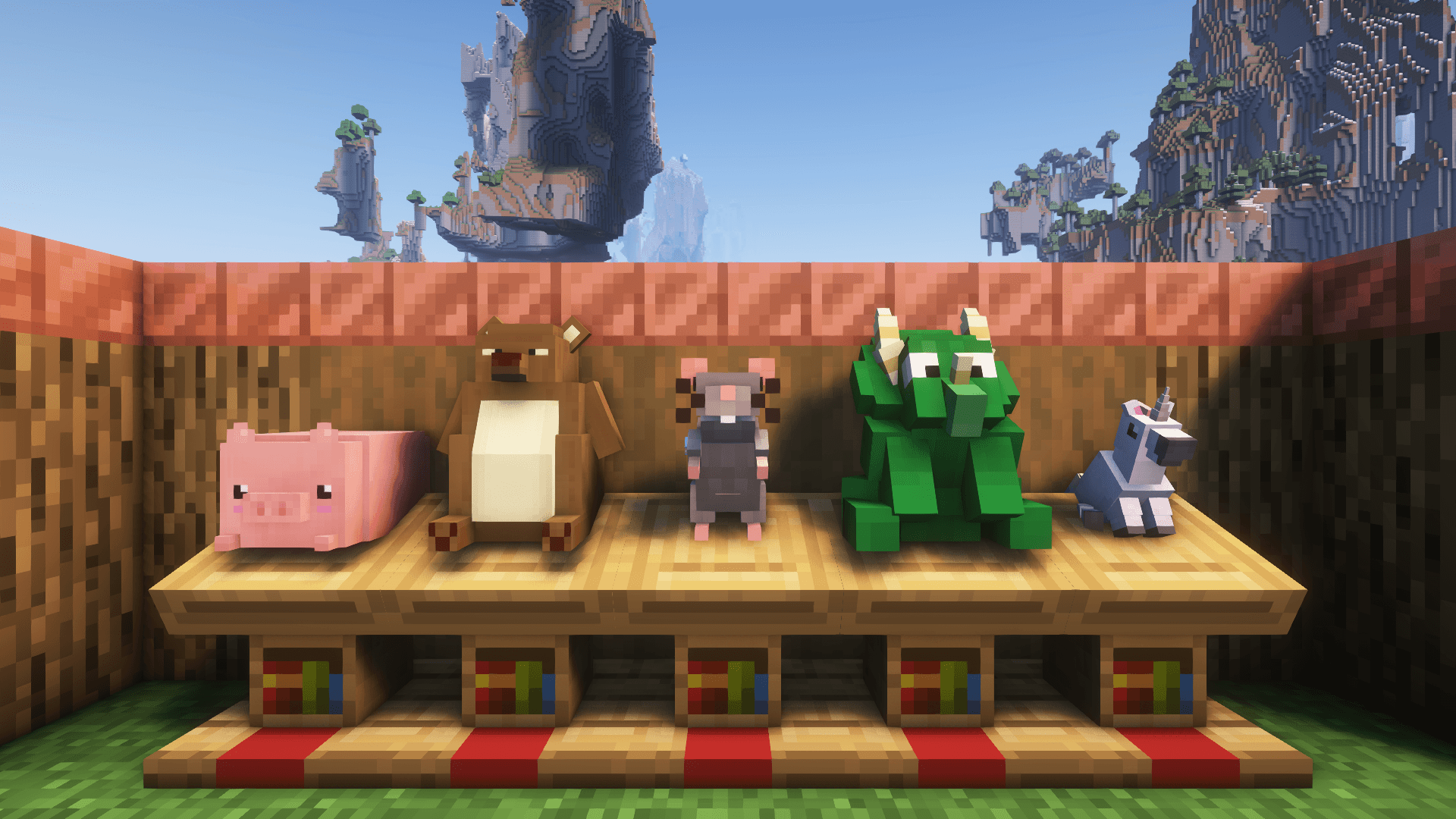
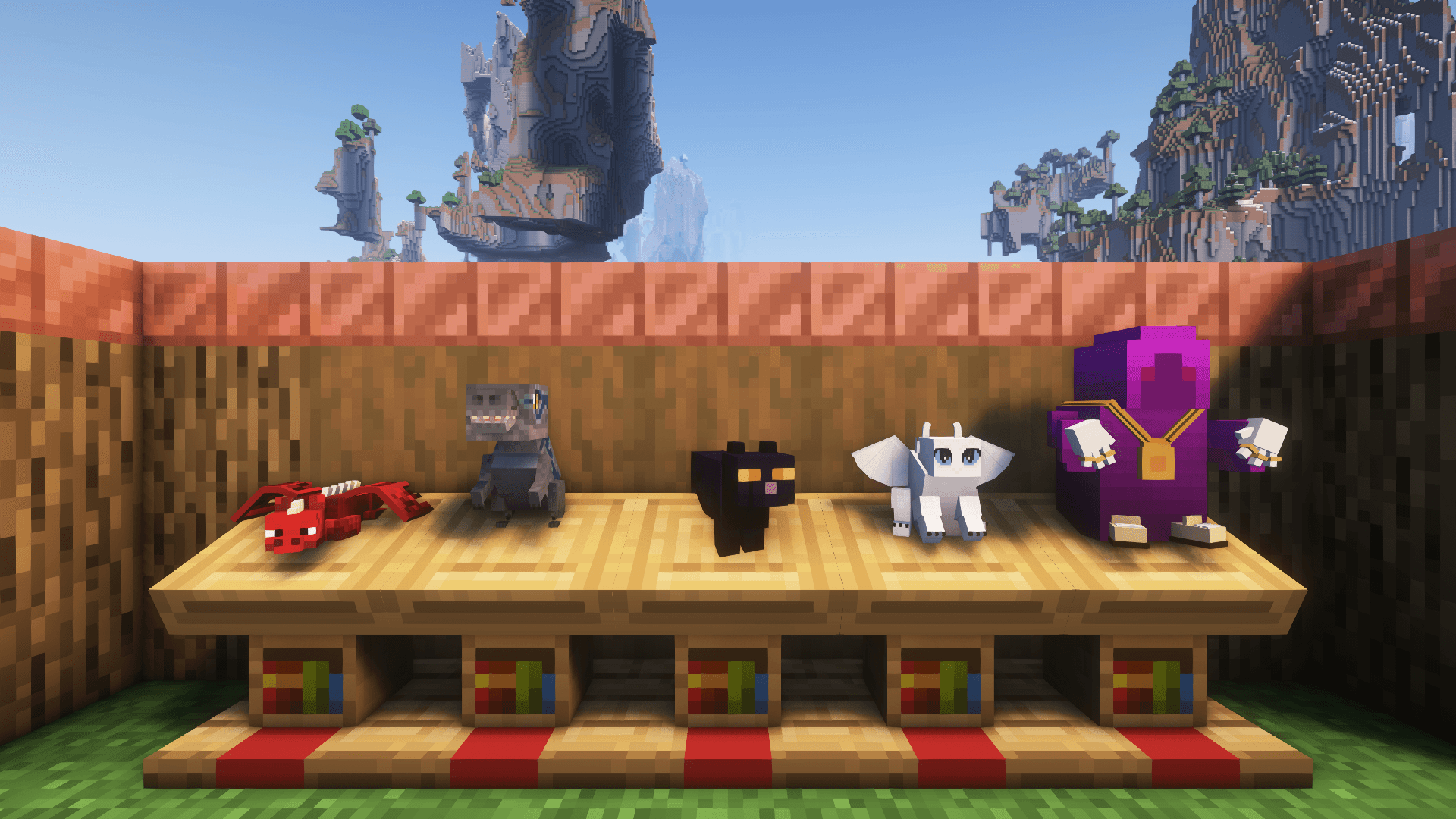
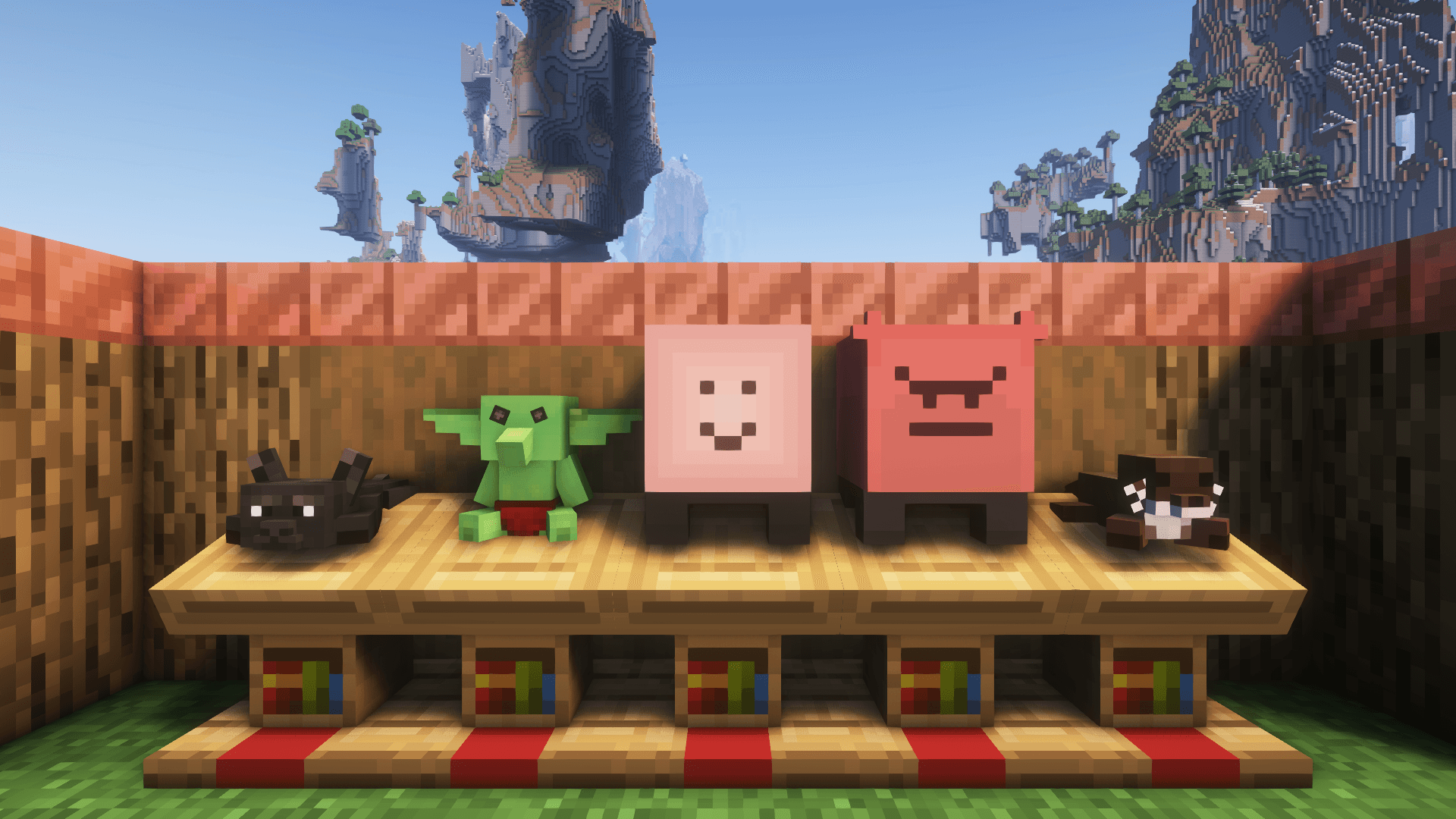
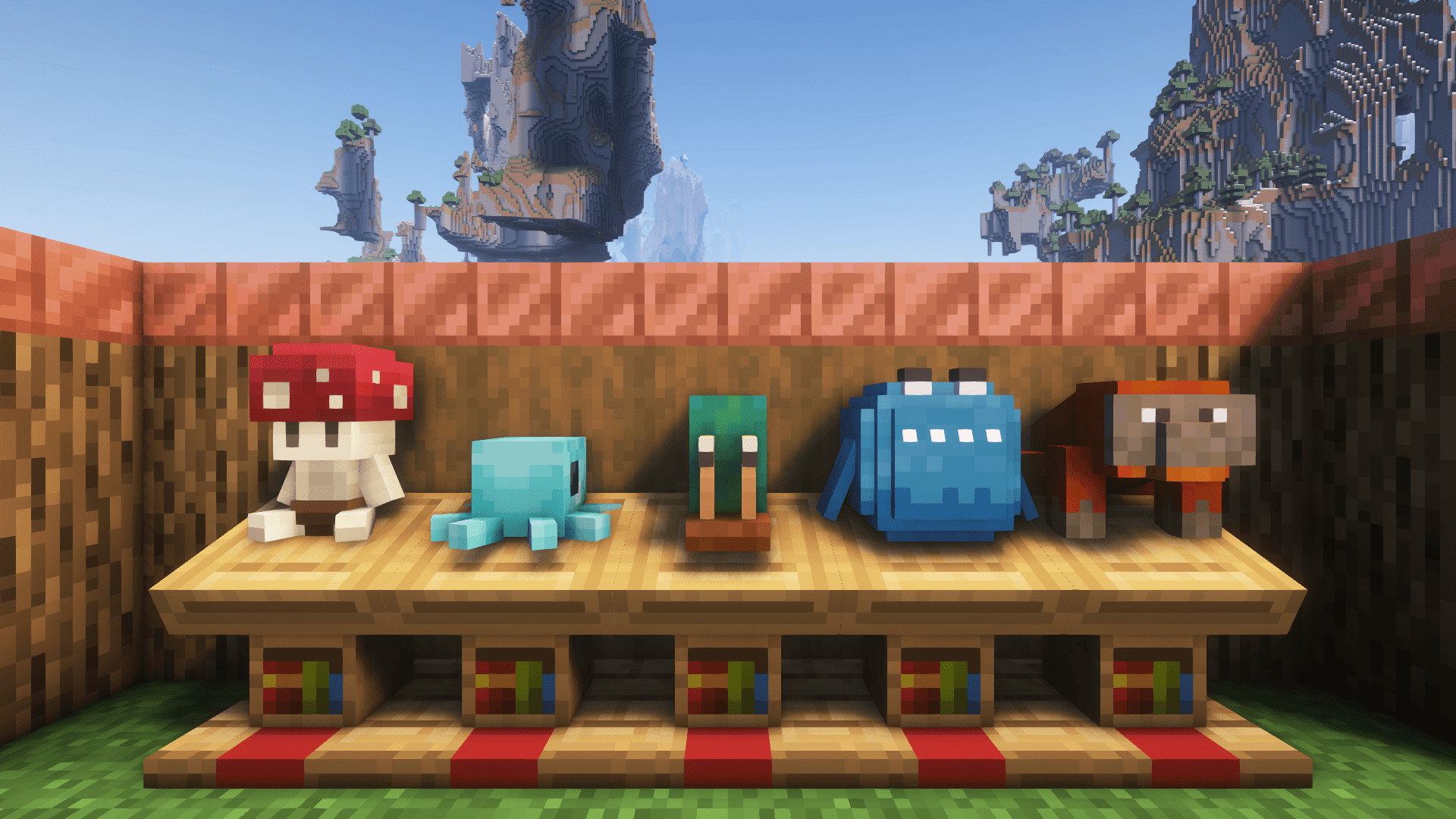
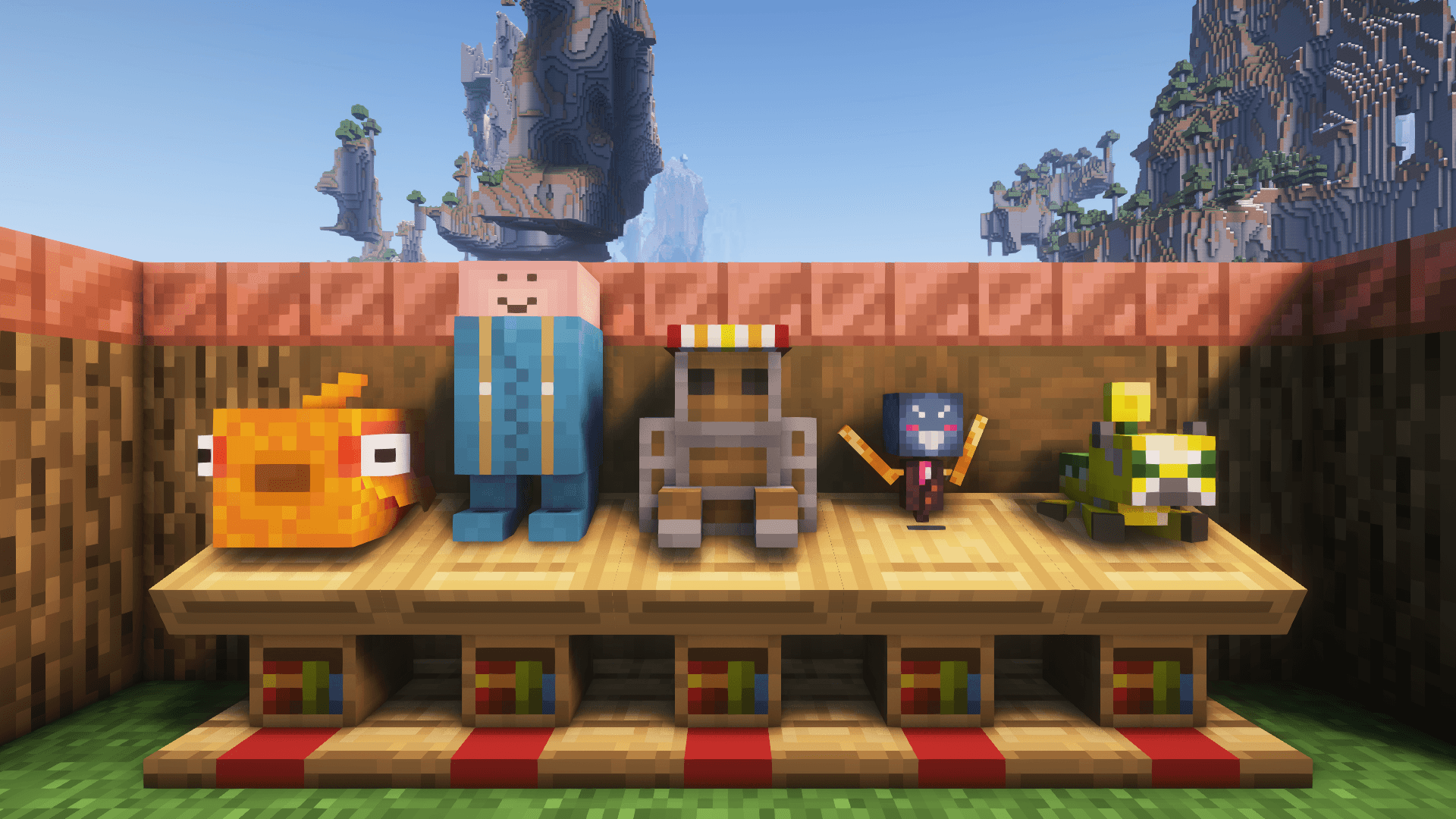
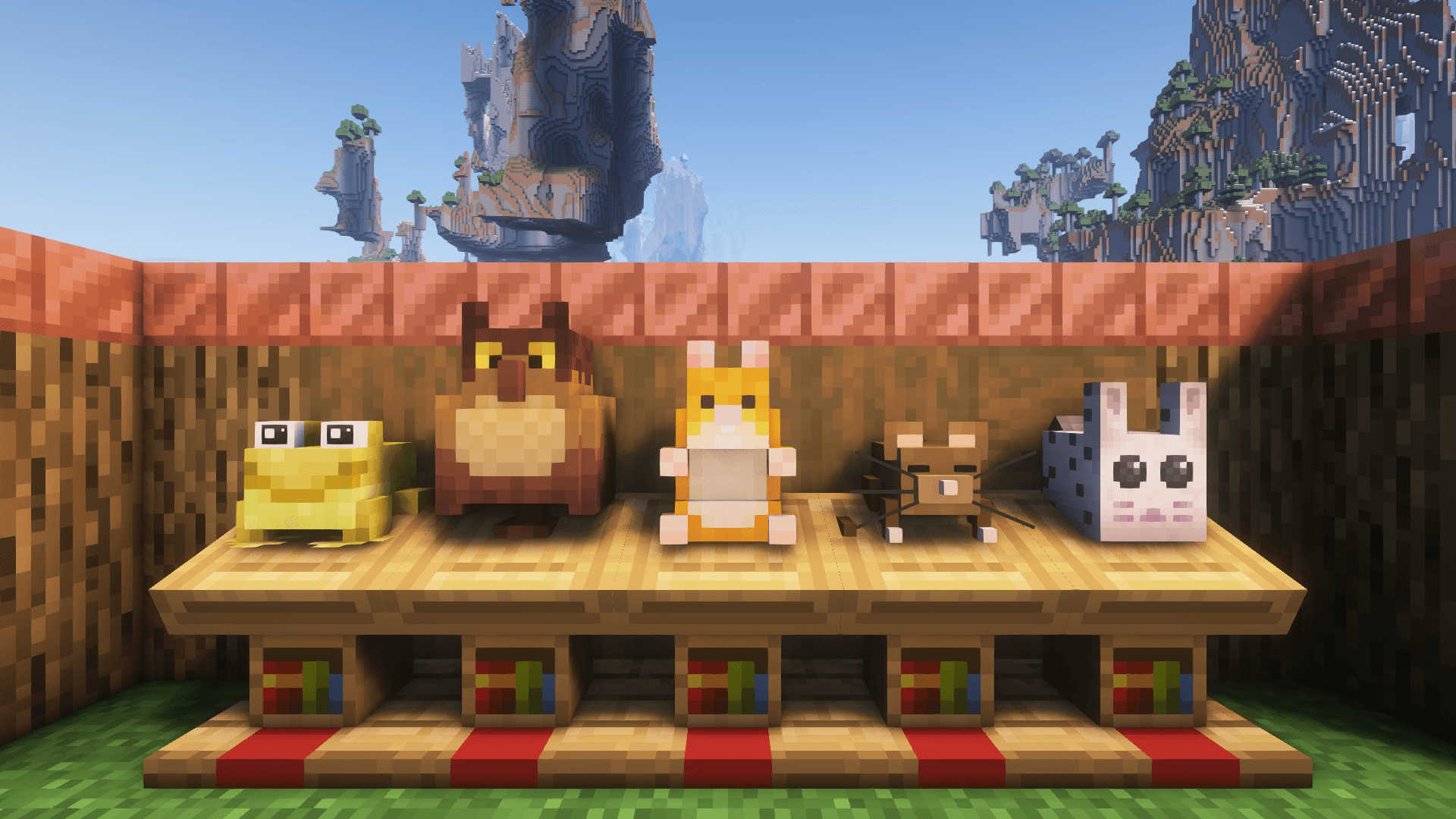
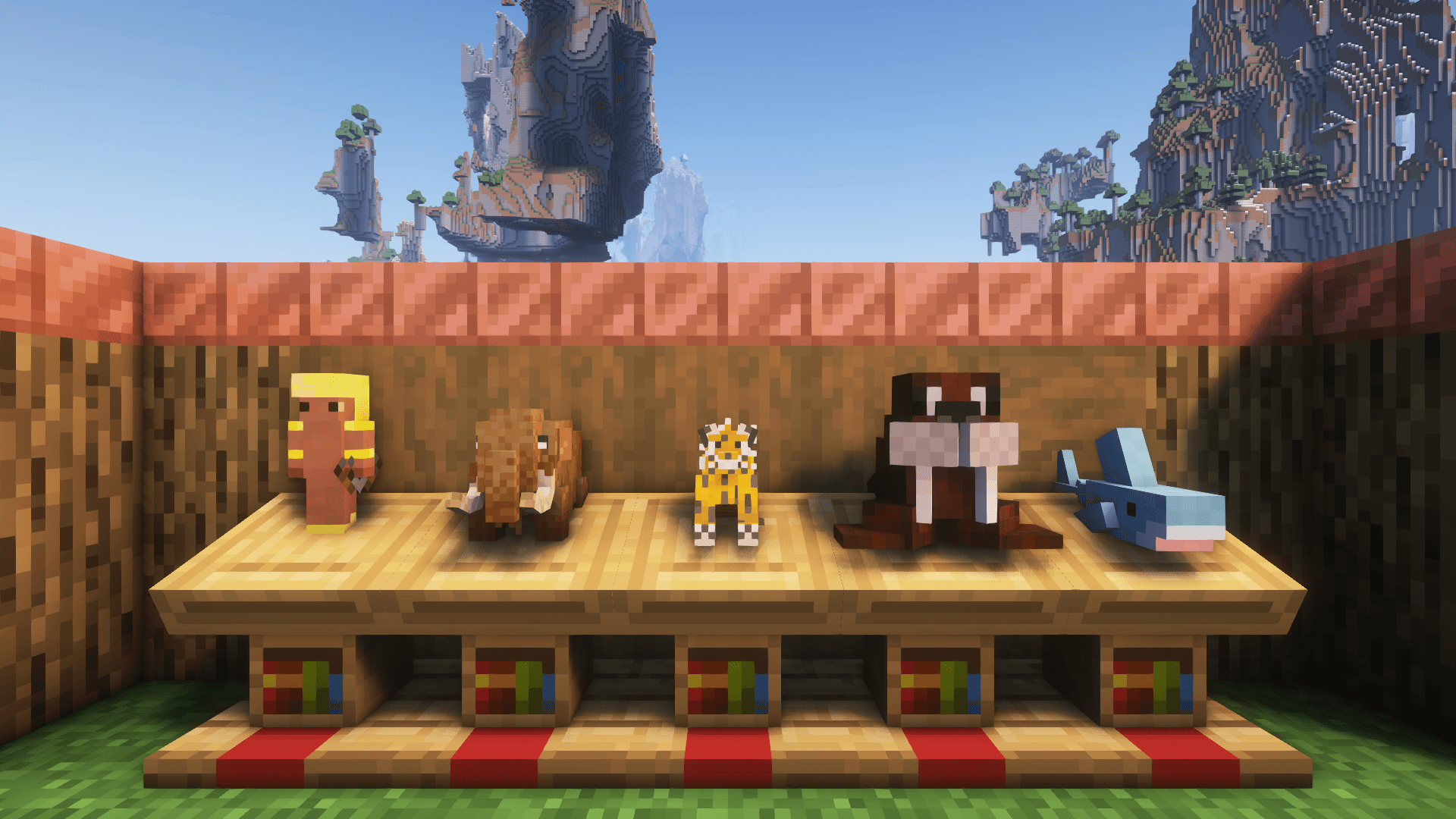
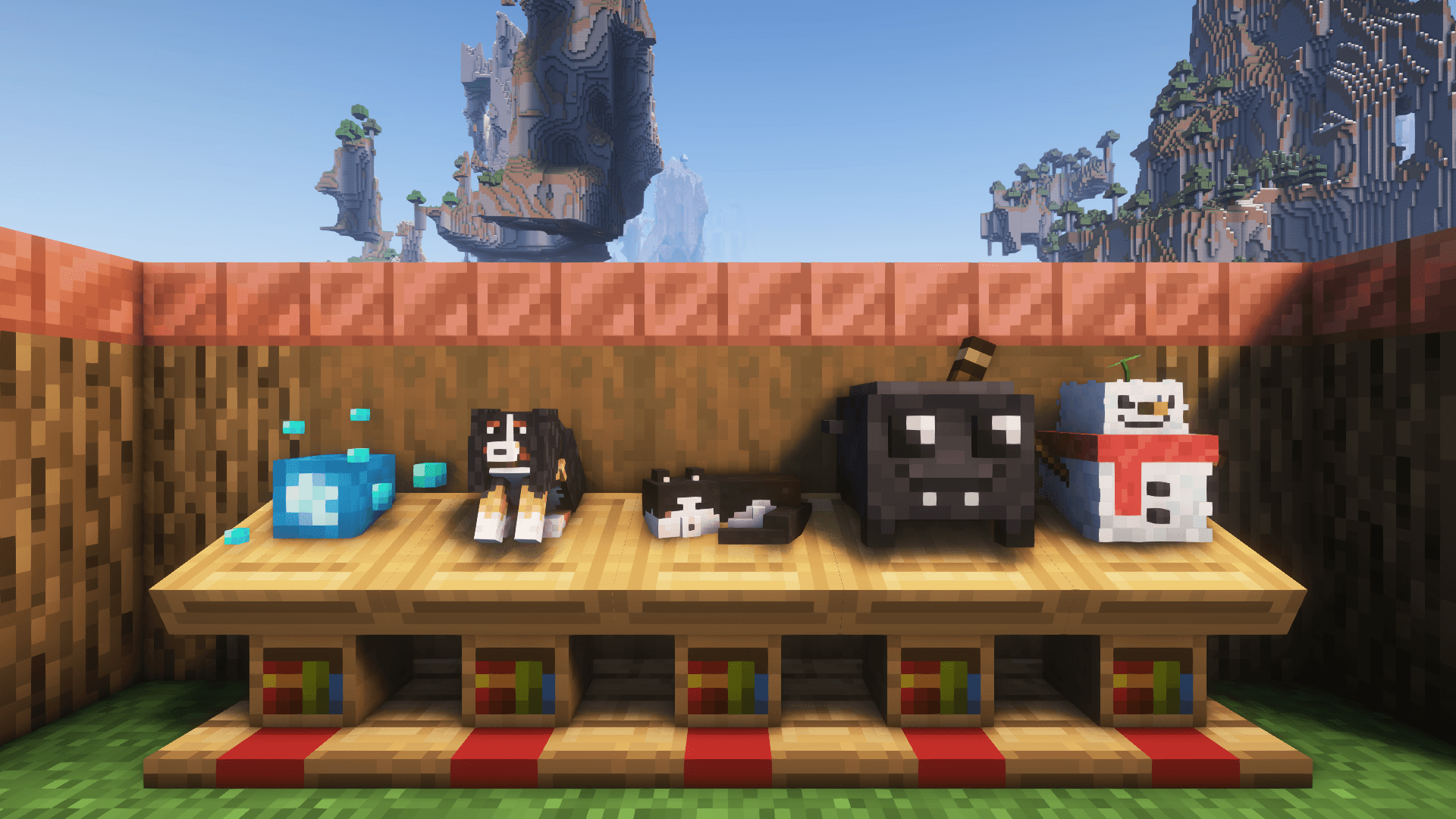
Plushables adds over 45 craftable plushies that you can hold, place and wear. Check them out in
the Gallery.
- Craft plushies with wool, a Heart of Gold and one thematic item, or find them in a loot chest
- Discover original plushies and collaborations with other mods
- Display plushies as cozy decoration and interact with them for different sound effects and
particles
This mod prides itself on offering a diverse mix of plushies that anyone and everyone can enjoy. The
primary focus is on a wide array of original designs and adapting animals that don't already exist
within Minecraft.
Plushables is always expanding. At the mod's inception in 2019 there were only 3 plushies. The list
is evergrowing, and constructive feedback and ideas are always appreciated.
Getting Started
Finding any type of
flower, a
gold nugget or a
bottle of honey will all unlock the
Heart of Gold recipe for you.
Every plushable is crafted shapelessly from
one wool block (of varying colour),
one heart of
gold, and
one other thematic item. Every recipe is unlocked in your recipe book once you craft
your first
Heart of Gold.
Collaborations
You might recognize some plushables from other mods. Those authors have been kind enough to allow
their amazing models to be used or adapted to be in Plushables! If you like a mod's plushie, why not
check out the mod itself?
The following plushables exist thanks to generous mod authors and artists:
Frequently Asked Questions
Is there a (fabric/forge/neoforge/risugami's modloader) version?
Plushables exists on both Fabric and NeoForge. If you're running Quilt, use the Fabric jar.
Can you backport the mod to Minecraft 1.X.X?
Plushables will not be backported to any version before 1.20.1. The mod will however support new
major versions of Minecraft.
I found a bug / my game crashed
If you find any problems with Plushables, please feel encouraged to create an issue on the GitHub
repository issue tracker. Bug reports are incredibly useful and help this mod reach its full potential.